Session Open Charge
- Uzmanlar
-
Ceriel Betty E Everaert
 I'm an enthusiast in building robust and profitable EA's. It is a hobby and hopefully a self paying one.
- Sürüm: 3.20
- Güncellendi: 6 Kasım 2026
- Etkinleştirmeler: 5
Automated Market Opening Momentum Trading for MetaTrader 5
Session Open Charge is an Expert Advisor designed to trade momentum around major financial market openings.
The system combines opening-candle analysis, exponential moving averages, volatility-based stops, signal quality filters and automated trade management.
Although the supplied live configuration focuses on NAS100 and SP500 because they move together, the EA also provides configurable settings for other indices, exchange sessions and signal timeframes.
Calculate the risk to the account balance and minimum broker lot, indices are volatile and the minimum lot can be already a high % of account risk!!
The EA journals why entry's are skipped.
Feel free to play around with settings, indices, sessions,... And let me know what you find in test and live.
Trading Strategy
1. Market Opening Detection
The EA identifies a configured exchange opening using adjustable session-time settings.
It supports exchange-local and broker server-time configurations, including settings for daylight-saving time differences.
2. Opening Candle Momentum
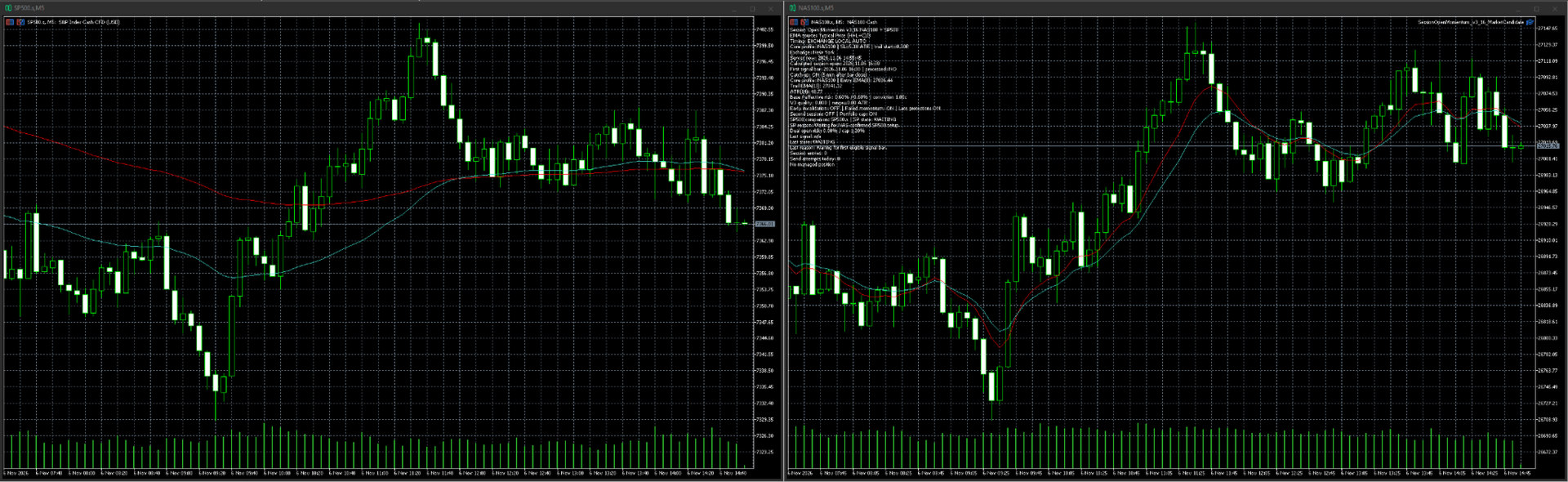
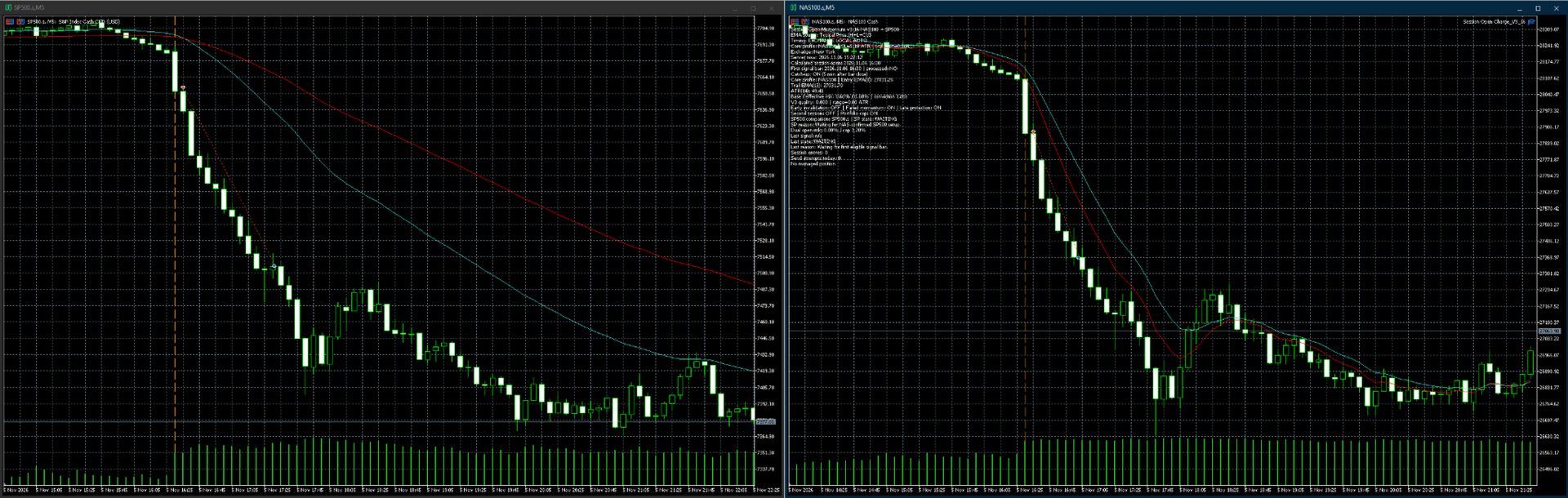
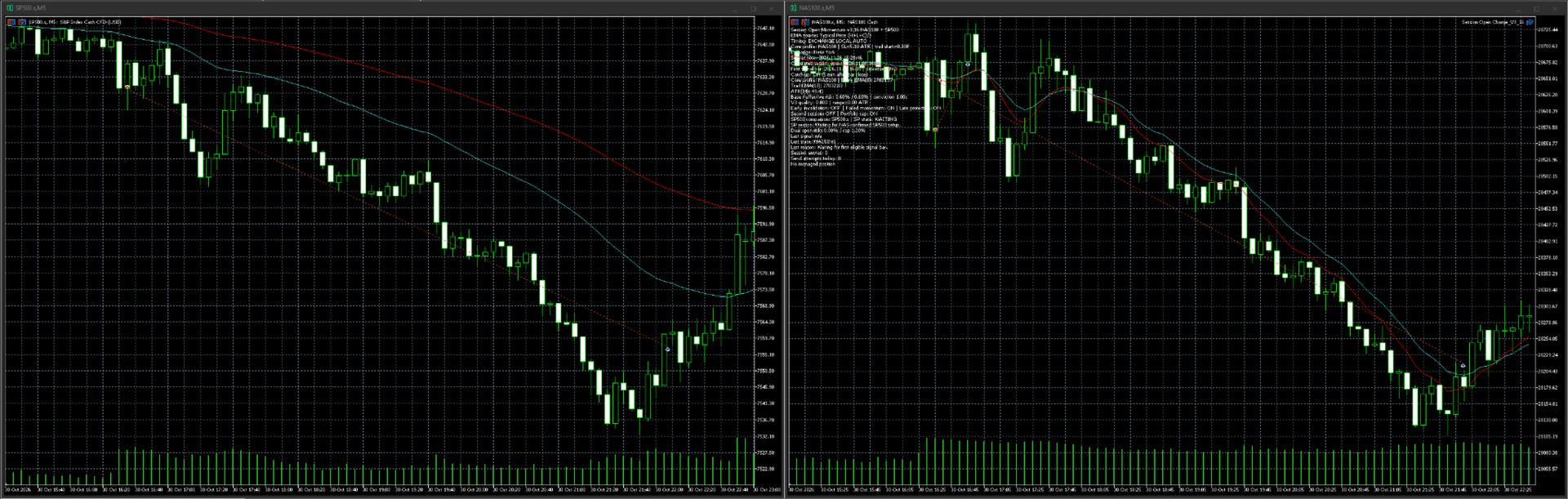
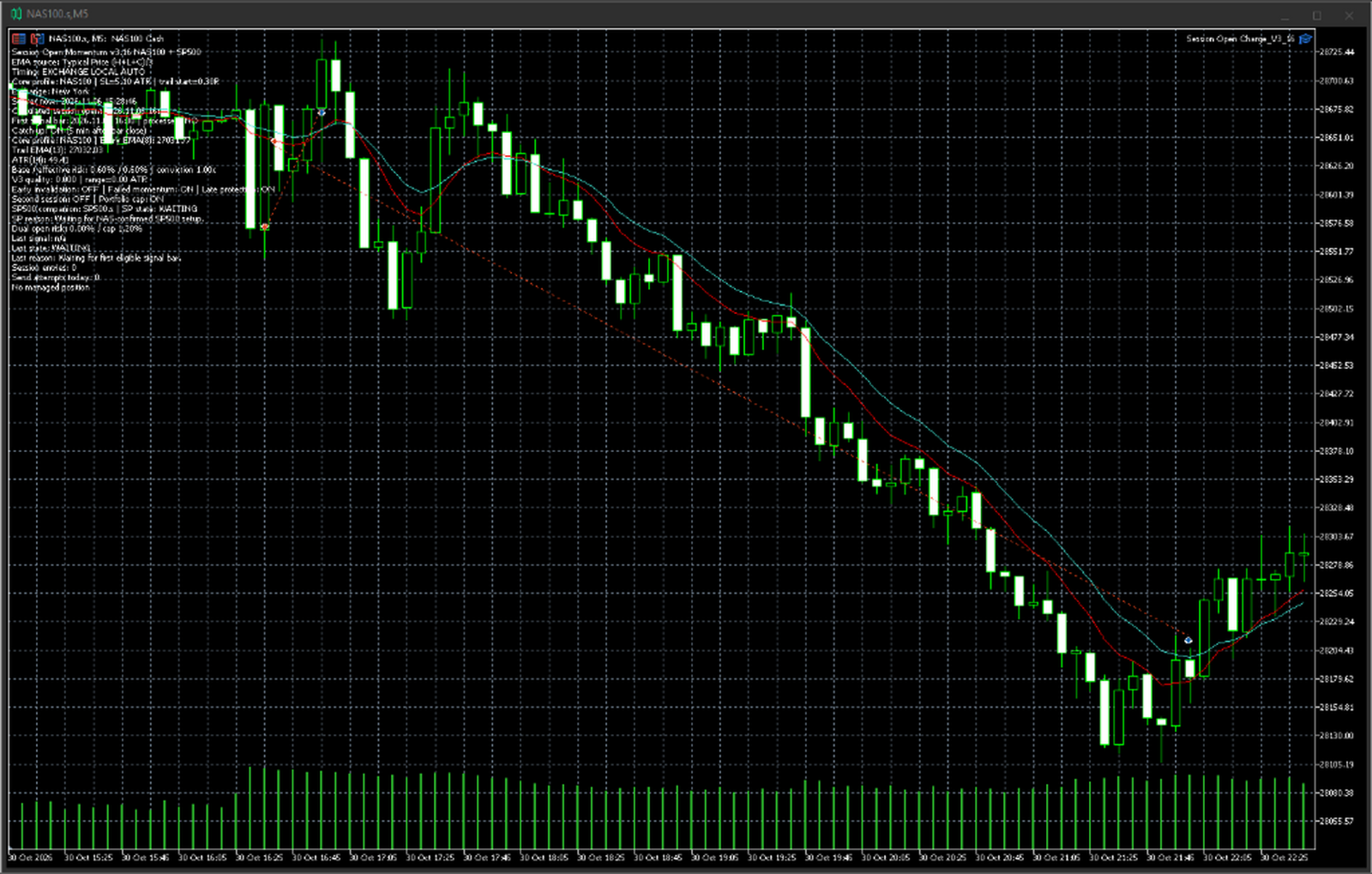
The strategy evaluates the first completed candle of the selected trading session.
A configurable exponential moving average determines the potential trade direction:
-
A candle closing above the signal EMA provides a potential buy setup.
-
A candle closing below the signal EMA provides a potential sell setup.
The signal timeframe is configurable. The supplied live preset uses M5.
3. Signal Quality Assessment
Additional filters evaluate the opening candle before a trade is permitted.
These include candle body strength, range relative to ATR, and price separation from the signal EMA.
4. ATR-Based Stop-Loss
Initial protective stops are calculated using the Average True Range, with a configurable multiplier.
5. EMA Trailing Stop
After reaching a configurable favorable movement threshold, positions can be managed using an EMA-based trailing stop.
6. Failed Momentum Exit
An optional exit mechanism checks whether the expected opening momentum develops within a defined period.
7. Late Profit Protection
Additional rules can tighten trade protection after a sufficiently large favorable price movement.
Supported Markets and Timeframes
Session Open Charge provides configurable settings for different trading environments.
-
NAS100
-
SP500
-
Other index markets supported by the broker
-
Different exchange opening sessions
-
Configurable signal timeframes
-
Optional secondary trading session
Different markets and timeframes may require separate EMA, ATR, timing and risk configurations.
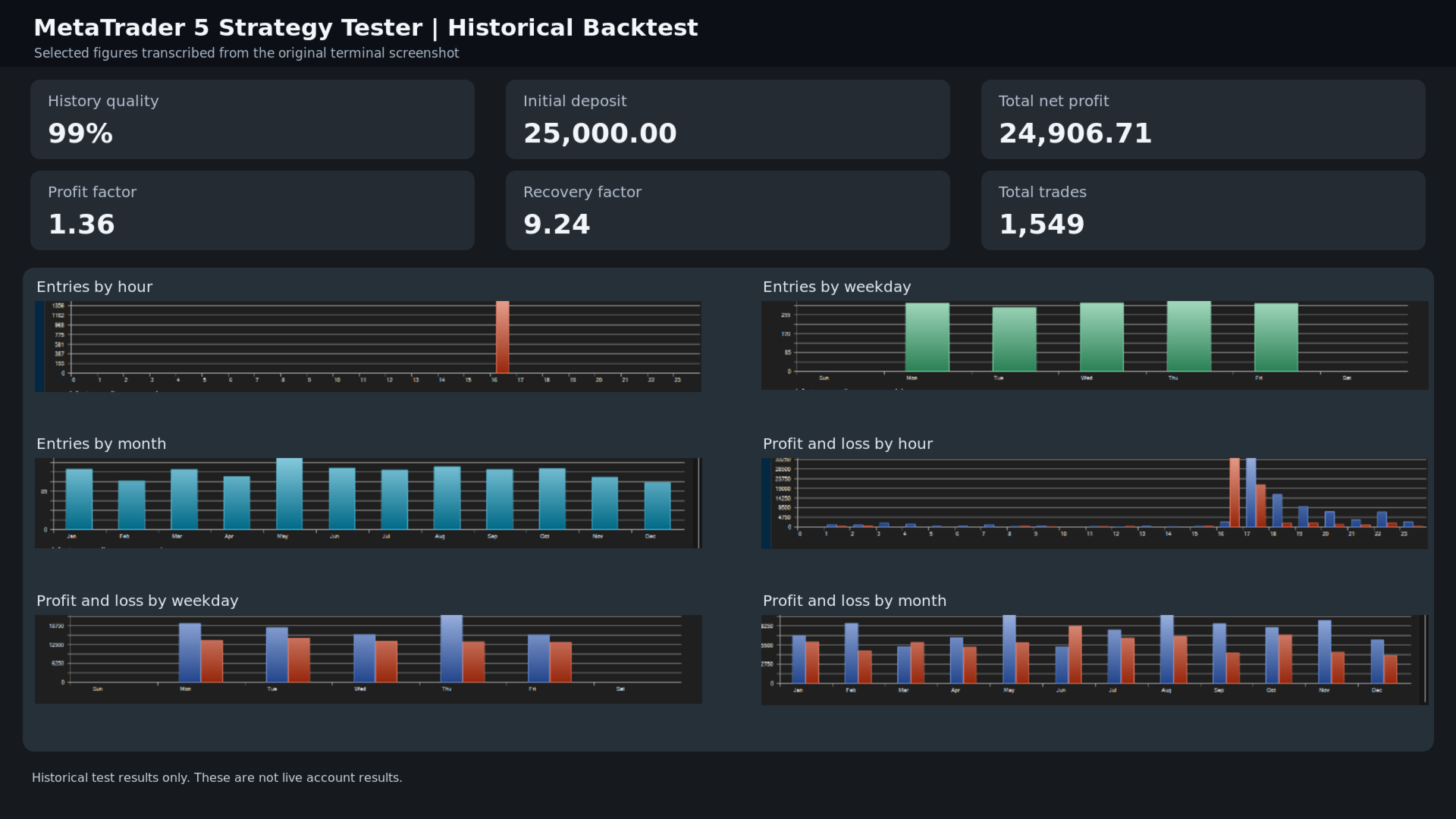
The supplied live preset is configured for NAS100 and SP500 using M5 signals. Other combinations should be tested independently before use.
NAS100 and SP500 Dual Engine
The optional SP500 companion module allows coordinated trading with the primary NAS100 strategy.
It provides separate signal, trailing, stop-loss and quality parameters for SP500.
The companion can require NAS100 confirmation and matching trade direction before entering a position.
Combined risk-management settings allow the user to configure exposure limits across both indices.
Risk Management
The EA offers:
-
Percentage-based position sizing
-
Fixed monetary risk
-
Fixed lot sizing
-
Optional quality-based risk adjustment
-
Combined index risk limits
-
Equity protection settings
-
Daily trade restrictions
-
Maximum slippage settings
Actual risk depends on broker contract specifications, minimum trade volumes and execution conditions.
Additional Features
-
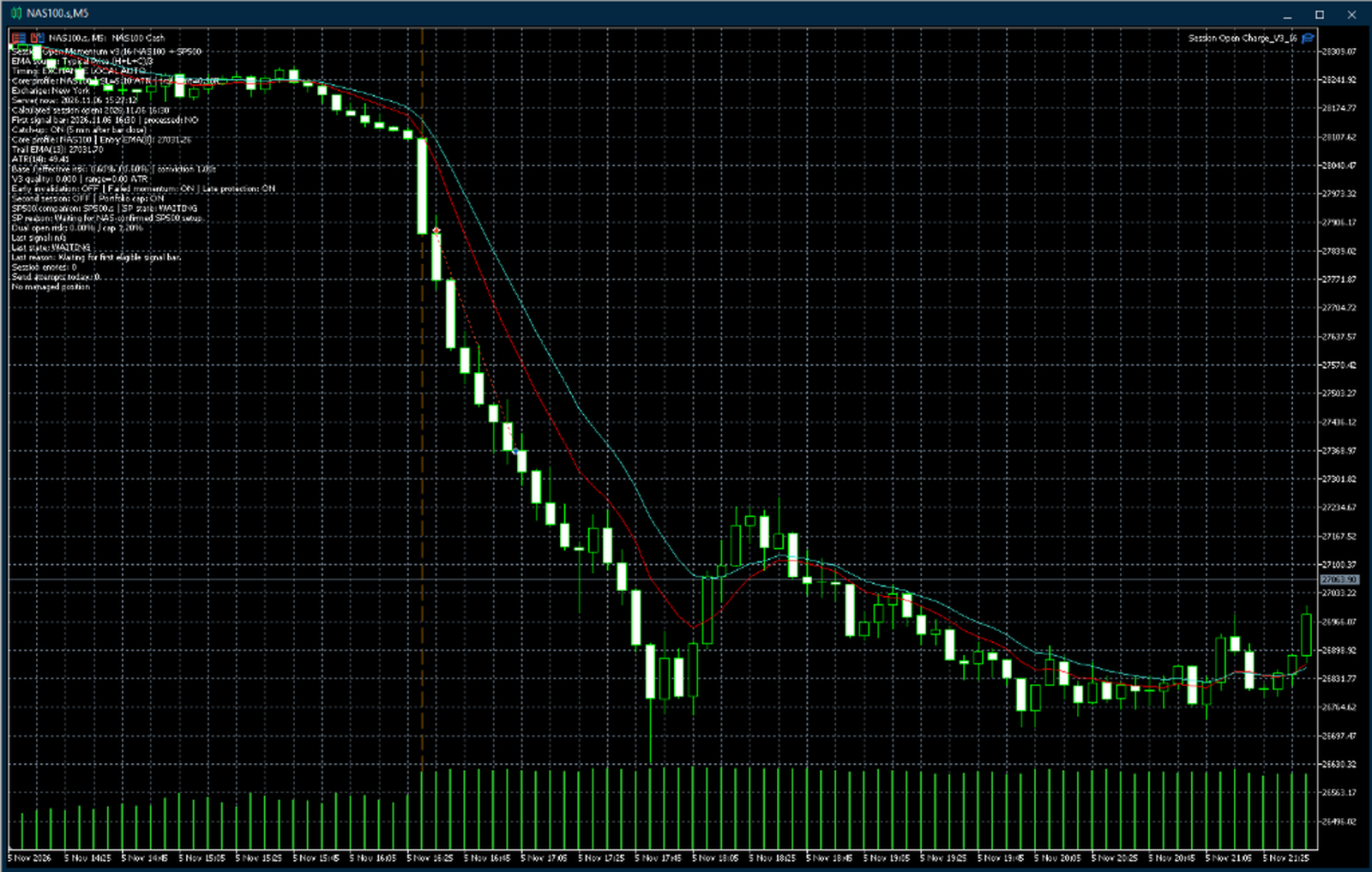
Automatic opening-session markers
-
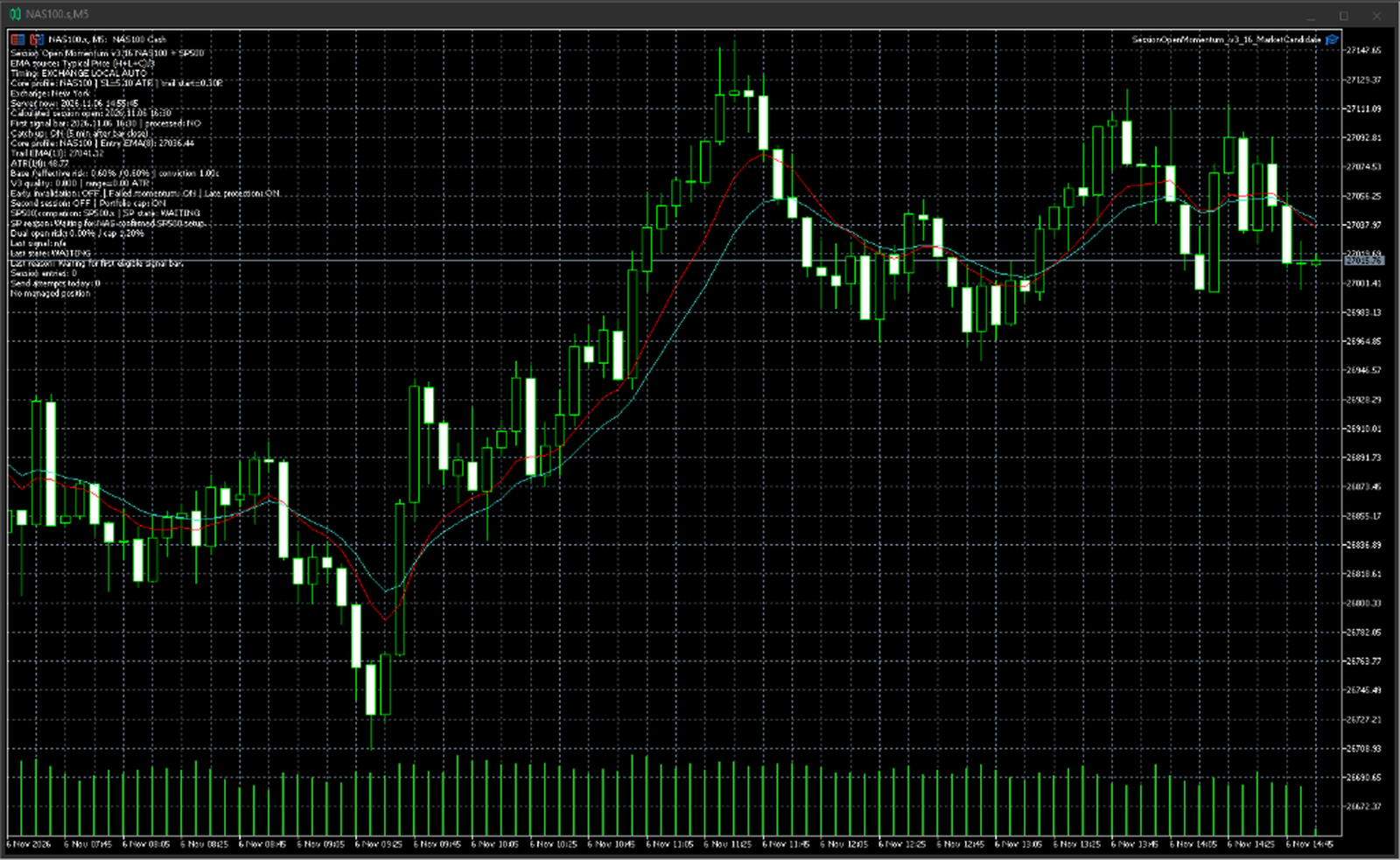
On-chart information panel
-
Configurable trading days
-
Long and short permissions
-
First-bar catch-up option
-
Diagnostic logging
-
Order retry controls
-
Separate magic numbers for different trading modules
Installation
-
Install the Expert Advisor in MetaTrader 5.
-
Open the chart of the intended trading instrument.
-
Select and configure the appropriate trading session and signal timeframe.
-
Verify the exchange opening time against the broker's server time.
-
Configure symbol names and position-sizing parameters.
-
Enable the SP500 companion if required.
-
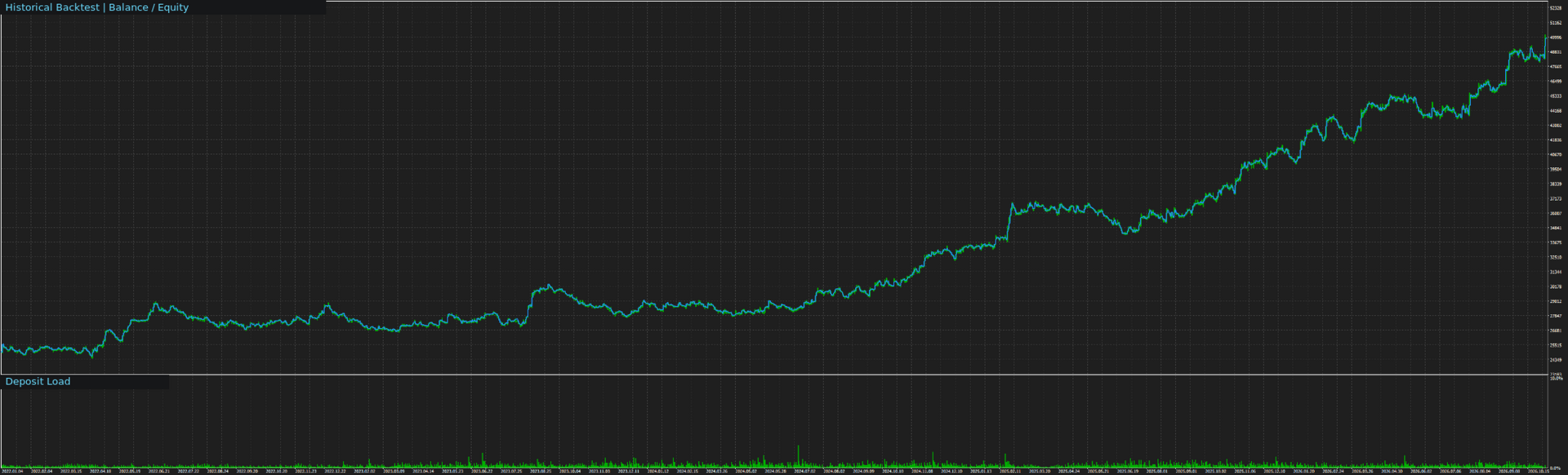
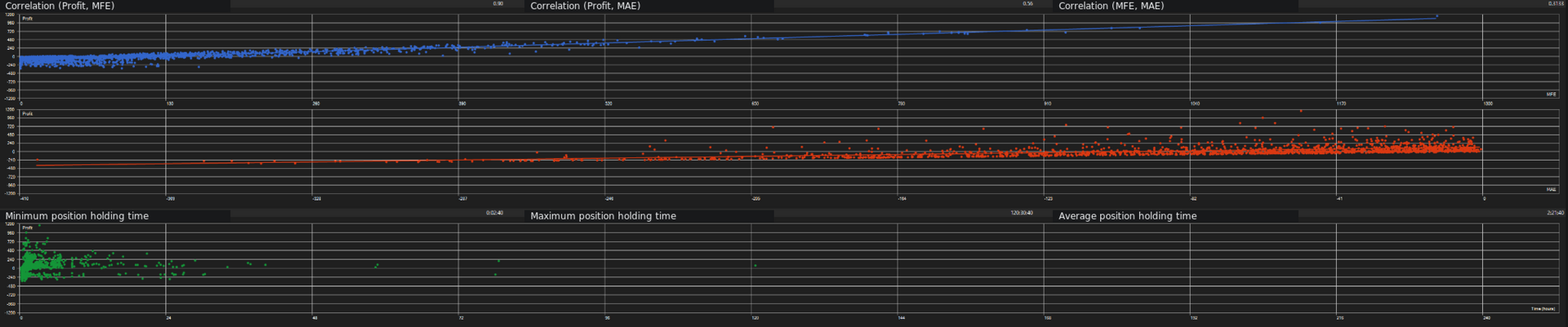
Test the configuration using the MetaTrader 5 Strategy Tester.
-
Evaluate the setup on a demo account before considering live trading.
Risk Disclosure
Trading leveraged financial instruments involves substantial risk.
Stop-loss orders and automated risk controls cannot eliminate losses or execution slippage.
Historical performance and optimized configurations do not guarantee future results. Users should independently test all configurations on their intended broker and account type.