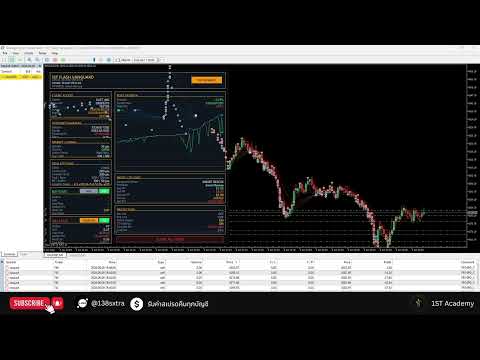
First Flash Vanguard
- Uzmanlar
- Sürüm: 1.0
- Etkinleştirmeler: 5

Trading Logic & Working Modes
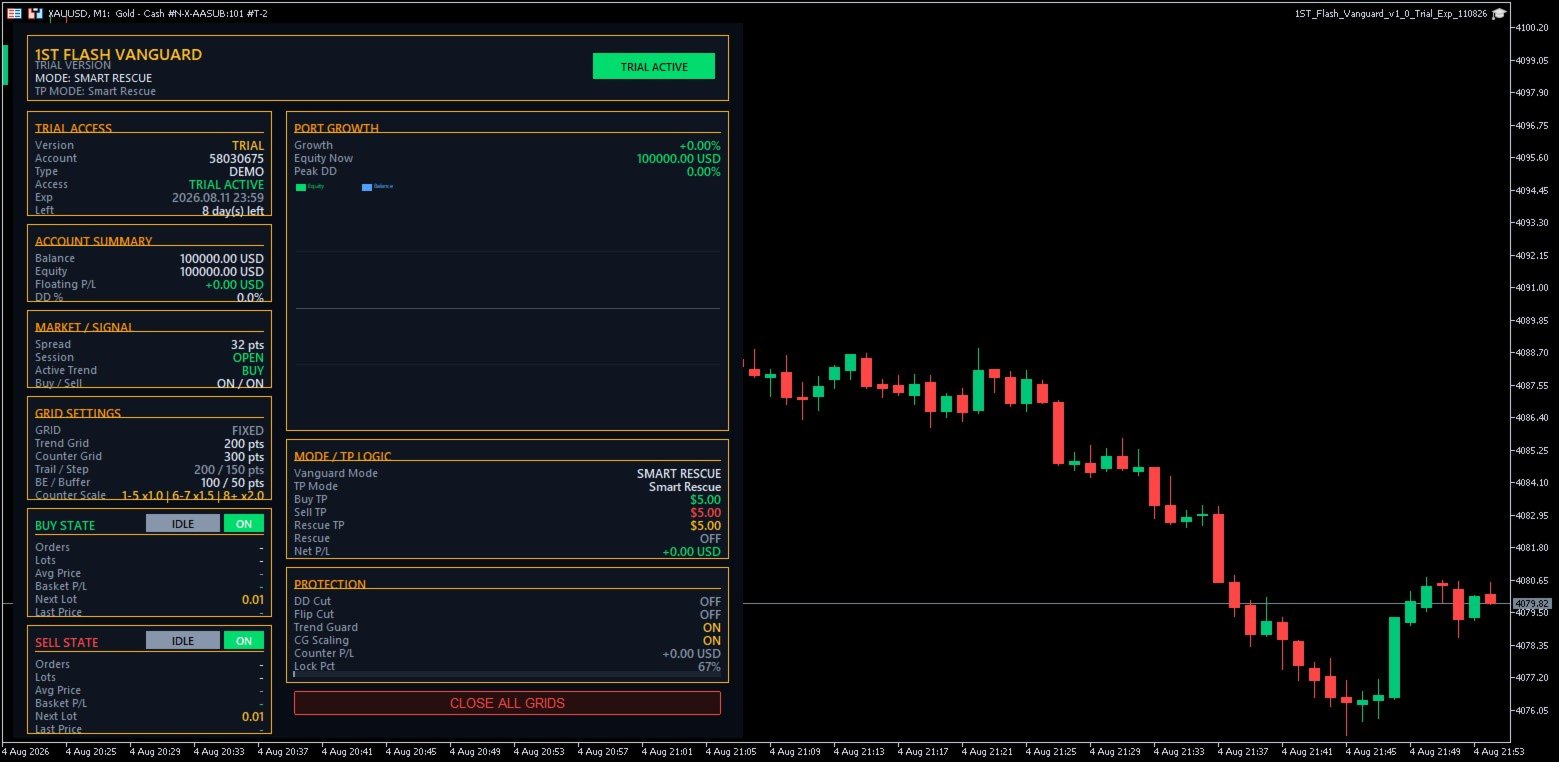
First Flash Vanguard is designed around trend-following entries combined with grid and basket management. The EA uses configurable EMA trend filters to determine market direction and can manage BUY and SELL operations according to the selected working mode.
The EA includes 3 main working modes:
1. Classic Combined Mode
BUY and SELL positions are managed as one combined basket. When the total basket reaches the configured profit target, the EA closes the basket according to the Classic Combined TP setting.
2. Split Side Mode
BUY and SELL positions are managed independently. Each side has its own profit target, allowing the EA to close a profitable side without waiting for the opposite basket.
3. Smart Rescue Mode
Designed for situations where positions accumulate on both sides. The EA monitors the basket and uses its Smart Rescue logic to manage net basket profit and recovery conditions instead of relying only on a simple fixed TP.
How First Flash Vanguard Works
The basic operating sequence is:
EMA Trend Filter → Initial Entry → Trend/Counter Grid → Basket Management → TP / Rescue / Trailing
When the configured EMA conditions identify a direction, the EA can open an initial position. As price moves, additional positions are managed using separate Trend Grid and Counter Grid distances.
Lot progression can also be configured through:
Base Lot → Lot Increment Step → Increase Lot Every N Orders → Maximum Lot Size
This allows users to control how position size develops as the basket expands.
The EA also includes configurable Breakeven, Trailing, Trading Session and Drawdown Protection functions.
Trend Filter
First Flash Vanguard supports both:
1TF EMA Mode — uses a single timeframe for trend calculation.
2TF EMA Mode — combines a Main Timeframe and Entry Timeframe. For example, the Main TF can determine the broader trend while the Entry TF provides additional confirmation.
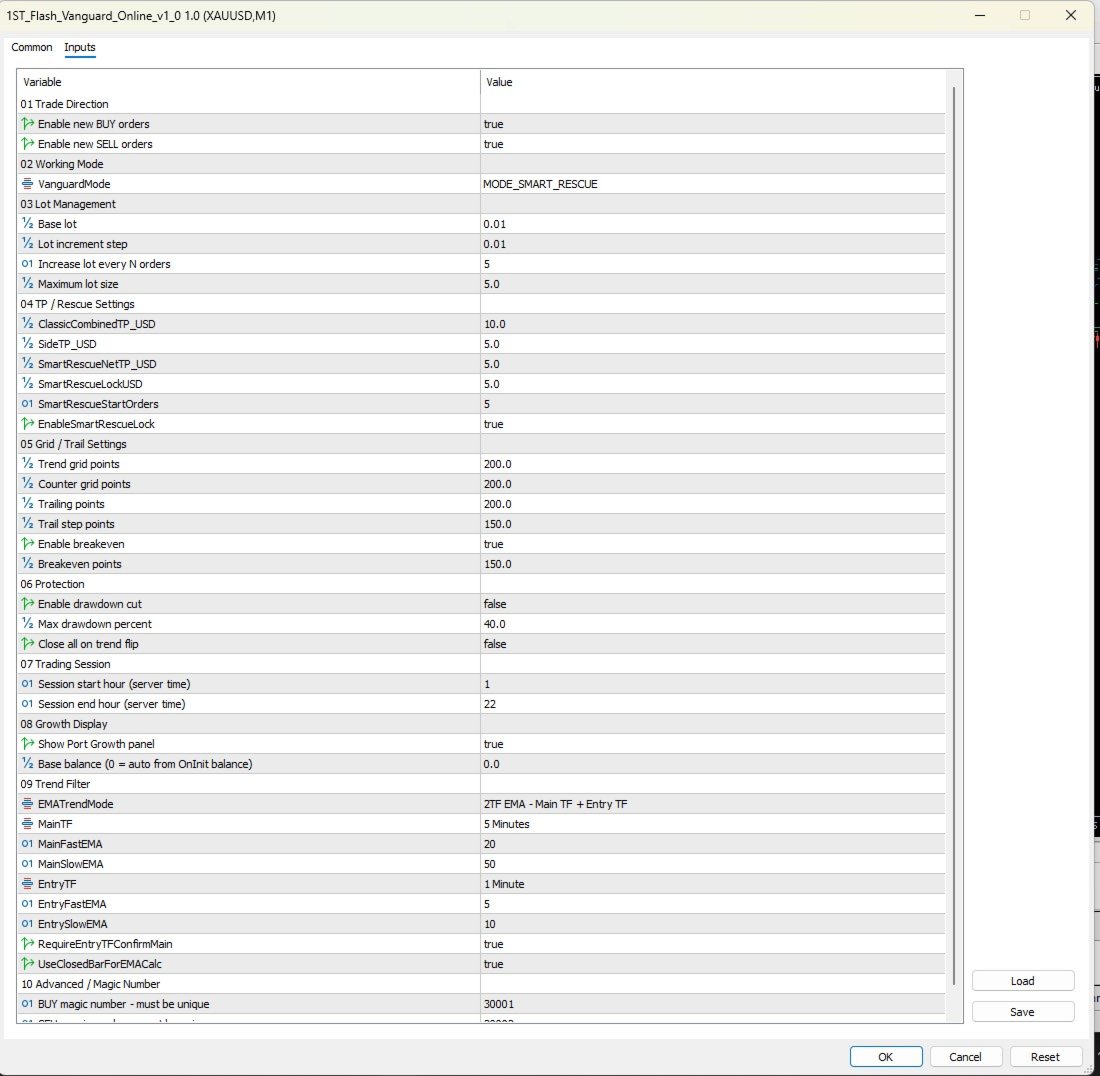
Users can configure the timeframe and Fast/Slow EMA periods directly from the Inputs panel.
Designed to Be Configurable
As shown in the Inputs panel, users can configure:
- BUY / SELL operation permissions
- Working Mode
- Base Lot and lot progression
- Basket / Rescue profit targets
- Trend and Counter Grid distance
- Trailing and Breakeven
- Drawdown protection
- Trading hours
- 1TF / 2TF EMA trend filtering
- Main and Entry timeframe confirmation
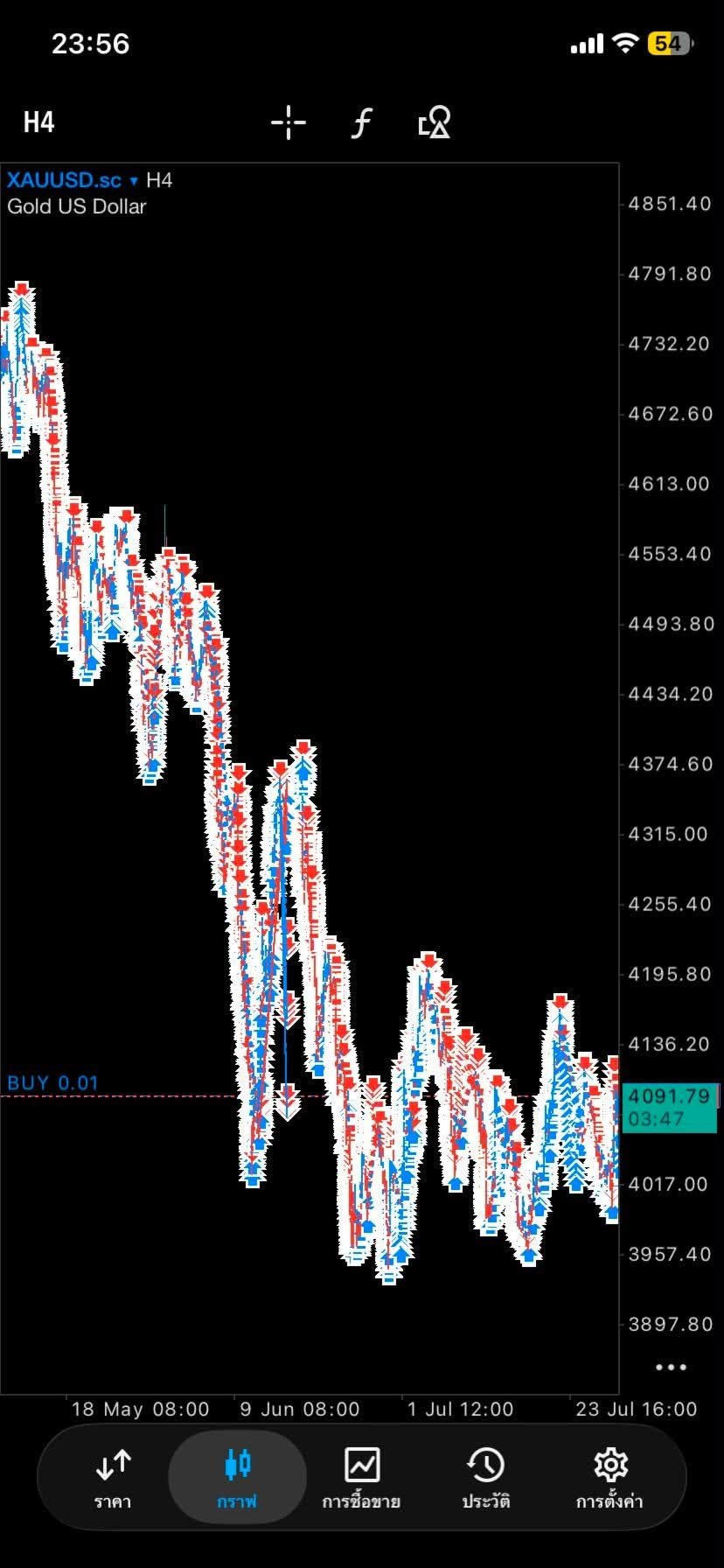
This makes First Flash Vanguard suitable for users who want to backtest and adjust the EA to different symbols and market conditions, rather than relying on one fixed configuration.
Risk Notice: First Flash Vanguard uses grid and basket-management techniques. These methods can increase market exposure when multiple positions are active. Users should backtest their settings and understand the associated risks before using the EA on a live account.