LZ Session Boxes PRO
- Göstergeler
- Sürüm: 1.50
- Güncellendi: 8 Haziran 2026
- Etkinleştirmeler: 5

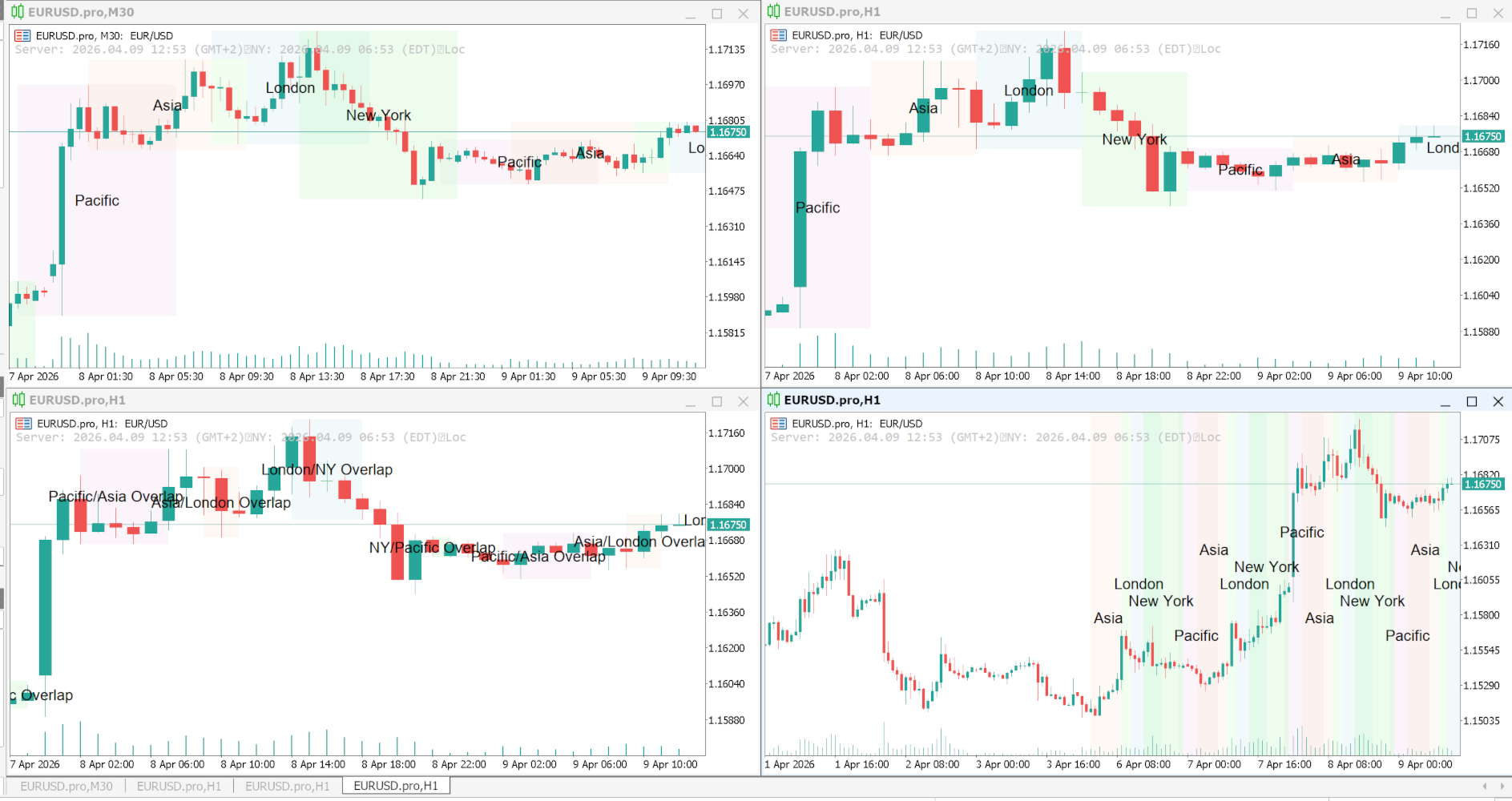
LZ Session Boxes PRO is a professional-grade tool for day traders, designed to beautifully visualize global trading sessions (Asia, Pacific/Sydney, London, New York) across your entire chart history. It eliminates the confusion of broker time offsets by automatically detecting timezones and adjusting for Daylight Saving Time (DST), ensuring your session boxes always align perfectly with real-market hours.
Feature highlights
- 4 Major Sessions: highlights Asian, Pacific (Sydney), London, and New York trading sessions with distinct, customizable boxes.
- Historical Analysis: unlike basic indicators, the PRO version draws session boxes on all historical data, not just the current day.
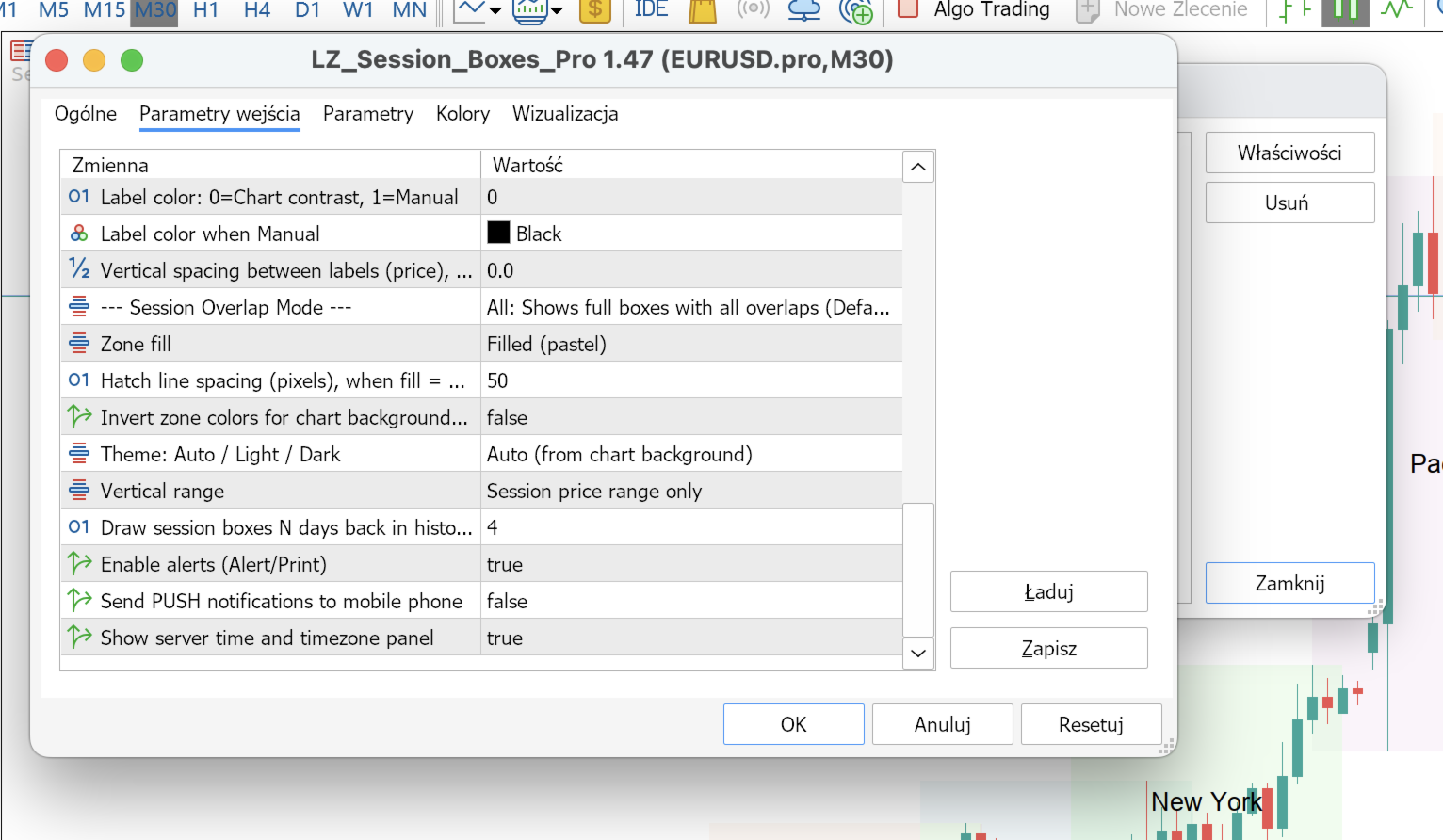
- Advanced Overlap Management: choose between Midpoint (clean touch), Only Intersections (common zones), or All (traditional blocks).
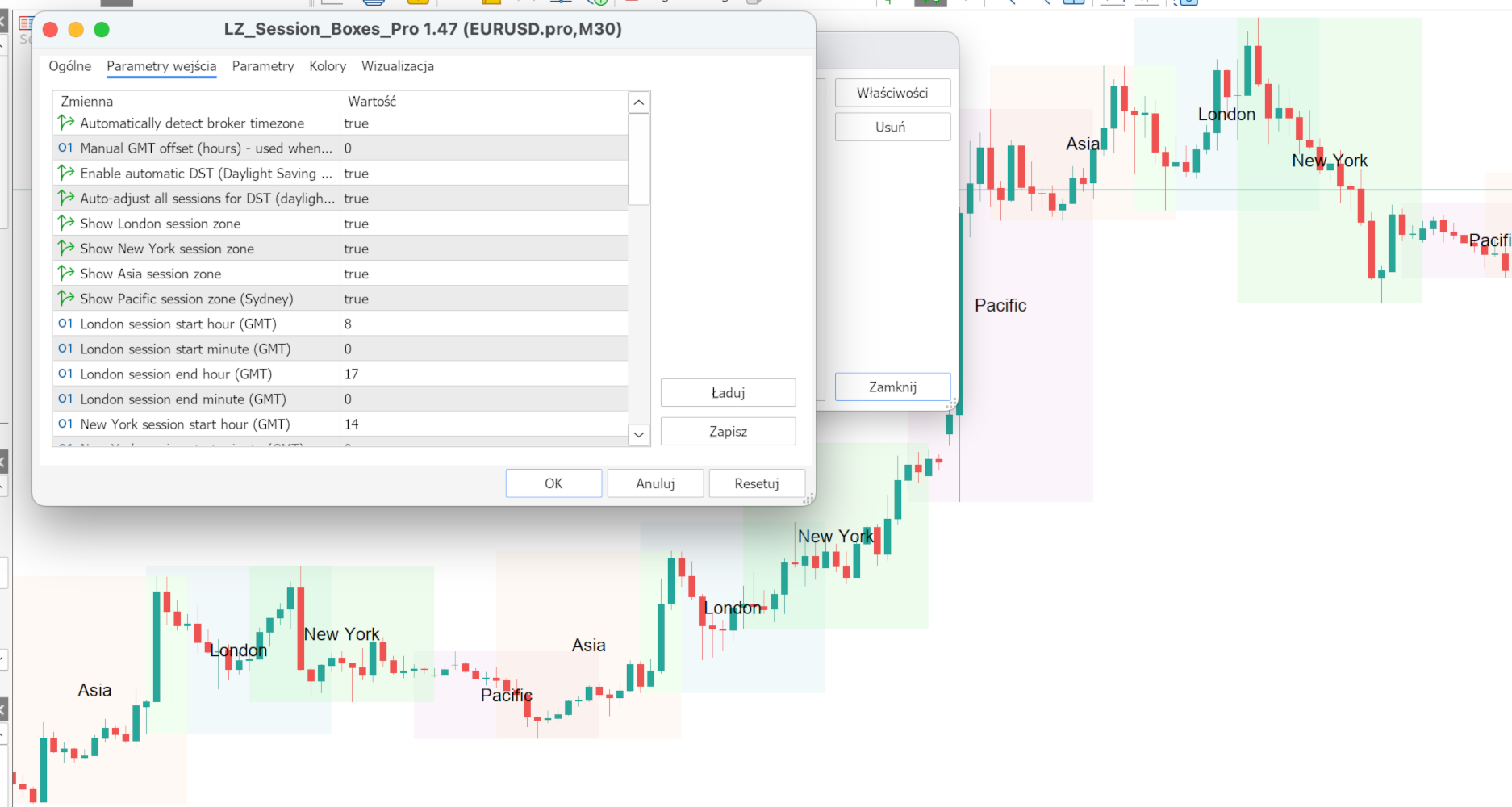
- Smart Time Settings: completely automatic timezone detection and Daylight Saving Time (DST) adjustment for effortless global trading.
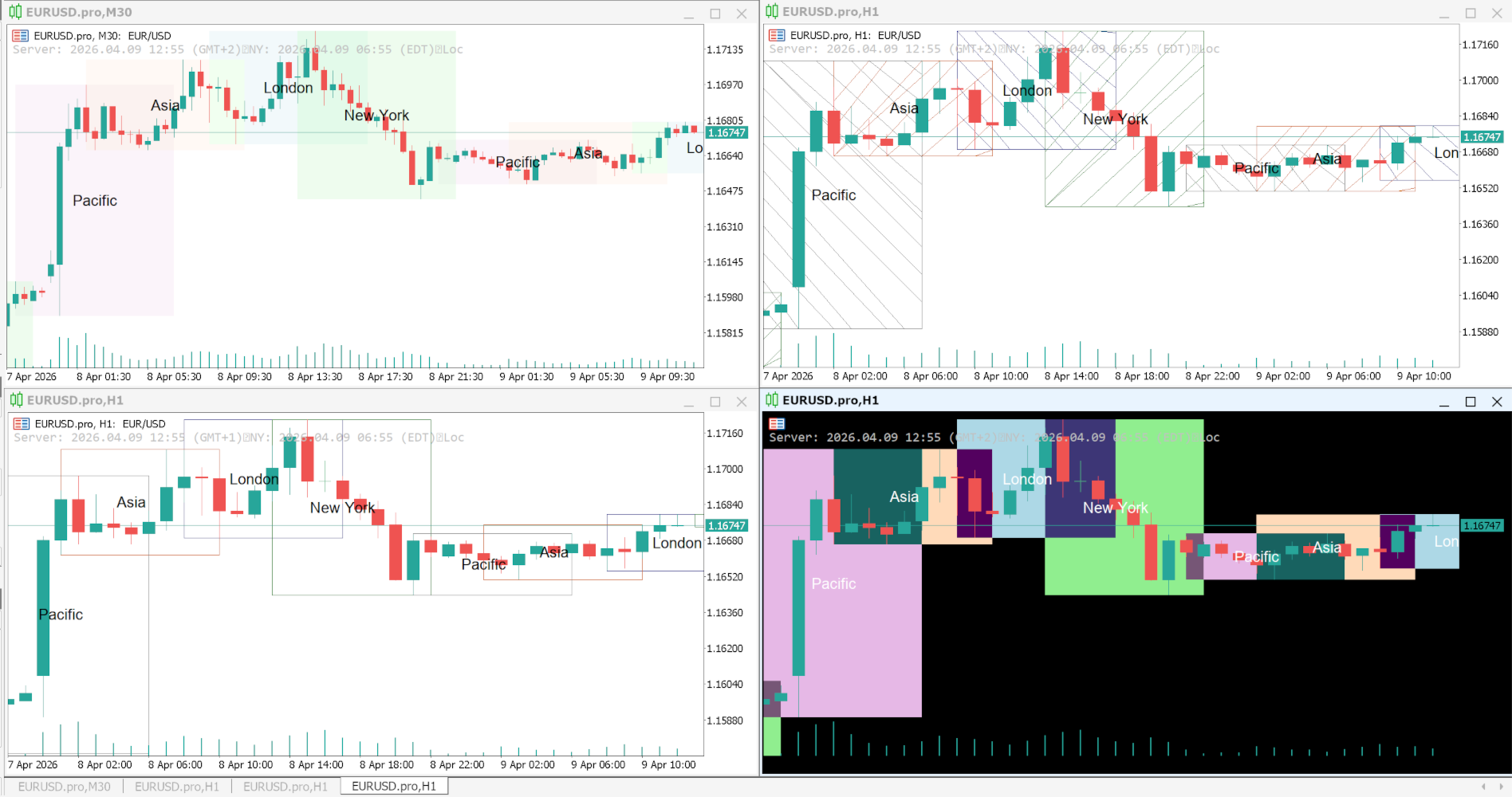
- Visual Control: choose between solid color fills or clean hatched lines with thin borders for maximum chart readability.
- Information Panel: includes a handy on-chart time panel showing the current active sessions and local time.
- Integrated Alerts: professional notifications (alerts, push, email) for session entry/exit.
Input parameters
- Session Times: fully customizable start and end times for all 4 sessions (GMT).
- Overlap Modes: 3 distinct modes (Midpoint, Only Intersections, All) to handle session transitions.
- History Range: specify how many days back the session boxes should be drawn.
- Auto DST/Timezone: enable or disable the smart time correction logic.
- Colors & Fill Styles: individually set colors and choose between Solid or Hatch fill formats.
- Notifications: toggle professional alerts, sound, email, and mobile push notifications.
Compatibility
MetaTrader 5. All symbols. Best used on intraday timeframes (M1 to H1).