WR Command Console
- Yardımcı programlar
- Sürüm: 4.90
- Güncellendi: 19 Şubat 2026
- Etkinleştirmeler: 5

WR Order Command Console | Institutional Grade Execution Utility
The WR Order Command Console is not just a trading panel; it is a professional execution ecosystem designed for discretionary traders who demand algorithmic precision and institutional-grade risk protection.
Eliminate manual lot size calculations and execution hesitation. This utility merges the speed of One-Click Trading with rigid risk management protocols (Risk Guard™), ensuring your capital is protected against emotional trading decisions.
🛡️ Core Technologies
-
Ghost Lines Technology (Visual Prediction):
-
Visualize exactly where your Entry, Stop Loss, and Take Profit will be before you click.
-
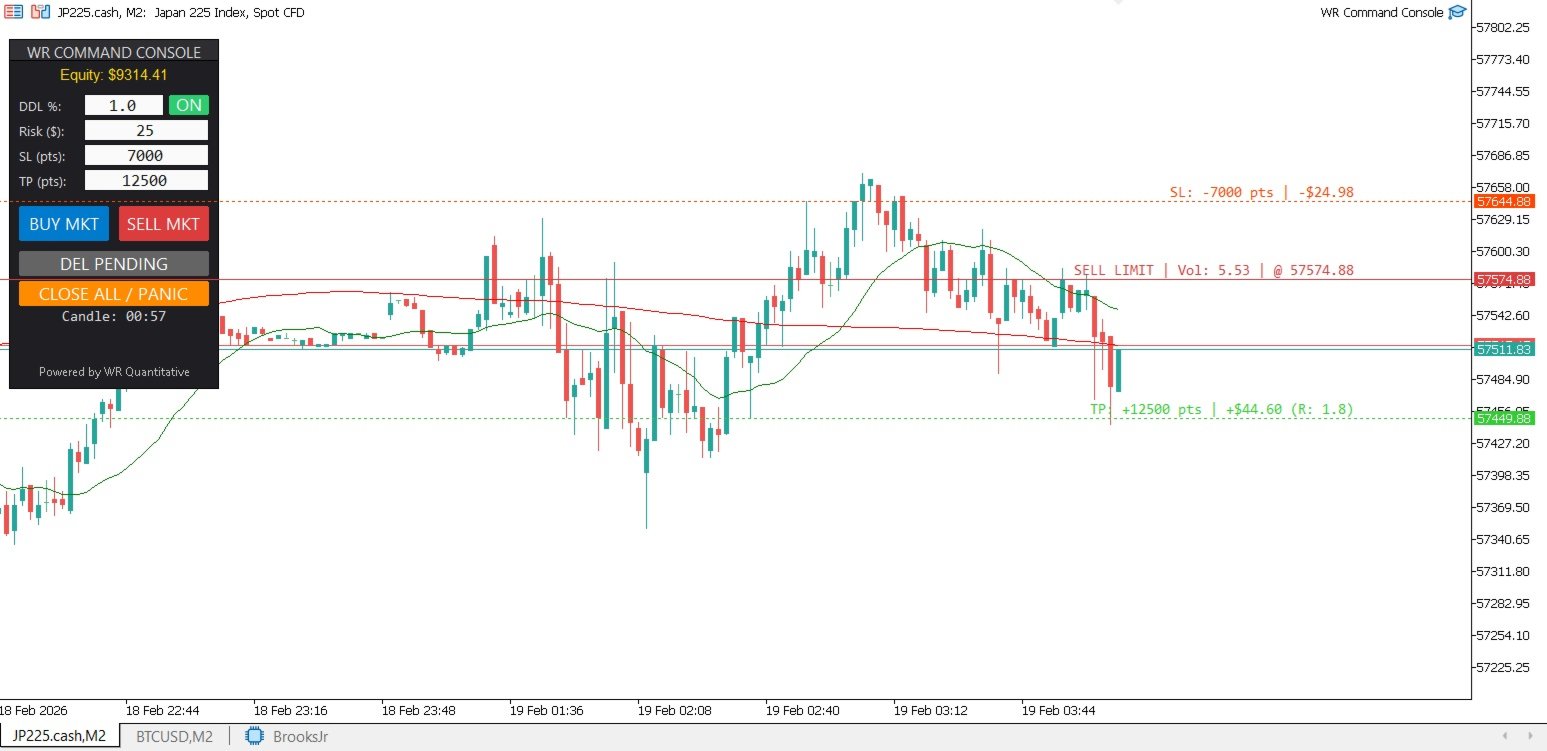
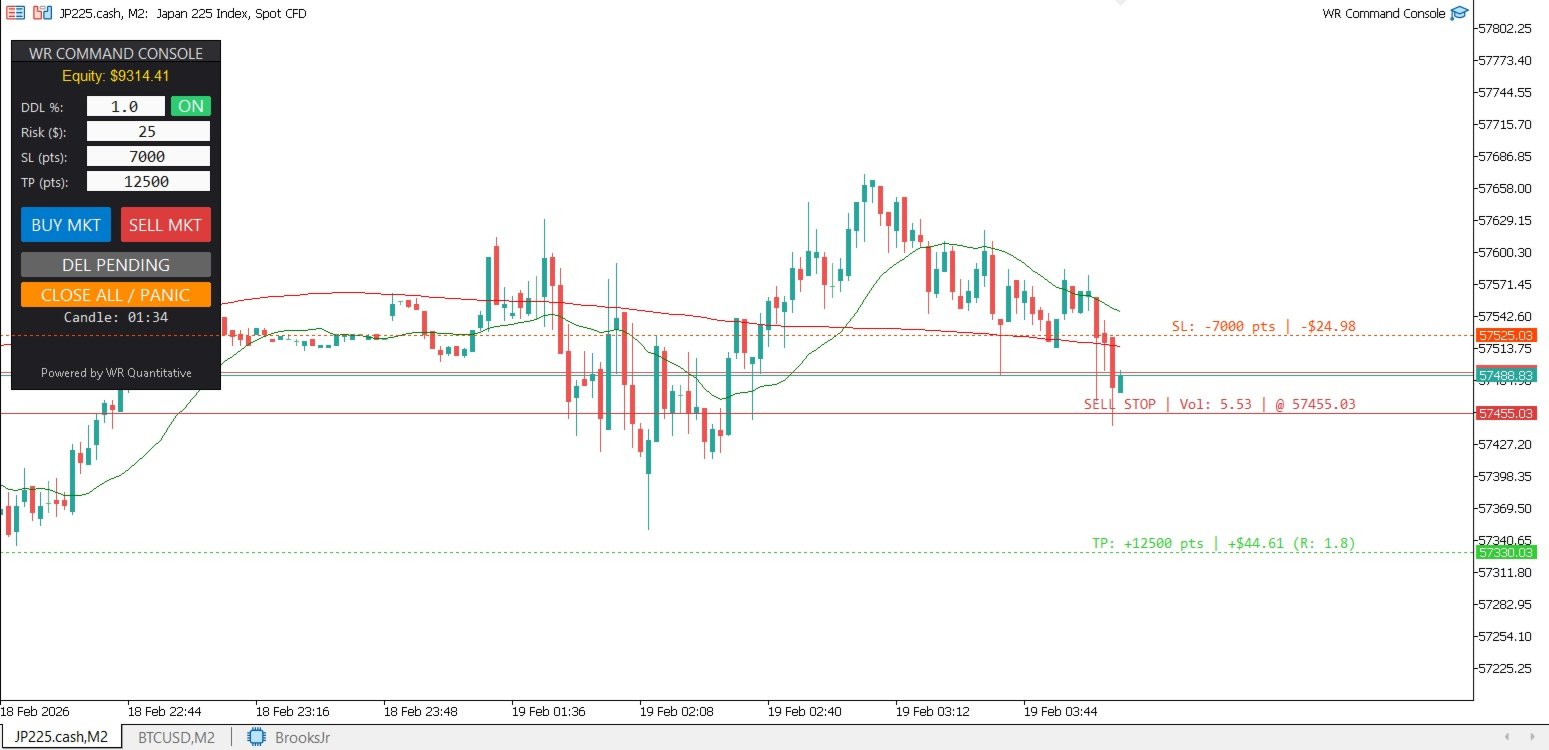
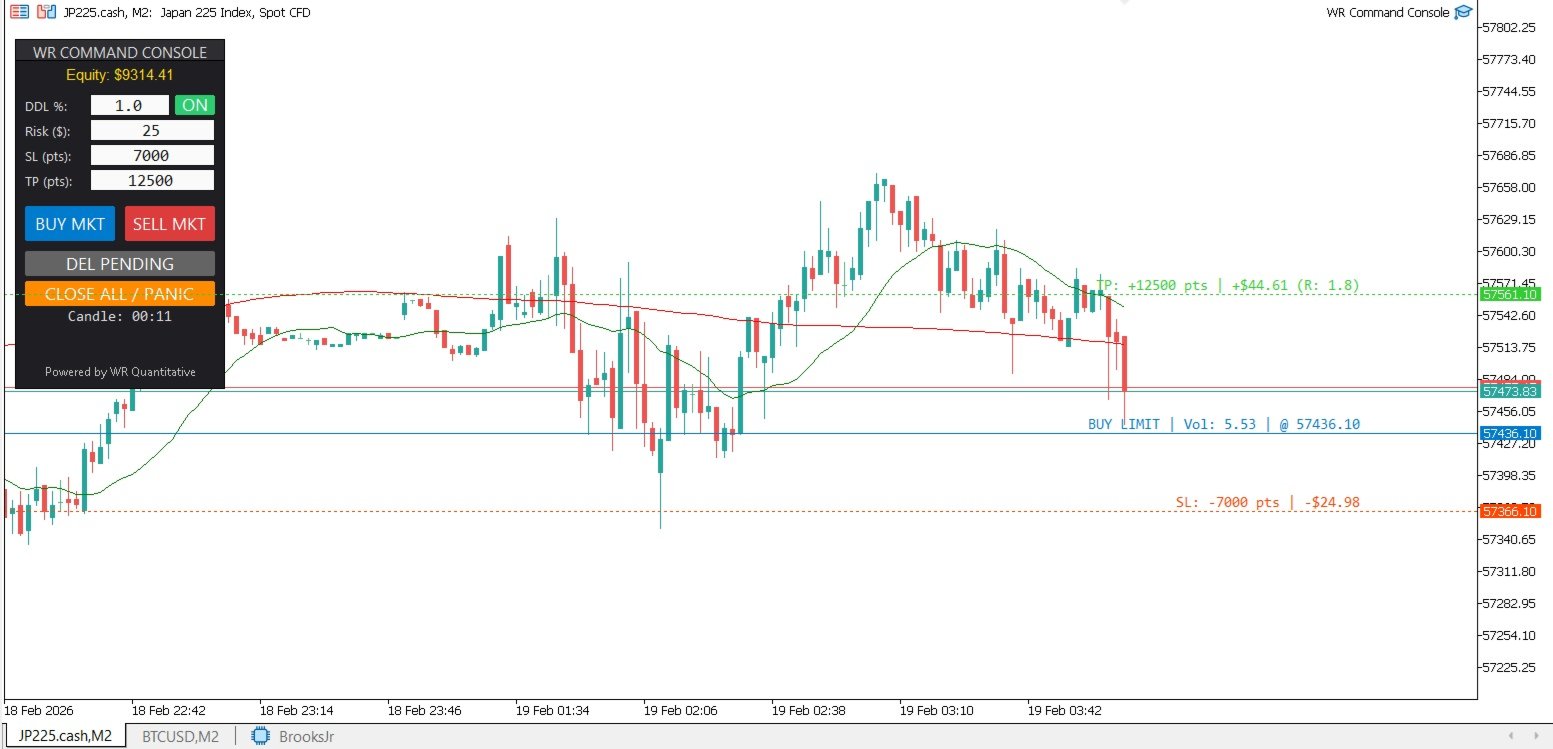
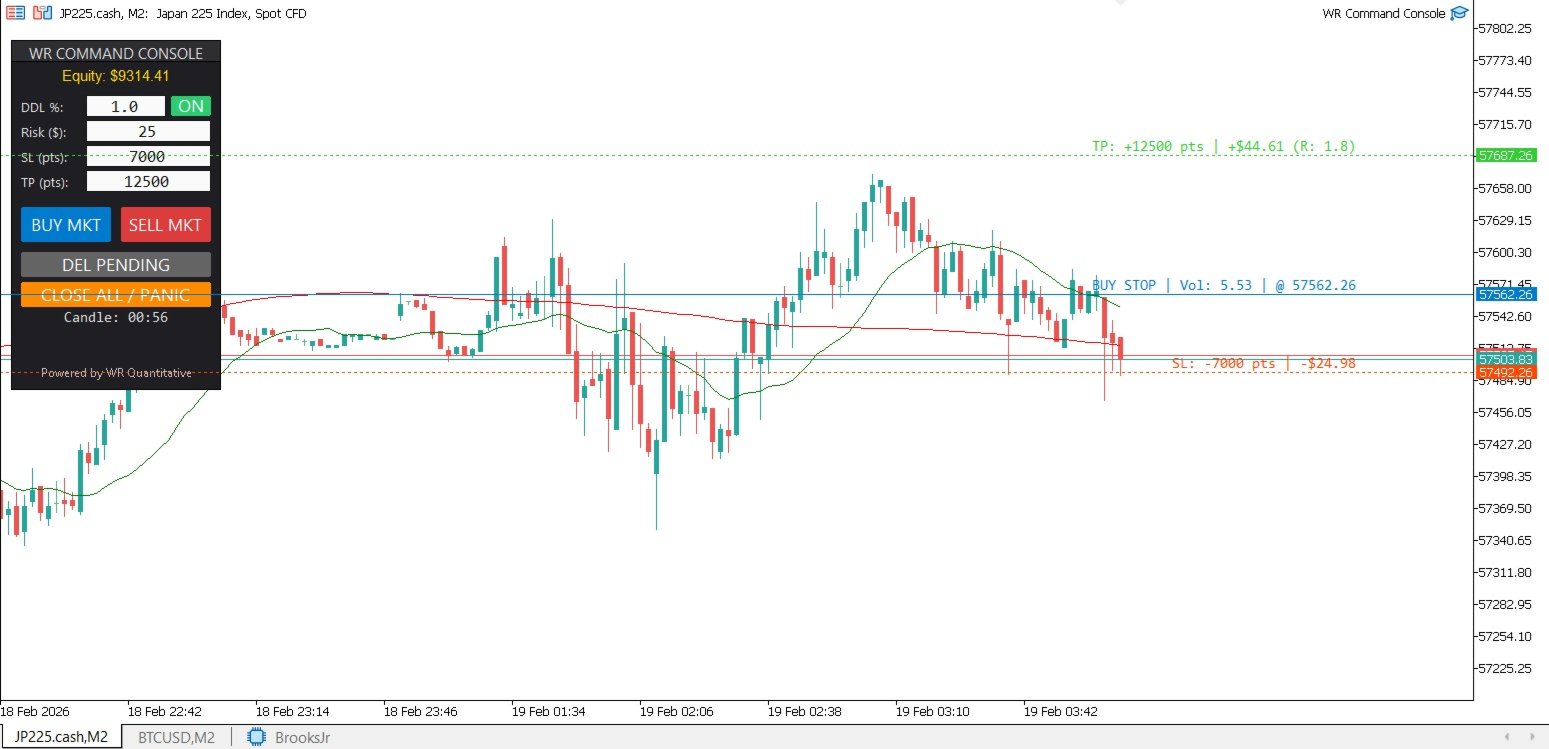
The system projects "ghost lines" on the chart and auto-calculates the lot size based on your predefined financial risk.
-
SHIFT + Hover: Projects BUY scenarios (Auto Buy Stop/Limit logic).
-
CTRL + Hover: Projects SELL scenarios (Auto Sell Limit/Stop logic).
-
-
Risk Guard™ Protocol (Equity Hard Stop):
-
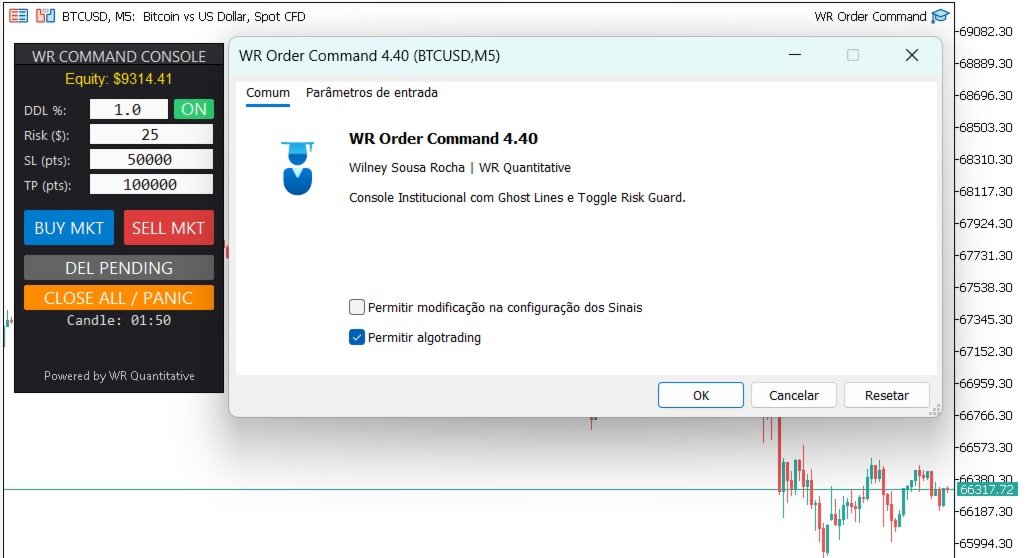
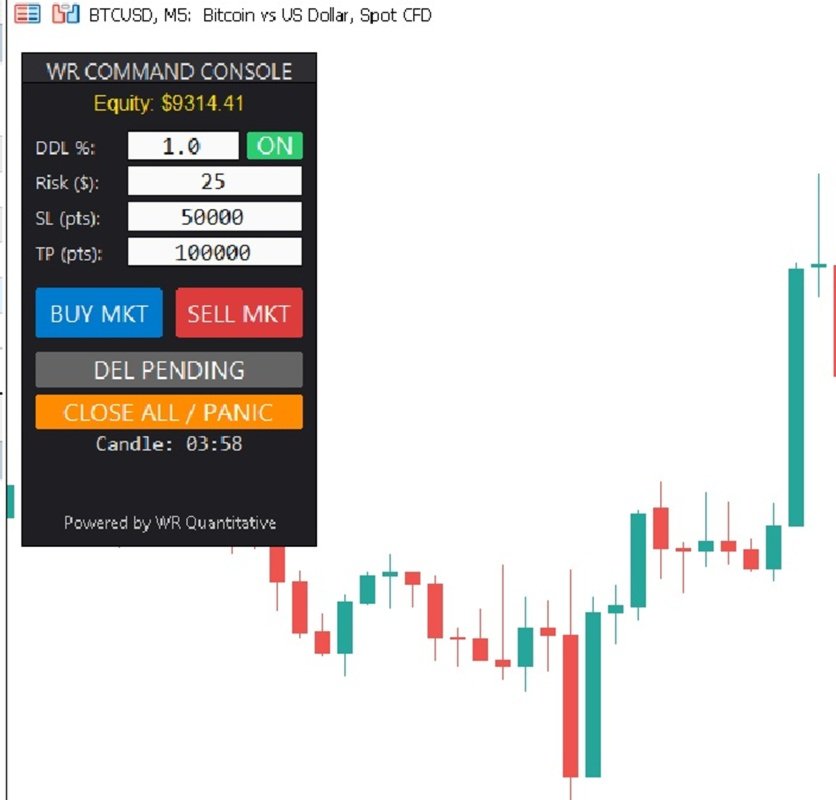
Exclusive capital protection system with a Physical Switch (ON/OFF) on the dashboard.
-
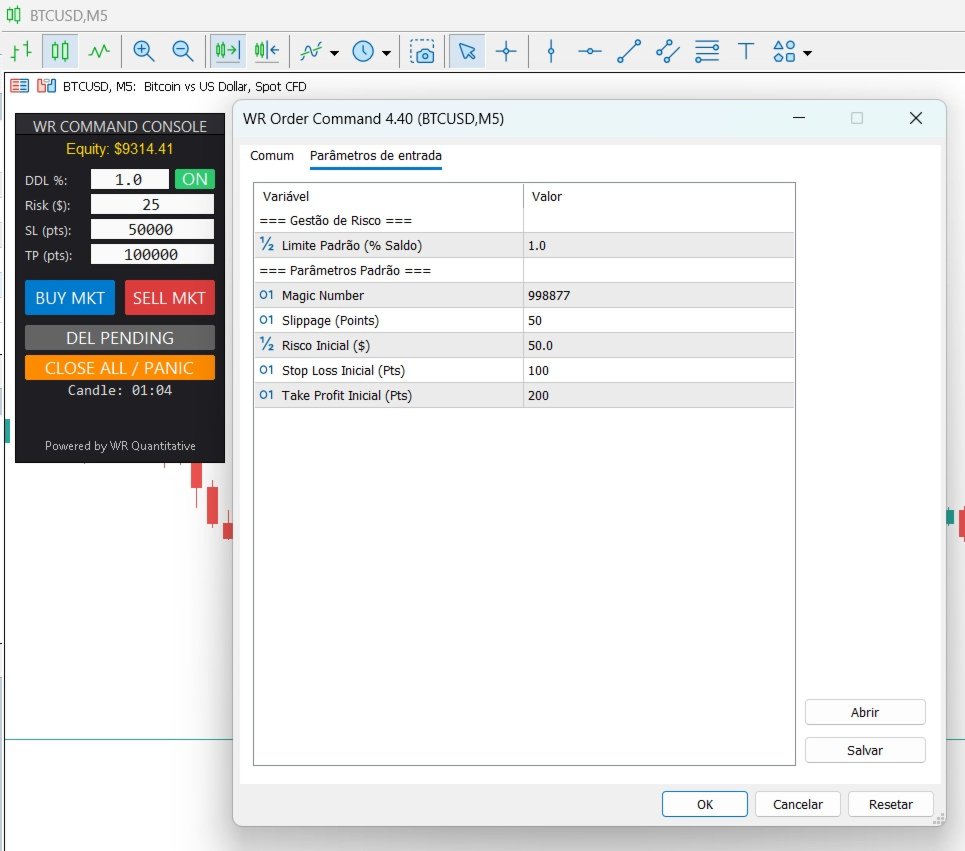
Sets a maximum Daily Drawdown Limit (% of Balance).
-
If the limit is reached, the console automatically locks, preventing new orders and protecting the trader from "tilt" or overtrading.
-
-
Quantitative Position Sizing:
-
You define your risk in Dollars (Risk $). The algorithm dynamically adjusts the volume (Lots) based on the Stop Loss distance.
-
Mathematical precision on every trade.
-
-
Institutional Flat UI:
-
Clean design inspired by professional terminals.
-
Dark Theme to reduce eye strain.
-
Panic Button and "Delete Pending" features instantly accessible.
-
⚙️ User Manual (Controls)
-
Market Orders:
-
Click [BUY MKT] or [SELL MKT]. The utility calculates the lot size based on the "Risk ($)" input and "SL (pts)" distance.
-
-
Pending Orders (Smart Entry):
-
Hold SHIFT: The system draws blue Ghost Lines. Move the mouse to set the price.
-
Above current price: Prepares Buy Stop.
-
Below current price: Prepares Buy Limit.
-
-
Hold CTRL: The system draws red Ghost Lines.
-
Above current price: Prepares Sell Limit.
-
Below current price: Prepares Sell Stop.
-
-
Click on Chart (while holding key) to execute and place the order.
-
-
Risk Guard (Switch ON/OFF):
-
ON (Green): Daily Drawdown protection is active. If daily loss hits the % limit, trading is blocked.
-
OFF (Gray): Free mode (safety lock disabled).
-