Tactical Command Hub
- Утилиты
- Версия: 1.1
- Обновлено: 8 сентября 2026
- Активации: 10

[Introduction]
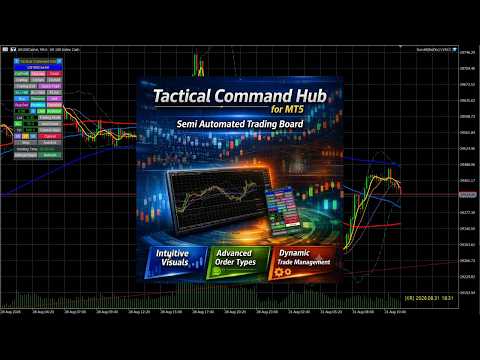
This panel serves as your tactical command hub, allowing you to design and execute diverse strategies and tactics—such as trend following, mean reversion, and defensive hedging—by combining specialized tactical lines.
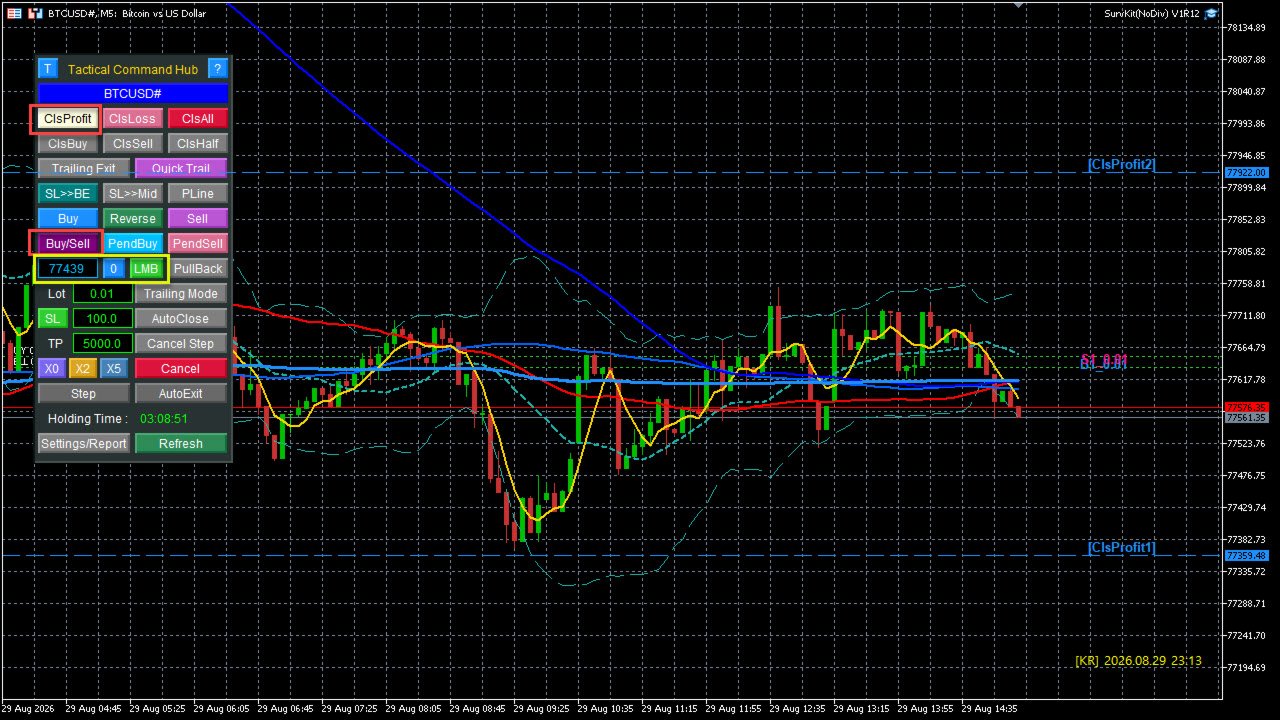
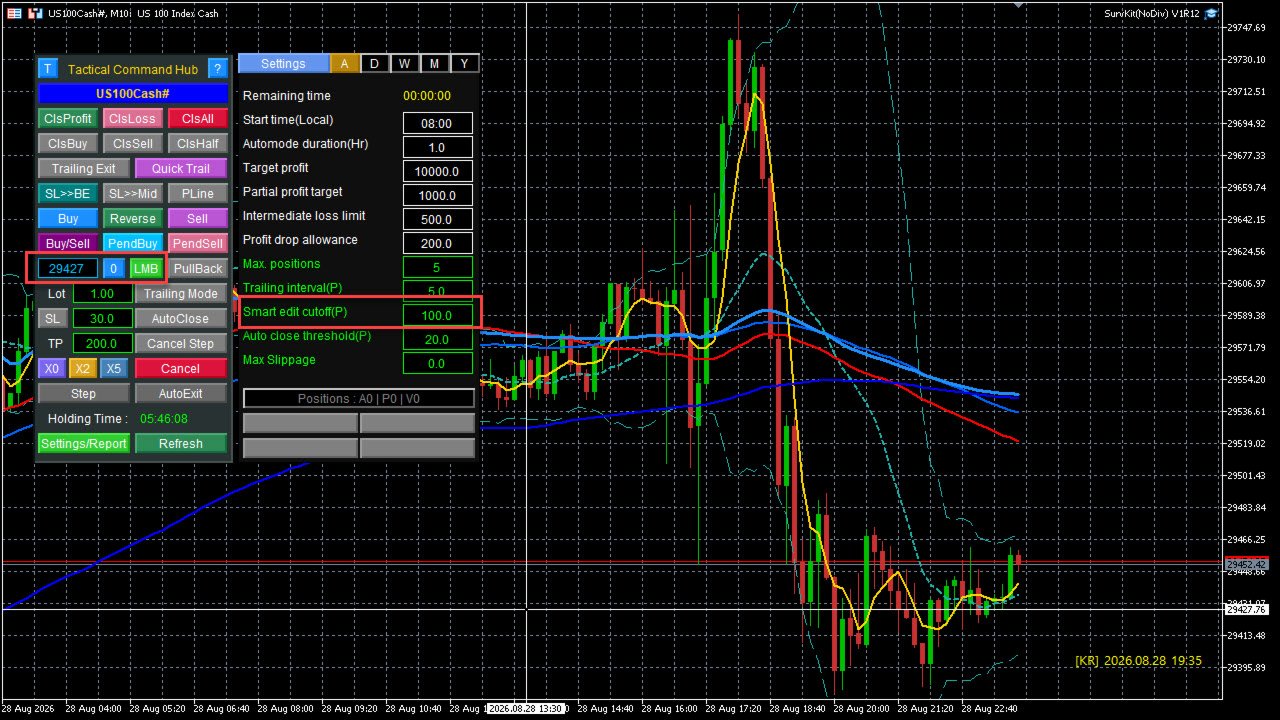
○ Smart Value:Operates based on the value entered in the Smart EditBox ([SE]).
- ABS(Value) = 0:Smart function disabled (Immediate execution via button click).
- ABS(Value) < Cutoff:Interpreted as a relative offset/delta from the current market price.
- ABS(Value) >= Cutoff:Recognized as an absolute price level.
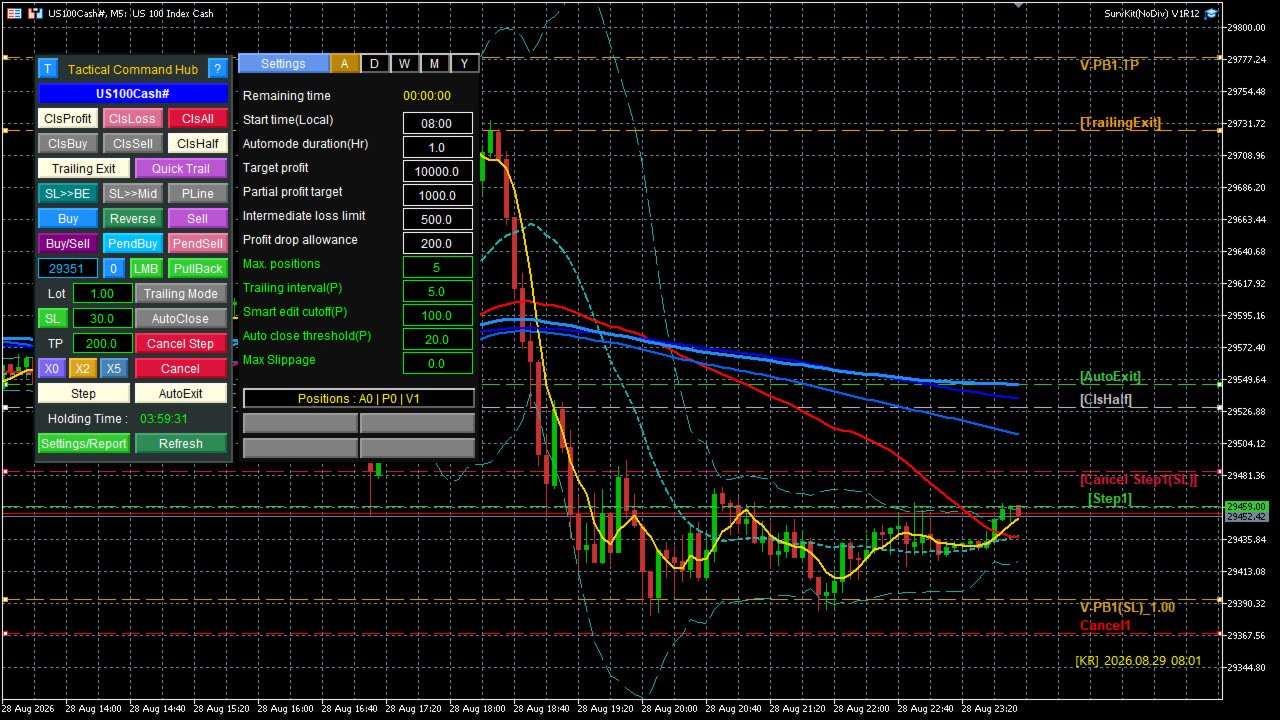
○ Tactical Lines:Created by combining Smart Values with panel buttons to provide advanced exit, entry, reversal, and pending capabilities.
- [ClsProfit]Line: Closes only profitable (+) positions when the market price hits the line.
- [ClsLoss]Line: Closes only losing (-) positions when the market price hits the line.
- [ClsAll]Line: Liquidates all active positions when the market price hits the line.
- [TrailingExit]Line: Once hit, tracks expanding peak profits and triggers an exit the moment price retraces by more than the predefined Trailing Interval.
- [ClsHalf]Line: Closes 50% of the total open volume across positions when the market price hits the line.
- [Buy]Line: Executes a Long entry with predefined Lot/SL/TP parameters when the market price hits the line.
- [Sell]Line: Executes a Short entry with predefined Lot/SL/TP parameters when the market price hits the line.
- [Reverse]Line: In single-direction holdings, liquidates all active positions instantly upon price touch and simultaneously enters an opposite position with predefined Lot/SL/TP settings.
- [Buy/Sell]Line: Opens both Long and Short positions simultaneously with predefined Lot/TP settings upon price touch. When one side is eventually closed, a Stop Loss is automatically placed for the remaining position based on market price.
- Virtual [PendBuy]Line
- Stage 1:Converts into a Long Pending order when the market price pierces through the line from top to bottom.
- Stage 2:Executes a Long entry when price reverses and crosses back above the line from bottom to top. If price continues dropping without reversing, no entry occurs.
- Virtual [PendSell]Line
- Stage 1:Converts into a Short Pending order when the market price pierces through the line from bottom to top.
- Stage 2:Executes a Short entry when price reverses and crosses back below the line from top to bottom. If price continues rising without reversing, no entry occurs.
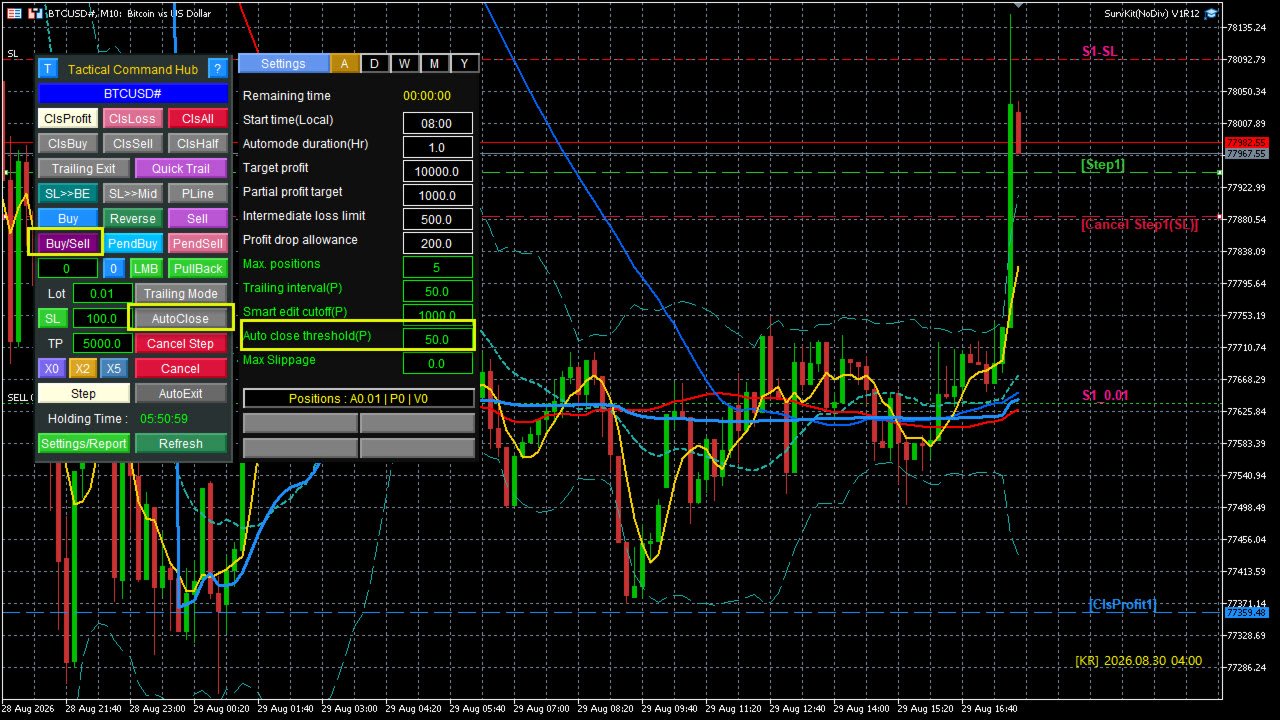
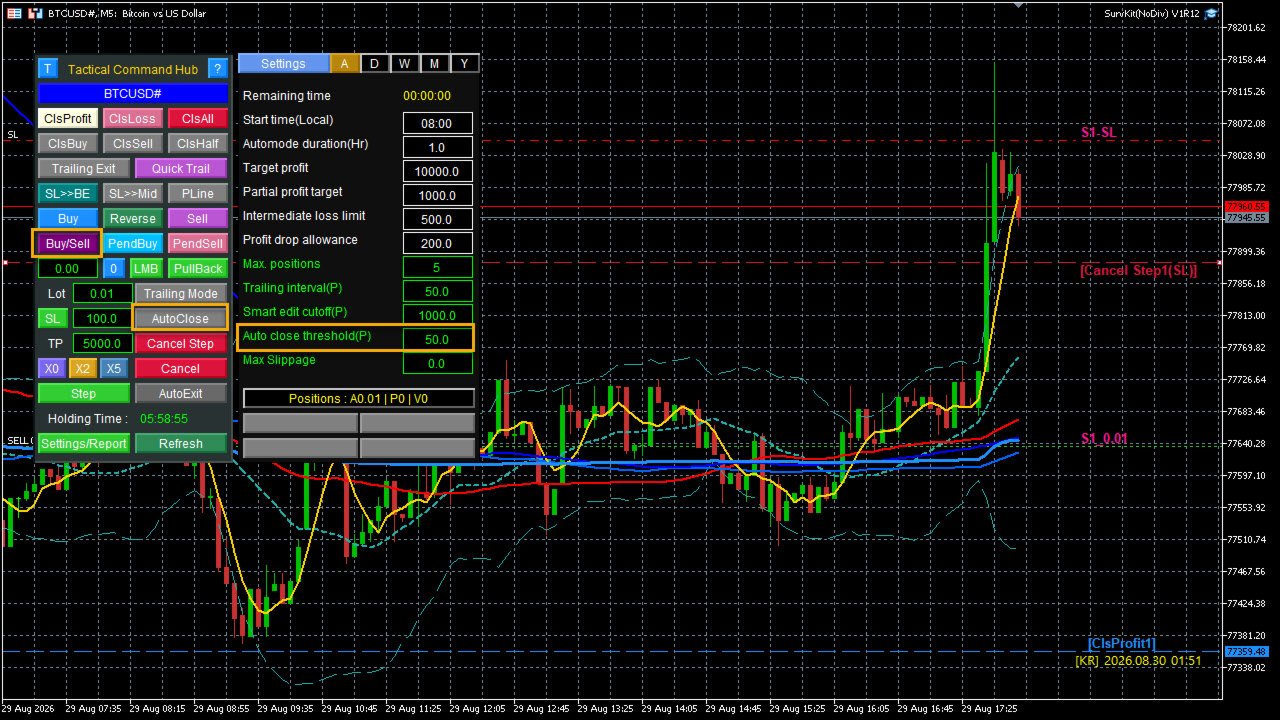
- [Step]Line: Activates [Step]mode when the market price hits the line. From that point onward, as price moves favorably, the EA ratchets the SL step-by-step to lock in expanding profits.
- [Cancel Step]Line: Automatically turns [Step]mode OFFthe moment the trailing SL line reaches this virtual line, locking the SL in place.
- [Cancel]Line: Closes all active positions and deletes all tactical lines when the market price hits the line.
- [AutoExit]Line: Arms the AutoExit mode when the market price hits the line, actively monitoring for a 5-candle MA crossing above (Golden Cross) or below (Dead Cross) a 20-candle MA as the final liquidation trigger.
○ Trade Strategy: You can execute sophisticated strategies—such as trend-following or mean-reversion—by systematically deploying a comprehensive array of specialized tactical lines directly on the chart.
[Risk Disclosure & Disclaimer]
This software does not guarantee any trading profits. All trading decisions and resulting outcomes are strictly at your own risk, and the user assumes full responsibility for any gains or losses incurred.