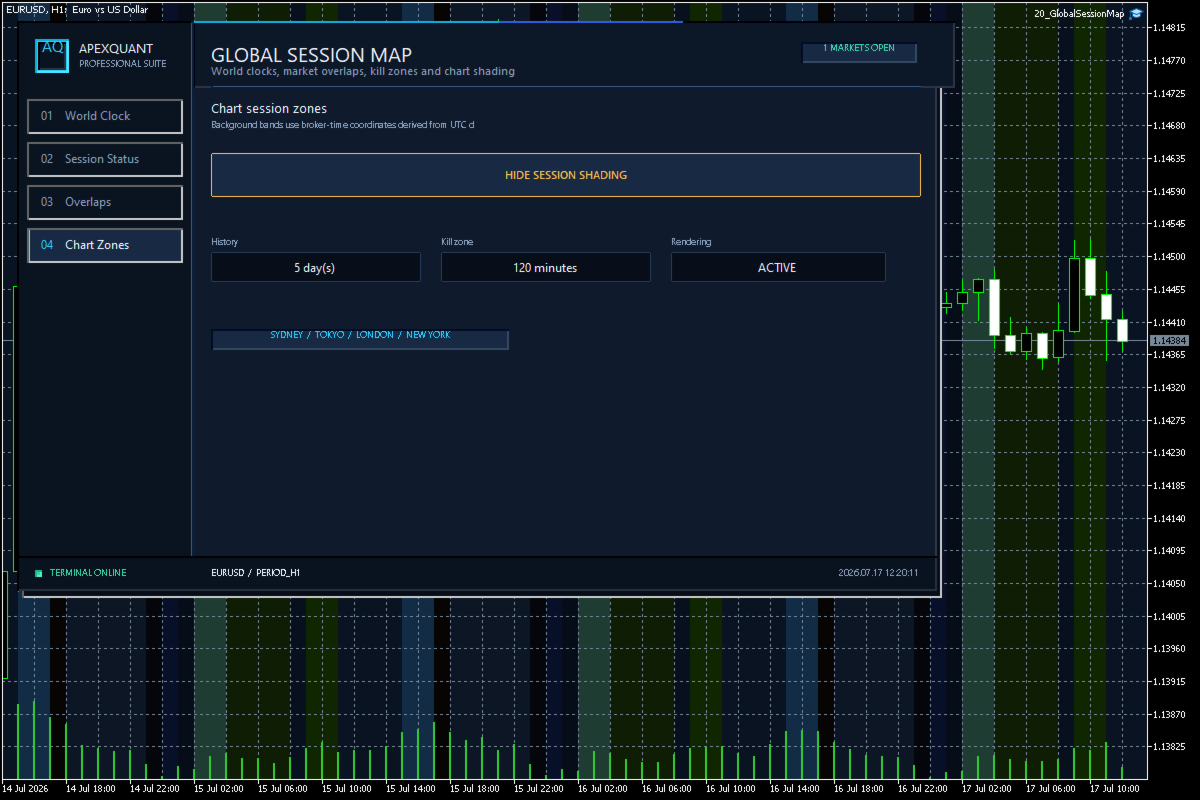
Global Session Map MT5
- Утилиты
- Версия: 2.20

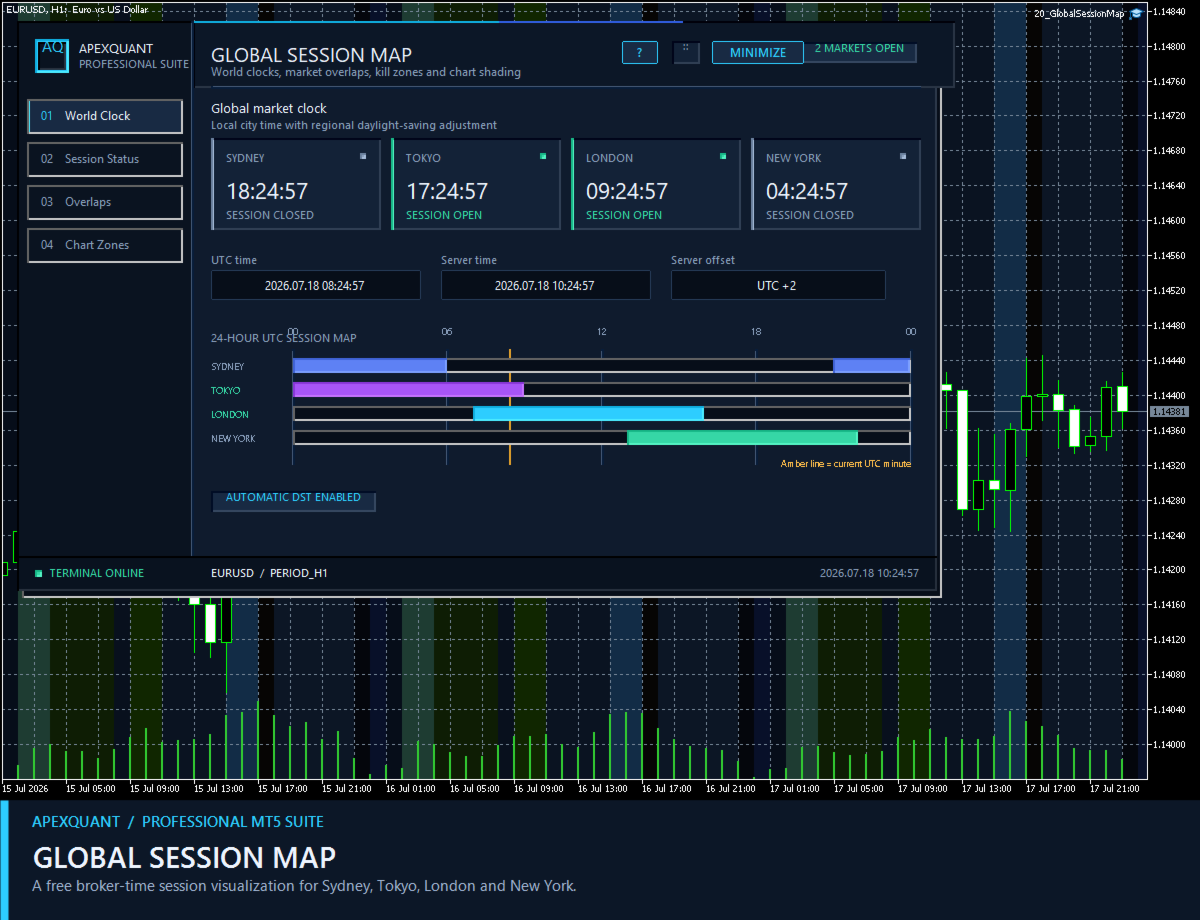
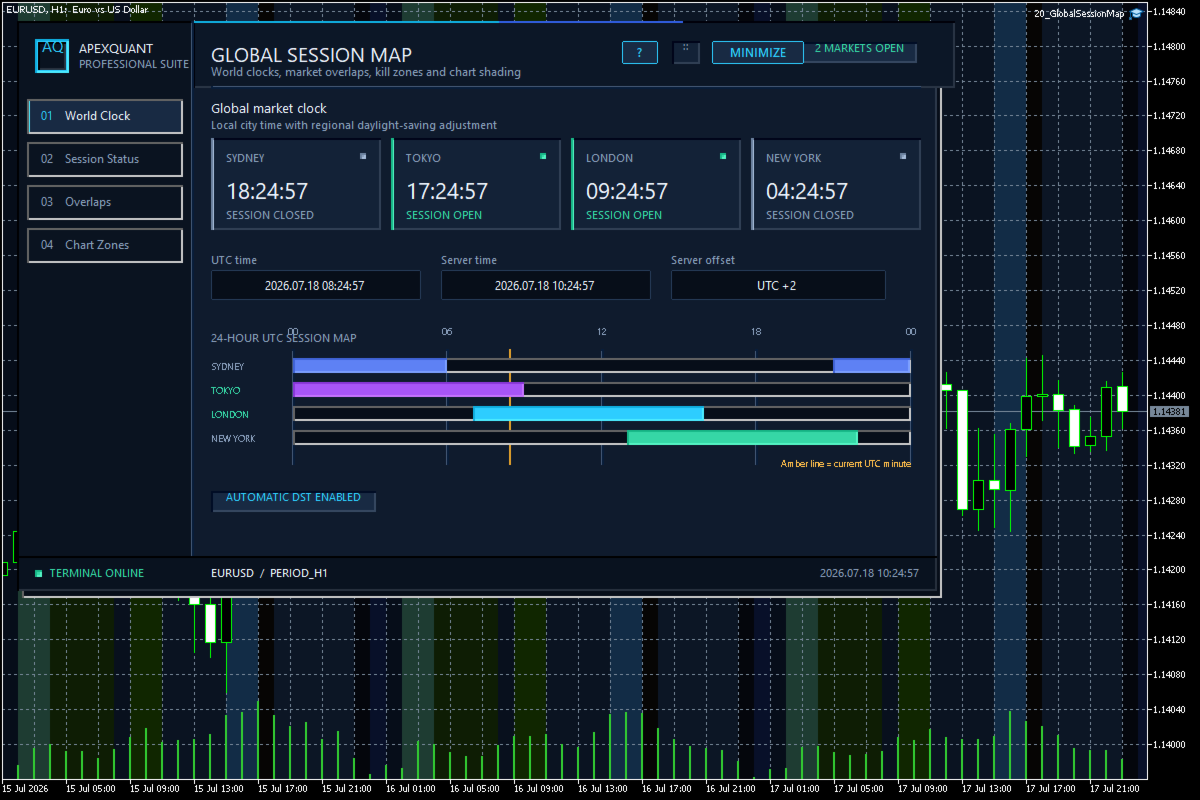
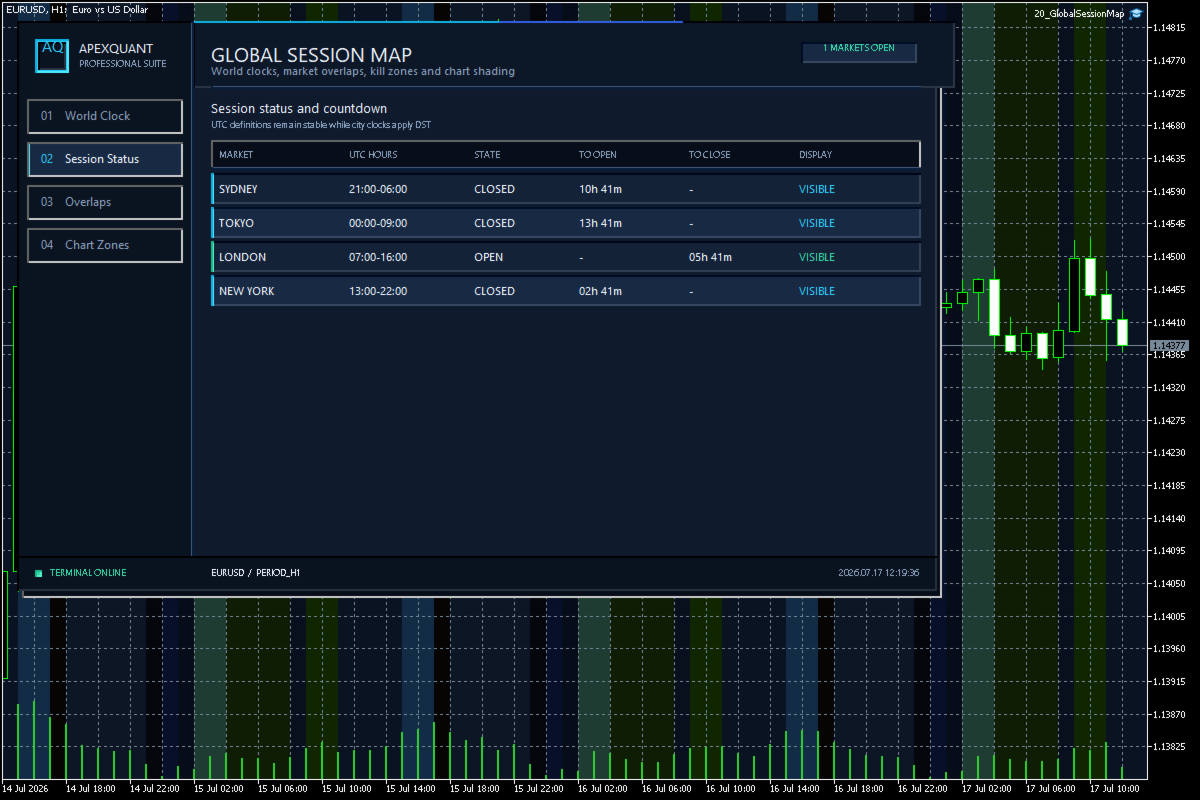
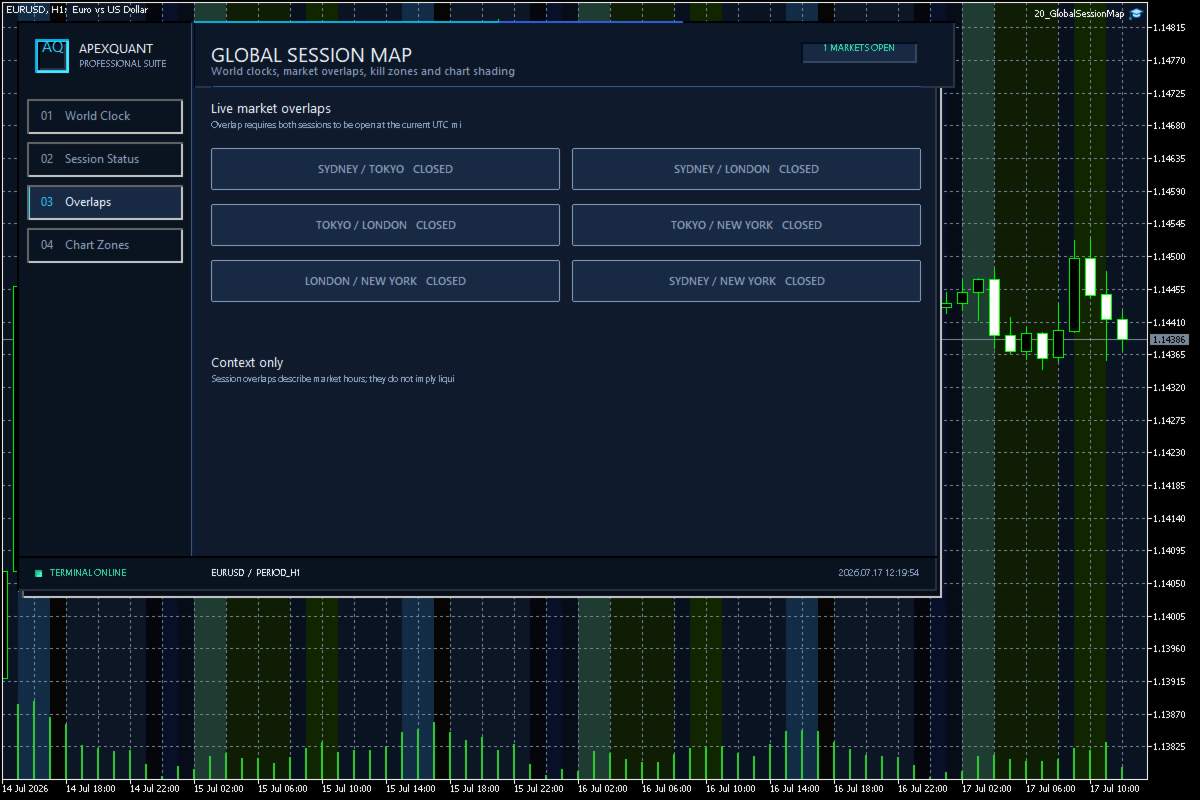
Global Session Map turns one MetaTrader 5 chart into a clear session workspace. It shows which major trading sessions are active in broker time, when the next transition occurs, and where session overlaps appear.
The panel is designed for discretionary traders who need reliable time context without entry signals or profit claims. Session windows and display preferences are configurable and remain available after chart or terminal restarts.
Main functions
• Sydney, Tokyo, London and New York session status
• Live countdown to the next session transition
• Overlap visualization
• Configurable session and kill-zone windows
• Historical session shading on the chart
• Broker-time based display
• Persisted visual preferences
• Clear handling of weekends and inactive periods
Quick start
1. Attach Global Session Map to one chart.
2. Confirm the broker server time shown by MetaTrader 5.
3. Adjust session windows if your workflow uses custom market hours.
4. Enable or disable historical shading and overlap display as required.
Important notes
Session times are displayed relative to broker server time. Broker time and daylight-saving conventions vary. This utility provides time context only; it does not predict price direction or guarantee trading results.