QBotPro
- Experts
- Versão: 1.0
- Ativações: 5

Q-Bot Pro: Adaptive Multi-Strategy Trading Engine
Q-Bot Pro is an advanced, fully automated trading engine designed specifically for modern Forex and crypto markets. The Expert Advisor uses a dynamic multi-strategy approach that combines trend-following, scalping, and grid algorithms to adapt in real time to changing market conditions.
Trading strategy and core logic
The core philosophy behind Q-Bot Pro is adaptability. Instead of relying on a single, rigid algorithm, the Expert Advisor continuously monitors market volatility, spreads, and volume profiles. Based on this data, the system dynamically switches between three different trading modes. This ensures optimal performance both in strong trending phases and in sideways markets.
The system analyzes the order book and live order flow to identify high-probability entry points. It features a proprietary risk management engine that strictly enforces a user-defined risk level and ensures that capital preservation has the highest priority. The default settings are optimized for a medium-high risk profile and use a dynamic position-sizing model based on account equity.
Key technical indicators that drive the decision matrix include Exponential Moving Averages (EMA) for trend direction, MACD for momentum shifts, and RSI for overbought/oversold conditions. The bot is specifically optimized for the BTCUSDT pair on the M1 to H1 timeframes, but with appropriate parameter adjustments it can also be applied to major Forex pairs.
Main features and functions
The Expert Advisor is equipped with a comprehensive suite of features designed for professional trading:
-
Adaptive strategy switching: Automatically switches between scalping, grid, and trend-following modes based on real-time market volatility.
-
Advanced risk management: Features hard-floor stop-loss mechanisms and dynamic take-profit targets that adapt to current market spreads and liquidity.
-
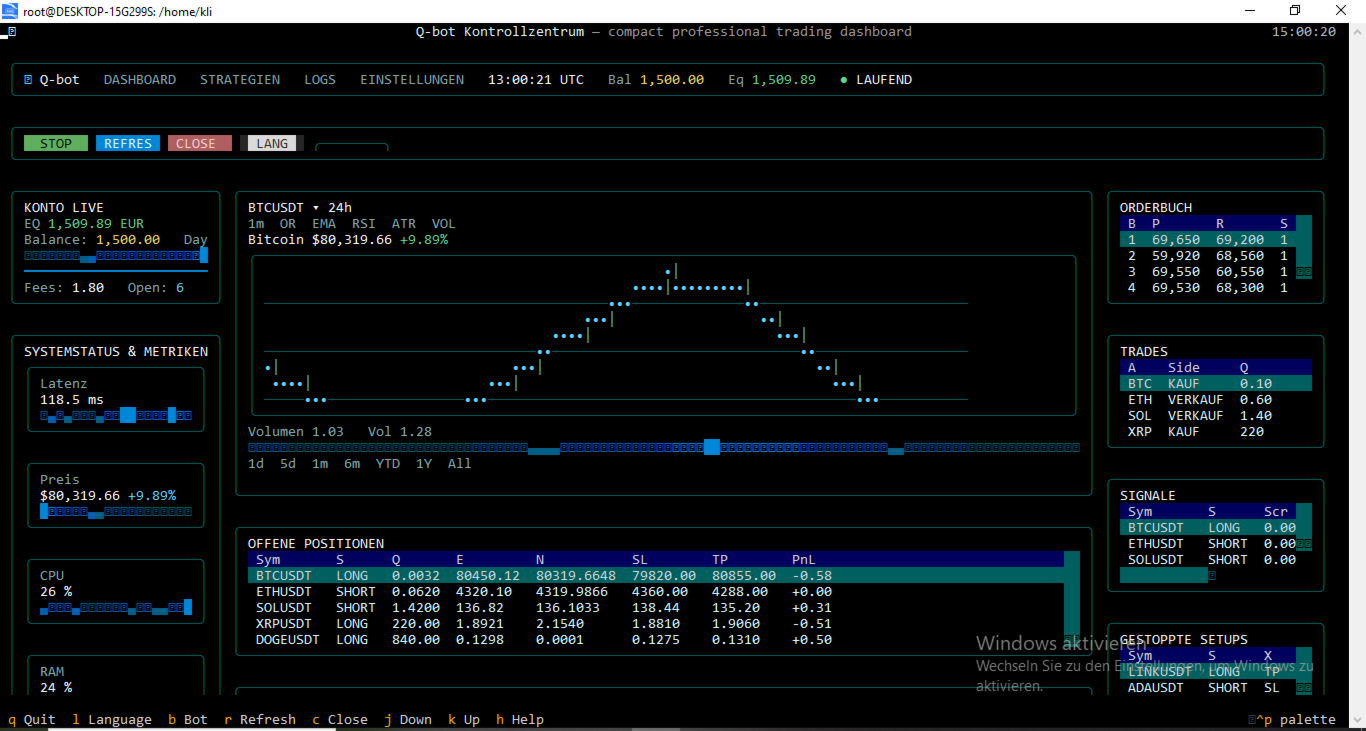
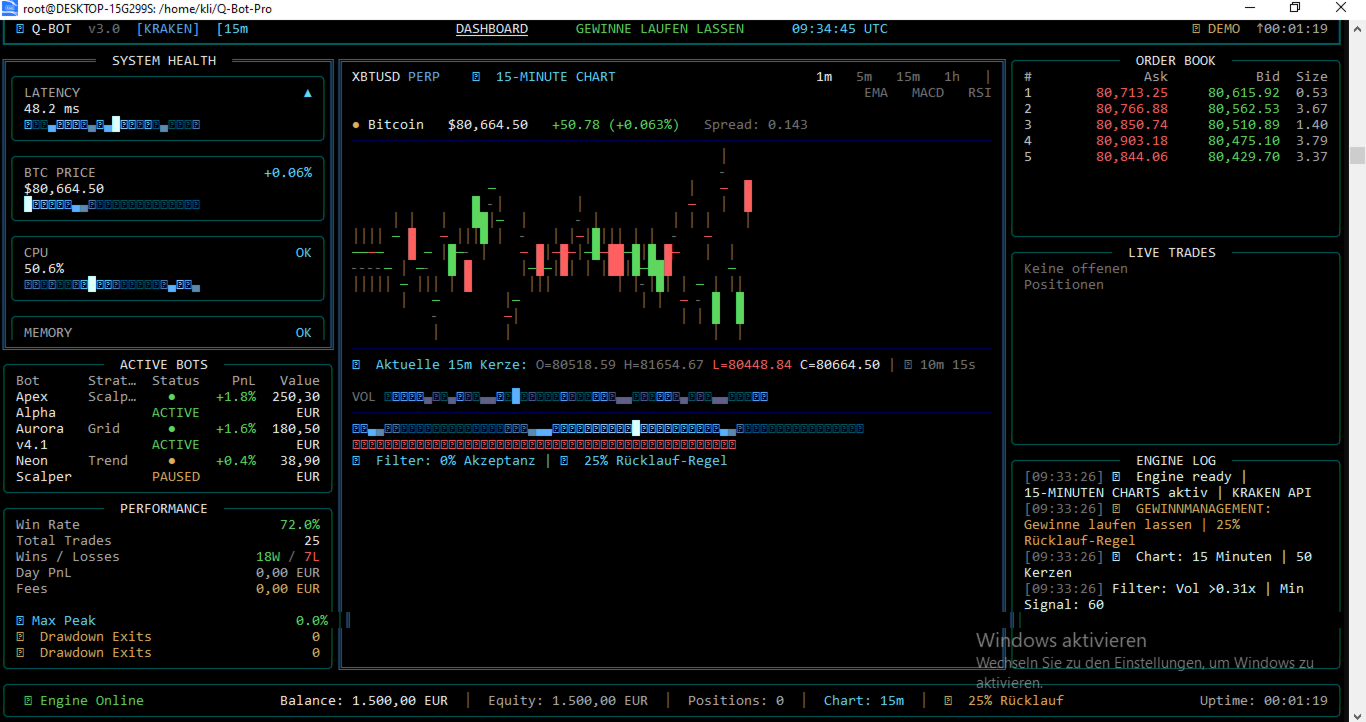
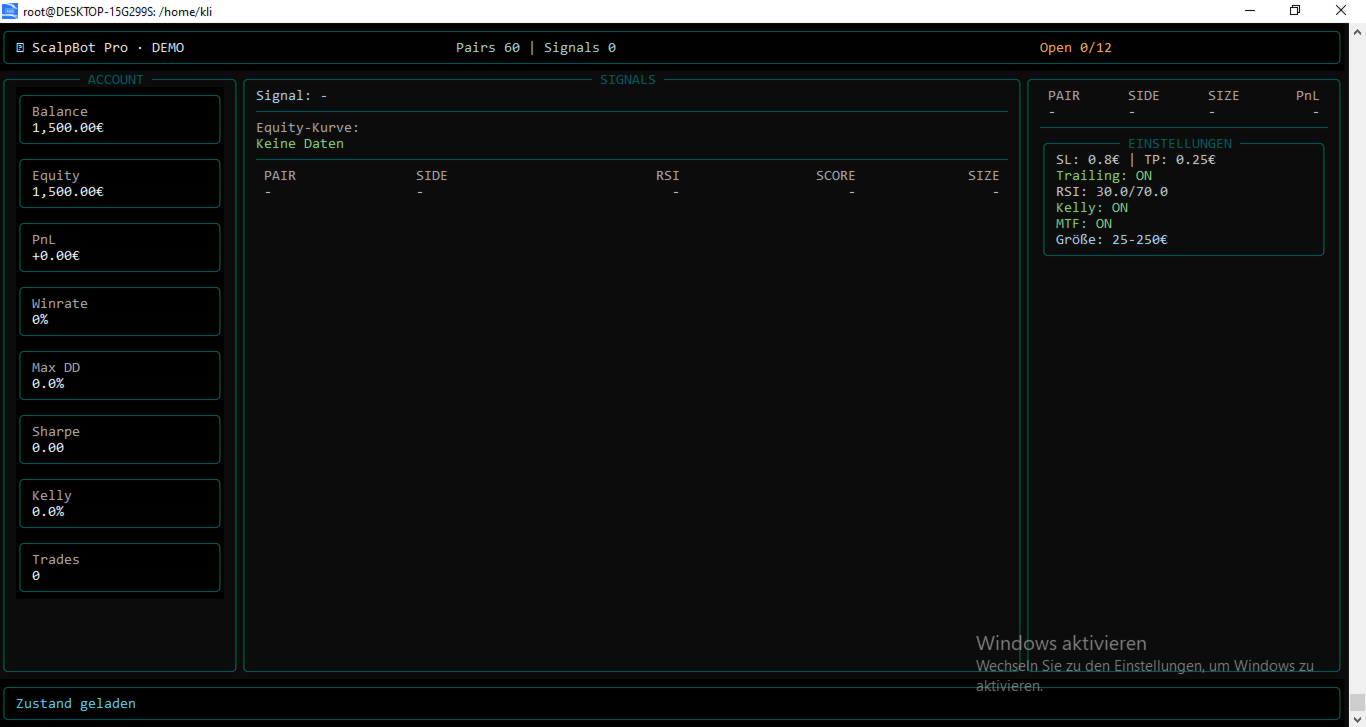
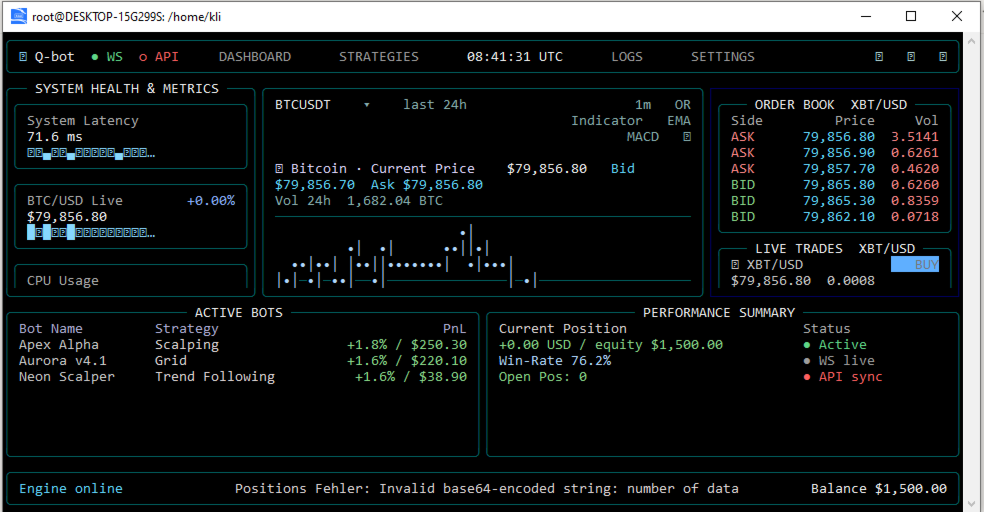
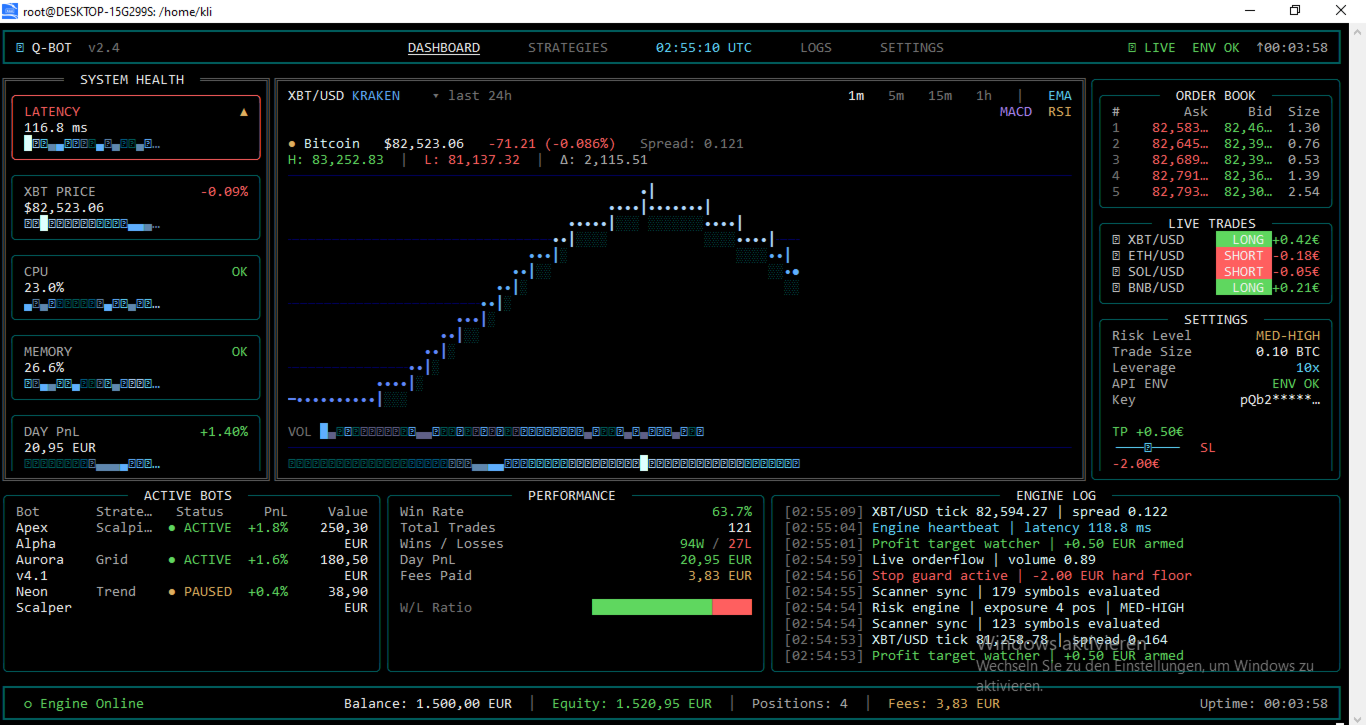
Live dashboard integration: Includes a visually appealing, terminal-based dashboard that provides real-time metrics on system latency, CPU/RAM usage, and live PnL tracking.
-
Volume profile analysis: Integrates live order-flow data to validate breakout signals and avoid false signals.
-
Plug-and-play setup: Default parameters are rigorously backtested and ready for immediate use on live accounts.
Performance and test results
Extensive backtests and forward tests have been conducted to validate the robustness of Q-Bot Pro. The system is designed to maintain a stable win rate while strictly controlling drawdowns.
In a standard test environment with an initial deposit of $1,500 and 10x leverage on the BTCUSDT pair (M1 timeframe), the Expert Advisor demonstrated consistent profitability. The strategy targets a win rate of around 72%, with a carefully managed risk‑return profile. Maximum drawdown is strictly limited by the internal risk engine to protect the account from sudden market shocks.
Users are strongly advised to run the Expert Advisor on a demo account first, in order to familiarize themselves with its behavior and evaluate performance under the specific conditions of their broker.
Installation and setup instructions
-
Attach the Expert Advisor to a BTCUSDT chart on the M1 timeframe.
-
Make sure “Allow Auto Trading” is enabled in the MetaTrader terminal.
-
The default parameters are optimized for immediate use. However, users can adjust the Risk Level and Trade Size inputs to match their personal risk tolerance.
-
For optimal performance, a low‑latency VPS connection to the broker’s trading server is strongly recommended.
Updates are in progress and will be uploaded weekly.