MTFDashboard
- 지표
-
Musa Khunarikov
 2014년부터 전문 트레이더 (10년 이상 경력). 시장: Forex, 주식, MOEX, 금속.
MQL4-MQL5 개발자. 전문 분야: 거래량 분석, 클러스터 분석, 풋프린트, 델타, 거래량 프로필.
경험과 접근 방식:
2014년부터 ATAS를 사용하여 주문 흐름, 풋프린트, 델타 및 거래량 프로필을 분석합니다. 큰 플레이어의 논리를 이해하고 거래량 기반 전략을 MQL5에서 작동하는 어드바이저와 지표로 변환합니다. 트레이더의 언어를 구사합니다 — "흡수" 또는 "델타 다이버전스"가 무엇인지 설명할 필요가 없습니다. - 버전: 1.0
- 활성화: 5
MTF Dashboard is a professional scanner panel for MetaTrader 5 that shows market structure state across multiple symbols and timeframes in one window. Automatically detects BOS (Break of Structure) and CHoCH (Change of Character) signals so you don't miss important events and don't waste time switching between charts.
Built by a trader with 12 years of live experience. Helps see the whole market picture at a glance.
🎯 What the indicator shows
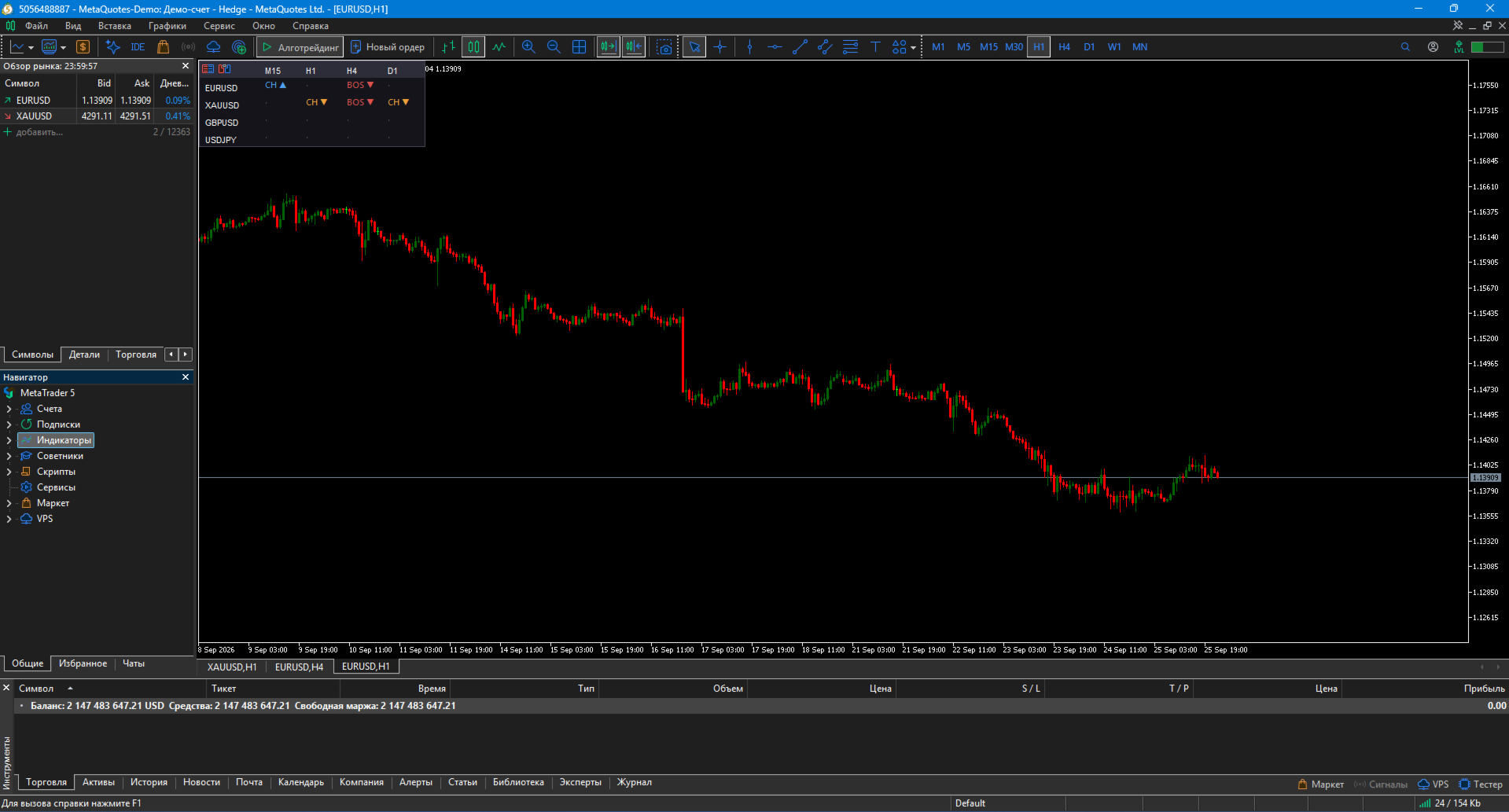
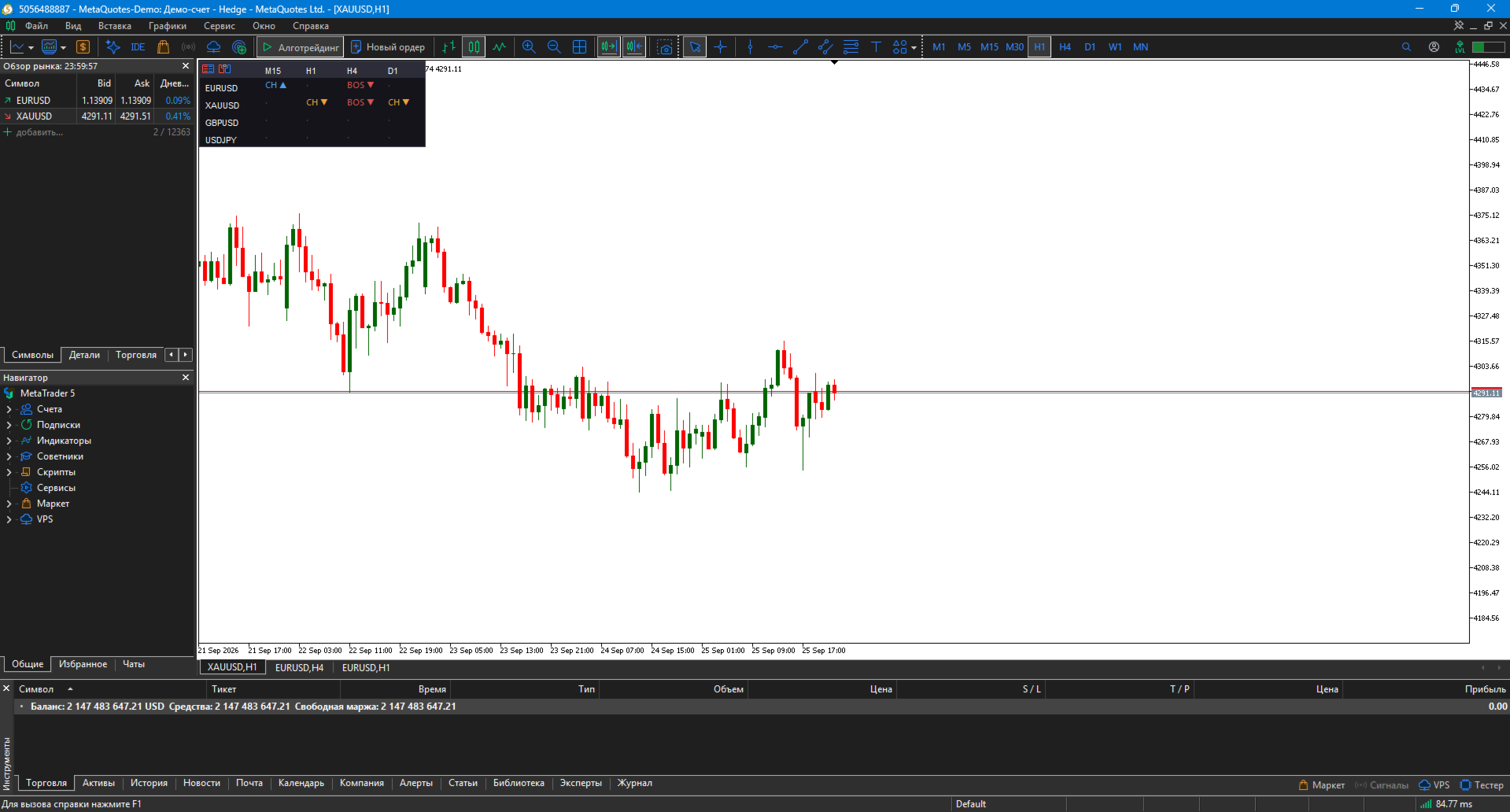
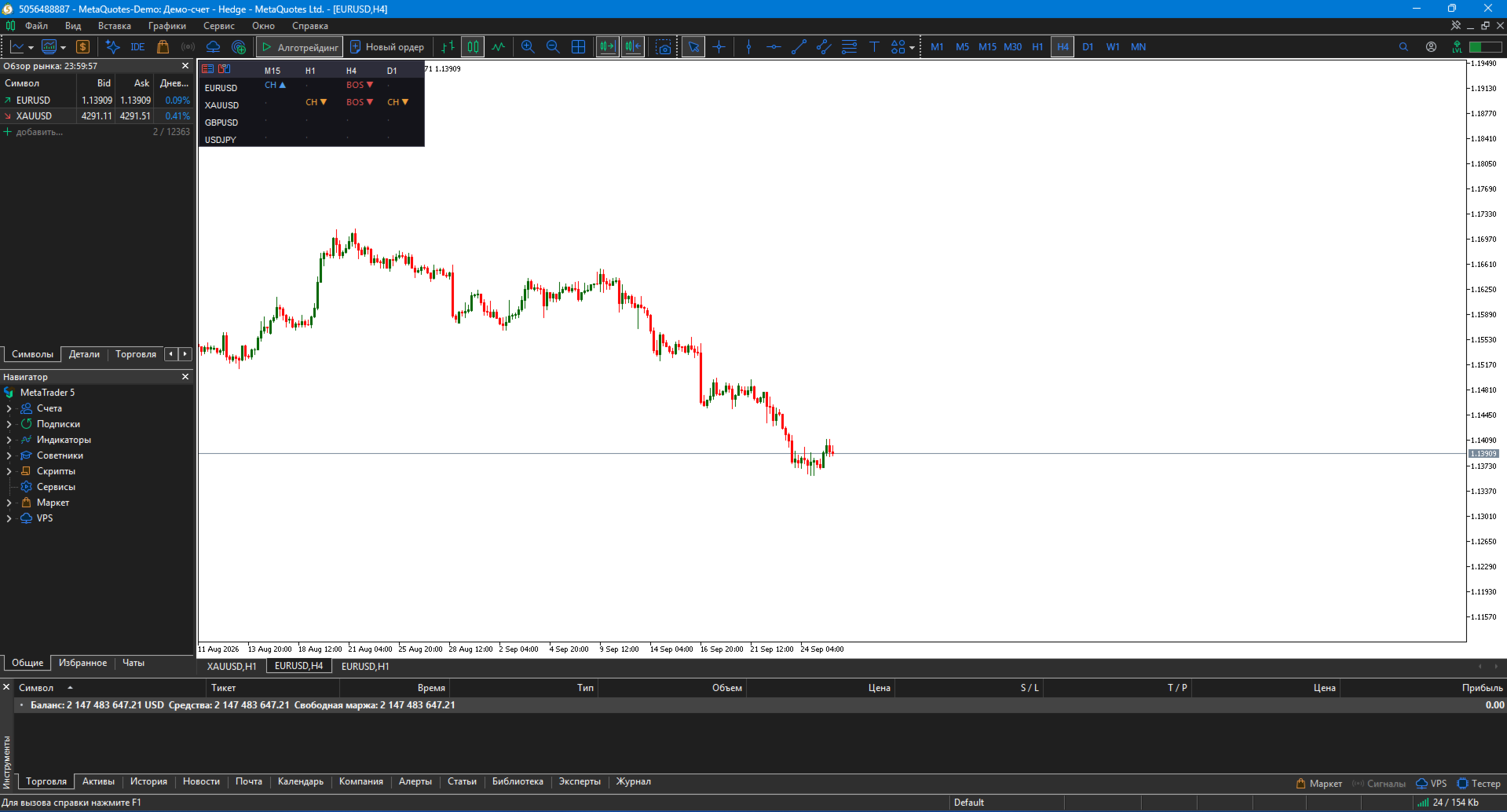
Table panel with rows (symbols) and columns (timeframes):
-
🟢 BOS ▲ — bullish break of structure (trend continuation)
-
🔴 BOS ▼ — bearish break of structure
-
🔵 CH ▲ — bullish change of character (first reversal signal)
-
🟠 CH ▼ — bearish change of character
-
⚪ · — no fresh signals
Example panel:
M15 H1 H4 D1 EURUSD CH ▲ BOS ▼ · · XAUUSD · CH ▼ BOS ▼ CH ▼ GBPUSD · · BOS ▼ · USDJPY · · · ·
✨ Key features
📈 Multi-symbol analysis
Scans up to 20 symbols simultaneously — Forex, metals, indices, crypto.
⏱ Multi-timeframe analysis
Supports up to 8 timeframes — from M1 to MN. Works with M15, H1, H4, D1 simultaneously.
🎯 Automatic BOS/CHoCH detection
Built-in algorithm analyzes swings and detects structure breaks without manual marking.
🎨 Color coding
Each signal has its own color — instantly see where the trend continues and where a reversal may happen.
🖱 Draggable panel
Panel can be dragged with the mouse anywhere on the chart. Position is saved between sessions.
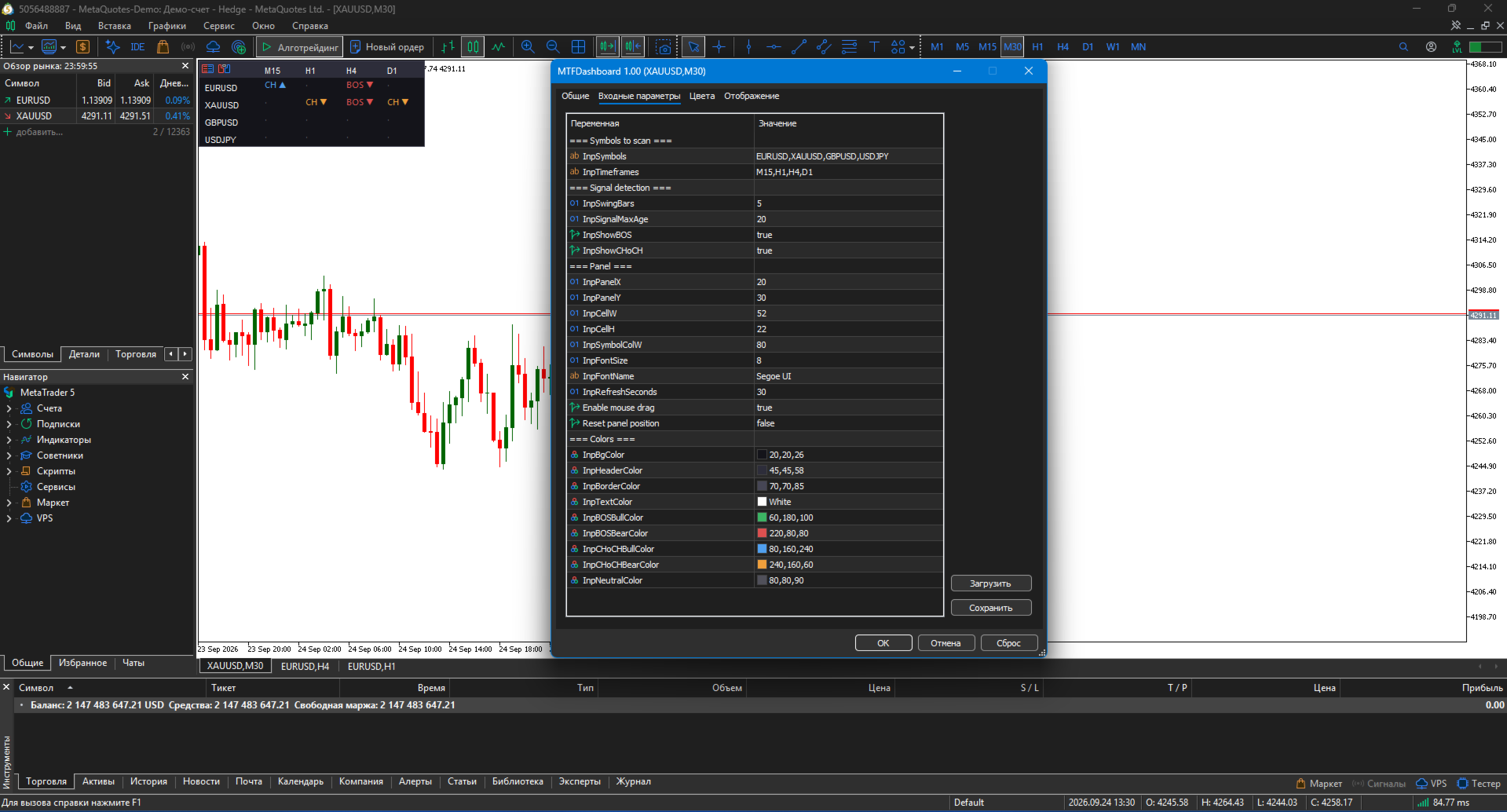
⚙️ Flexible settings
-
Symbol and timeframe lists are configured manually
-
Sensitivity adjustment (swing bars count)
-
Signal freshness filter
-
Show BOS only, CHoCH only, or both
-
Cell size, font, and color customization
🔔 Signal types
BOS (continuation) and CHoCH (reversal) — classic ICT/SMC concepts.
🛠️ How to use
1. Installation
-
MT5: copy .ex5 to MQL5/Indicators/
-
Restart terminal, drag onto any chart
2. Symbol list setup
InpSymbols = "EURUSD,XAUUSD,GBPUSD,USDJPY" 3. Timeframe setup
InpTimeframes = "M15,H1,H4,D1"
4. Recommended settings
| Trading style | Symbols | Timeframes | SwingBars |
|---|---|---|---|
| Scalping | EURUSD, GBPUSD, XAUUSD | M5, M15, H1 | 3 |
| Intraday | EURUSD, GBPUSD, XAUUSD, USDJPY | M15, H1, H4 | 5 |
| Swing | EURUSD, GBPUSD, XAUUSD, US500 | H1, H4, D1 | 7 |
5. Trading scenarios
-
BOS across all timeframes — strong trend, trade with it
-
CHoCH on higher TF + BOS on lower TF — reversal with confirmation
-
Timeframe divergence — market in consolidation, better wait
-
BOS on lower + CHoCH on higher — potential reversal
📋 Implementation notes
-
Pure MQL5 — no DLLs, no external dependencies
-
Works on any instrument: Forex, crypto, metals, indices
-
No repaint
-
Optimized performance — data updates at configured interval
-
All timeframes supported
⚠️ Important warning
MTF Dashboard is not a trading system. It's a market structure analysis tool. The indicator doesn't provide buy/sell signals — it shows where important structure events occur.
Using the indicator does not guarantee profit. All trading decisions are made by the trader.
🏆 About the developer
Created by Musa Khunarikov — trader with 12 years of live experience. 51 certifications from "Finam" training center in trading, algo trading, and MetaTrader.
Services: EA development, indicators, panels, trading system audit.
📞 Support
30 days of free support after purchase. Bug fixes within 48 hours.