DCAMachineBasicEditon
- Experts
- 버전: 3.0
- 업데이트됨: 13 7월 2026
- 활성화: 5

DCA_Machine Basic Edition
Overview
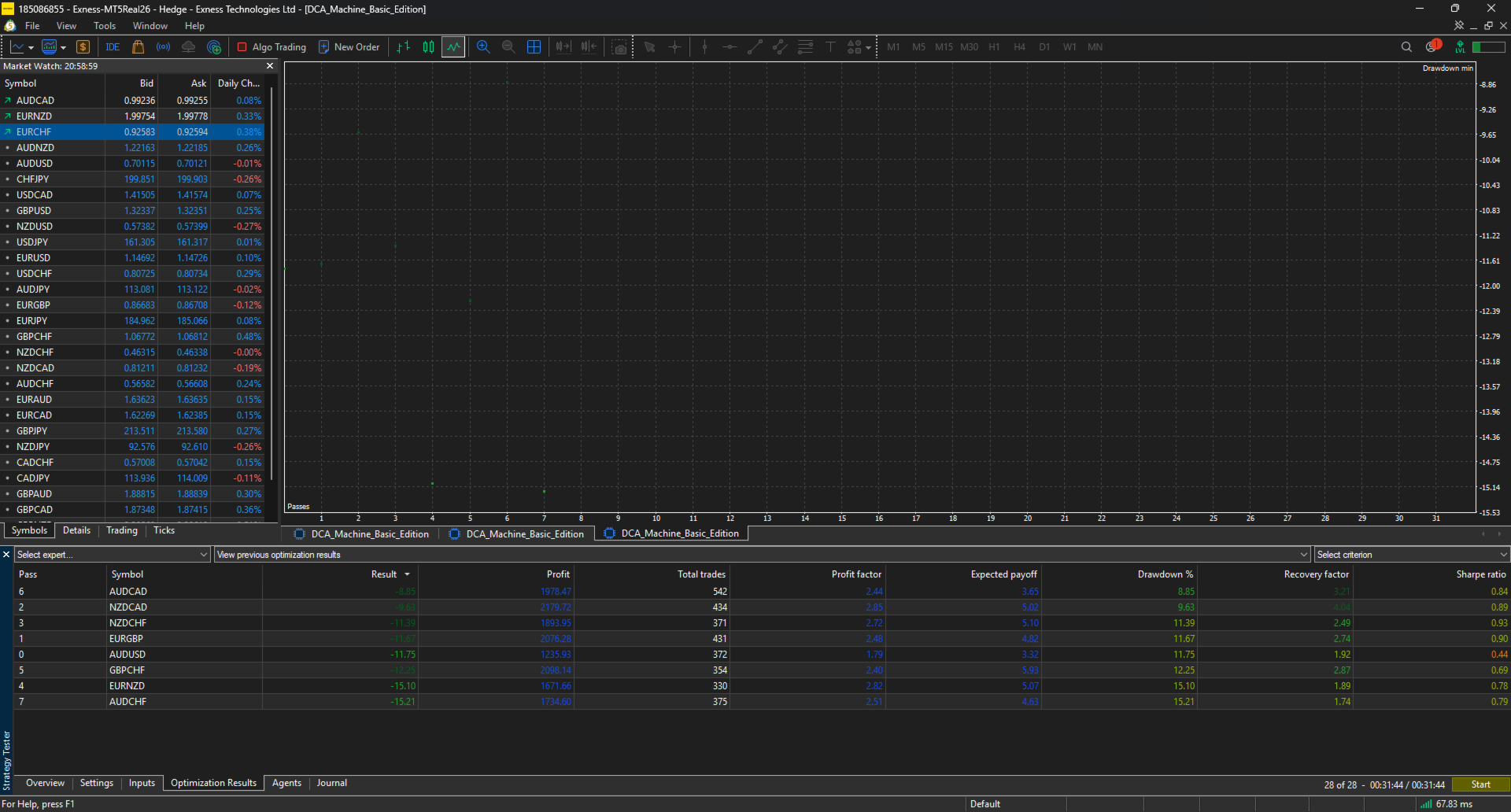
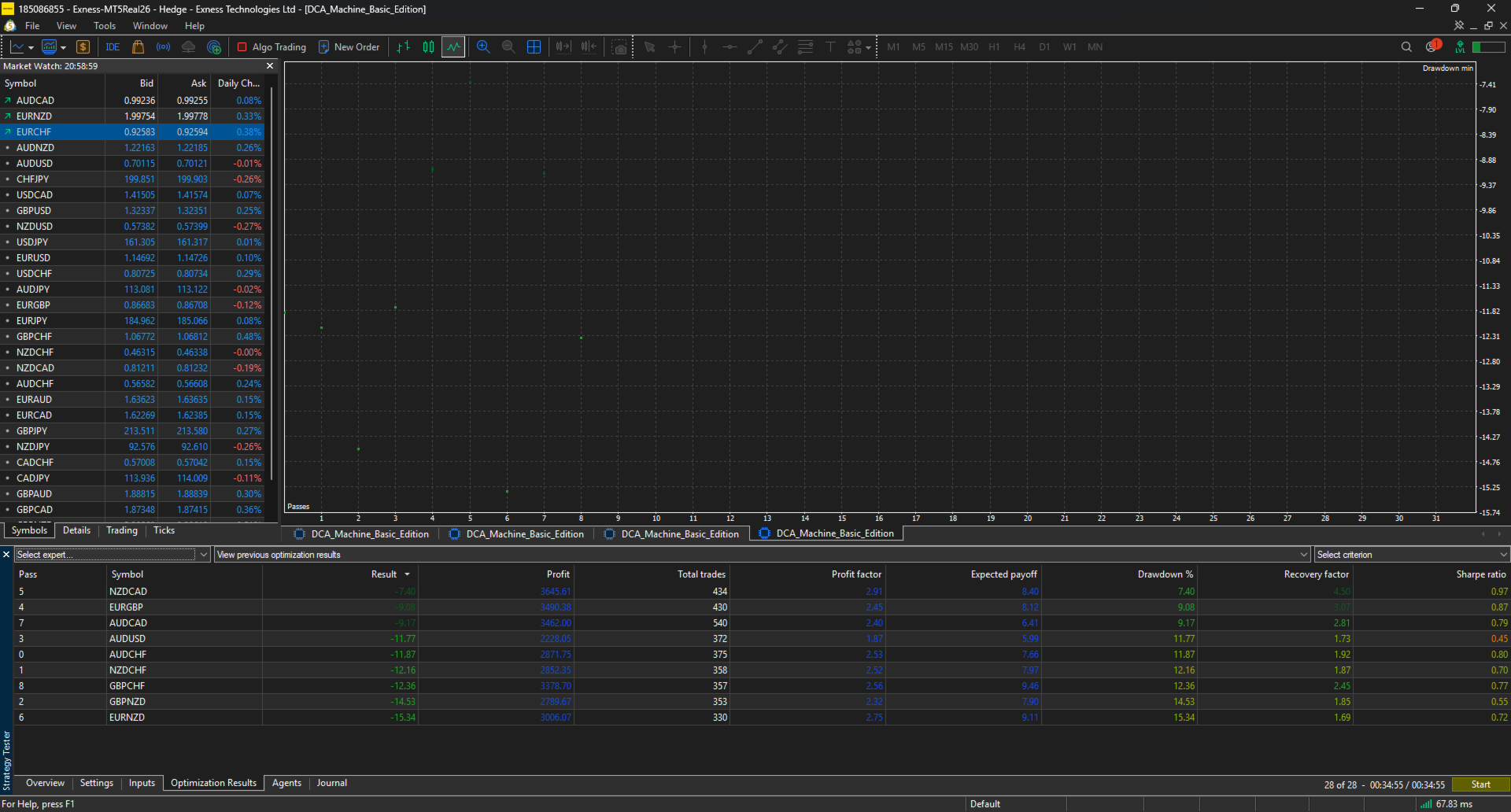
DCA_Machine Basic is an advanced grid-based Expert Advisor (EA) developed through extensive research, optimization, and historical testing across multiple Forex broker servers and market conditions.
The trading model has been carefully refined to focus only on the most stable and reliable currency pairs that have demonstrated strong consistency in both backtesting and live trading environments. The objective is to provide a balanced approach between profitability, stability, and risk control.
Input Parameters
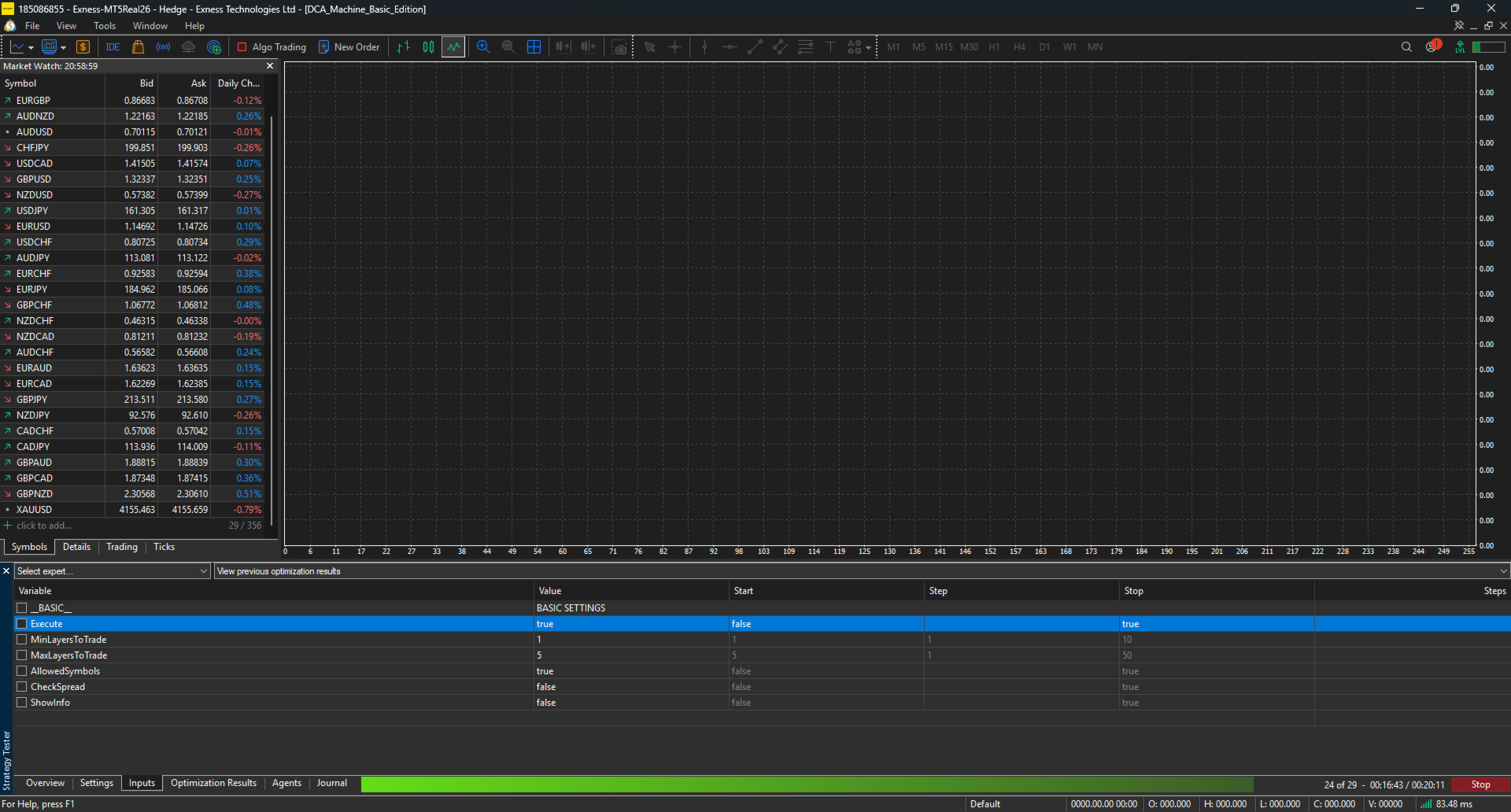
Execute
Enable or disable new trade execution.
-
true = EA is allowed to open new trades.
-
false = EA will not open new trades.
This option is useful when you want to temporarily pause trading without removing the EA from the chart.
MinLayersToTrade
Defines the minimum number of grid layers required before the EA starts managing and trading a basket.
If the number of layers is below this threshold, the EA will avoid trading actions in order to maintain sufficient basket structure for profitable exits.
This helps improve the efficiency of the grid recovery mechanism.
MaxLayersToTrade
Defines the maximum number of grid layers allowed.
This is one of the most important risk management features of DCA_Machine.
By limiting the maximum number of positions, traders can control account exposure and prevent excessive risk accumulation during prolonged market movements.
Many users consider this feature highly valuable because it provides a simple and effective way to control drawdown and overall account risk.
AllowedSymbols
Enable or disable trading only on the predefined list of carefully selected symbols.
-
true = Trade only the symbols that have been extensively tested and validated for stability and consistency.
-
false = Trade any symbol of your choice.
Please note that trading symbols outside the recommended list may not be suitable for the DCA_Machine Basic strategy model.
If you wish to customize symbol selection and access more advanced filtering capabilities, upgrading to the Pro or Premium edition is recommended.
CheckSpread
Enable or disable spread protection.
When enabled, the EA will only enter trades when spread conditions remain within acceptable levels.
This helps avoid entries during:
-
High-impact news events
-
Sudden volatility spikes
-
Low-liquidity market conditions
-
Abnormal spread widening
Spread protection is designed to improve execution quality and reduce unnecessary trading risk.
ShowInfo
Enable or disable the on-screen information panel.
When enabled, the EA displays detailed operational information directly on the chart, allowing traders to monitor trading activity and EA status more conveniently.
Watch the complete installation and setup guide here:
Risk Disclosure
Trading Forex and CFDs involves a high level of risk and may not be suitable for all investors. The use of leverage can work both for and against you. Before deciding to trade, you should carefully consider your investment objectives, level of experience, and risk tolerance.
Past performance, backtesting results, optimization reports, and forward testing results are not indicative of future performance. No trading system, strategy, or Expert Advisor can guarantee profits or eliminate the risk of loss.
DCA_Machine is a trading tool designed to assist in trade execution and risk management. Users remain fully responsible for all trading decisions and the management of their trading accounts.
Only trade with capital that you can afford to lose.