ZoneBlockX for MT4
- 지표
- 버전: 1.5
- 업데이트됨: 4 3월 2026
- 활성화: 5

ZoneBlockX — Smart Order Block Detector for MetaTrader 4
How It Works
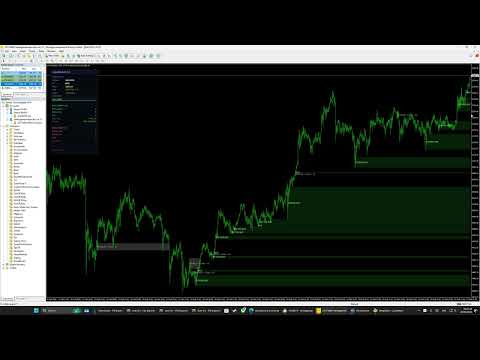
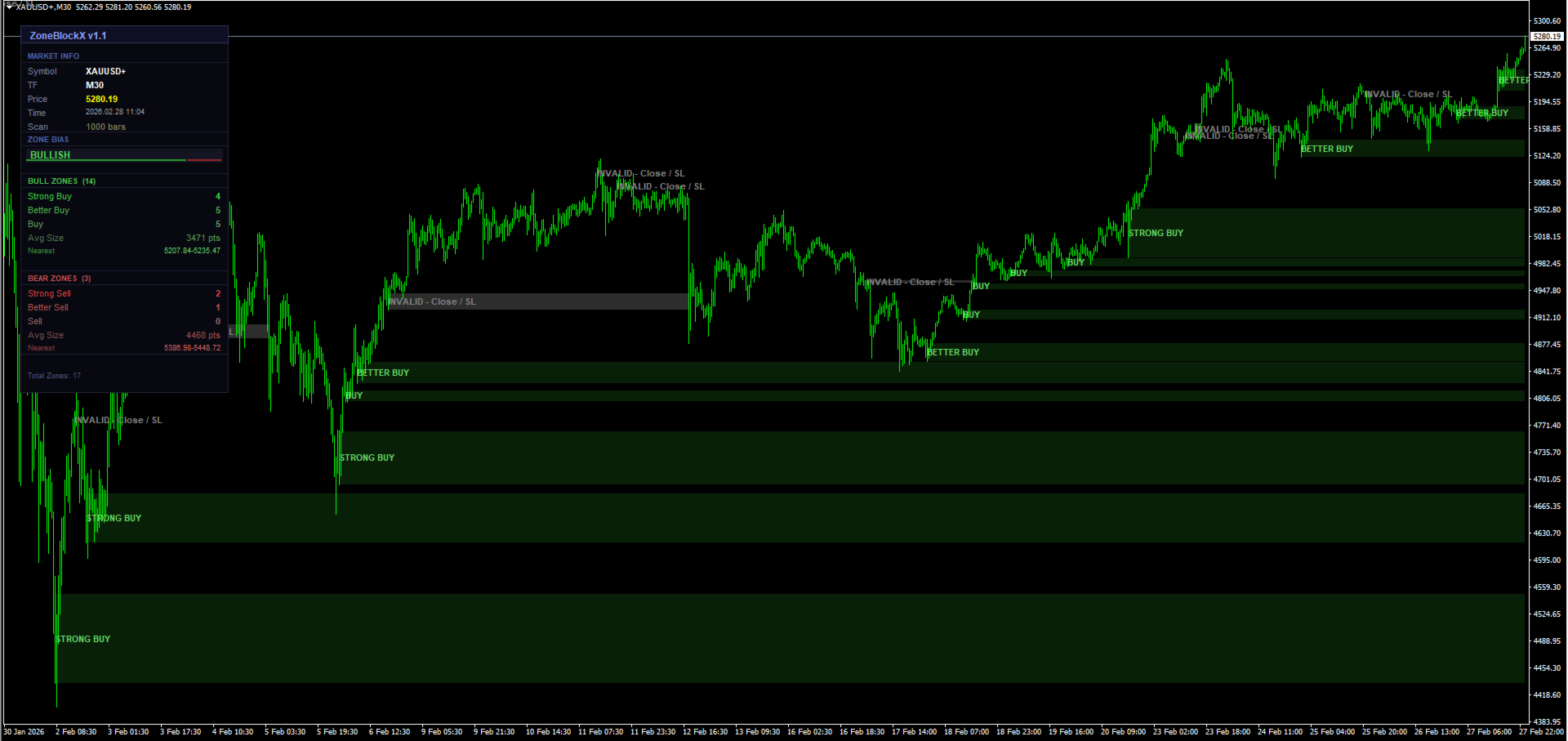
Once detected, each zone is evaluated for mitigation. A zone is considered mitigated (invalidated) when price closes beyond the zone boundary — below the low for Bull Zones, or above the high for Bear Zones — indicating the level has been fully consumed. Mitigated zones are marked with an "INVALID - Close / SL" label in gray, indicating the level has been consumed and should be treated as a potential stop loss reference rather than an active reaction zone. Mitigated zones can be optionally displayed in a faded, dotted style for reference, or hidden entirely to keep the chart clean.
Zone Strength Classification
- Strong Buy / Strong Sell : Top 34% of zones by size. These represent the most significant institutional levels and carry the highest probability of a meaningful price reaction.
- Better Buy / Better Sell : Middle 33% of zones. Solid levels with above-average relevance.
- Buy / Sell : Bottom 33% of zones. Valid zones but with relatively smaller price ranges.
Overlap Filtering
When two zones overlap in price, ZoneBlockX applies an automatic conflict resolution system. If one zone is active and the other is mitigated, the mitigated zone is discarded. If both zones share the same mitigation status, the larger zone takes precedence and the smaller one is removed. This ensures the chart displays only the most relevant, non-redundant levels at any given time.
Market Bias Engine
ZoneBlockX includes a built-in bias scoring system. Each zone contributes a weighted score based on its strength classification:
- Strong Buy / Strong Sell = 3 points
- Better Buy / Better Sell = 2 points
- Buy / Sell = 1 point
The overall balance of bull and bear scores determines the current market bias, displayed as one of three states:
- Bullish : Bull score exceeds bear score by more than 30%.
- Bearish : Bear score exceeds bull score by more than 30%.
- Neutral : No meaningful imbalance detected between the two sides.
Information Panel
A fully integrated on-chart panel displays all key data in real time, organized into four sections:
- Market Info : Symbol, timeframe, current price, server time, and scan range.
- Zone Bias : Current directional bias with a visual bull/bear ratio bar.
- Bull Zones : Count of Strong Buy, Better Buy, and Buy zones; average zone size in points; and the nearest active demand zone price range.
- Bear Zones : Count of Strong Sell, Better Sell, and Sell zones; average zone size in points; and the nearest active supply zone price range.
The panel position, background color, and text color are fully customizable.