Phoenix Graphics Timer
- 지표
-
Nigel Nii Darku Narnor Darko
 At Phoenix Trading, we engineer high-precision MQL5 Expert Advisors to turn volatility into opportunity. Our EAs combine ultra-fast execution with data-driven risk management to eliminate bias and maximise efficiency. We provide institutional-grade automation for forex, gold, and indices to retail
 - 버전: 1.1
Ever wonder when next candle is due?..
This indicator, developed for the Phoenix Trading suite (v3.06), is a high-precision Visual Utility and Time-Management Dashboard. It is designed to bridge the gap between institutional-grade aesthetic and retail functional needs by providing a clean, non-intrusive environment for professional traders.
Key Features
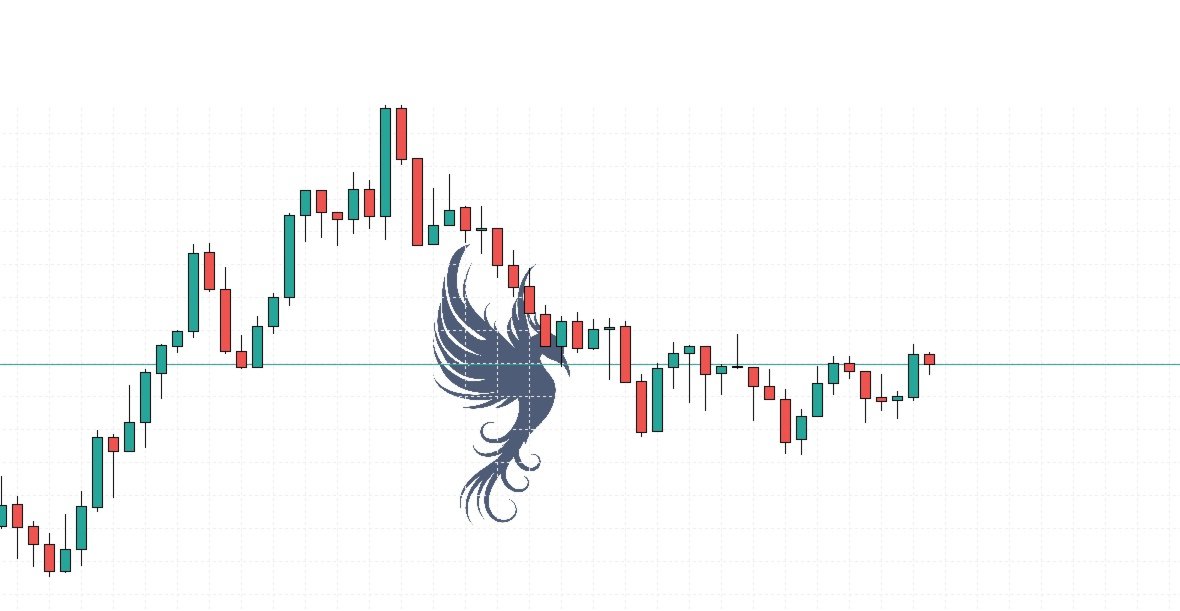
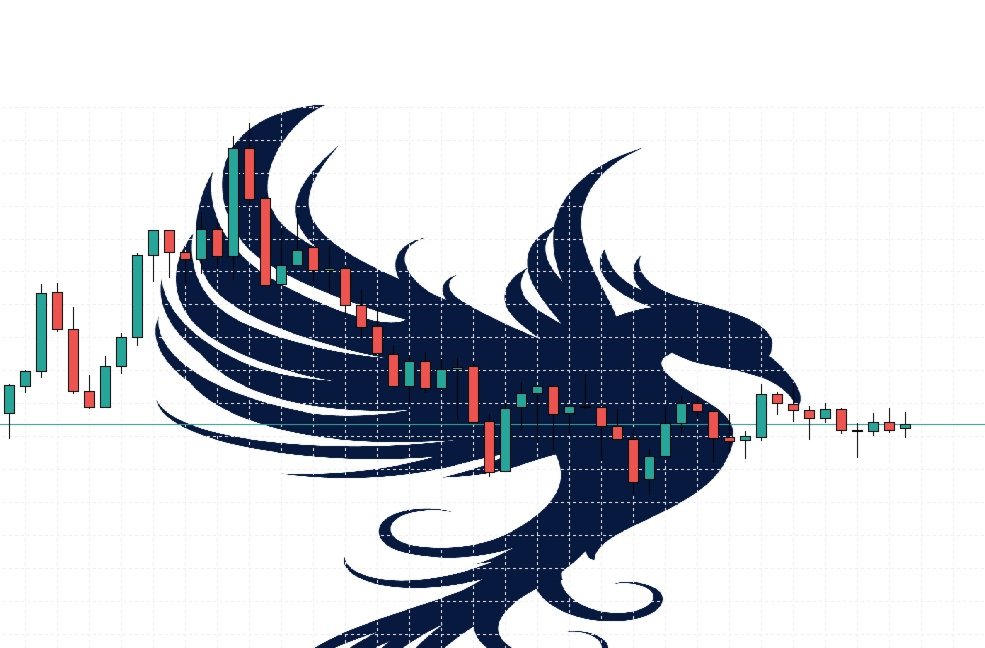
Dynamic Phoenix Branding: A centrally-anchored, high-definition logo that automatically scales to your chart size. It uses an ARGB Alpha-channel for custom opacity, ensuring it doesn't obstruct price candles.
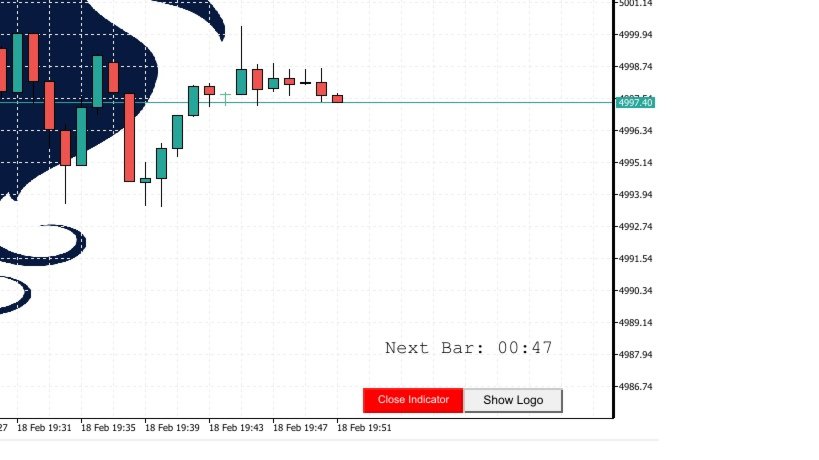
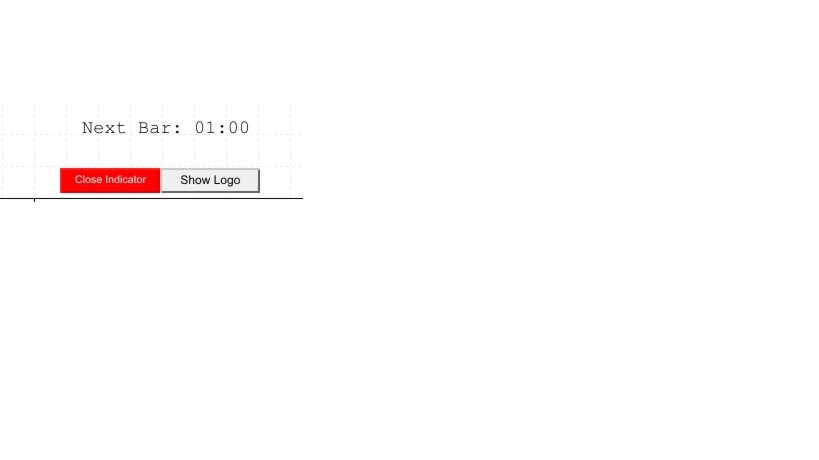
Smart Candle Countdown: A high-contrast timer (positioned in the lower-right) that tracks the exact time remaining in the current bar.
Visual Urgency Logic: The timer automatically switches from Black to Red when less than 10 seconds remain, providing a subconscious cue for imminent trade decisions or candle closes.
Integrated Control Suite: Features a "Hide Logo" toggle for moments of intense analysis and a "Close Indicator" button for an instant, clean removal from the chart.
Benefits to the Trader
1. Elimination of "Time-Blindness"
The most critical moments in trading happen at the candle close. By having a countdown that changes color in the final 10 seconds, you avoid entering late or missing a setup. It acts as a psychological pacer, keeping you synchronized with the market's rhythm.
2. Institutional-Grade Aesthetics
A cluttered chart leads to "decision fatigue." This indicator provides a professional, branded feel that replaces the messy default MetaTrader look. The centered-anchor logic ensures your workspace feels organized and premium, regardless of your monitor resolution.
3. Reduced Cognitive Load
By consolidating the timer and branding into a single, toggleable utility, you free up mental energy. You no longer need to look at the "Market Watch" or a separate clock to know when the next bar starts; the information is delivered exactly where your eyes are—on the price chart.
4. Instant Workspace Control
Trading requirements change. If you need a completely "raw" chart for a moment, the one-click toggle allows you to strip away the graphics without having to open the Indicator List (Ctrl+I).