 MetaTrader 5
 Experts
 지표
지표
 스크립트
스크립트
 라이브러리
라이브러리
 보관함
보관함
당사 팬 페이지에 가입하십시오
- 게시자:
-
Ali Akbar
 Hi, I'm Ali. 24 years old, trading for around 5 years, and developing MQL5/MQL4 tools. I mainly work on automating manual strategies, fixing broken EA logic, and building clean indicators. I care more about clean architecture and proper risk management than over-complicated code. Always down to talk
 - 조회수:
- 827
- 평가:
- 게시됨:
- 업데이트됨:
-
 이 코드를 기반으로 한 로봇이나 지표가 필요하신가요? 프리랜스로 주문하세요
프리랜스로 이동
이 코드를 기반으로 한 로봇이나 지표가 필요하신가요? 프리랜스로 주문하세요
프리랜스로 이동


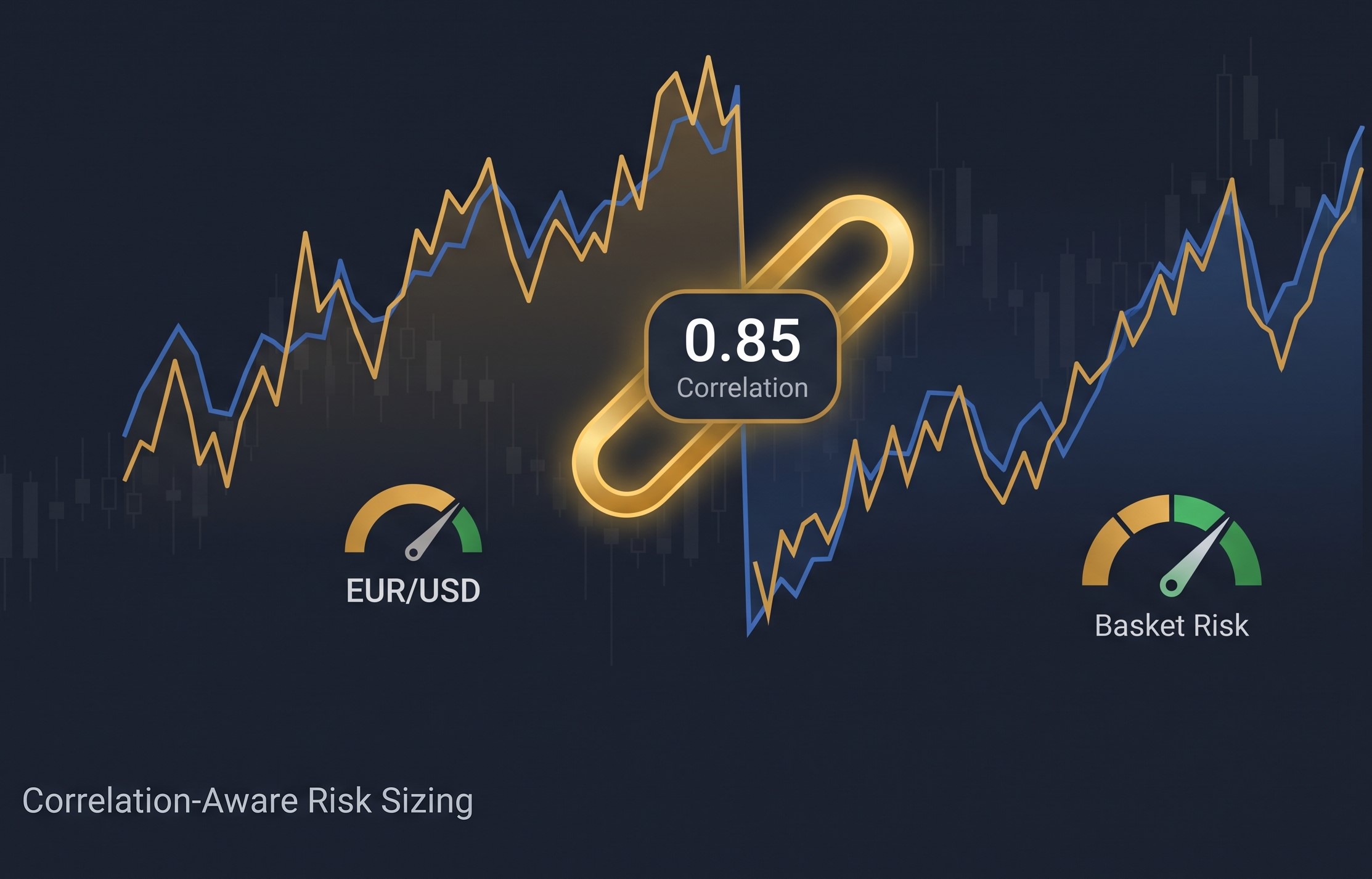
I got tired of position size calculators that only look at the trade you're about to open and ignore everything else sitting on your account. If you're already long EURUSD and you open GBPUSD too, most calculators will happily size that second trade using your full risk % again — even though the two pairs move together most of the time and you've basically doubled your bet on the dollar without realizing it.
 Prop Firm Rule Checker
Checks your trade history against common prop-firm challenge rules — profit target, max daily loss, max drawdown, consistency rule, and minimum trading days — with a clear PASS/FAIL report.
 GDS Renko Donchian Demo EA
A small educational Expert Advisor showing how a classic Donchian breakout can be applied directly to completed Renko bricks.
Risk-Based Lot Size Calculator
A simple MQL5 script that calculates the correct lot size for a trade based on your account risk percentage and stop loss distance in pips, so every trade risks a consistent, controlled amount of your balance.
Server Time Offset: the three clocks in MQL5 and how timestamps shift on export
A datetime in MQL5 is seconds since 1970 - but server time (TimeCurrent, bar times, deal times) is the broker's wall clock stored AS IF it were UTC. Export it to CSV, read it in Python or a spreadsheet with a "seconds since 1970 UTC" parser, and every timestamp shifts by the server's UTC offset. On a UTC-3 broker that is three hours: the daily bar dated 00:00 reads as 21:00 of the previous day, and "yesterday's session" silently becomes "today's, half formed". That happened to a morning report of mine before this script existed. The script prints TimeTradeServer, TimeCurrent, TimeGMT and TimeLocal, the three offsets between them, the tick lag, and this chart's last bar time in server time and in real UTC - then states the rule: export server timestamps as wall-clock text, or export the epoch together with the offset, and never let the consumer apply its own timezone.