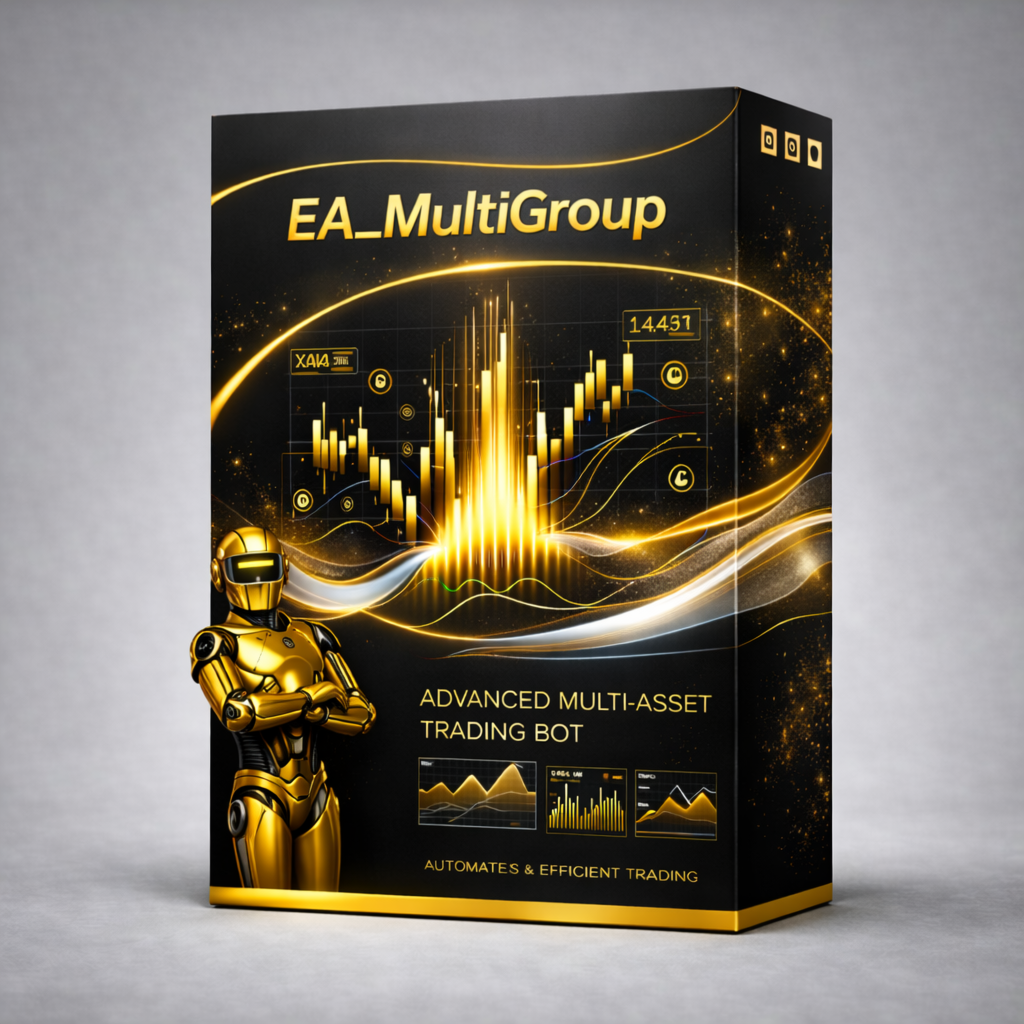
MultiGroupScalpingRSIBB
- エキスパート
- バージョン: 2.0
- アクティベーション: 5

High-Converting Promo Version
🚀 GLOBAL EA GRAND LAUNCH — 70% OFF
Trade Above the Rest
The wait is over. Our flagship EA is now available at an exclusive 70% launch discount for traders worldwide.
Limited-Time Offer:
15 March - 30 April 2026
Launch Offers
-
1 Month: $60 (Regular $200)
Perfect for beginners and trial users. -
3 Months: $150 (Regular $500)
Great for conservative traders who want more testing time. -
6 Months: $240 (Regular $800)
Designed for traders focused on medium-term results. -
12 Months: $360 (Regular $1,200)
The best-value plan for serious long-term users.
What Makes This EA Stand Out?
-
Fully automated trading system
-
Designed for low drawdown
-
Smart recovery and adaptive trend logic
-
Supports Gold, Silver, and Major Pairs
-
Built for traders who want performance with discipline
This is not just a discount. It is your chance to enter with premium pricing before the launch phase ends.
Start smarter. Scale stronger. Trade above the rest.
MT5/TF1m.
Symbols: XAUUSD / XAGUSD / GOLD# (broker naming may vary)
Timeframe: M1 recommended (please keep consistent)
Account: Hedging recommended (supports simultaneous BUY/SELL baskets)
# MultiGroupScalpingRSIBB (v2.0)
Dual-basket RSI + Bollinger scalping grid EA with Spread Guard, Micro/Cent lot mode, and on-chart controls.
## Overview
MultiGroupScalpingRSIBB manages two independent baskets on the same symbol:
- BUY basket (Magic = 11111)
- SELL basket (Magic = 22222)
It uses RSI + Bollinger-based conditions for FIRST entry, then manages GRID additions and a basket take-profit (TP) in points.
## Key Features
- Two baskets (BUY/SELL) managed independently (Magic 11111 / 22222)
- Basket TP in points (InpClosePoints) using average price logic
- Spread/Slippage protection (blocks first entry, grid, and manual buttons when spread is too high)
- Micro/Cent lot mode with optional force mode
- Thailand (UTC+7) no-trade windows for FIRST entry only (grid is allowed if a basket is already open)
- Adopt external/manual positions (Magic=0) into basket logic (optional)
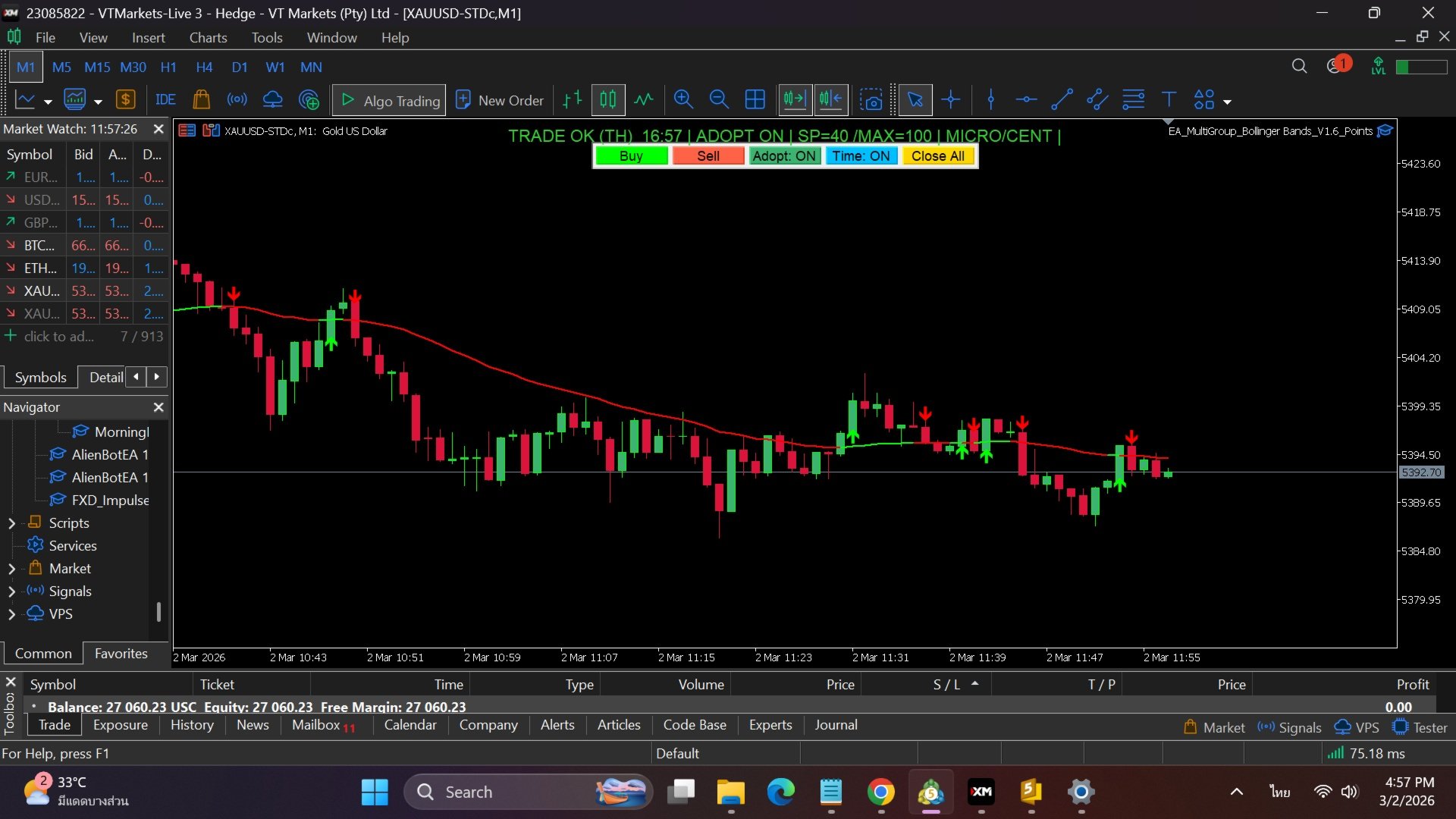
- On-chart buttons: Buy / Sell / Adopt / Time / Close All + status label dashboard
## IMPORTANT: Demo Version Testing (Market Rule)
A demo version of an Expert Advisor cannot run on a live chart.
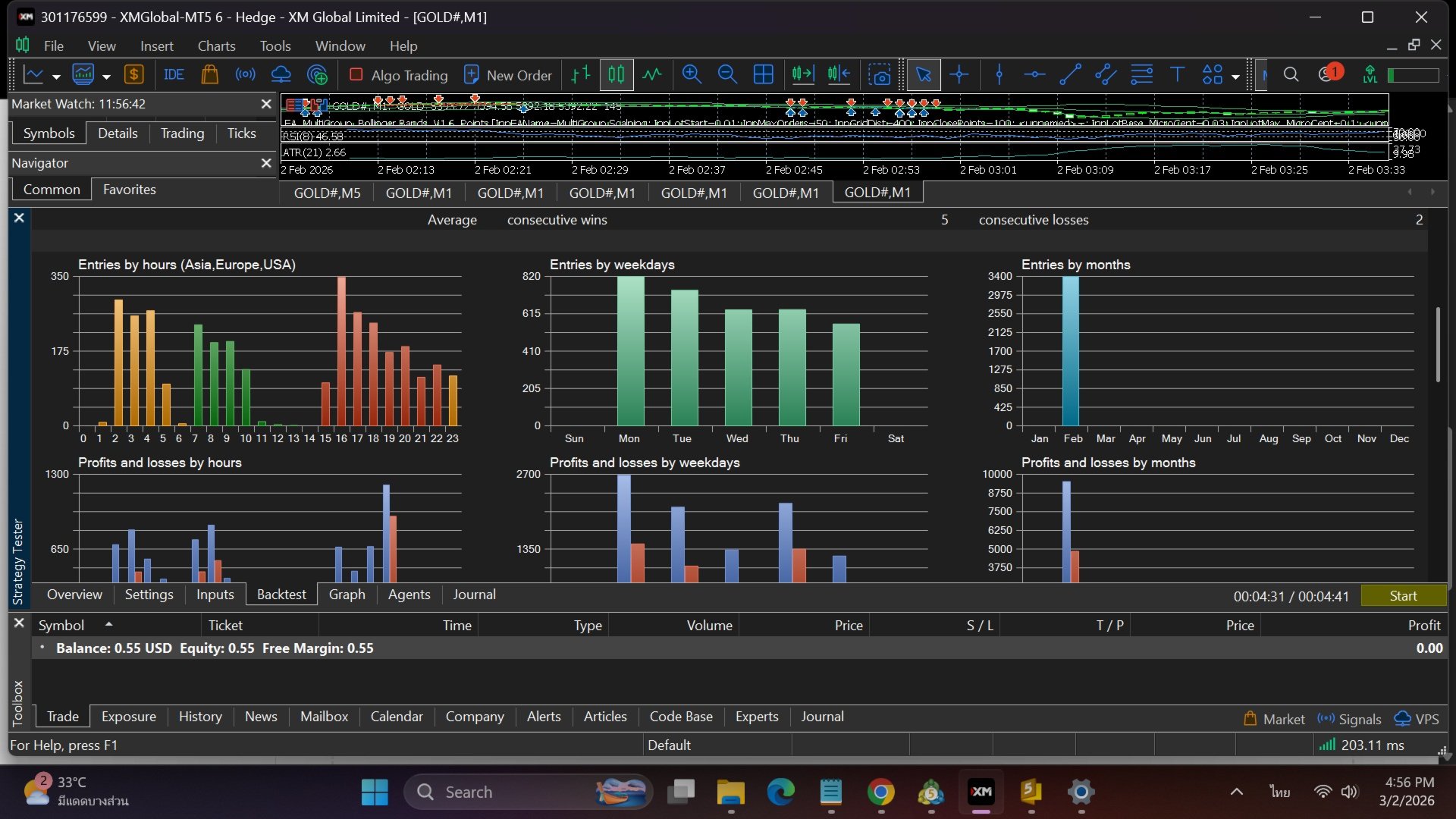
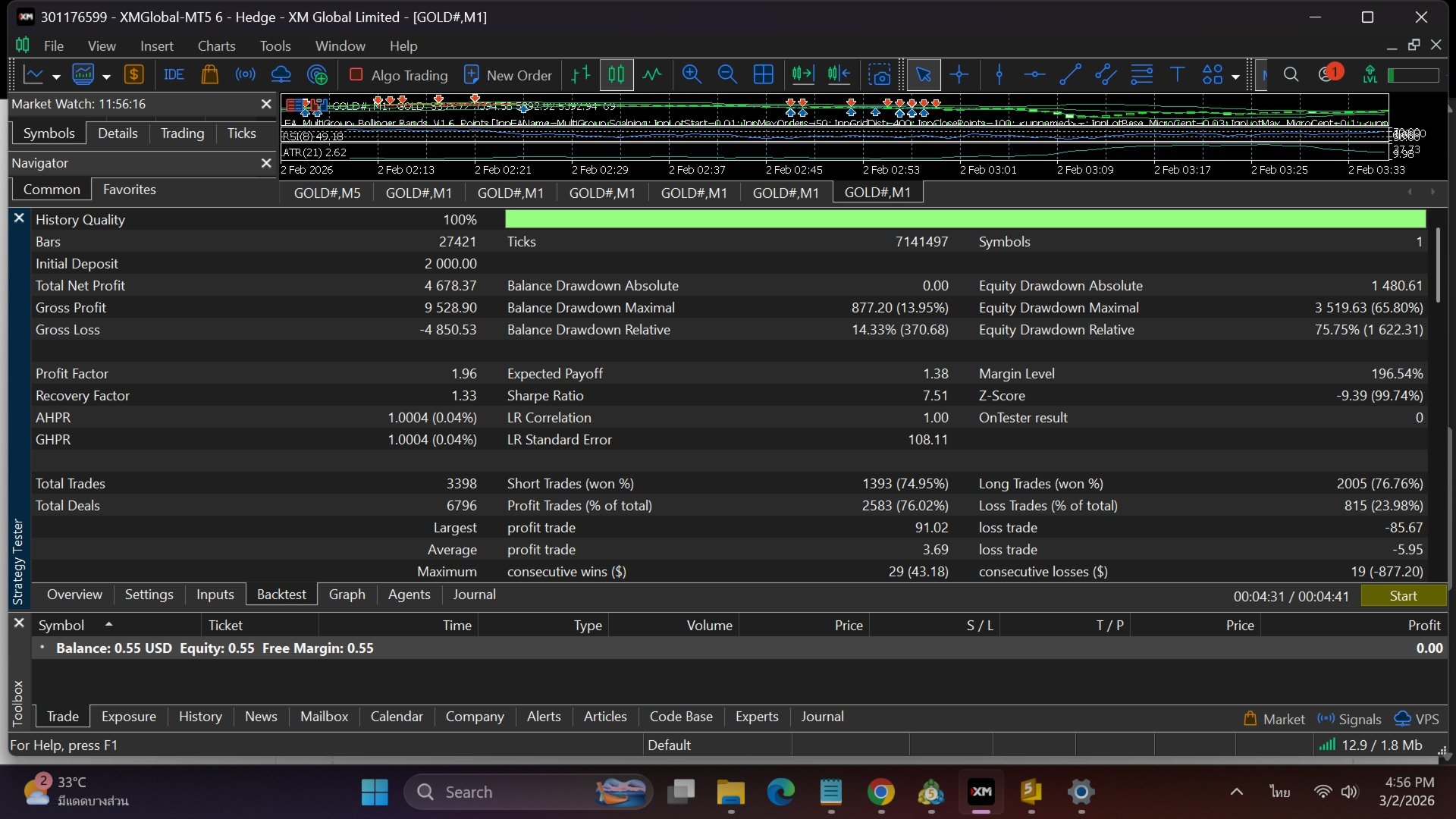
Its trading part can be tested only in the built-in Strategy Tester.
## How It Trades (Simple)
### 1) FIRST Entry (when basket count = 0)
- BUY example: Bollinger condition + RSI below threshold
- SELL example: Bollinger condition + RSI above threshold
FIRST entry is allowed only when:
- Spread <= InpMaxSpreadPoints
- Time filter allows trading (FIRST entry only)
### 2) GRID Add (when basket count > 0)
If price moves against the basket by InpGridDist points, the EA adds another position (up to InpMaxOrders).
Grid check is spread-neutral:
- BUY uses last open price vs Bid
- SELL uses last open price vs Ask
### 3) Basket Take Profit
The EA calculates basket average price (including adopted manual orders if enabled), then closes when profit reaches InpClosePoints.
## Requirements & Recommendations
- Symbol: XAUUSD / XAGUSD / GOLD# (broker naming may vary)
- Timeframe: Uses the CURRENT chart timeframe for indicators (M1 is commonly used for scalping tests)
- Account: Hedging is recommended for simultaneous BUY/SELL baskets
- Start on a DEMO account first and use conservative settings (larger grid distance, lower max orders)
## Installation (Purchased Version)
1) In MetaTrader 5, open the Market tab and install the product.
2) Open the symbol chart you want to trade.
3) Drag the EA from Navigator → Market → Purchased (or Market) onto the chart.
4) Enable Algo Trading in MT5, and enable “Allow Algo Trading” in EA properties.
## Key Inputs (Must Understand)
### Core
- InpLotStart: base lot (normal accounts)
- InpMaxOrders: max positions per side (BUY basket / SELL basket)
- InpGridDist: grid distance in points
- InpClosePoints: basket TP target in points
### Spread / Slippage
- InpMaxSpreadPoints: blocks First Entry + Grid + Manual buttons when spread is higher than this
- InpSlippagePoints: trade deviation in points
### Micro/Cent Mode
- InpLotBase_MicroCent / InpLotMax_MicroCent: lot rules for Micro/Cent
- InpForceMicroCentMode: force Micro/Cent mode if needed
### Thailand No-Trade Windows (UTC+7)
- InpUseThaiNoTradeWindows: ON/OFF time filter
Note: time filter blocks FIRST entry only. GRID additions remain allowed if a basket is already open.
### Adopt Manual/External Orders (Magic=0)
- InpAdoptExternalManual: include manual positions in basket logic
- InpAdoptCloseManualTP: allow manual positions to be closed when basket TP hits
## On-Chart Buttons
- Buy / Sell: opens a manual order using EA lot rules (still respects Spread filter)
- Adopt ON/OFF: include/exclude Magic=0 positions in basket logic
- Time ON/OFF: enable/disable Thailand no-trade windows filter
- Close All: closes all positions on the current symbol (and deletes pending orders on the symbol, if any)
## Status Label (Dashboard)
Shows:
- Thailand time
- Time filter state + whether it is inside a no-trade window
- Adopt state
- Current spread vs max spread
- Lot mode (NORMAL or MICRO/CENT)
## Recommended First Test Procedure
1) Start on a demo account.
2) Use small lot and conservative settings:
- Increase InpGridDist
- Keep InpMaxOrders low
3) Watch the status label for spread spikes and no-trade windows.
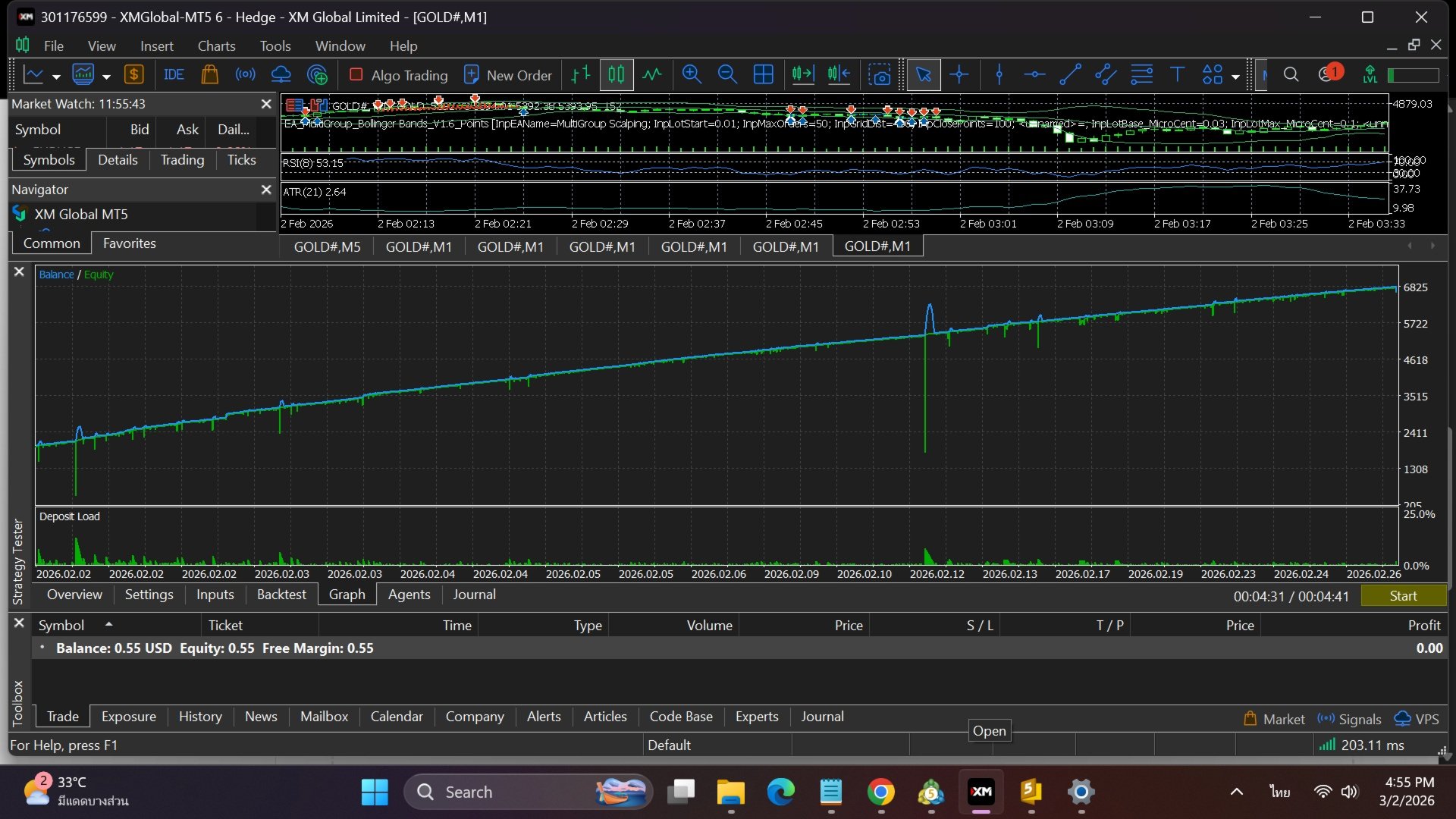
4) Verify behavior in Strategy Tester on the same symbol/timeframe.
## Common Mistakes
- EA not trading: check Algo Trading ON, Allow Algo Trading enabled, and spread not above max
- No first entries during certain times: Time filter is ON and you are inside a no-trade window
- Manual orders not included in TP: Adopt is OFF or InpAdoptExternalManual=false
- Lot too small/large: check Micro/Cent detection or force mode, and confirm symbol volume min/step/max
## Support
Please use the Product Comments section on MQL5.com (with screenshots/logs if possible).