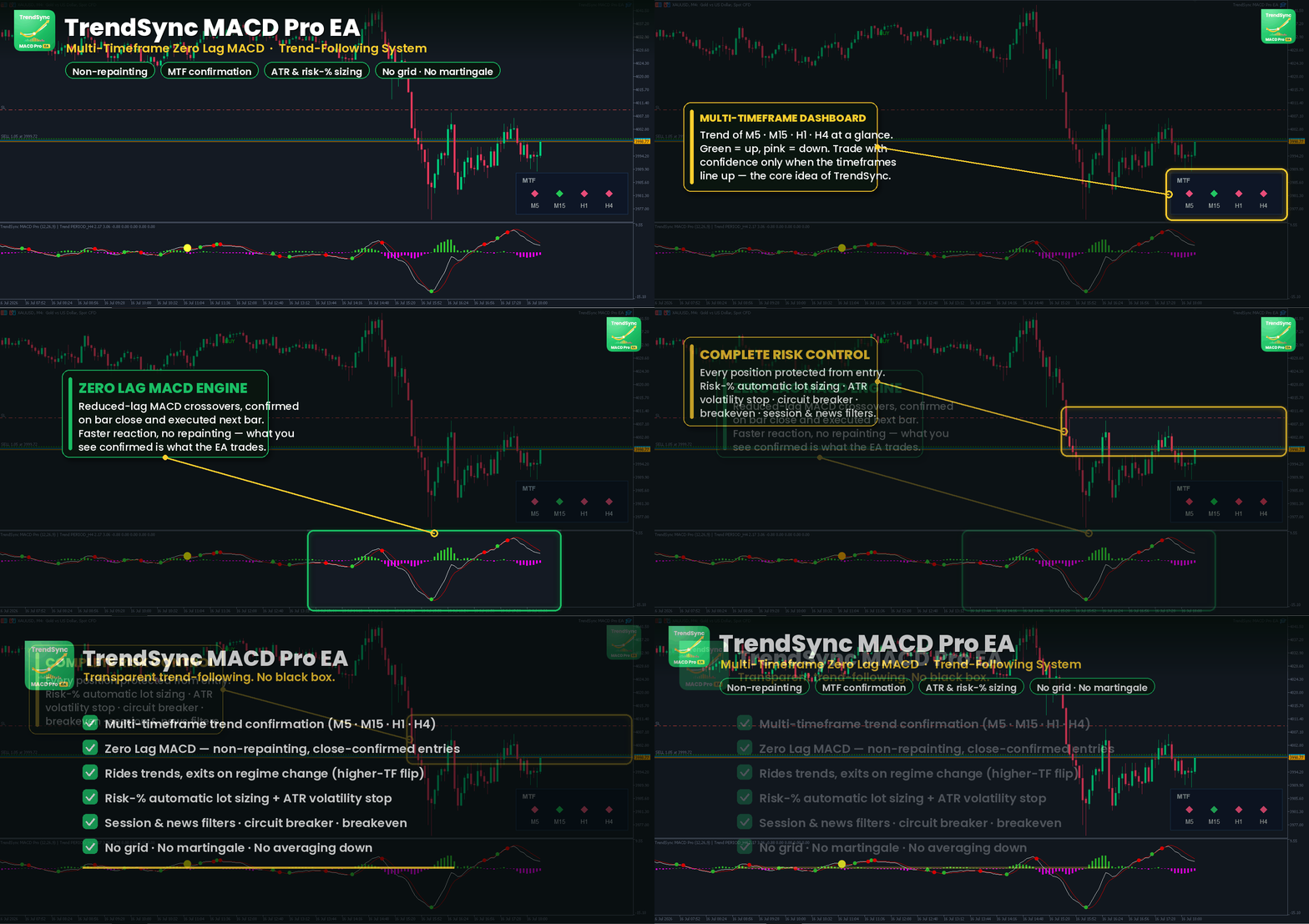
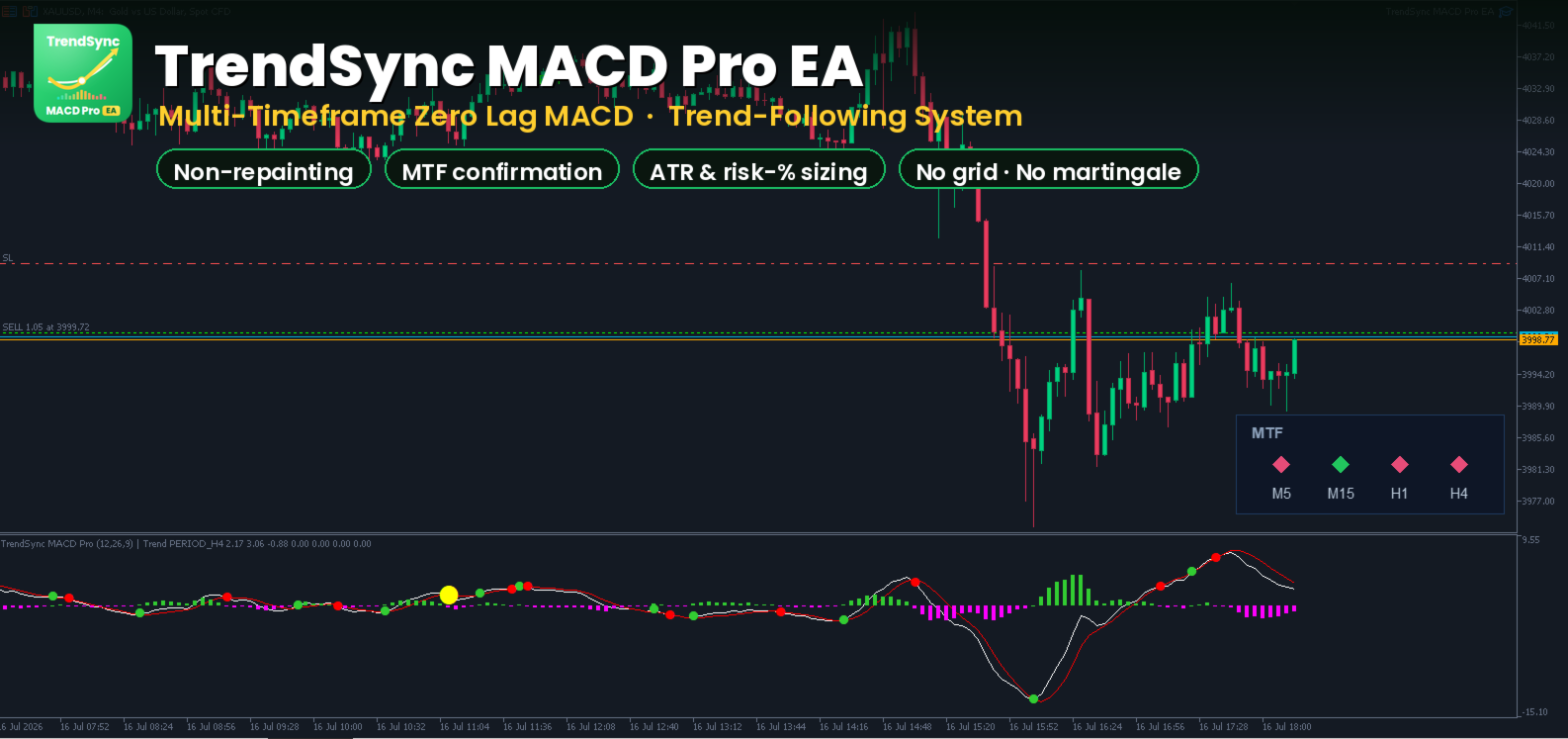
TrendSync MACD Pro EA
- Experts
-
Juliano Guzlinki Pacheco
 I believe that technology is one of the main competitive differentiators in the modern financial market. While many traders still rely exclusively on manual analysis and emotional decision-making, the use of automation, algorithms, and intelligent systems allows for more precise, fast, and
 - Versione: 9.10
- Attivazioni: 5
Multi-timeframe Zero Lag MACD trend-following Expert Advisor — transparent logic, no black box, with a full suite of built-in risk controls.
Overview
TrendSync MACD Pro EA is a rule-based trend-following Expert Advisor for MetaTrader 5. It trades crossovers of a Zero Lag MACD on a fast signal timeframe, but only in the direction confirmed by a higher timeframe trend — so entries are aligned with the dominant move instead of fighting it.
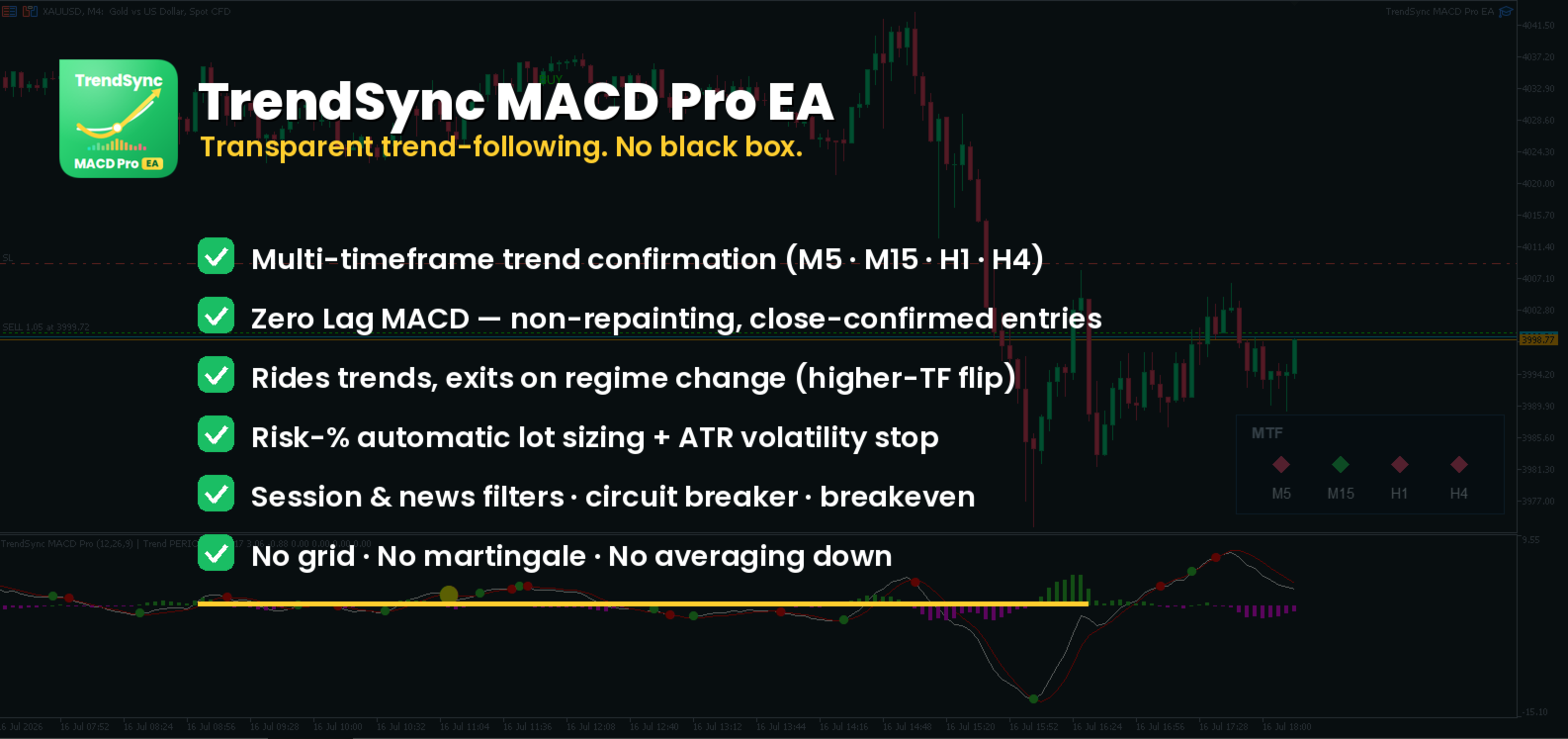
Every rule is transparent and fully configurable. There is no grid, no martingale, no averaging down, and no hidden logic. Positions are protected by a stop loss from the moment they open, and the EA exits primarily when the higher-timeframe regime changes — letting winning trends run while cutting losers at a defined level.
The EA was engineered around an anti-overfitting philosophy: a small number of robust, economically-meaningful rules, each independently switchable, so you can validate exactly what contributes to performance on your own broker, symbol and data.
Honest note: This is a trend-following tool, not a money printer. Its behavior is regime-dependent — it performs best in trending, volatile markets and can move sideways in quiet, range-bound conditions. No EA can guarantee profit. Please read the Risk Disclosure section and test on a demo account before trading live.
How it works
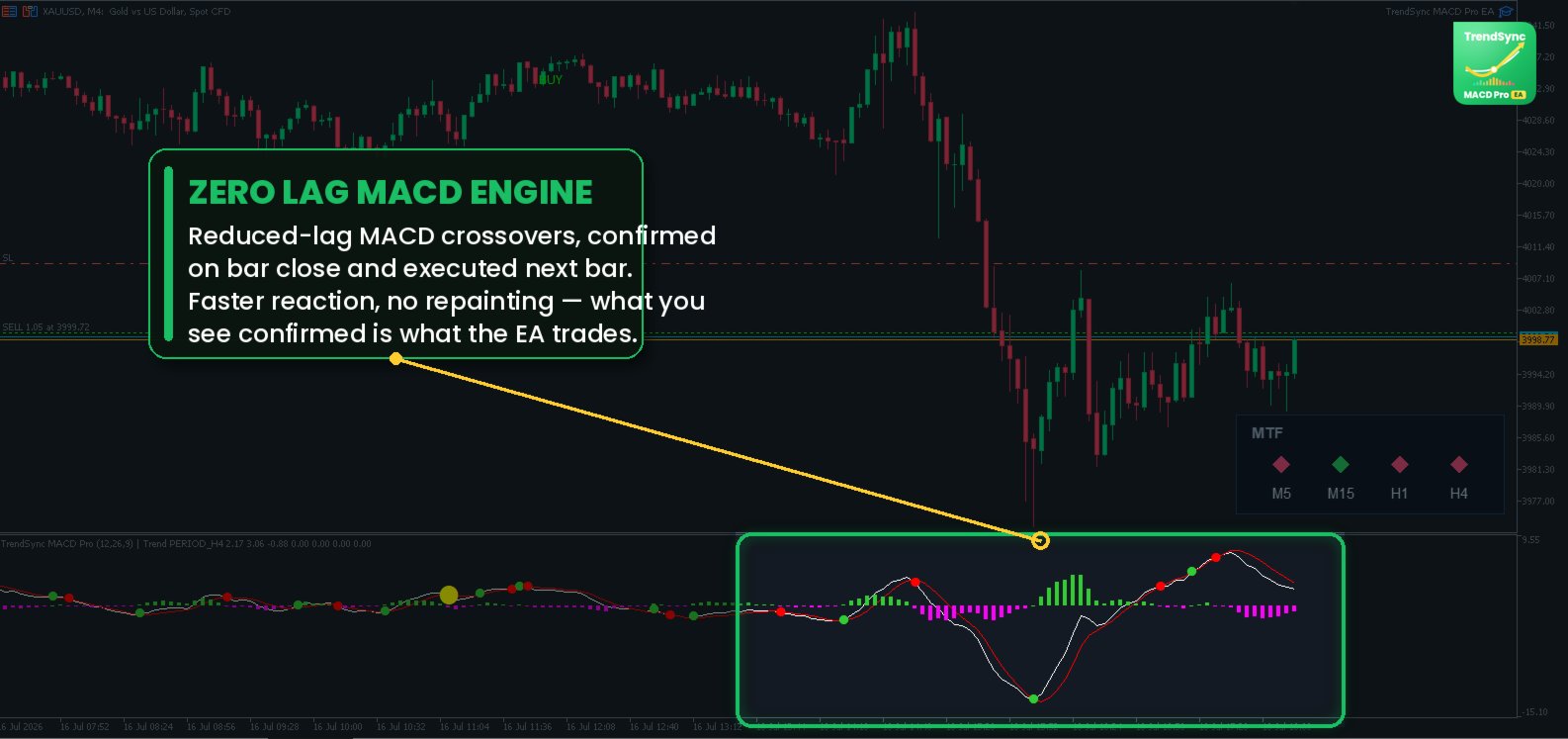
1. The signal — Zero Lag MACD. The EA computes a reduced-lag version of the classic MACD using the zero-lag EMA technique, which reacts faster to price than a standard MACD while remaining smooth. A BUY setup occurs when the MACD line crosses above its signal line; a SELL setup when it crosses below.
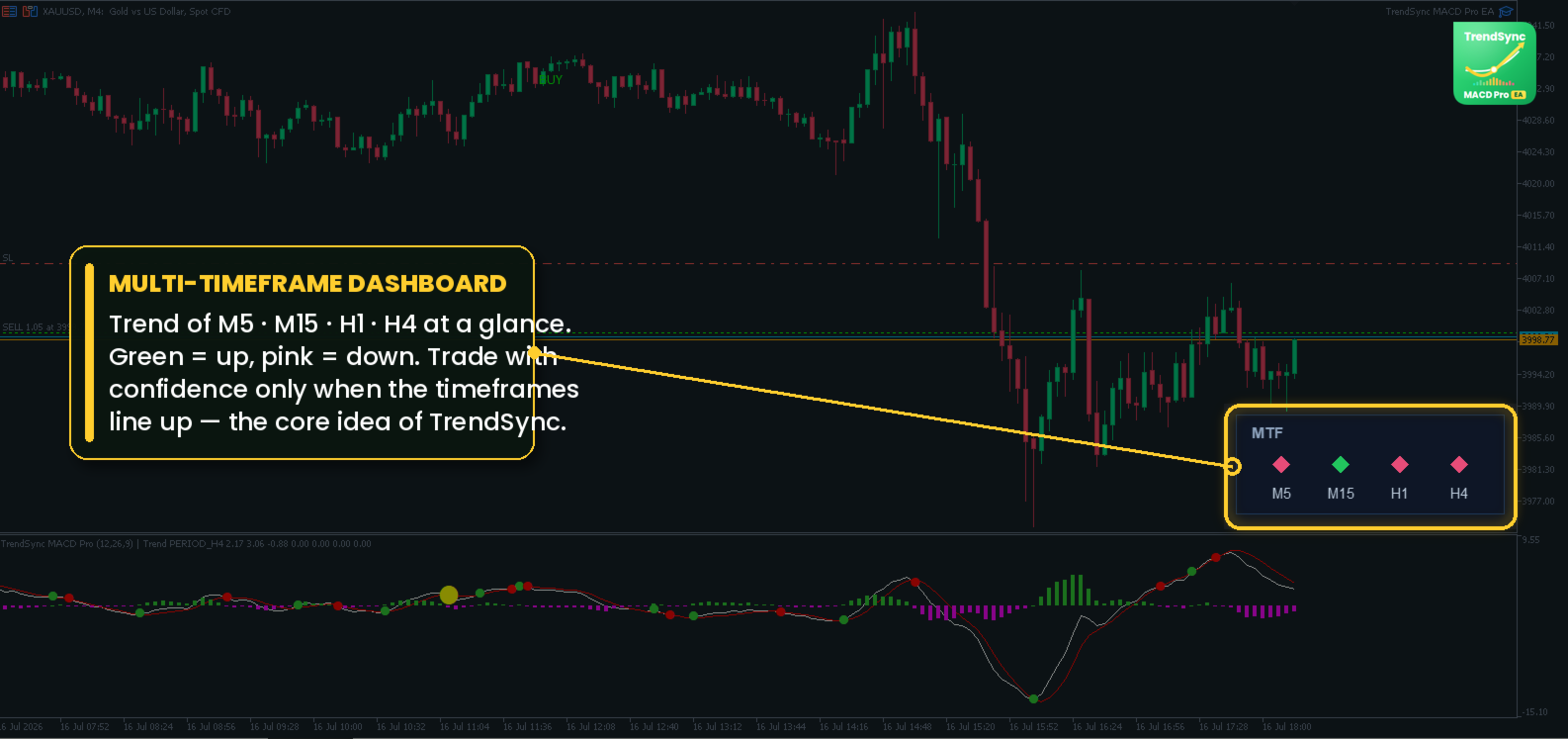
2. The filter — higher timeframe trend. Each signal is checked against a higher timeframe (the "trend" timeframe). With the trend filter enabled, the EA takes only the crosses that agree with the higher-timeframe bias — long signals in an uptrend, short signals in a downtrend. This single rule removes a large share of low-quality counter-trend entries.
3. Non-repainting entries. Signals are confirmed on the close of the signal bar and executed at the open of the following bar. The entry logic does not repaint: what you see confirmed is what the EA acts on.
4. The exit — regime change. The primary exit is the higher-timeframe trend flip: when the dominant trend reverses, the position is closed. This lets a good trend run to its natural end rather than being cut short by an arbitrary target. A fixed stop loss always protects the position, and an optional take profit, opposite-signal exit, breakeven and circuit breaker are available.
5. Two operating modes.
- Validation (paper) mode — the EA evaluates signals and logs simulated entries/exits and running P&L without placing real orders. Ideal for watching behavior on a live chart before committing.
- Live mode — the EA places real market orders. This is also the mode used inside the Strategy Tester.
Key features
- Zero Lag MACD engine with fully adjustable Fast / Slow / Signal lengths (EMA or SMA).
- Multi-timeframe trend confirmation — signal timeframe and trend timeframe are independent inputs; nothing is hard-coded.
- Non-repainting, close-confirmed entries.
- Regime-based exit (higher-TF trend flip) that lets winners run.
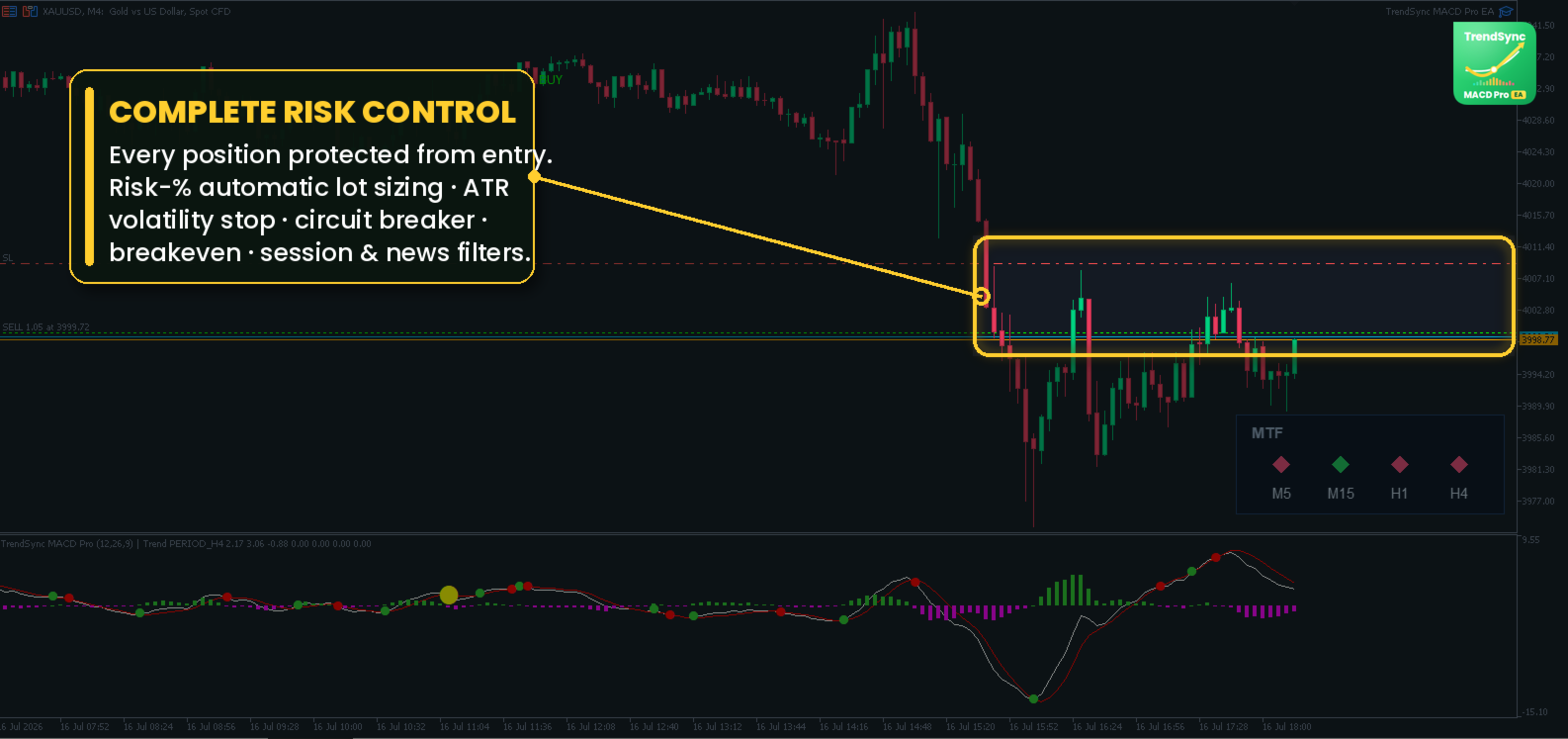
- Flexible stop loss: fixed in account currency, in points, or volatility-based (ATR multiple).
- Optional take profit, opposite-signal exit and breakeven.
- Session filter (Asia / London / New York) defined in GMT with a broker-offset input, so it works correctly on any server time.
- News filter using the native MT5 economic calendar (live/demo) — pauses new entries around high-impact events while keeping open positions untouched.
- Circuit breaker — pauses trading after a configurable number of consecutive losses.
- Optional pyramiding module — scale into a running trend with independent SL/TP (fixed or ATR-based) for the added positions.
- Weak-origin filter — optionally skip crosses born from a weak opposite move on the wrong side of the MACD zero line.
- Order comment and magic number for clean multi-EA account attribution.
- Detailed, readable logging of every decision.
Settings reference
Every parameter is listed below by group, with its default and purpose. All feature modules default to off, so the EA starts as a clean, single-position trend follower; enable modules one at a time and validate their effect.
Timeframes
| Parameter | Default | Description |
|---|---|---|
| SignalTF | M4 | Timeframe on which MACD crosses are detected (the entry timeframe). |
| TrendTF | H4 | Higher timeframe used for trend confirmation. Should be larger than SignalTF . |
Indicator (Zero Lag MACD)
| Parameter | Default | Description |
|---|---|---|
| FastLength | 12 | Fast length of the MACD. |
| SlowLength | 26 | Slow length of the MACD. |
| SignalLength | 9 | Length of the signal line. |
| useEma | true | Use EMA smoothing (false = SMA). |
| useOldAlgo | false | Use the legacy signal calculation (SMA signal line). |
Filters
| Parameter | Default | Description |
|---|---|---|
| UseTrendFilter | true | Trade only in the direction of the higher-TF trend. Strongly recommended on. |
| MinDistanceFromZero | 0.0 | Minimum absolute MACD value required at the cross (0 = off). Filters weak, near-zero crosses. |
Weak-Origin Filter
| Parameter | Default | Description |
|---|---|---|
| UseWeakOriginFilter | false | Skip a cross that starts on the wrong side of the MACD zero line, coming from a weak opposite move (e.g. a sell cross below zero whose preceding buy leg never lifted the MACD above zero). |
Session Filter (GMT)
| Parameter | Default | Description |
|---|---|---|
| UseSessionFilter | false | Enable session-based entry filtering. |
| ServerGMTOffset | 3 | Your broker's server offset from GMT (e.g. GMT+3 → 3). The EA prints the estimated GMT in the log at startup — verify it against a real UTC clock. |
| TradeAsia | false | Allow entries during the Asian session. |
| TradeLondon | true | Allow entries during the London session. |
| TradeNY | true | Allow entries during the New York session. |
Sessions are defined internally in GMT (Asia 00–08, London 08–16, New York 13–22) and converted to your server time using the offset, so the filter behaves consistently regardless of broker time. The filter blocks only new entries; exits always run.
News Filter (demo / live only)
| Parameter | Default | Description |
|---|---|---|
| UseNewsFilter | false | Pause new entries around high-impact news. Uses the native MT5 calendar, which does not return data in the Strategy Tester — this filter is inert during backtests and only active on demo/live. |
| NewsCurrencies | USD | Currencies to watch, comma-separated (e.g. USD,EUR ). Empty = all. |
| NewsHighImpactOnly | true | Restrict to high-impact events only. |
| NewsMinutesBefore | 30 | Block new entries this many minutes before an event. |
| NewsMinutesAfter | 30 | Block new entries this many minutes after an event. |
Open positions are never force-closed by the news filter — only new entries are paused.
Exits
| Parameter | Default | Description |
|---|---|---|
| ExitOnTrendFlip | true | Close the position when the higher-TF trend reverses (the primary exit). |
| ExitOnOppositeSignal | false | Also close on an opposite MACD cross. |
| StopLossMoney | 50.0 | Stop loss in account currency. Takes priority over points. |
| StopLossPoints | 0.0 | Stop loss in points (used if money SL = 0). |
| TakeProfitMoney | 0.0 | Take profit in account currency (0 = none; let the trend run). Priority over points. |
| TakeProfitPoints | 0.0 | Take profit in points (0 = none). |
A money-based SL/TP is converted to a price distance using the current lot size, so its market distance changes if you change the lot. For a lot-independent stop, use points or the ATR stop below.
ATR Initial Stop
| Parameter | Default | Description |
|---|---|---|
| UseATRStop | false | Set the initial stop loss as a multiple of ATR (overrides the $/points SL). Adapts the stop to current volatility. |
| ATRTimeframe | PERIOD_CURRENT | Timeframe for the ATR (PERIOD_CURRENT = the signal timeframe). |
| ATRPeriod | 14 | ATR period. |
| ATRStopMult | 1.5 | Stop distance = multiplier × ATR. |
Pyramiding
| Parameter | Default | Description |
|---|---|---|
| UsePyramiding | false | Allow additional entries on each new trend-aligned cross while a position is open. |
| MaxPositions | 3 | Maximum simultaneous positions, including the first ("core"). 1 = off. |
| PyramidTPMoney | 0.0 | Take profit for the added positions, in currency (priority over points). |
| PyramidTPPoints | 0.0 | Take profit for the added positions, in points. |
| PyramidSLMoney | 0.0 | Stop loss for the added positions, in currency (0 = same as core SL). |
| PyramidSLPoints | 0.0 | Stop loss for the added positions, in points (0 = same as core SL). |
| UsePyramidATR | false | Set the added positions' SL/TP as ATR multiples (lot-independent; overrides the $/points values). |
| PyramidATRSLMult | 1.5 | Added-position SL = multiplier × ATR. |
| PyramidATRTPMult | 2.0 | Added-position TP = multiplier × ATR. |
The first position of a trend runs with the core rules (stop loss, no take profit — it rides the trend). Each additional position carries its own SL and TP. A trend flip closes all of them together.
Circuit Breaker
| Parameter | Default | Description |
|---|---|---|
| MaxConsecLosses | 0 | Consecutive losses that trigger a trading pause (0 = off). |
| PauseMinutes | 60 | Pause duration in minutes (60 = 1h, 1440 = 1 day). |
Breakeven
| Parameter | Default | Description |
|---|---|---|
| BreakevenMoney | 0.0 | Floating profit (in currency) at which the stop is moved to entry (0 = off). |
| BreakevenLockPoints | 0.0 | Points beyond entry when moving the stop, to cover spread/cost. |
Trading
| Parameter | Default | Description |
|---|---|---|
| TradeEnabled | false | false = validation/paper (logs only), true = live orders (also the tester mode). |
| FixedLot | 0.05 | Fixed lot size per entry. Size this conservatively for your capital. |
| MagicNumber | 20260603 | Unique ID for this EA's positions. Use a different value per EA on the same account. |
| Slippage | 20 | Maximum price deviation, in points. |
| Comment | TrendSyncMACD | Text written on each order, for readable attribution in your trade history. |
Calculation / Log
| Parameter | Default | Description |
|---|---|---|
| Lookback | 600 | Number of bars used in the MACD calculation. |
| VerboseLog | true | Detailed logging of signals, filters and trades. |
Recommended setup / quick start
- Attach the EA to a chart of the symbol you intend to trade. Set SignalTF and TrendTF (a lower timeframe for signals, a higher one for the trend — e.g. M4 / H4).
- Start with TradeEnabled = false (validation mode) and watch the log for a session or two to confirm signals and behavior on your broker.
- Keep the default risk skeleton: UseTrendFilter = on , a defined stop loss, no take profit (let the trend run), all optional modules off.
- Size FixedLot conservatively. A stop loss should risk a small percentage of your account per trade, not a large one. Under-sizing is survivable; over-sizing is how accounts blow up during normal losing streaks.
- When ready, switch to TradeEnabled = true on a demo account and run it forward for a meaningful period before considering real capital.
Backtesting & validation notes
- Use "Every tick based on real ticks" modeling and test on the exact symbol you will trade. Lower-quality modeling flatters tight stops.
- Because this is a trend follower, results are regime-dependent. Test across different market conditions, not only a strong trending period.
- The most reliable check is out-of-sample: tune any parameter on one date range, freeze it, and evaluate on a different range you did not touch. A result that only looks good on the period it was tuned on is not a result.
- The news filter is inactive in the Strategy Tester by design (the native calendar returns no tester data). Validate it on demo.
- For the session filter, confirm the GMT offset from the startup log before drawing conclusions.
Requirements
- MetaTrader 5.
- A hedging account is required if you intend to use the pyramiding module (multiple simultaneous positions on one symbol). Netting accounts work for the standard single-position mode.
- Works on any symbol; designed and tested primarily on metals/major instruments. Behavior depends on the instrument's spread, volatility and session structure.
- A VPS is recommended for uninterrupted live operation.
Risk disclosure
Trading leveraged instruments carries a high level of risk and can result in the loss of your entire capital. This Expert Advisor is a decision-execution tool based on defined technical rules; it does not predict the market and does not guarantee any level of profit. Past performance — including any backtest — is not indicative of future results. Its edge is modest and regime-dependent, and real-world spread, slippage and swap reduce net results relative to a backtest. You are solely responsible for your configuration, position sizing and risk. Never risk money you cannot afford to lose, and always validate on a demo account first. This is not financial advice.
Support
Questions about configuration or behavior are welcome. Please include your symbol, timeframe settings and a copy of the startup log (it prints the active configuration) so any question can be answered precisely.