GridFlow EA
- Experts
- Versione: 1.10
- Attivazioni: 5

GridFlow EA
GridFlow EA is a simple and lightweight grid trading Expert Advisor for MetaTrader 5.
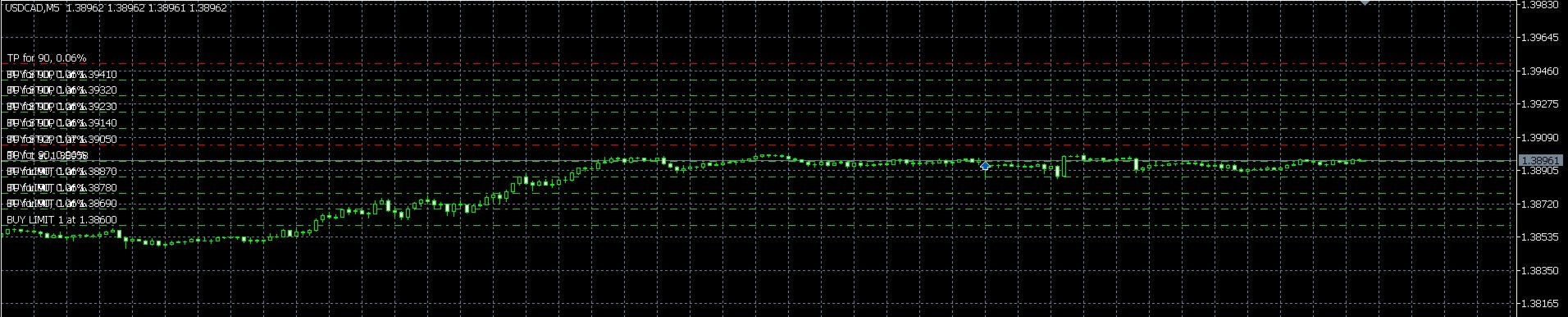
This Expert Advisor is designed for traders who want to create a price-range grid using pending orders. The user can manually define the trading range by entering the LowerPrice and UpperPrice values. The EA then divides this range into grid levels according to the selected GridCount and places BUY or SELL pending orders depending on the selected OrderSide.
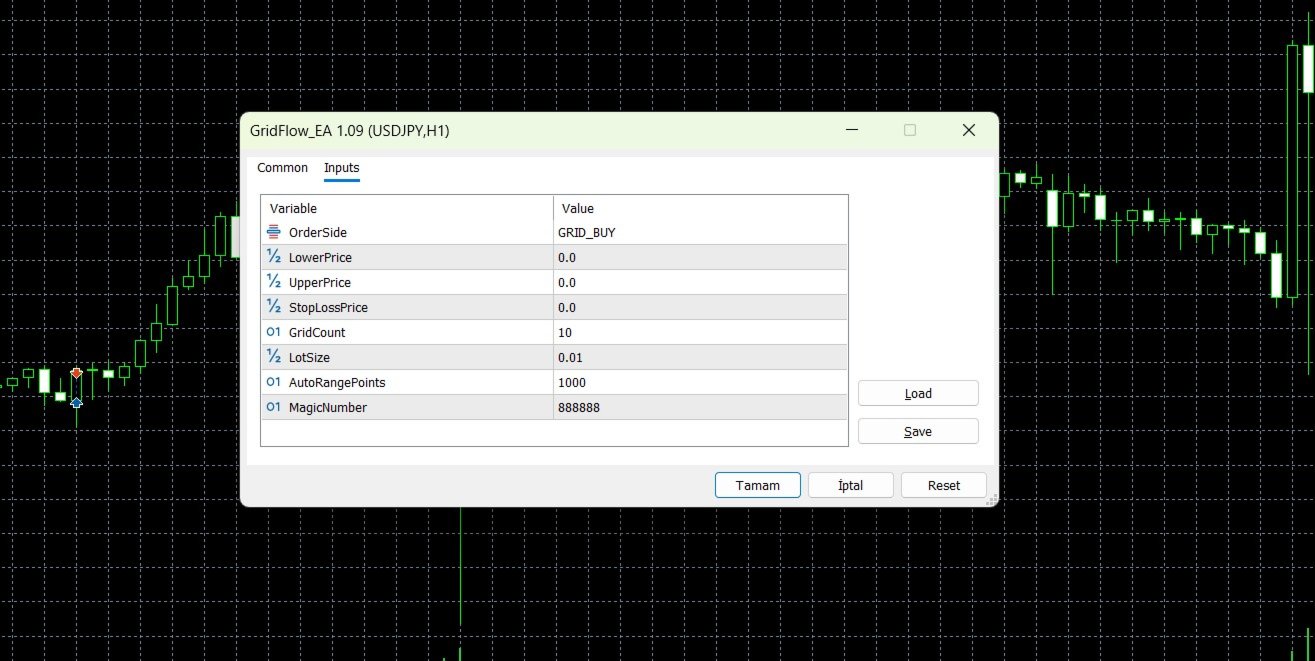
If LowerPrice and UpperPrice are both left as 0, the EA can automatically create a default grid range around the current market price using the AutoRangePoints parameter.
GridFlow EA Supports Two Trading Modes:
BUY Grid Mode:
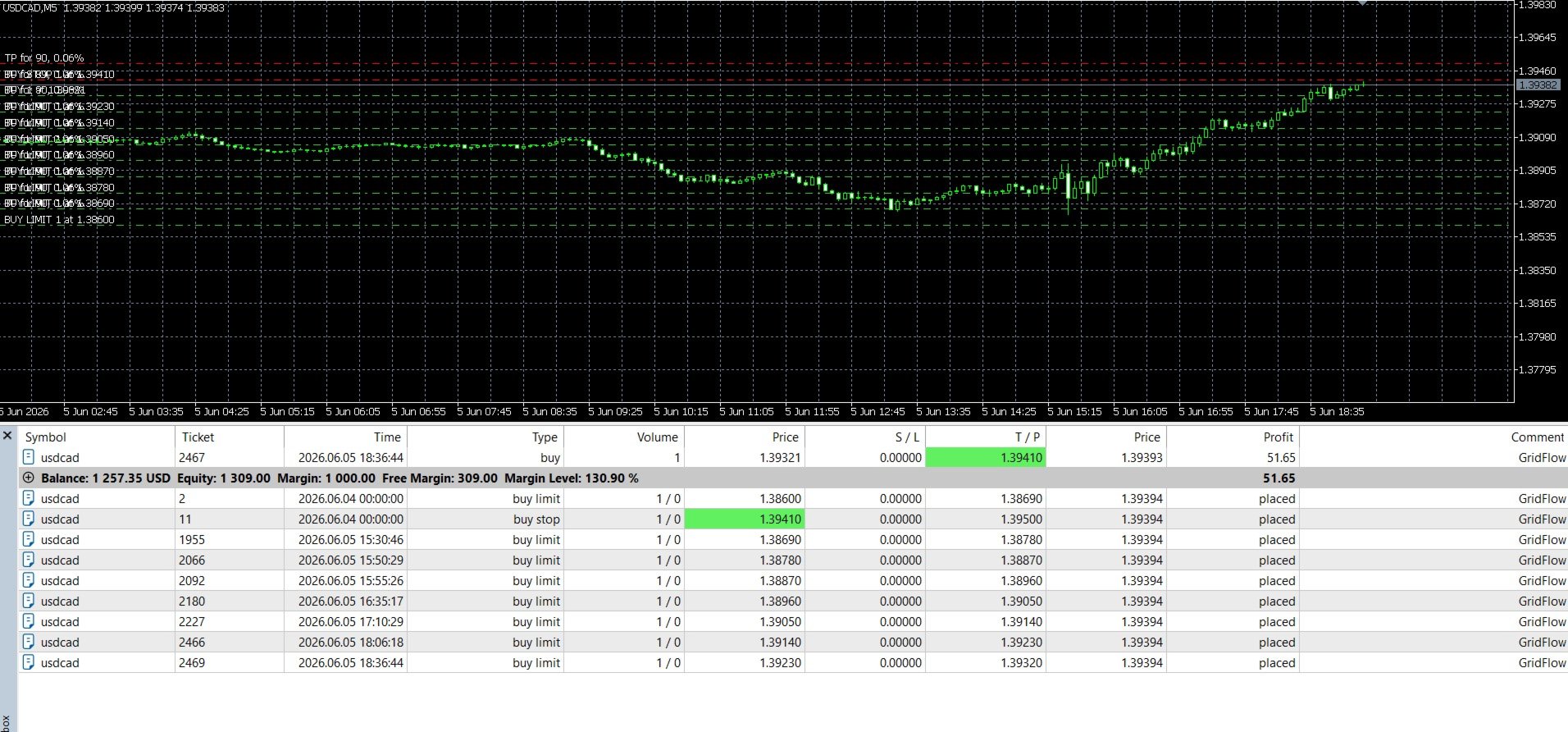
In BUY mode, the EA places buy pending orders inside the selected grid range. Each order uses a take-profit level based on the grid step.
SELL Grid Mode:
In SELL mode, the EA places sell pending orders inside the selected grid range. Each order uses a take-profit level based on the grid step.
How the Grid Works:
LowerPrice and UpperPrice define the trading area of the grid. The EA divides this range into equal grid levels based on the selected GridCount. At each valid grid level, the EA places the appropriate pending order type according to the current market price and the selected trading mode.
The EA uses broker rules to validate order prices, volume, take-profit, and stop-loss values. If a grid level is too close to the current market price or does not meet the broker’s trading conditions, the EA may skip that order.
When Orders Are Closed:
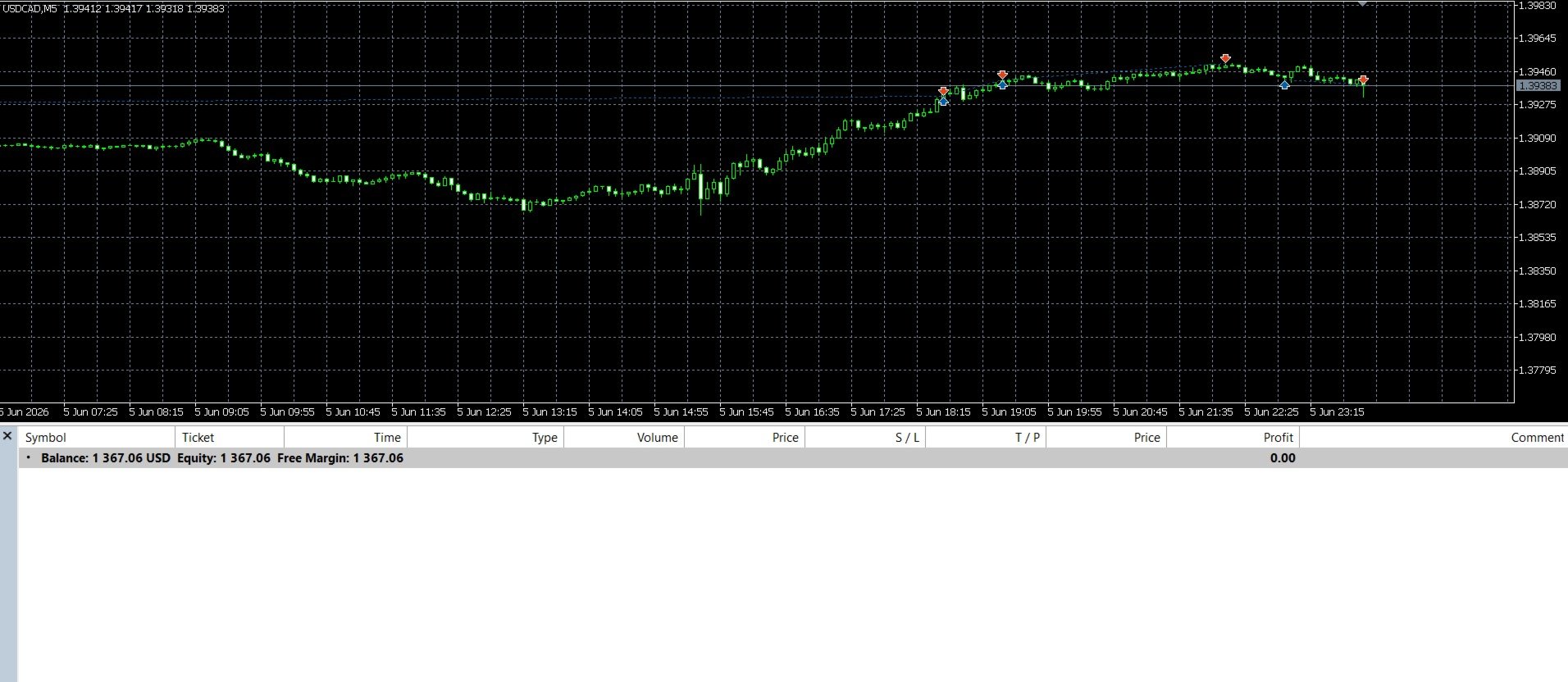
When a pending order becomes an open trade and the market reaches its take-profit level, MetaTrader closes the trade according to the account type and broker execution rules. After the trade is closed, the EA can place a new pending order again at the corresponding grid level if the conditions are still valid.
Please note that on netting accounts, multiple positions on the same symbol may be combined into a single net position by MetaTrader. On hedging accounts, positions are usually managed separately.
Main Features:
Simple grid trading system
BUY and SELL grid modes
Manual lower and upper price control
Optional automatic grid range
Pending order grid structure
Take-profit based on grid step
Fixed lot size
Stop-loss price input
Magic number filtering
Broker price and volume normalization
Lightweight and easy to use
Input Parameters:
OrderSide: Select BUY grid or SELL grid mode
LowerPrice: The lower boundary of the grid
UpperPrice: The upper boundary of the grid
StopLossPrice: Stop-loss price for grid orders
GridCount: Number of grid levels
LotSize: Fixed lot size for each order
AutoRangePoints: Automatic range distance in points when LowerPrice and UpperPrice are not manually set
MagicNumber: Unique identifier for the EA orders
Important:
LowerPrice and UpperPrice define the grid trading range. If both values are left as 0, GridFlow EA creates a default grid range around the current market price using AutoRangePoints. For real trading, it is recommended to set LowerPrice and UpperPrice manually.
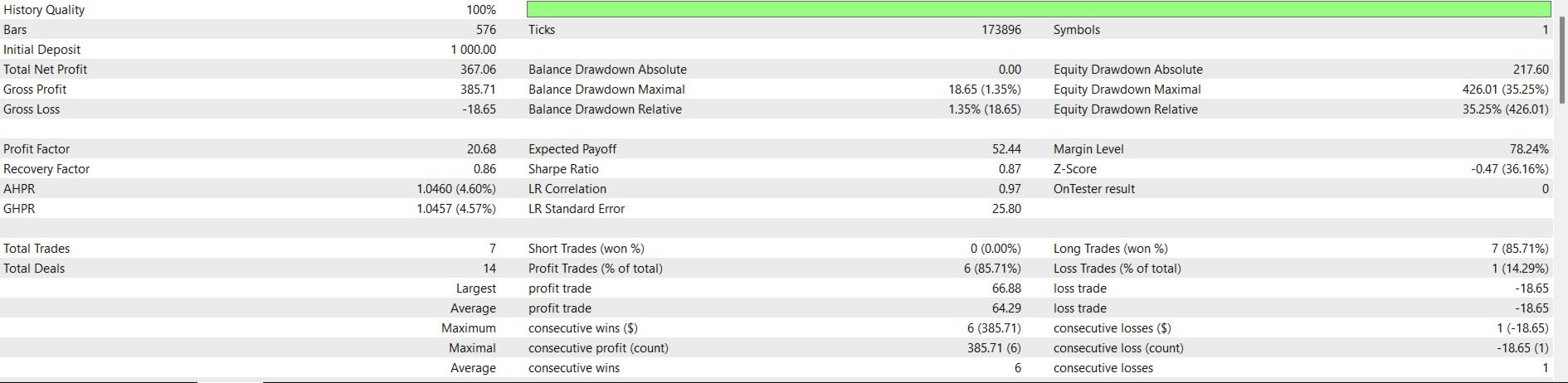
Grid trading can be risky, especially during strong one-directional market movements. Please test the EA carefully in the Strategy Tester before using it on a live account.