UMNi GRID Mt5 Grid Trading Manager
- Utilità
-
Rickie Lee Robinson
 Founder of UMNi Systems. I build Telegram-connected tools and custom Expert Advisors for MetaTrader 4 and 5: trade alerts, remote control, session briefings and risk management. Every strategy I build is tested on 17 years of historical data before it goes near a live account. Custom bot builds
- Versione: 1.30
- Aggiornato: 6 novembre 2026
- Attivazioni: 5
UMNi-GRID
Grid & Basket Position Manager for MetaTrader 5 — with Telegram control
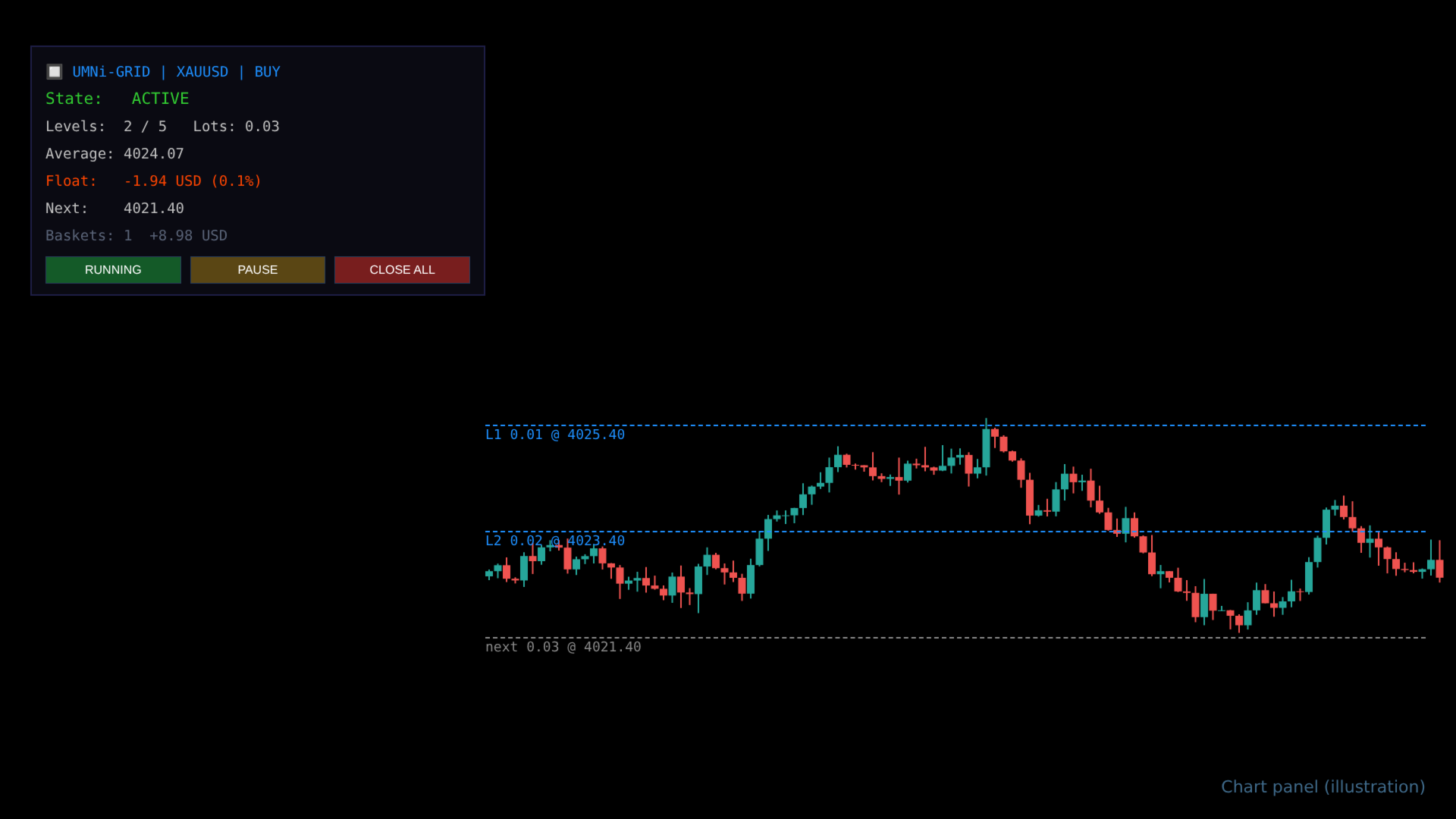
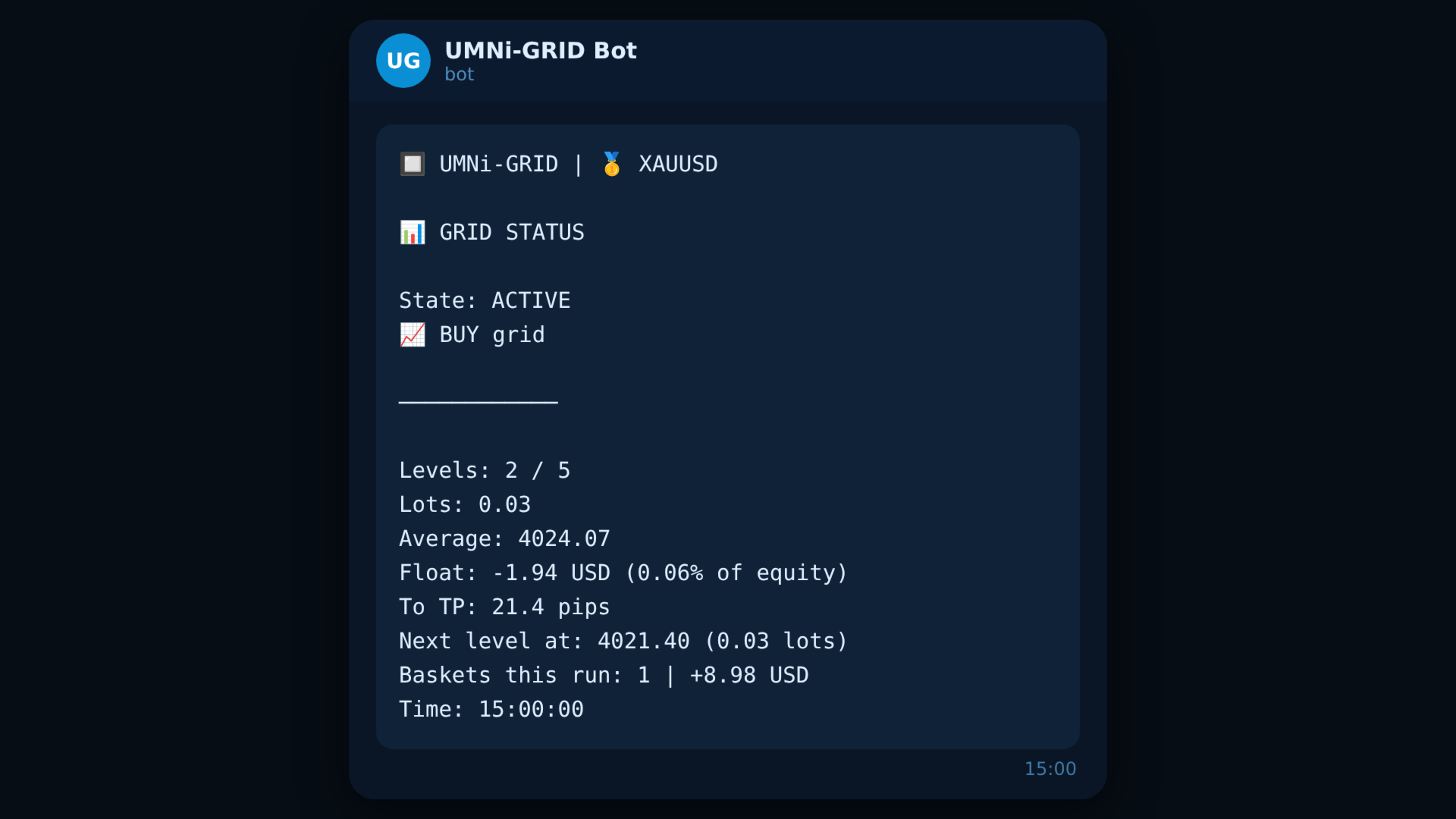
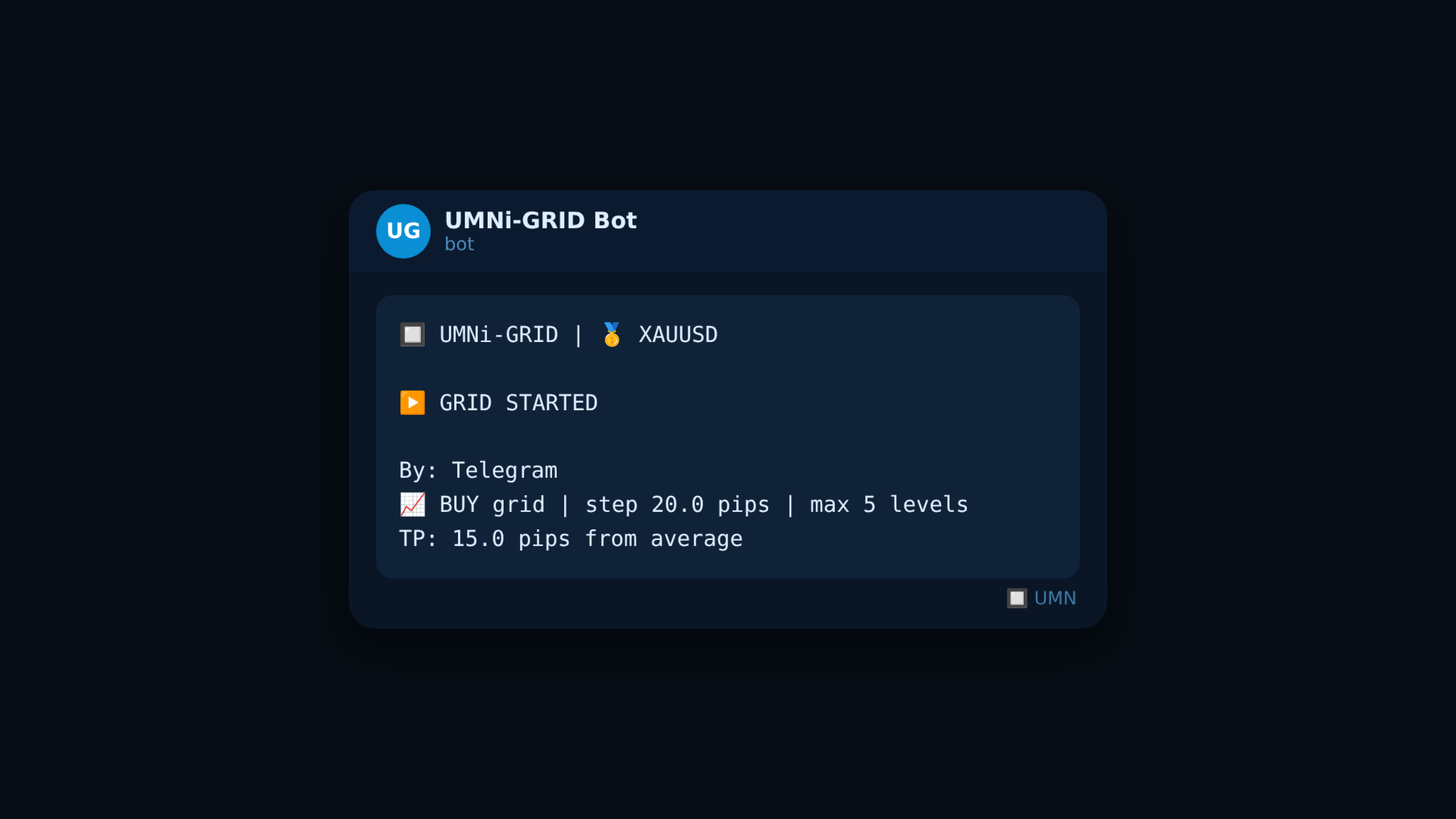
UMNi-GRID runs a one-direction grid on the chart it is attached to: it opens a first level, adds levels as price moves against the basket, and closes the whole basket when price returns a set distance past the average entry. Every step is reported to Telegram, and you can start, pause or close the grid from the chart or from your phone.
IMPORTANT: grid trading adds to losing positions. It can recover small moves, but a strong trend against the basket can produce a large loss. UMNi-GRID gives you hard limits (levels, total lots, equity drawdown, hard stop) — set them before you start, test on a demo account first, and only trade money you can afford to lose.
KEY FEATURES
- Buy grid or sell grid, one basket at a time
- Levels spaced from the LAST level by your step size (pips)
- Lot progression: same lot every level (multiplier 1.0) or a multiplier per level
- Basket take profit from the average entry, or a money target
- Protection: max levels, max total lots, equity drawdown stop, hard stop beyond the last level, max spread for new levels
- Start / Pause / Close-all buttons on the chart
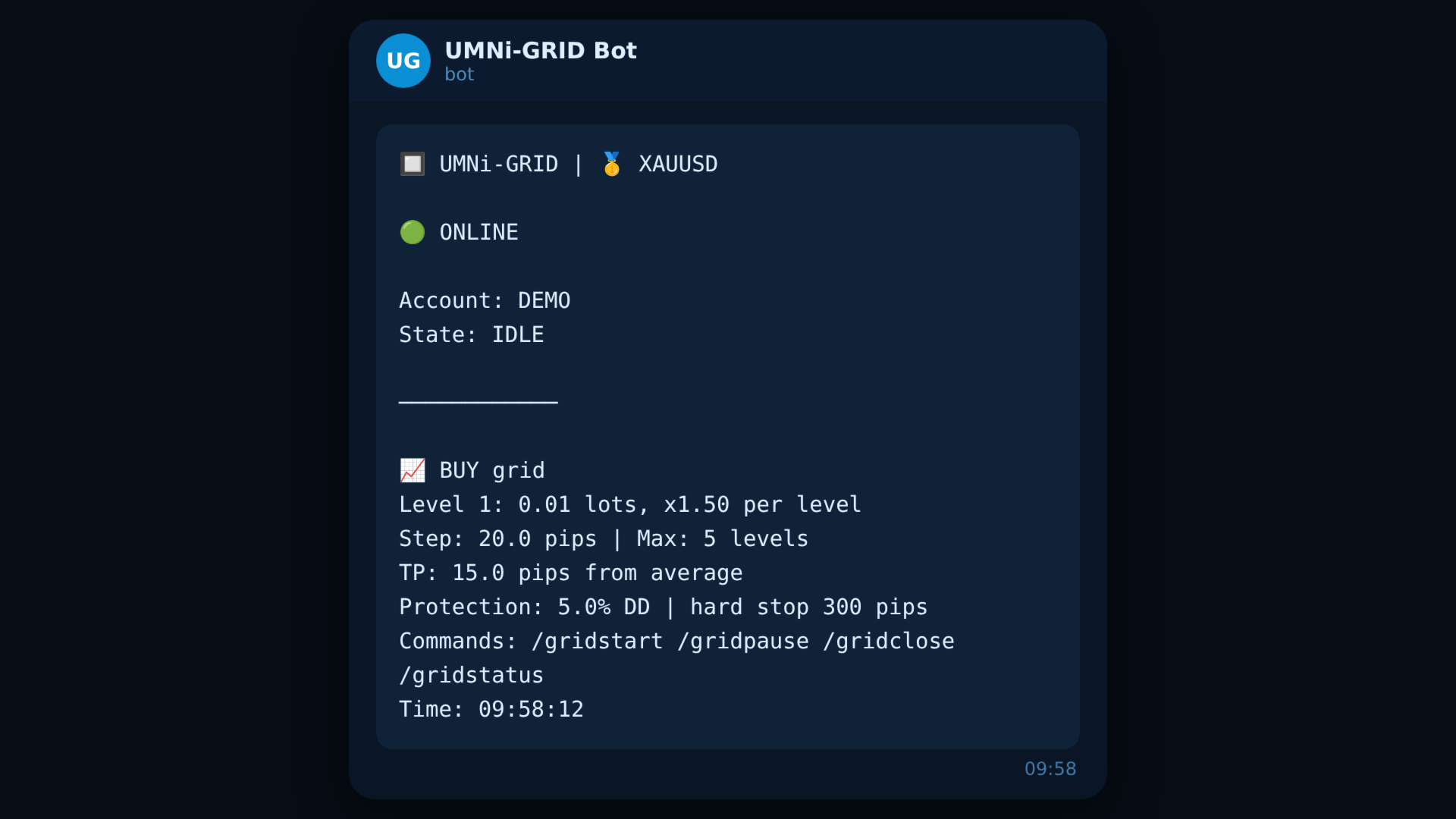
- Telegram commands from your own chat: /gridstart /gridpause /gridclose /gridstatus
- Optional auto-restart after a basket closes in profit, with a delay
- Resumes an open basket after a terminal restart
- Free-margin and broker lot-size checks before every level
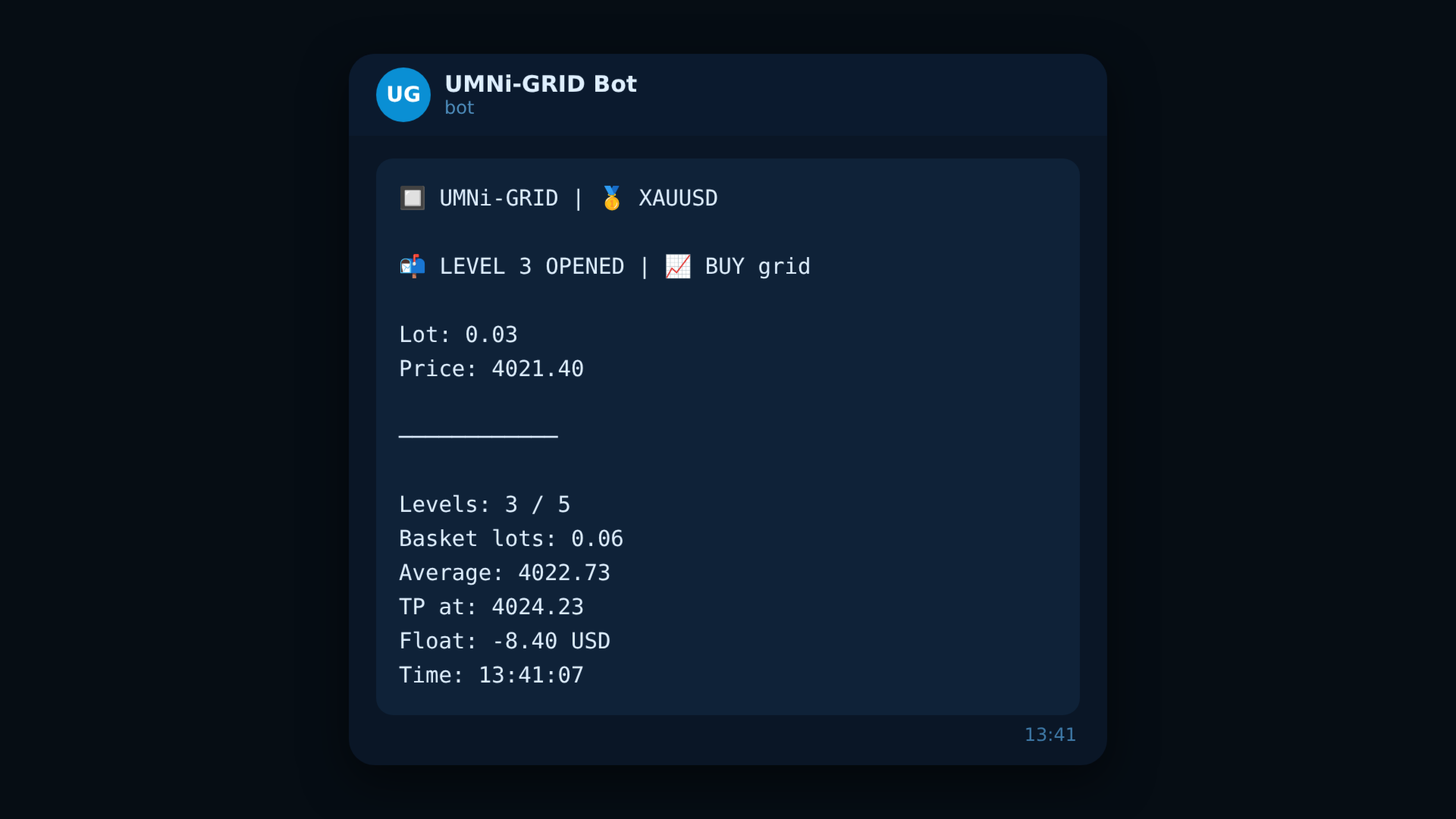
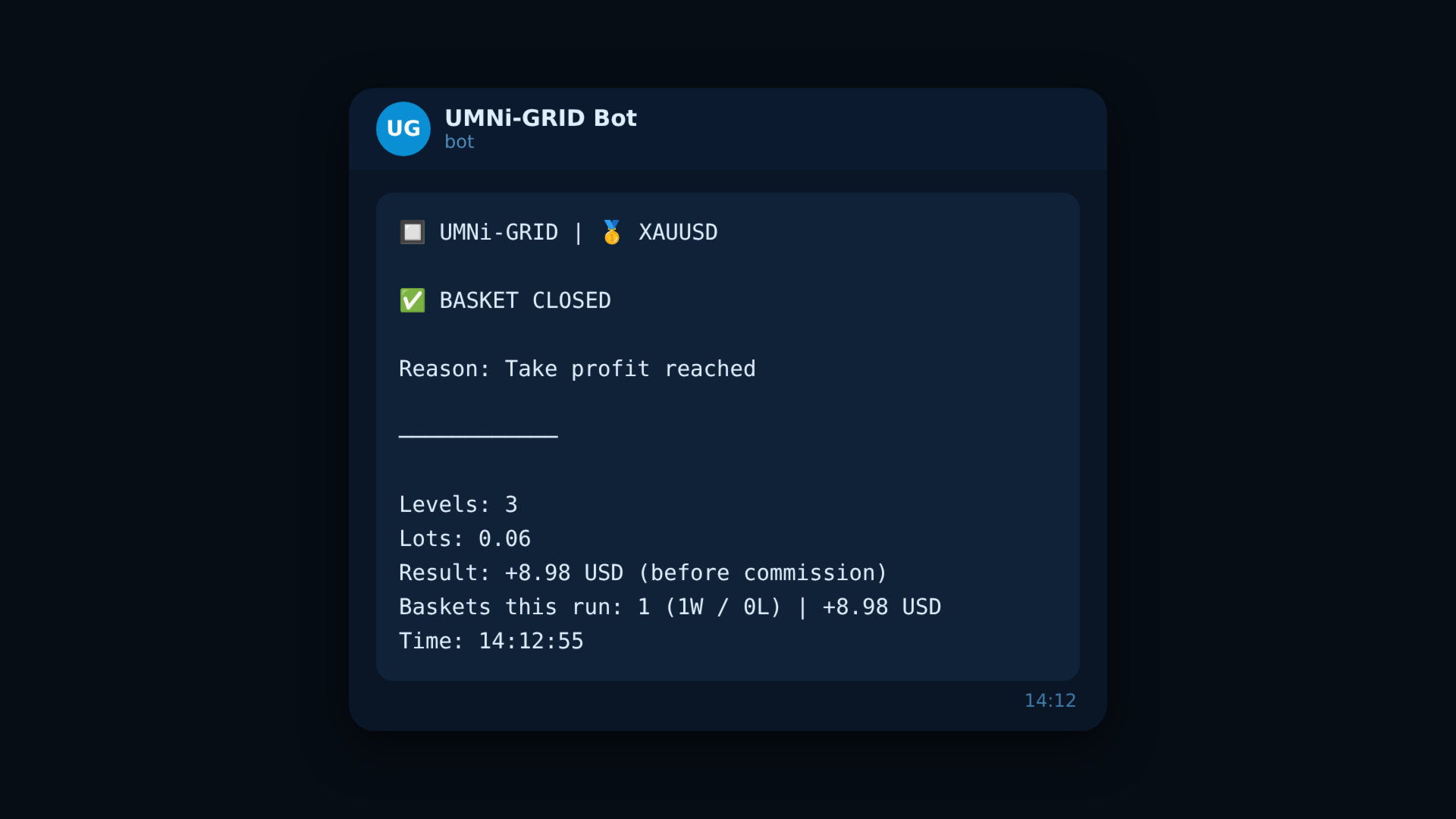
- Telegram alerts: online / offline, every level opened, basket closed (result), periodic status
HOW IT WORKS
- Press START (or /gridstart): level 1 opens at market.
- Each time price moves GRID_STEP_PIPS beyond the last level, the next level opens (until MAX_LEVELS or MAX_TOTAL_LOTS).
- When price is TAKE_PROFIT_PIPS past the average entry, the whole basket closes.
- If a protection limit is hit first, the basket closes and the grid stops.
- After a basket closes the grid goes idle, unless AUTO_RESTART is on.
PAUSE stops new levels but keeps managing the exits of the open basket.
MAIN INPUTS
- GRID_DIR: buy grid or sell grid
- INITIAL_LOT / LOT_MULTIPLIER / MAX_LEVELS / GRID_STEP_PIPS
- TAKE_PROFIT_PIPS / TAKE_PROFIT_MONEY
- MAX_DRAWDOWN_PCT / HARD_STOP_PIPS / MAX_TOTAL_LOTS / MAX_SPREAD_PIPS
- AUTO_START / AUTO_RESTART / RESTART_DELAY_MIN / RESTART_AFTER_LOSS
- GRID_MAGIC (use a different number for each chart)
- Pips: 0.1 price units on 2-digit symbols such as gold, the usual pip on forex
QUICK SETUP
- Tools > Options > Expert Advisors > allow WebRequest for https://api.telegram.org
- Attach UMNi-GRID to the chart you want to grid, with AutoTrading on
- Enter your Telegram bot token and chat ID (use a bot that no other EA is reading commands from)
- Set your grid and protection inputs, then press START
REQUIREMENTS
- MetaTrader 5 with a hedging account (netting accounts are refused)
- A Telegram bot token (free from @BotFather) and your chat ID
- Stable connection — the basket is only managed while the EA is running (a VPS is recommended)
Part of the UMNi Systems suite — umni-systems.com