LZ Multi Candle Timer
- Indicatori
- Versione: 1.20
- Aggiornato: 3 aprile 2026

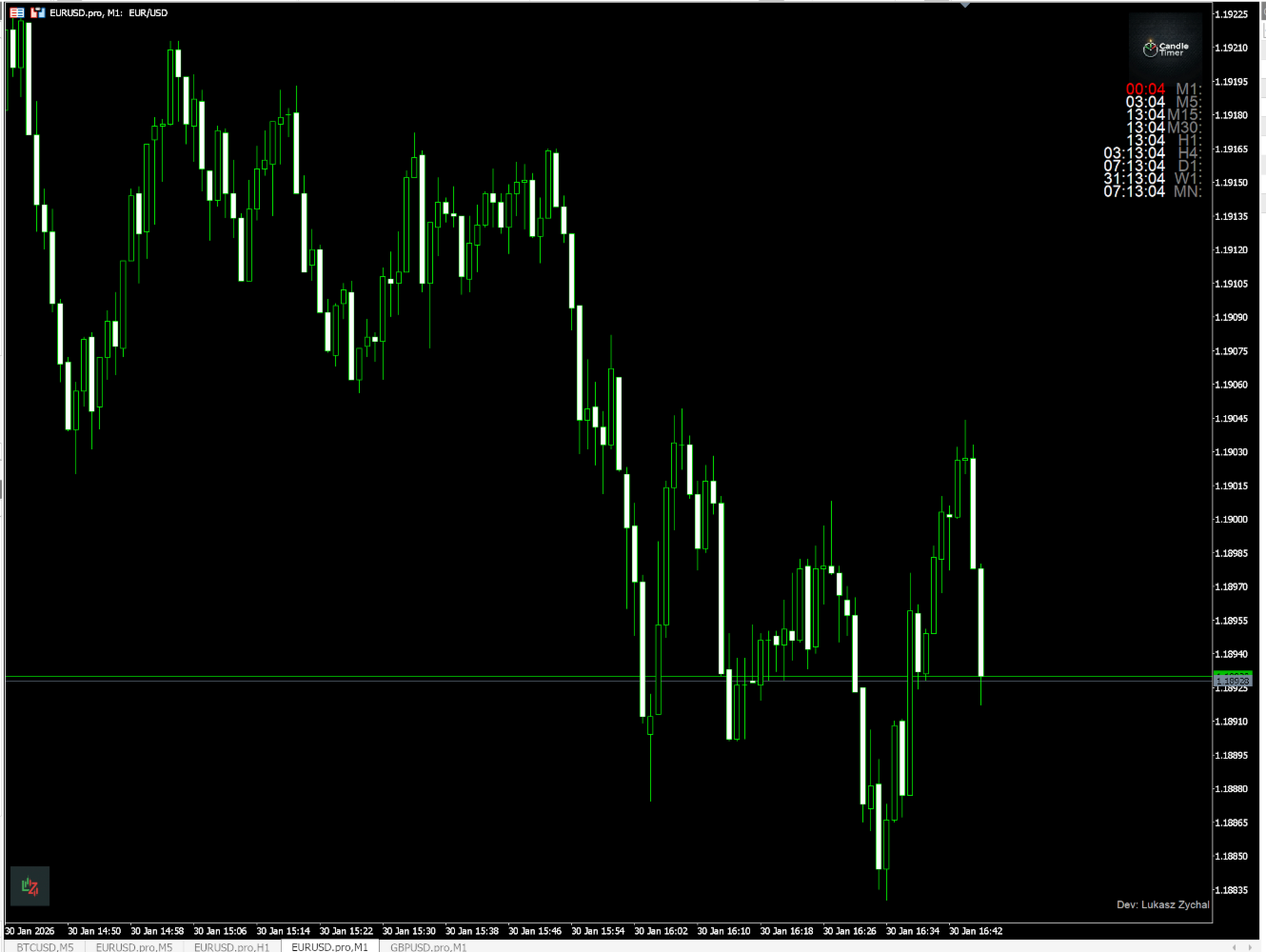
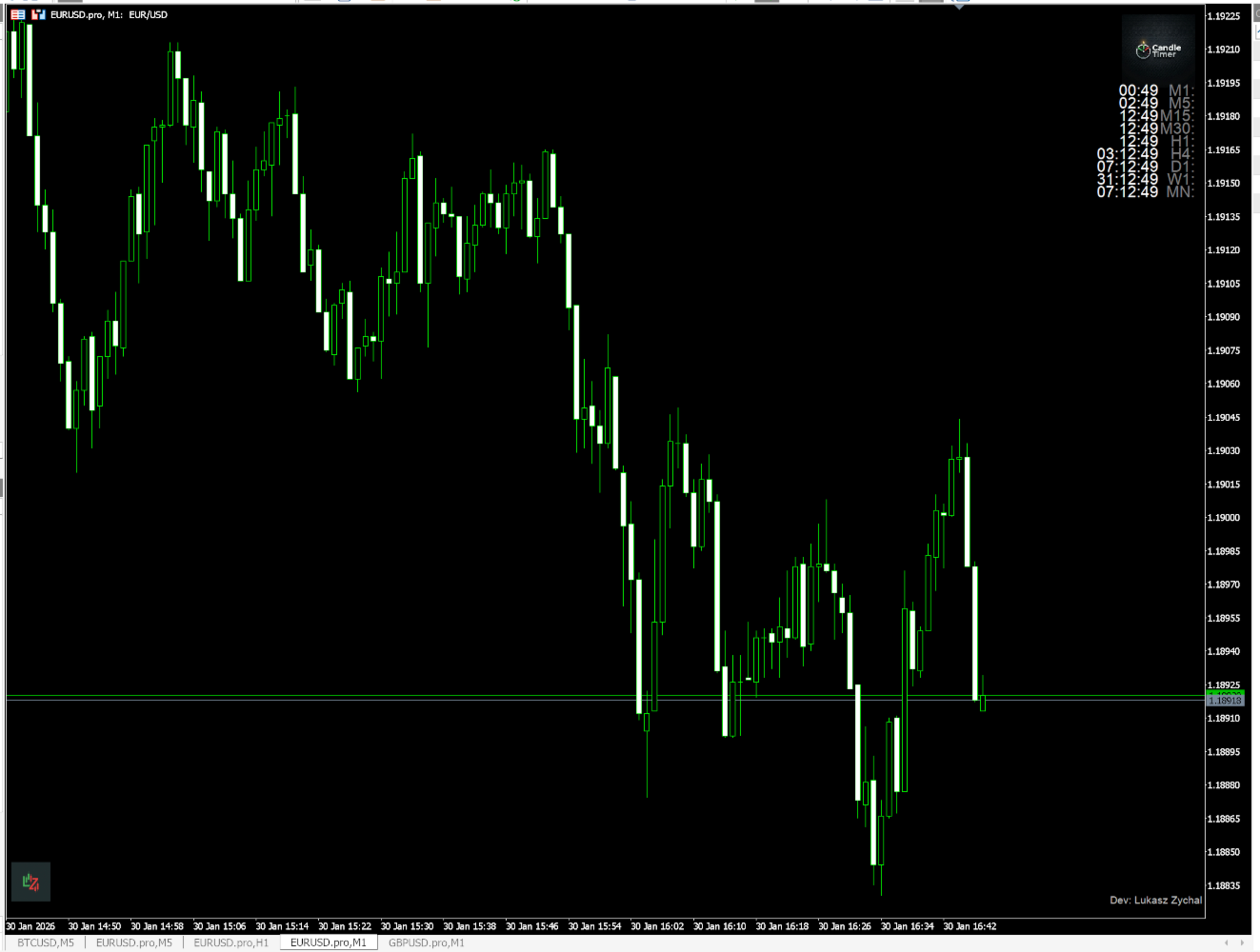
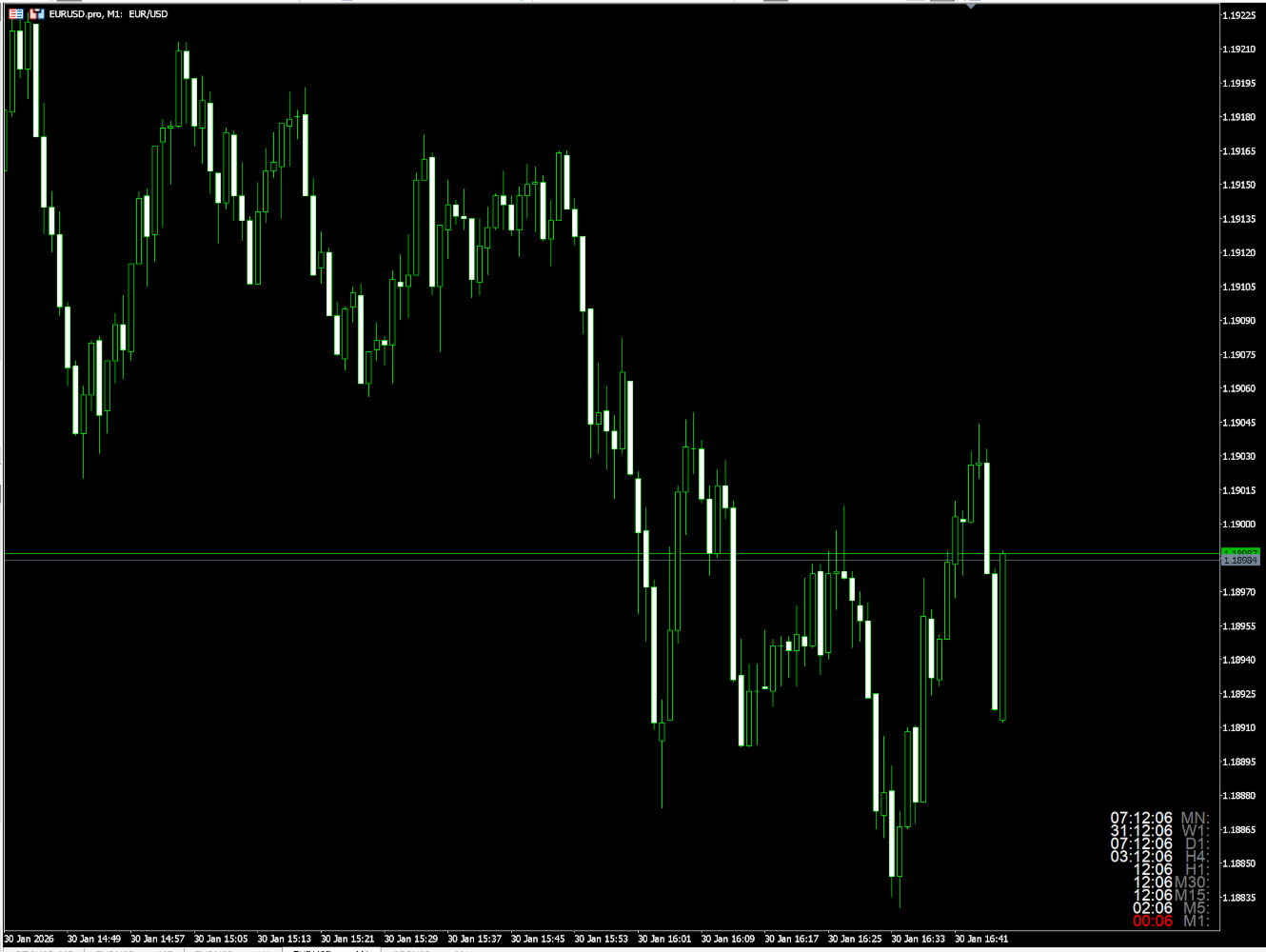
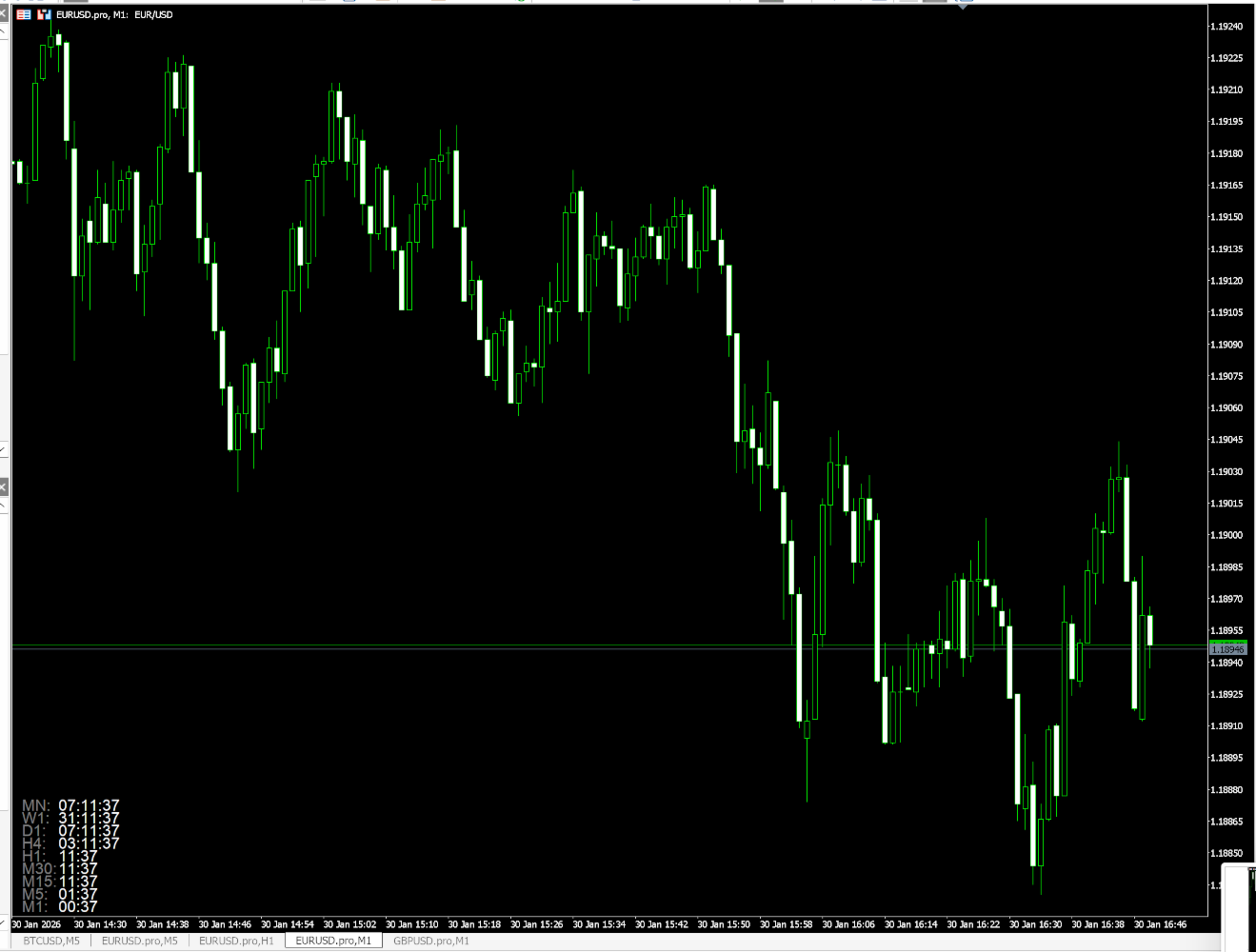
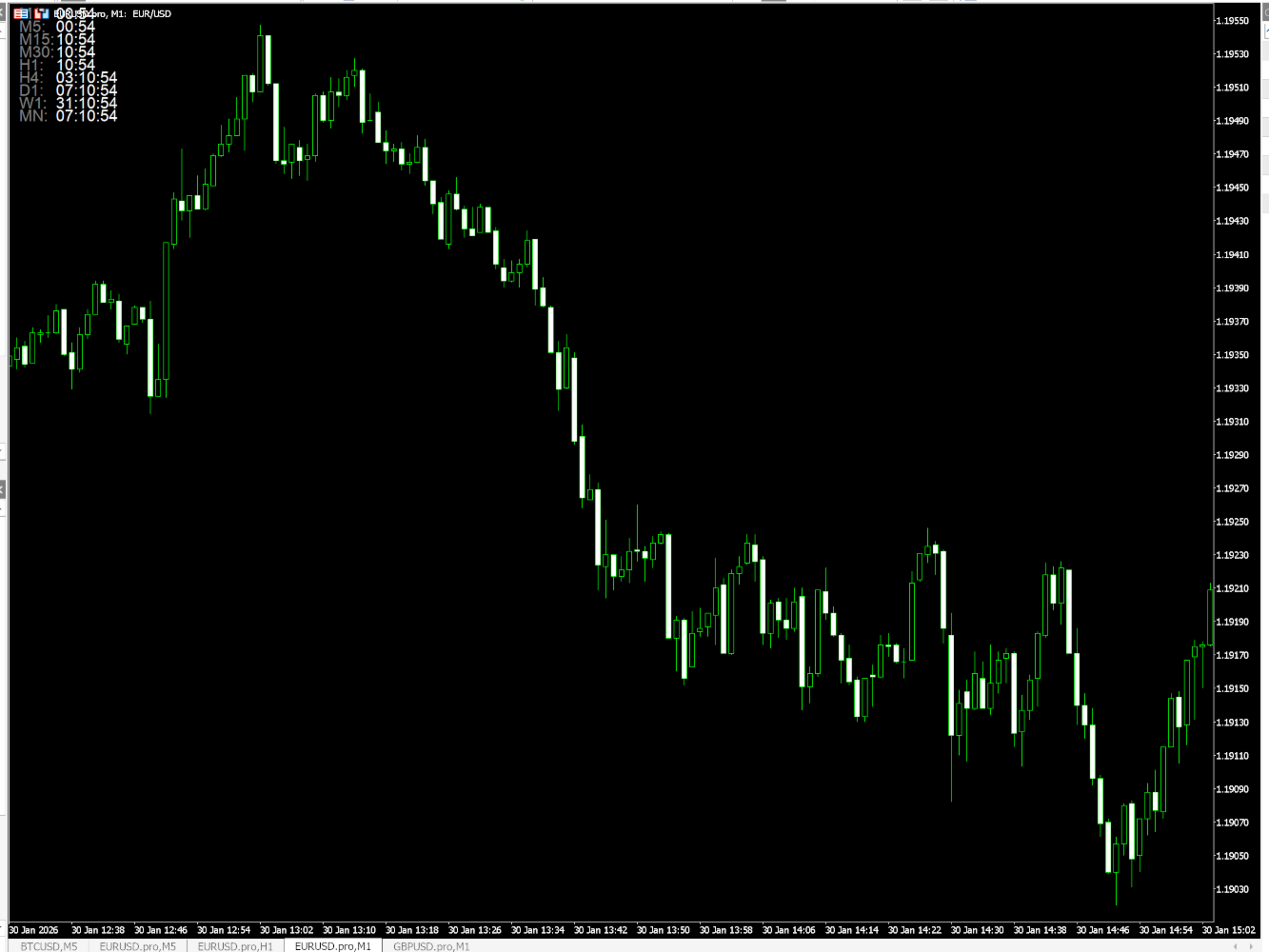
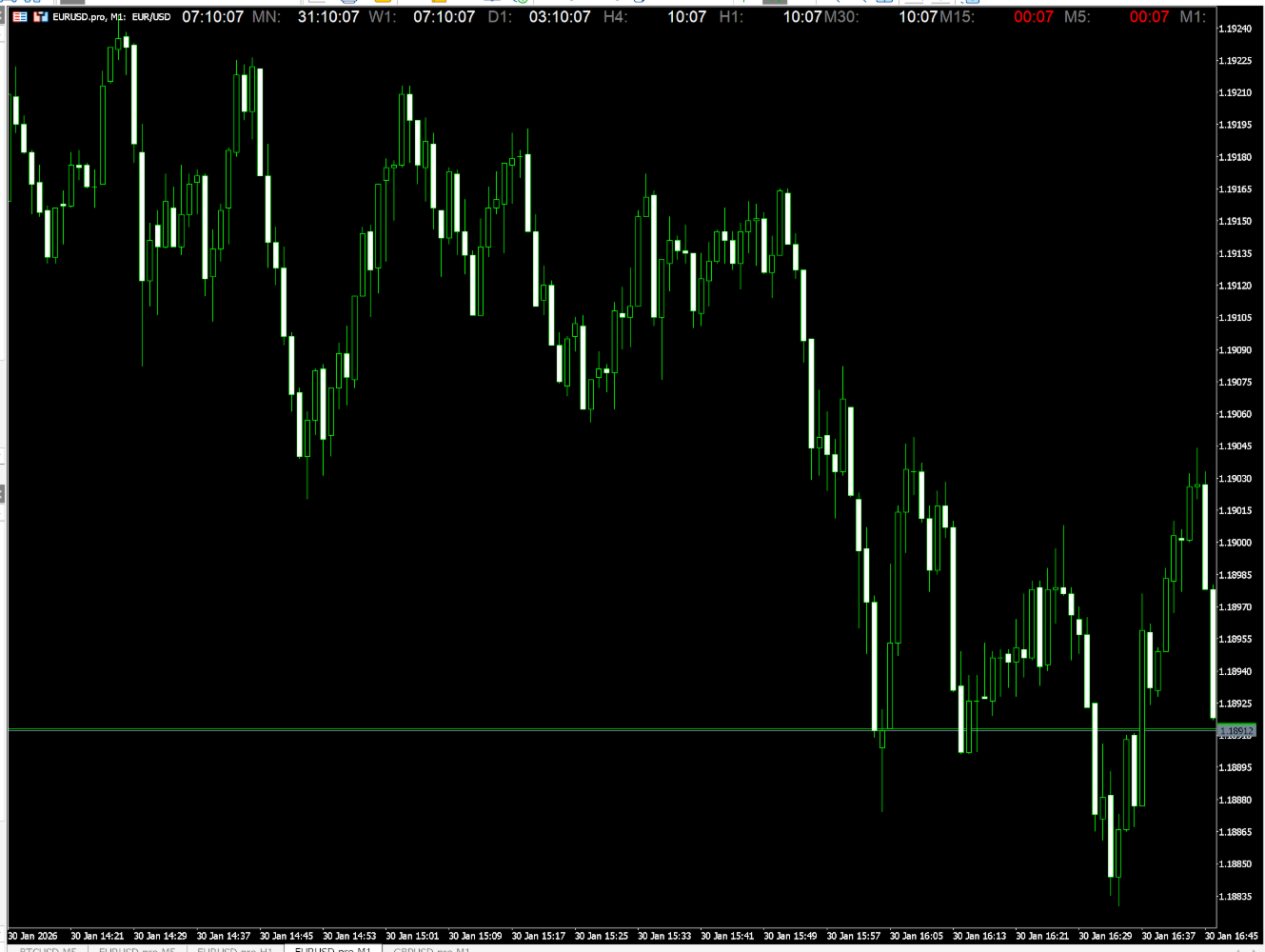
LZ Multi-Timeframe Candle Timer displays the remaining time before the current bar closes for multiple timeframes simultaneously on a single dashboard. Monitor up to 9 timeframes (M1, M5, M15, M30, H1, H4, D1, W1, MN1) without switching charts. The indicator uses server time, updates every second, and is optimized for smooth display with minimal CPU use.
Feature highlights
- Multi-timeframe display: select which timeframes to show (M1 through MN1) via boolean inputs. Display only the intervals you need.
- Layout options: vertical (default, stacked list) or horizontal (single row). Logo positioned above the list for top corners, below for bottom corners.
- Selectable location: place the dashboard in any of the four chart corners (Upper Left, Upper Right, Lower Left, Lower Right). X/Y offsets and padding are configurable.
- Alarm colour: when fewer than X seconds remain (default 10), the timer text for that timeframe switches to an alarm colour (default red). Threshold and colour are configurable; you can disable this.
- Optional sound alarm: play a sound (e.g. alert.wav) when any timer is in the alarm state. Cooldown avoids repeated alerts; sound file is configurable.
- Customisable appearance: label colour (e.g. "H1:", "M5:"), clock colour, font size, and spacing are adjustable. Logo and author footer can be shown or hidden.
- Lightweight: timer-based updates, no tick dependency; works consistently even when the market is quiet.
Input parameters
Timeframes (show/hide each)
- M1, M5, M15, M30, H1, H4, D1, W1, MN1: enable/disable each timeframe (default: M1–D1 on, W1–MN1 off).
General settings
- Vertical layout: yes (default, stacked) or no (horizontal row).
- Corner: Upper Left, Upper Right, Lower Left, or Lower Right.
- X offset, Y offset: distance from the chart edge (pixels).
- Padding: space between logo and timer list.
Timer look
- Label colour: colour of interval labels (e.g. "H1:", "M5:").
- Clock colour: colour of the countdown text.
- Font size: size of the timer digits.
- Alarm colour enabled: turn the countdown colour change on/off.
- Alarm below X seconds: seconds threshold for the colour change (default 10).
- Alarm colour: colour when in countdown (e.g. red).
- Sound alarm: enable/disable sound when any timer is in alarm state.
- Sound cooldown (seconds): minimum interval between sound plays (default 60).
- Sound file: name of the WAV file in MQL5/Sounds/ (e.g. alert.wav).
Branding
- Show logo, logo size: display and size of the indicator logo.
- Show author, author colour: display and colour of the author footer.
Installation
Copy MultiCandleTimer.ex5 to MQL5/Indicators/ (or your preferred subfolder). Restart MetaTrader 5 or refresh the Navigator, then drag the indicator onto a chart.
Compatibility
MetaTrader 5, build 3815 or higher. All symbols. Works on any chart timeframe (displays selected intervals regardless of chart TF).