CandlePulse Candle Timer MT5
- Indicatori
-
Guad Bibar
 Quantum Labs | MetaTrader tools with clear rules
I develop MQL4/MQL5 indicators, Expert Advisors and utilities, with a focus on chart analysis, configurable trading logic and practical dashboards.
Choosing a product - Versione: 1.0
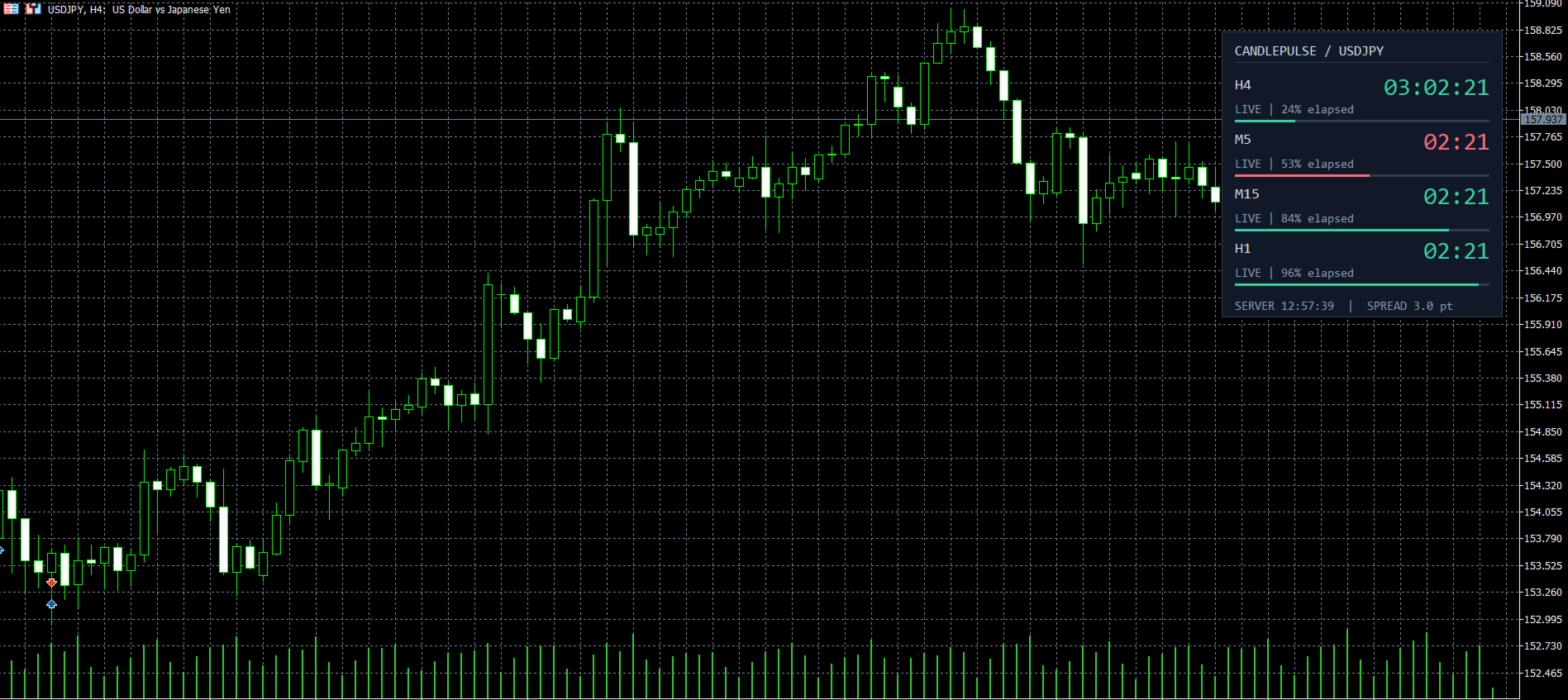
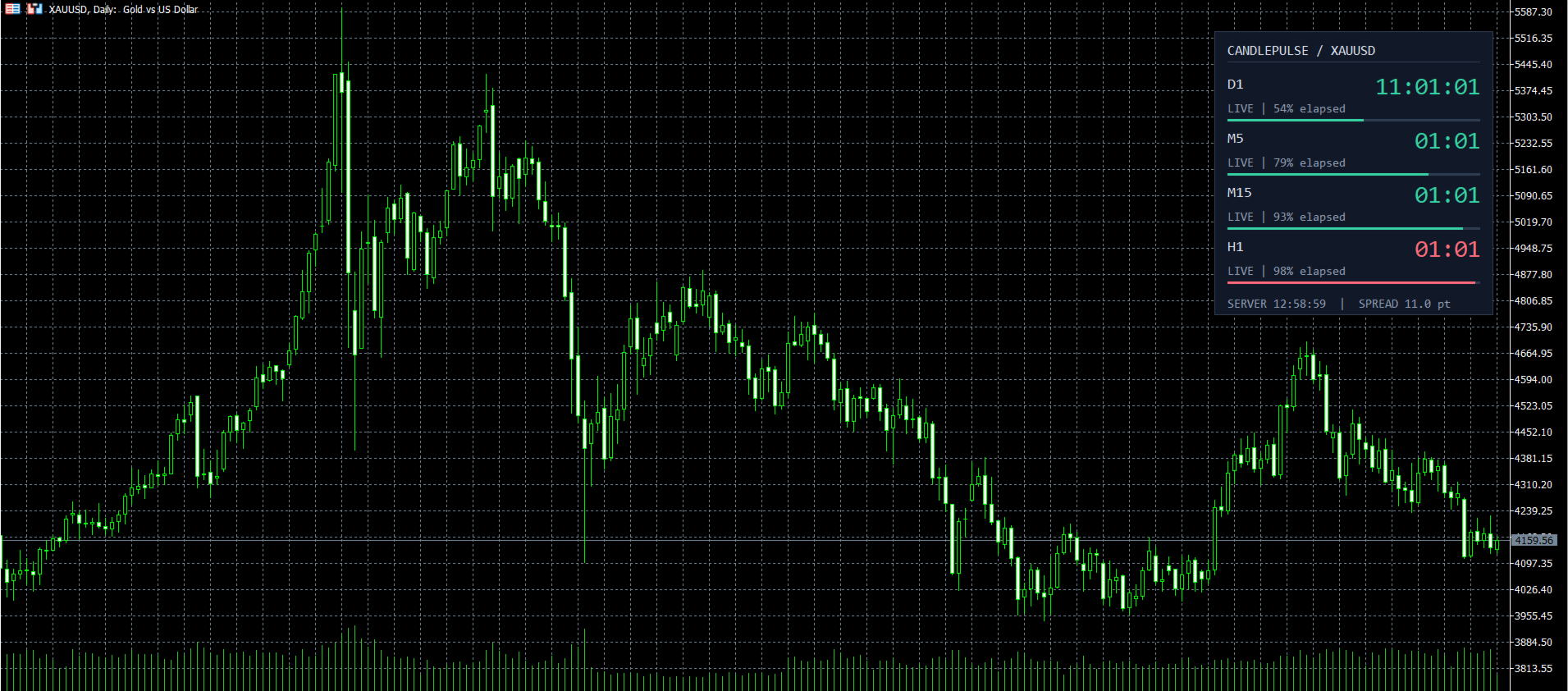
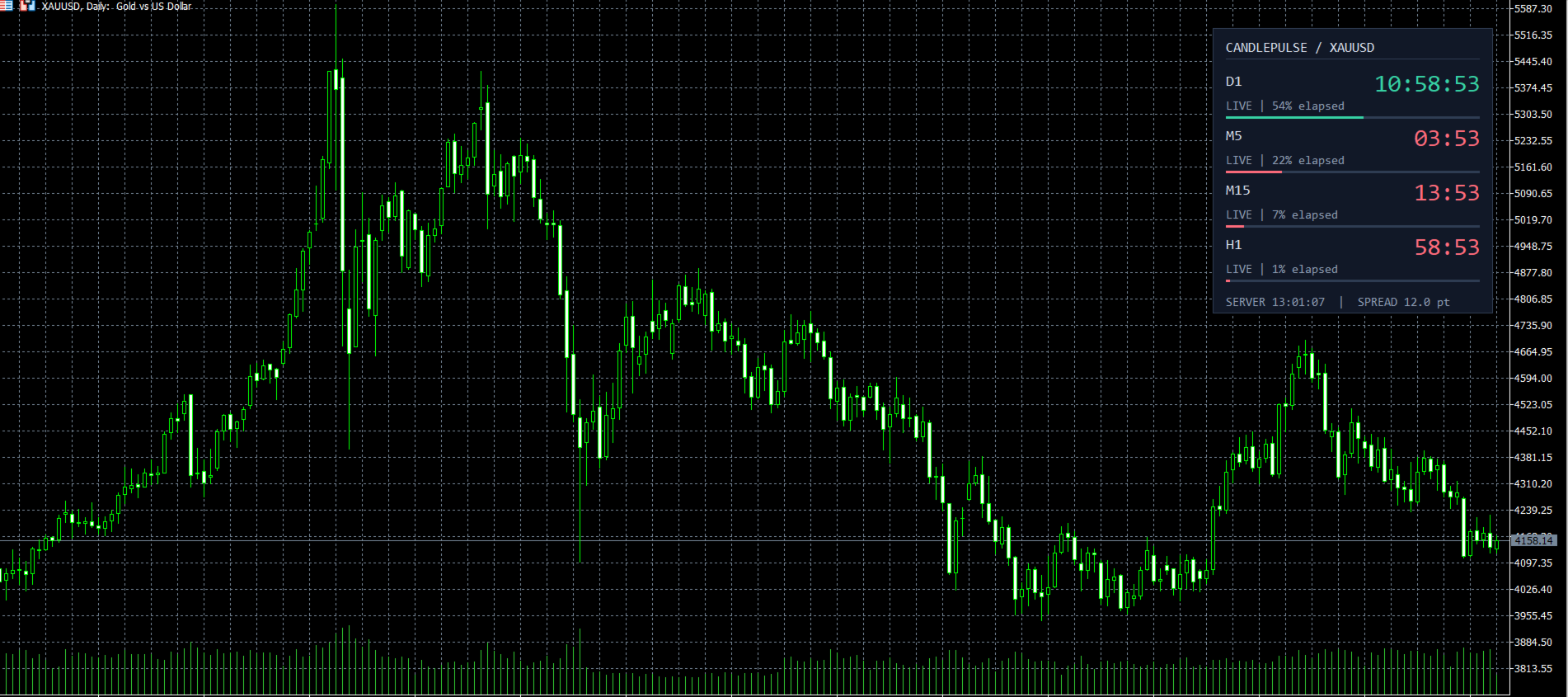
CandlePulse Candle Timer MT5 shows the time remaining in the current candle, with a dashboard for up to four timeframes and optional candle-close alerts. Choose a full panel, a compact corner timer, or a countdown beside the latest candle.
All features are included at no charge. There is no subscription, external account, or DLL requirement.
Main features
- Multi-timeframe dashboard: monitor the chart timeframe plus up to three additional periods. Duplicate periods are combined into one row.
- Three layouts: dashboard, compact display, and beside-candle timer.
- Countdown updates between price ticks, with elapsed-time progress bars in dashboard mode.
- Optional alerts before the candle closes or when a new bar arrives. Choose popup, sound, push notification, or email.
- Adjustable fonts, colors, chart corner, spacing, and position. Use your own colors or follow the chart candle colors.
- Final-seconds highlighting, optional spread in points, and an estimated broker server clock.
- Feed status messages for stale quotes, disconnection, missing history, and waiting for the next bar.
- Custom period duration and close-time offset for the main timer.
Quick start
- Install from the Market in desktop MetaTrader 5 and attach CandlePulse to a chart.
- Keep the default dashboard or select your preferred layout in Inputs.
- Choose the main timeframe and optional extra dashboard timeframes. The default extra periods are M5, M15, and H1.
- To use alerts, enable the desired event and at least one delivery channel. Alerts are off by default. Push and email require configuration in the terminal's Options.
Timing and compatibility
The timer targets the nominal end of a time-based candle. A new bar is confirmed only when MT5 receives its actual opening timestamp. After a scheduled boundary, the display stays at zero while waiting for that next bar. Stale or disconnected feed states suppress alerts.
Monthly periods follow calendar-month boundaries. Custom duration changes the timer calculation; it does not generate custom candles. Renko, range, and other non-time-based bars do not have a predictable time of closure. Network delays, broker clock corrections, and market sessions can affect timing.
Requires desktop MetaTrader 5. This is a visual timing utility with no buy or sell signals and no trade execution. The screenshots show the indicator running in MT5 with generated test prices to demonstrate the interface.
For help, questions, and feature suggestions, use the Comments tab or MQL5 messaging.