AZ Risovalka levels drawing tool
- Indicatori
- Versione: 1.21
- Aggiornato: 10 dicembre 2025

AZ Risovalka levels drawing tool
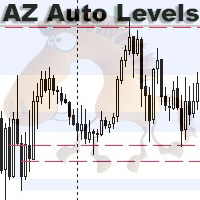
An indicator for simplifying the drawing of levels.
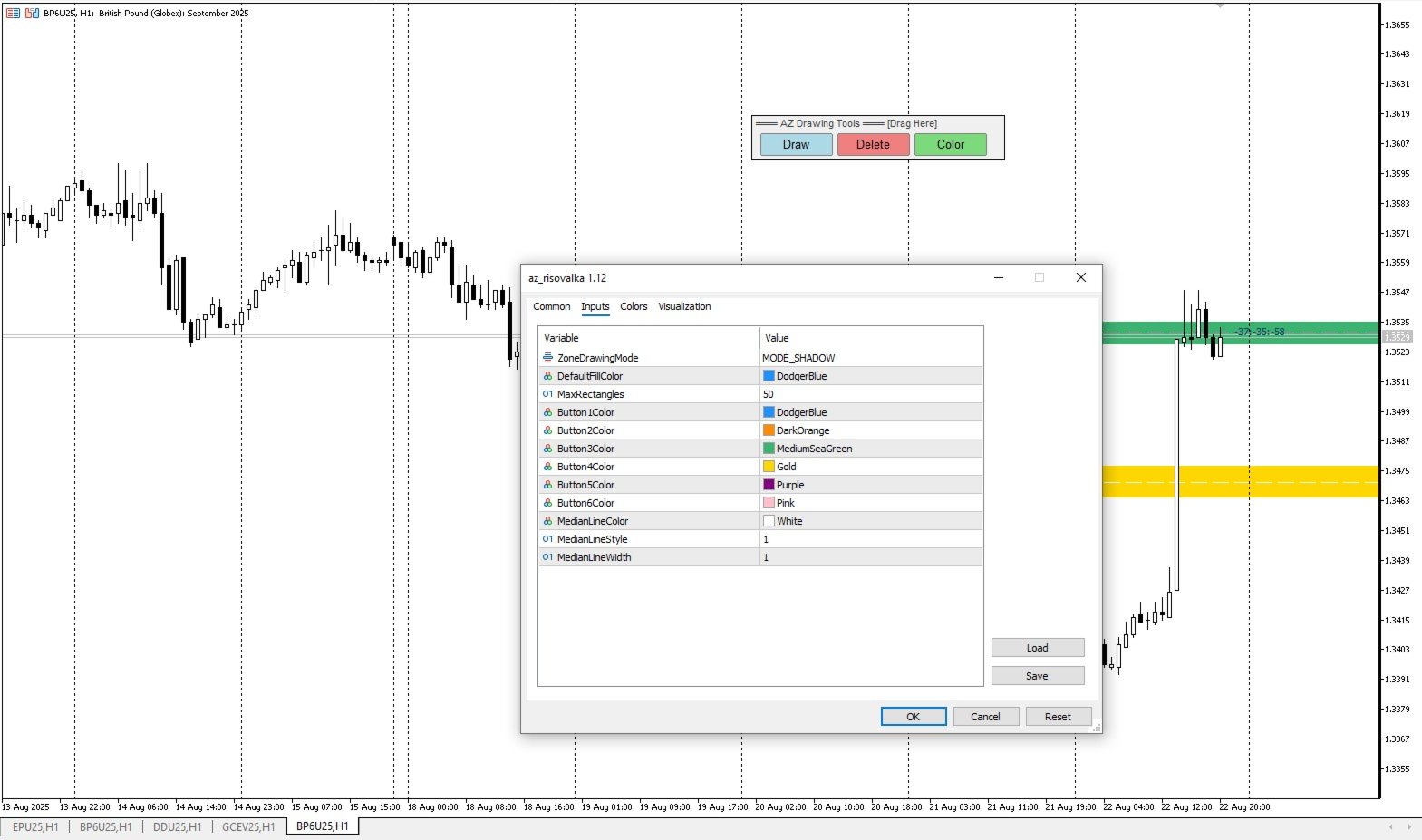
Select the indicator mode for the body, shadow, or the whole candle in the settings. Click the 'Draw' button on the drawing panel to create a level, then click on the body or shadow of the candle and select the level color in the color menu that appears. The 'Delete' button to delete level you select, 'Color' to select the color of an already created level. You can set your own colors in the indicator menu (6 colors). By default - you can store up to 50 levels. Each level is drawn from the beginning of the selected candle to the end of the chart.
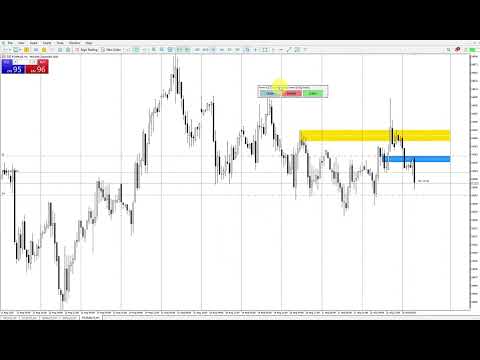
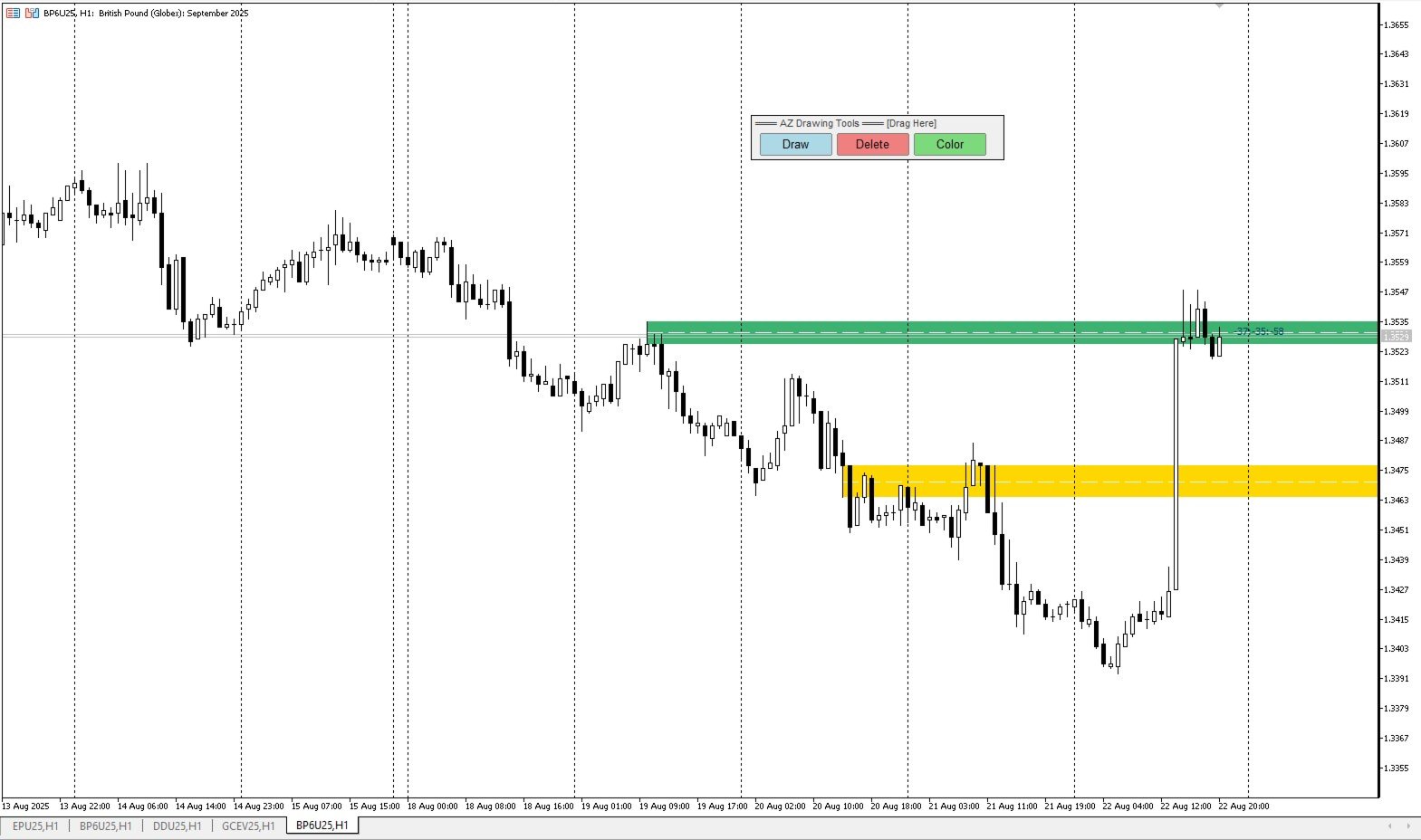














































Very effective tool for drawing S/R zones and monitoring them for bounces/breakouts/re-tests. Special thanks to Yurii for quickly responding to me and adding in alerts and configurable colors/ border thickness. Very helpful!