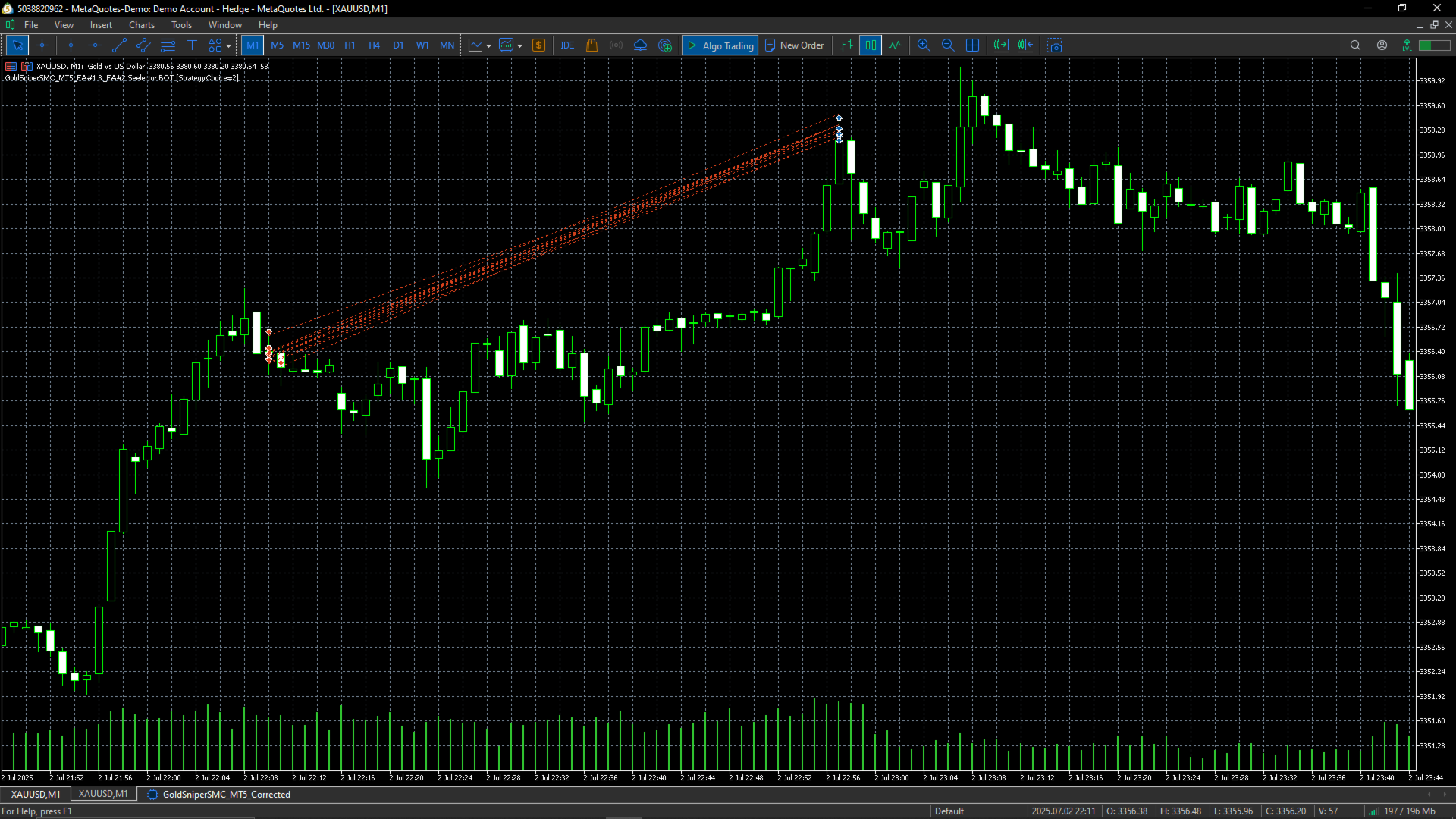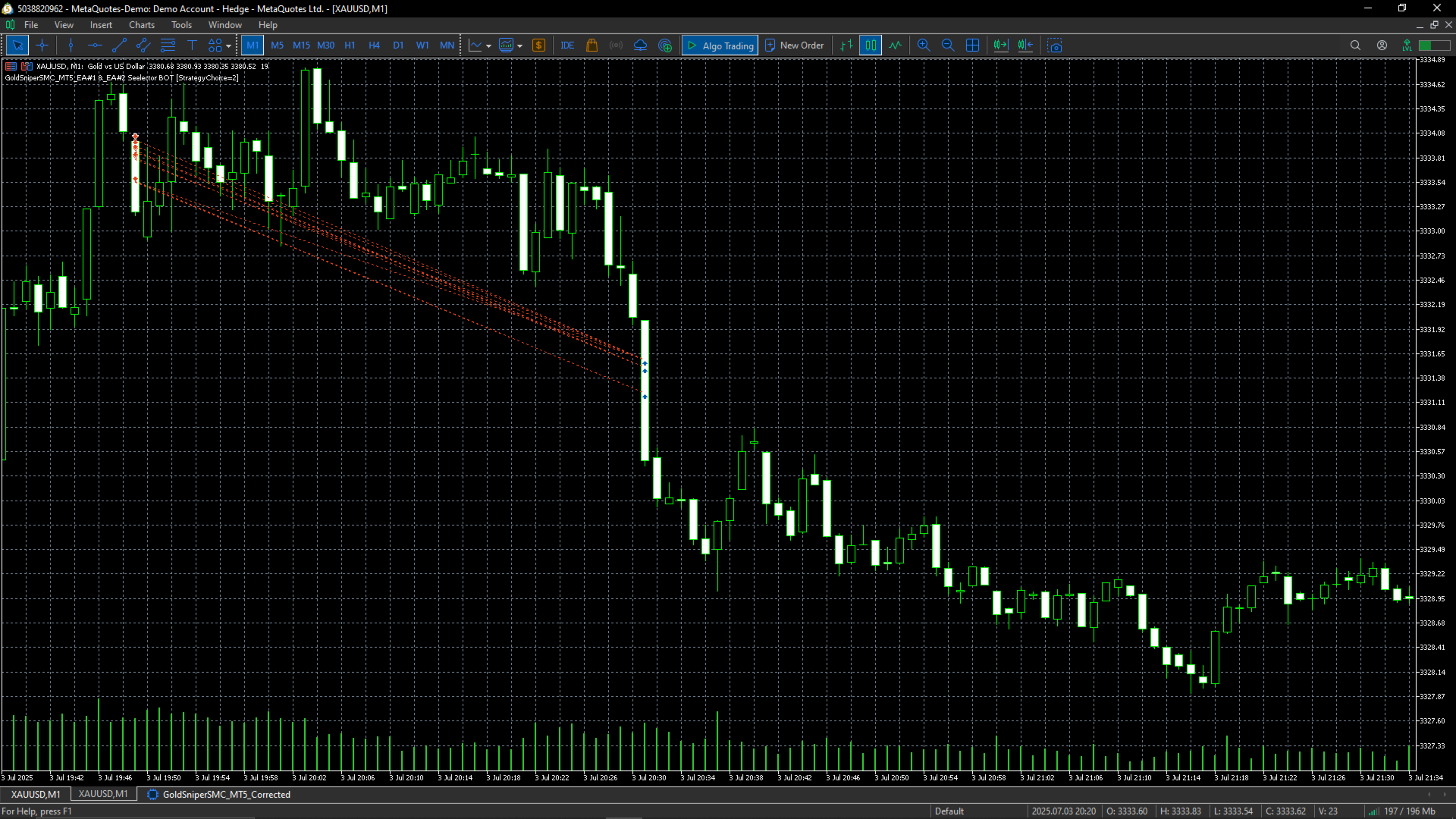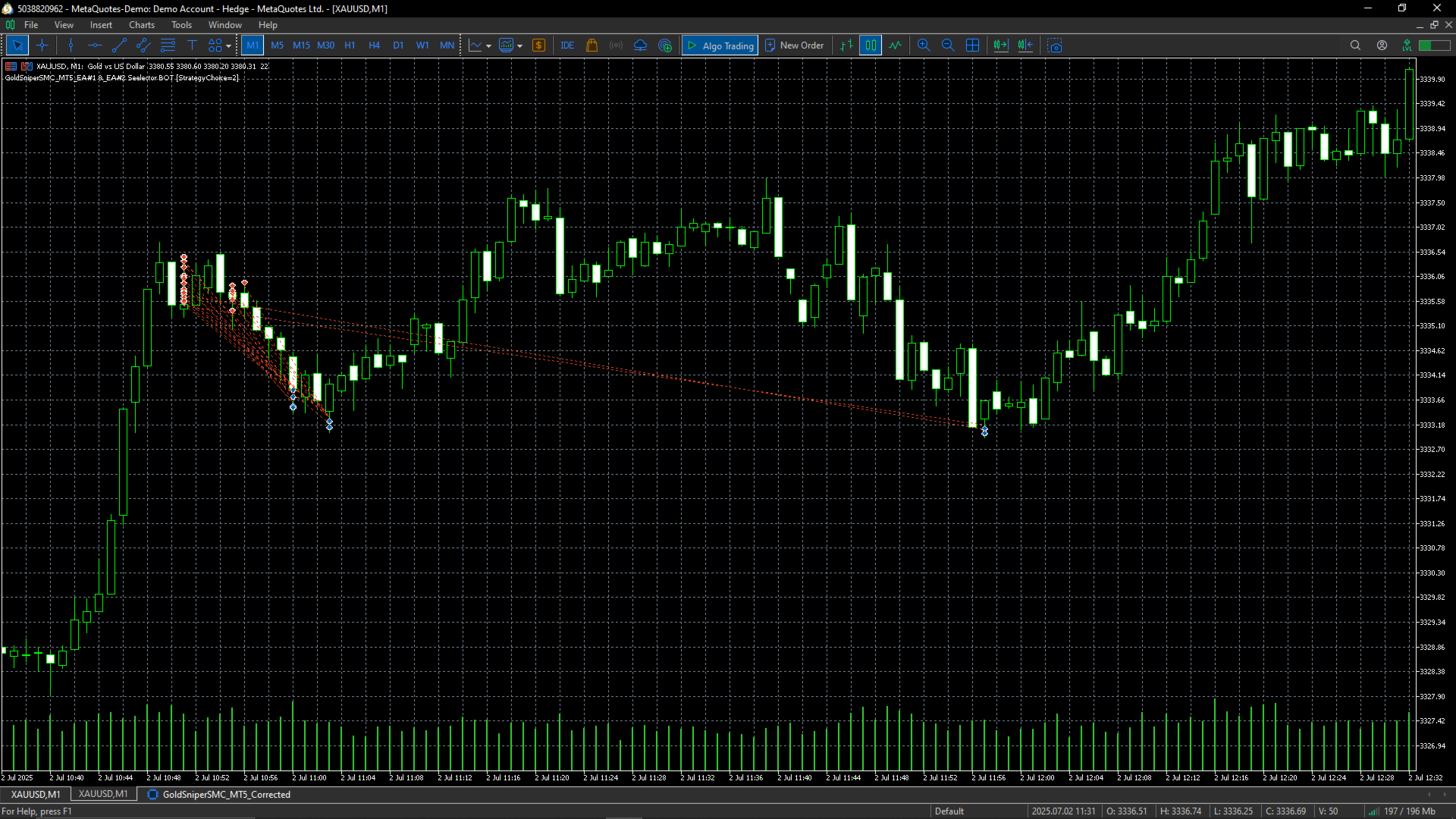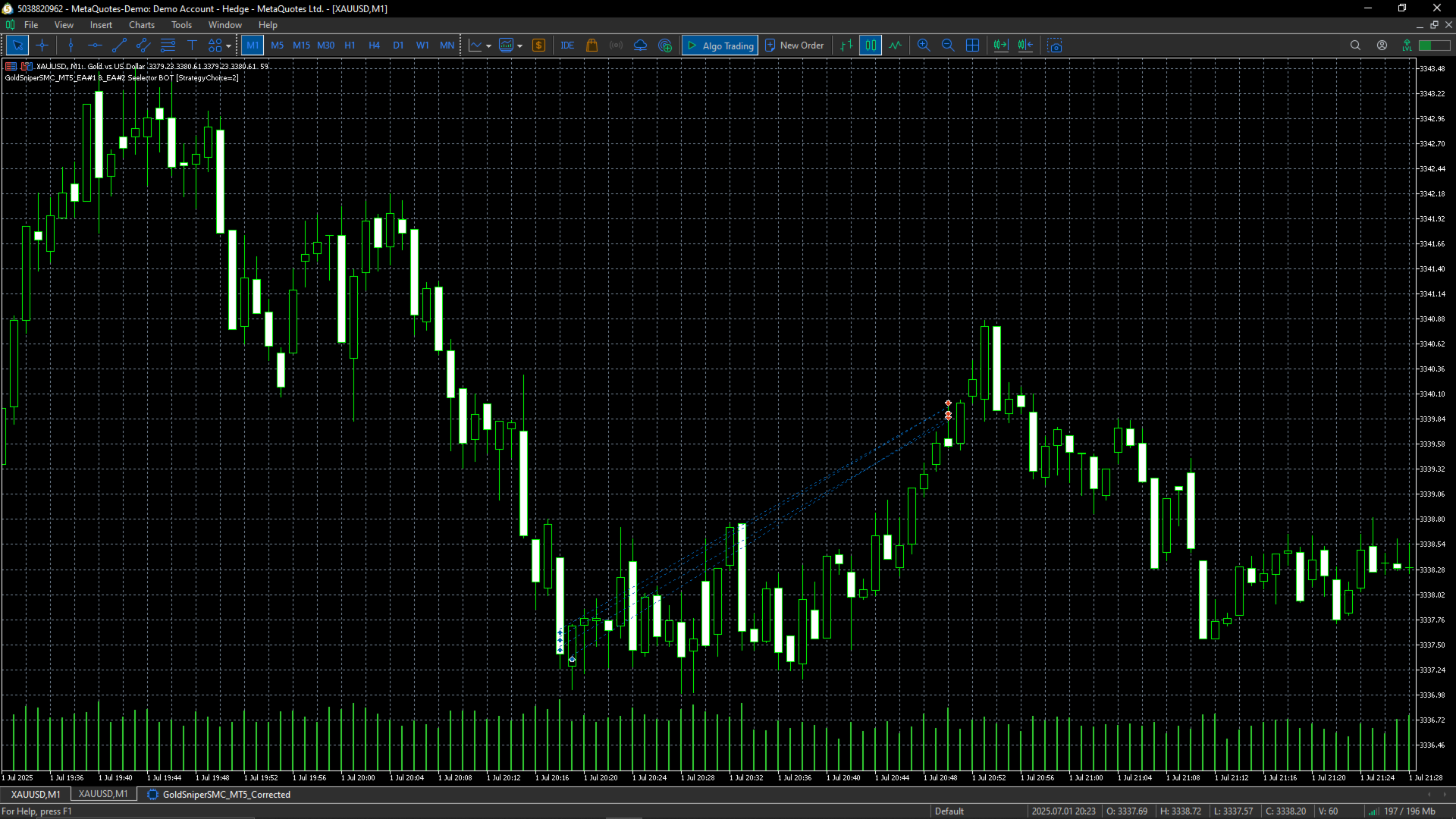
Igris FX Gold Sniper SMC EA 1
- Experts
-
Happy Mashabela
 Hello! I'm Happy Mashabela a dedicated and experienced developer with a passion for creating high-quality trading solutions. With expertise in MQL5 programming, I design and develop custom indicators, Expert Advisors, and trading robots tailored to meet the specific needs of traders. My goal is to
 - Versione: 1.0
- Attivazioni: 5
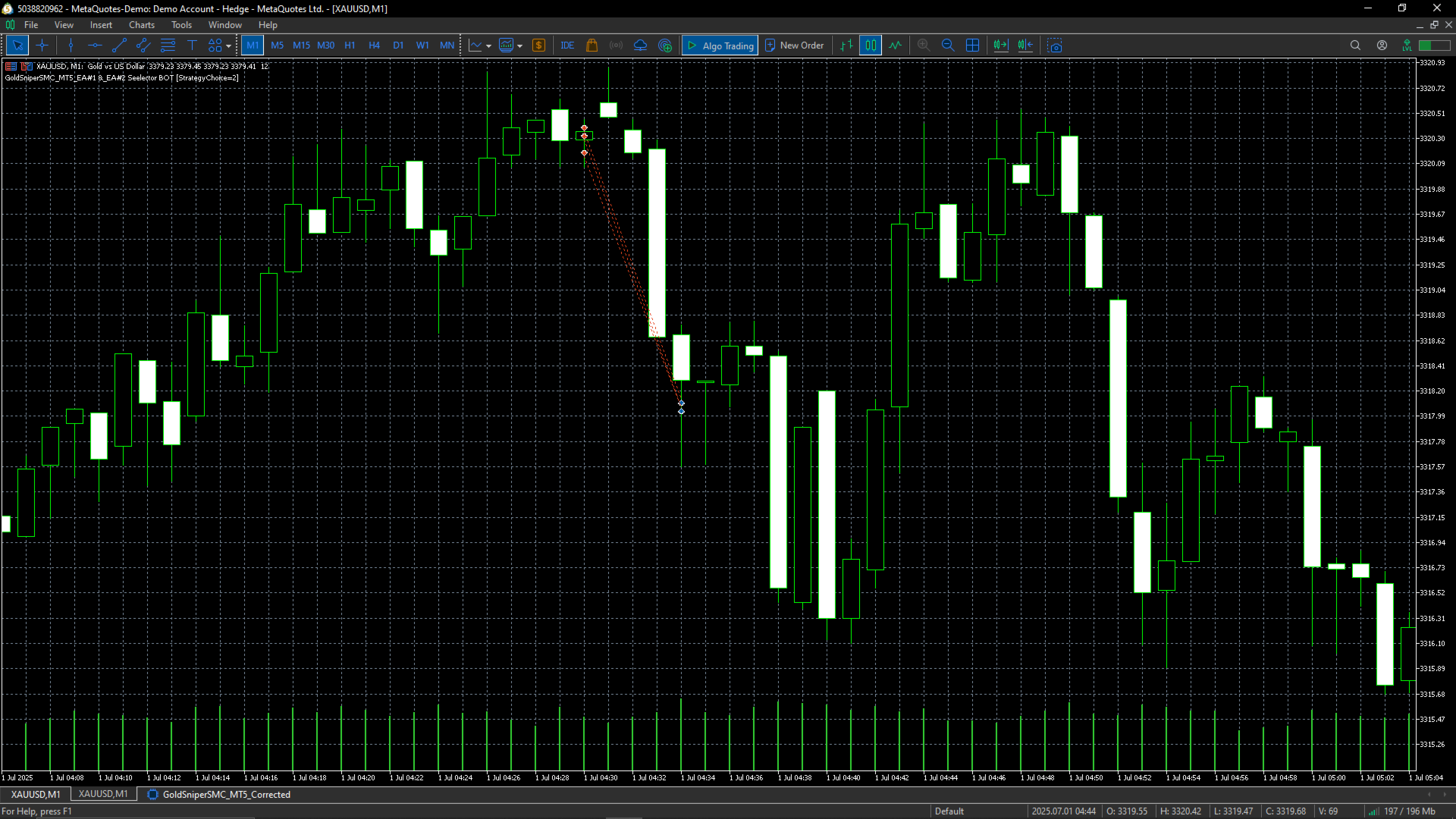
The Igris_FX Gold Sniper SMC EA is a fully automated Expert Advisor designed for high-precision Gold trading using advanced Smart Money Concepts, Support/Resistance bounces, RSI filters, and candlestick pattern confirmations.
Engineered for traders who demand accuracy, high risk-to-reward ratios, and minimal drawdown, this EA is perfect for scalping or swing setups depending on your VPS and broker speed.
🚀 Key Features
-
Advanced Entry Logic
✔ SMC Liquidity Sweeps
✔ Bullish/Bearish Engulfing Candles
✔ RSI Oversold/Overbought Filters
✔ Support & Resistance Bounce Confirmation -
Risk Management
✔ Adjustable % Risk per Trade
✔ Fixed or Dynamic Stop Loss/Take Profit
✔ High R:R ratios (up to 1:35)
✔ Trailing Stop with profit locking -
Strategy 1: EA#1 preset – Fast scalping on M15
-
Automated Trade Management
✔ 24/5 auto-trading without manual intervention
✔ Trades only during market-active times (customizable)
✔ Automatic trailing stop & break-even moves
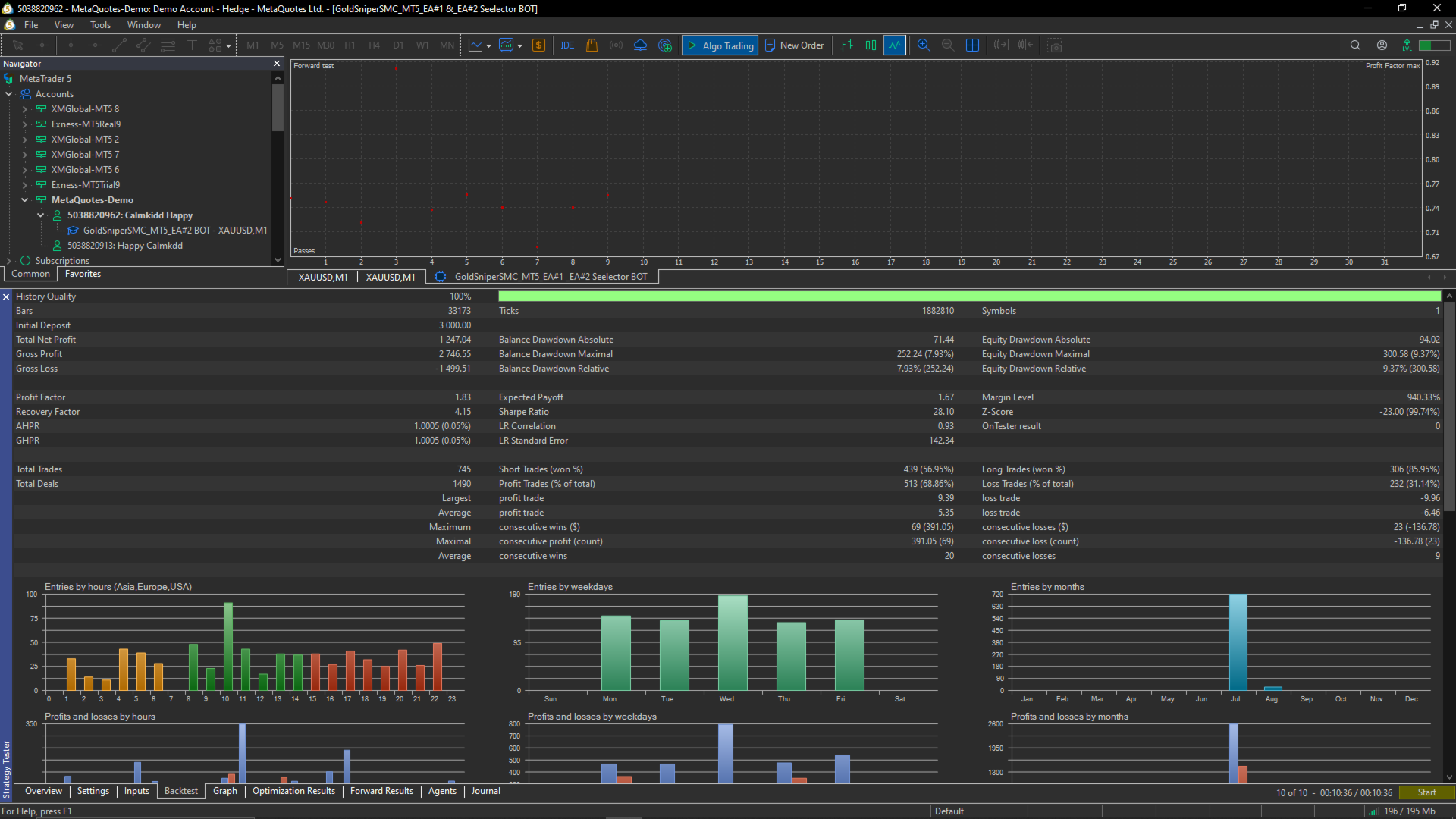
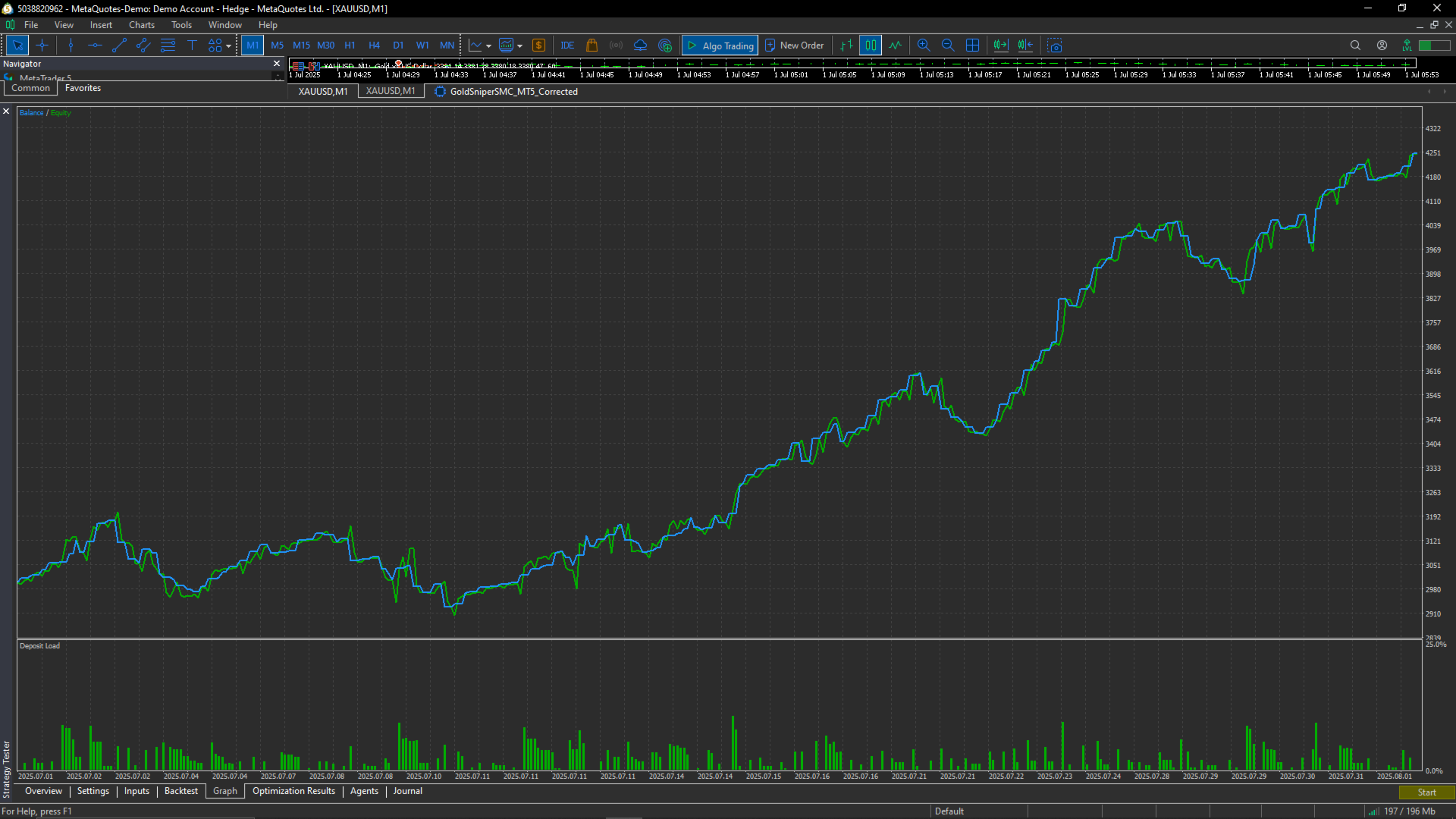
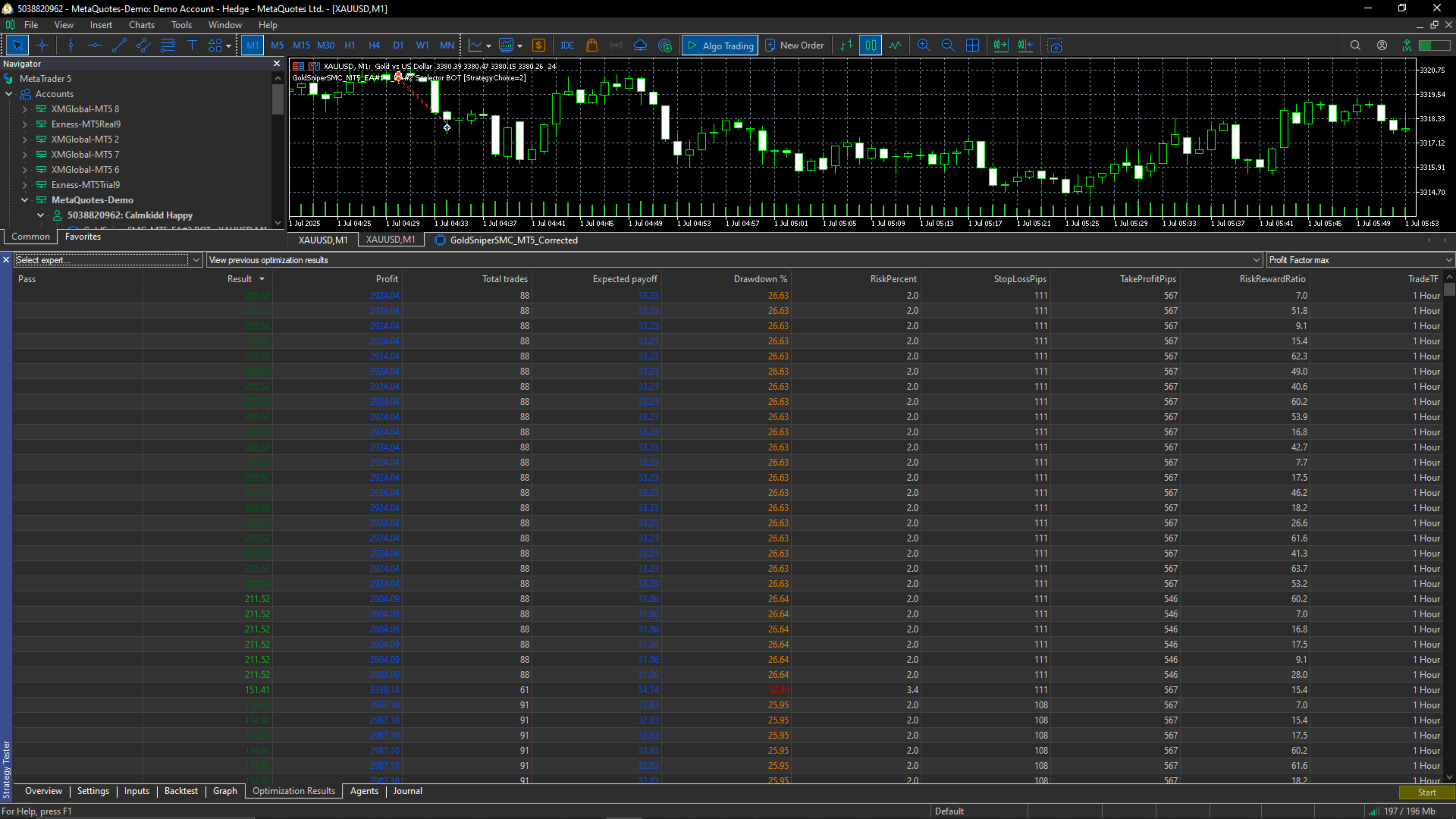
📊 Backtest Results Highlights
(Example – replace with your real results screenshots)
-
Profit Factor: 8.21
-
Total Trades: 110
-
Expected Payoff: $29.27
-
Max Drawdown: 5.59%
🖥 Supported Platforms
✅ MetaTrader 5 Desktop (Windows / macOS)
✅ VPS Hosting (Windows Server)
✅ Mobile Monitoring via MetaTrader 5 App (iOS & Android)
⚠ Note: EAs cannot run directly on mobile; VPS or PC is required.
📦 What’s Included
-
Compiled .ex5 EA file (no source code for security)
-
Pre-optimized settings file for EA#1 and EA#2
-
Complete PDF user manual
-
VPS setup guide for 24/7 trading
-
Lifetime free updates
-
Customer support via MQL5 messages
⚙ How to Install
-
Open MetaTrader 5.
-
Go to File → Open Data Folder → MQL5 → Experts.
-
Paste the EA .ex5 file into the Experts folder.
-
Restart MetaTrader 5.
-
Drag the EA onto a Gold chart (M1 or M15 depending on strategy).
-
Load the preset file or adjust inputs.
-
Enable AutoTrading.
🌐 VPS Setup for 24/7 Trading
Why VPS?
Your EA must run constantly to catch trades. If your PC shuts down or loses internet, your EA stops. A VPS keeps it running 24/7.
How to Use MQL5 VPS (Simple Method):
-
Attach EA to chart on your desktop MT5.
-
Right-click your trading account in the Navigator panel.
-
Select "Register a Virtual Server".
-
Choose a VPS subscription and confirm.
-
Synchronize your EA & settings to VPS.
-
EA will run even if your PC is off.
External VPS Option:
-
Rent from providers like ForexVPS, Contabo, Vultr, AWS.
-
Connect via Remote Desktop from your PC.
-
Install MT5 and your EA on the VPS.
-
Keep MT5 running.
📱 Using on Mobile
-
Install MetaTrader 5 app from App Store/Google Play.
-
Log in with the same account your EA is running on VPS.
-
You can monitor open trades, close positions, or adjust lot sizes — but EA logic runs only on VPS/PC.
🔒 Protection & Licensing
-
File provided in .ex5 format (cannot be edited).
-
MQL5 Market encryption ensures EA only works on buyer’s account.
-
Optional account number lock for direct sales.