Chart Sweeper
- Utilitaires
-
Tamara Garcia Infantes
 Welcome to QuantEdge Systems, an algorithmic trading studio focused on MetaTrader 4 and MetaTrader 5.
I develop Expert Advisors, indicators and trading utilities, both custom projects for clients and my own systems.
What I offer:
Custom Expert Advisors built exactly from your rules - Version: 1.31
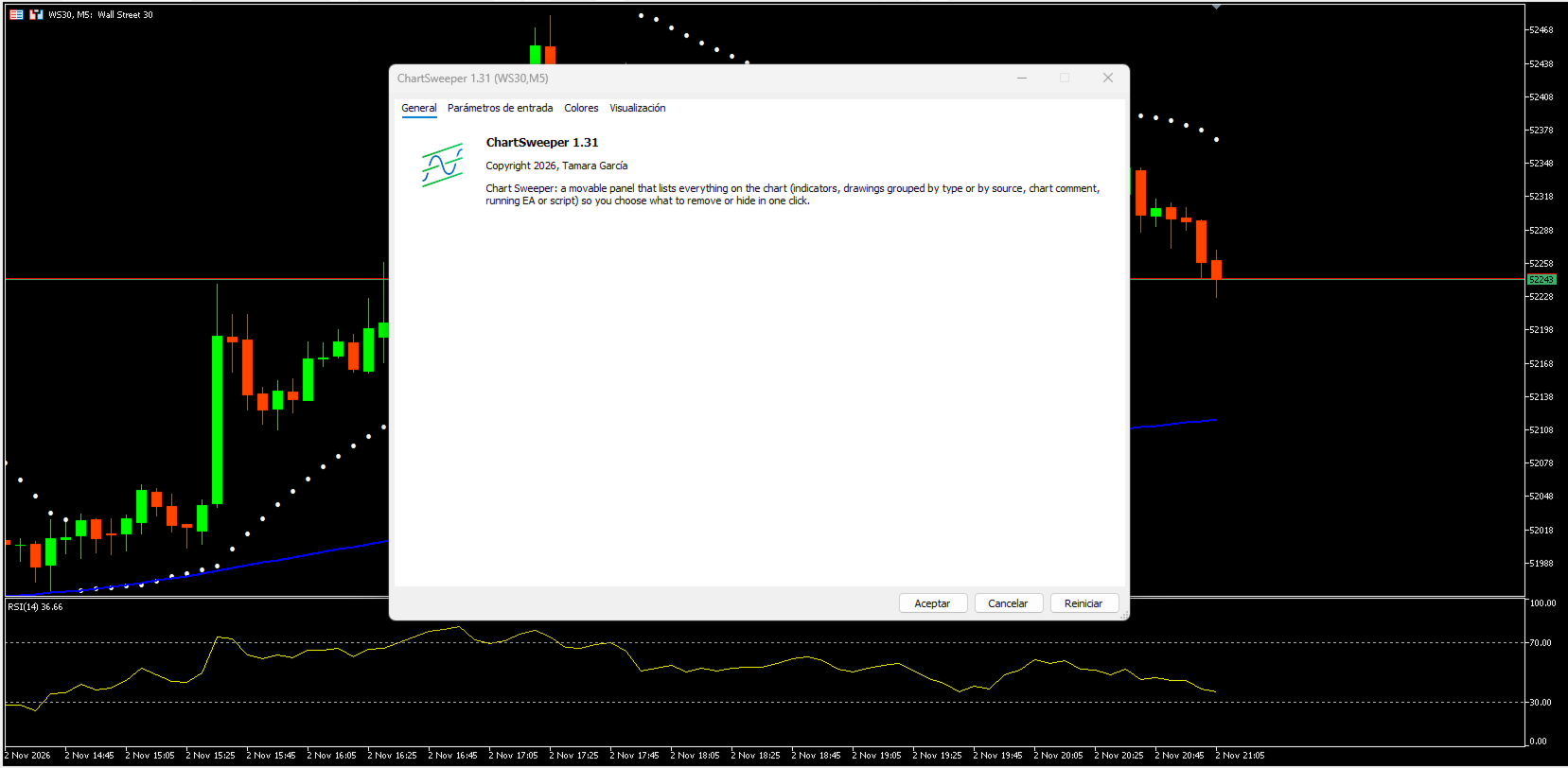
Chart Sweeper — see everything on your chart and remove only what you choose
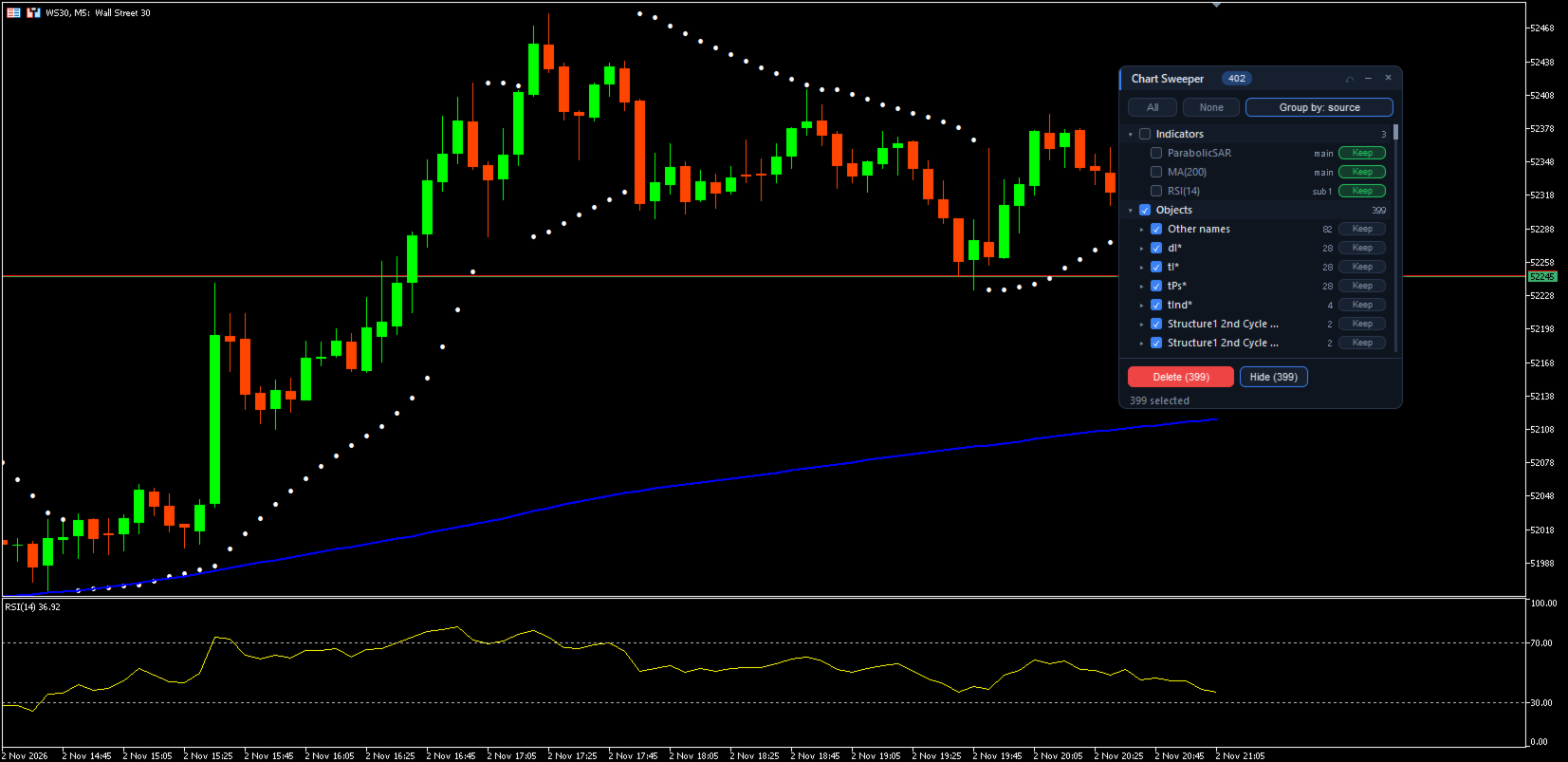
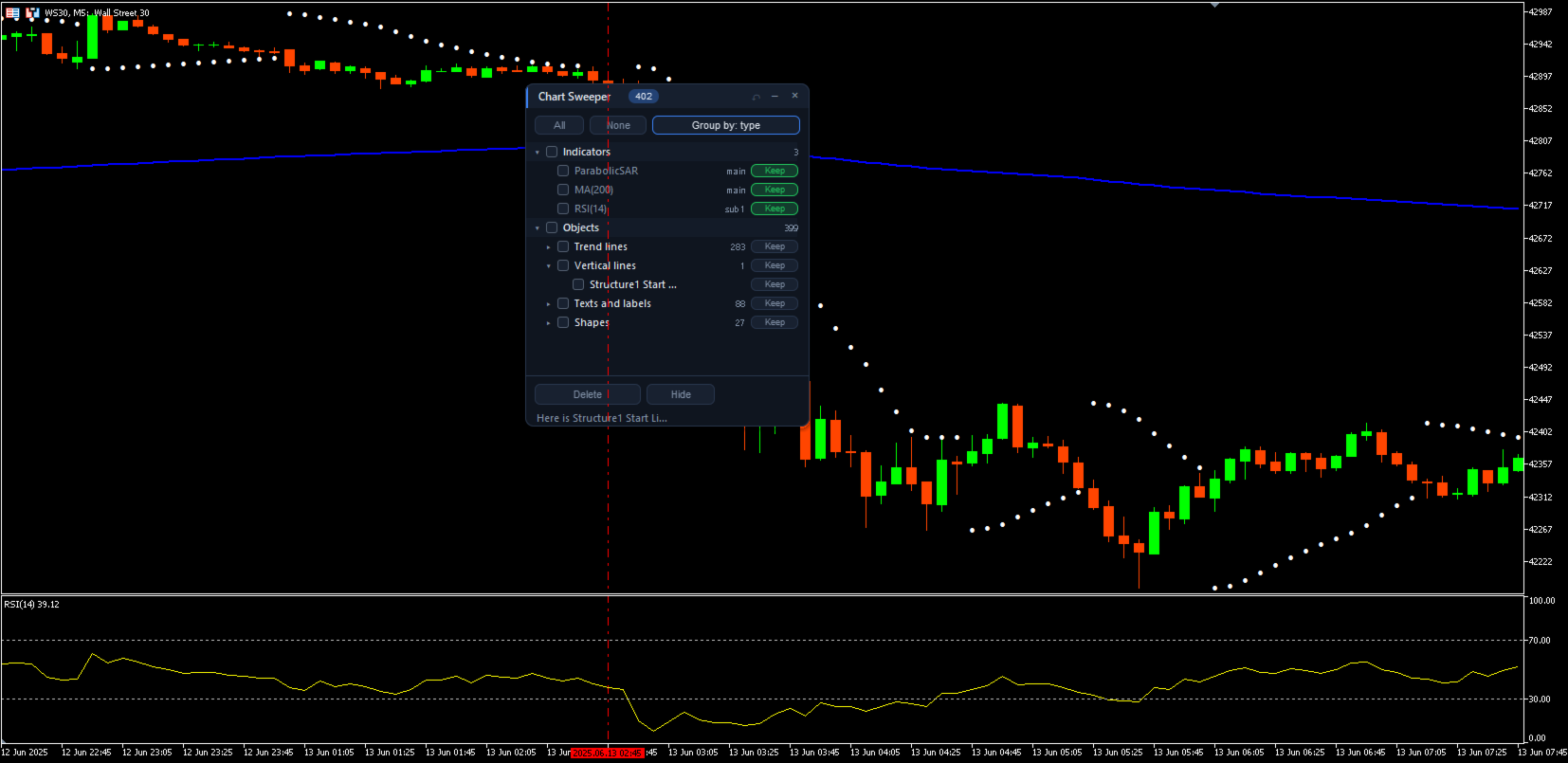
Charts fill up without you noticing: old trend lines, arrows left by scripts, labels from indicators you removed months ago, trade history marks, objects drawn outside the visible area or only on other timeframes. MetaTrader's object list shows them as one long, flat list. Chart Sweeper turns that list into a clear, movable panel where you decide what stays and what goes.
What it shows
• Every indicator on the chart, in the main window and in each subwindow.
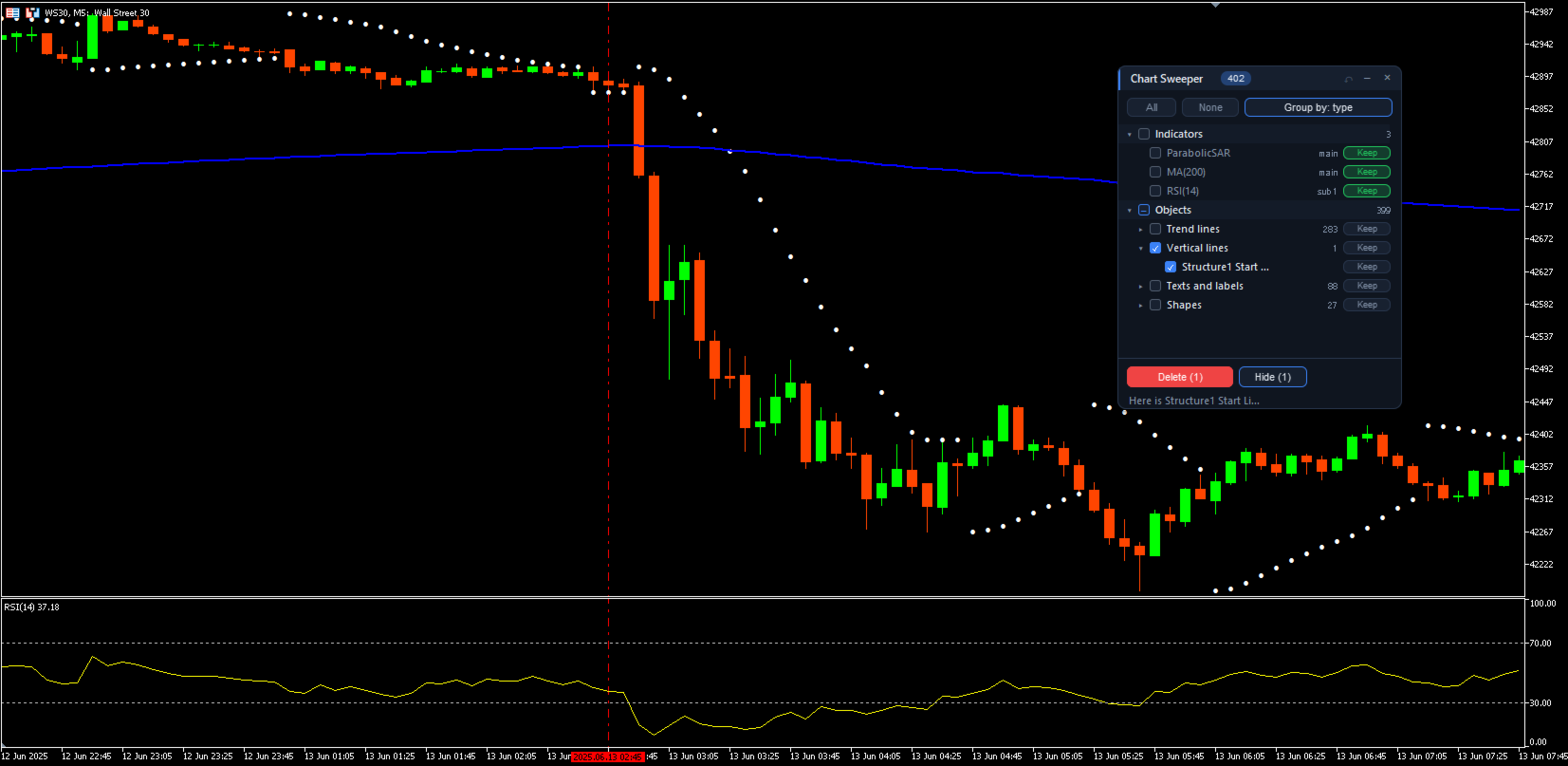
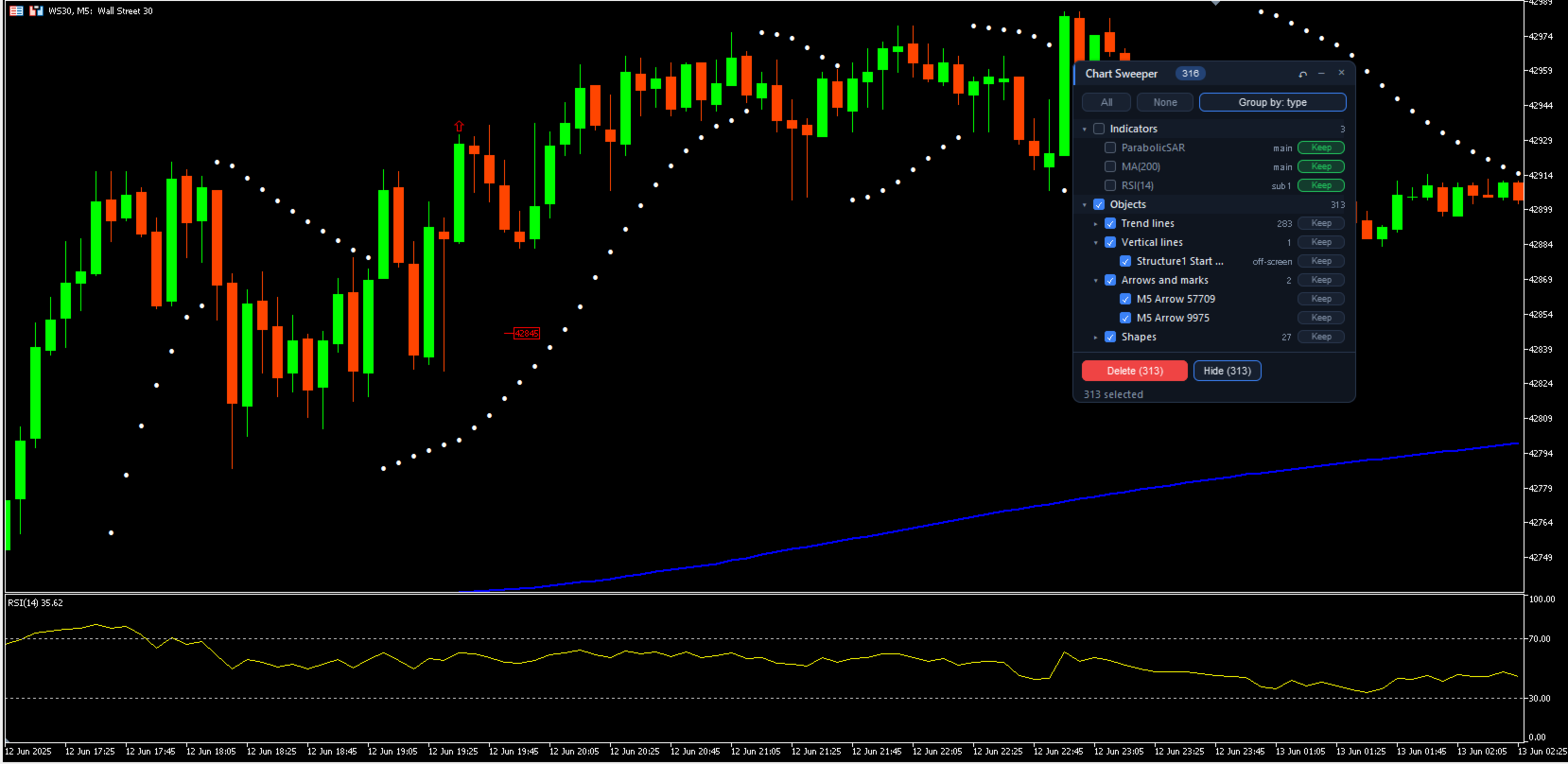
• Every object, grouped three ways: by type (trend lines, horizontal lines, arrows, texts, shapes, Fibonacci, channels, panels), by source (manual drawings, trade history marks and the name prefix of each program) or by visibility (visible now, off-screen, only on other timeframes, hidden).
• The chart comment, when it contains visible text.
• The Expert Advisor or script running on the chart, as information.
What you can do
• Tick a single object, a whole group, a section or everything, and delete it with one click and a confirmation.
• Hide objects instead of deleting them, and show them again later.
• Protect what you want to keep: an indicator (on every chart, whatever its settings or timeframe), a group such as your manual drawings, or a single object. Protected items cannot be ticked or deleted by mistake.
• Click an object's name to locate it: the chart scrolls to it and the object blinks, so you know what it is before removing it.
• Undo the last delete and get the chart back exactly as it was, indicators and settings included.
Designed to be safe
• It only acts on the chart where it is loaded.
• It never closes or changes an Expert Advisor or a script. It tells you when one is running.
• Undo is disabled while an Expert Advisor is on the chart, so the EA is never reloaded without trading permission.
• The panel's own objects are never listed or touched.
Panel
• Drag it by its title bar, minimize it or close it. Closing removes Chart Sweeper and leaves nothing behind.
• The list updates by itself when something changes on the chart.
• Light and dark theme (automatic, following the chart background) and English or Spanish interface.
Inputs
• Language: English or Spanish.
• Panel theme: automatic, dark or light.
• Visible rows in the list: 6 to 30.
Chart Sweeper does not open, close or modify trades. It is a chart utility and works on any symbol and timeframe.
Installation: Chart Sweeper is an indicator, even though it is listed as a utility. After downloading it, you will find it in the Navigator under Indicators → Market. Drag it onto the chart you want to clean. It does not take the place of the Expert Advisor running on that chart.