SymbolSwitcherPro2
- Utilitaires
- Version: 1.57
- Activations: 5

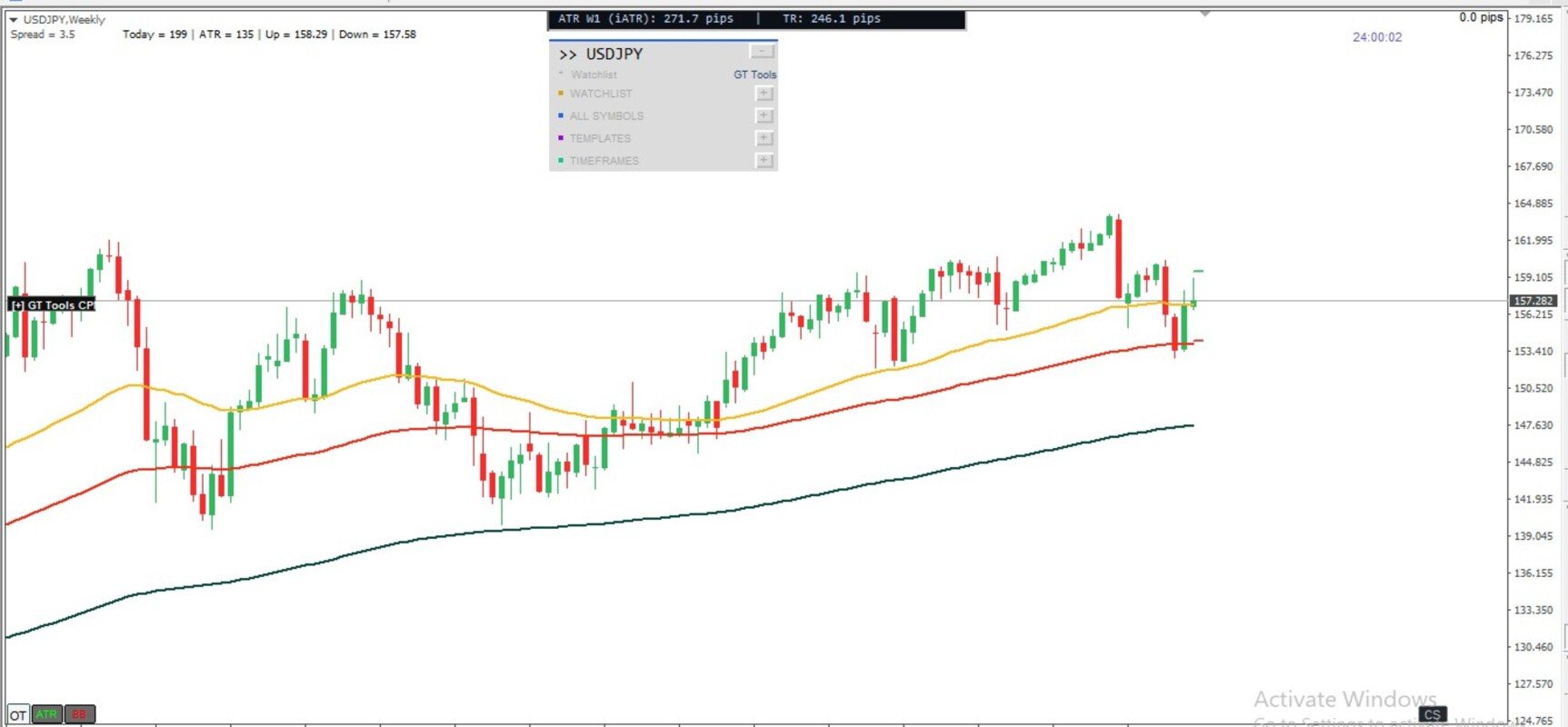
SymbolSwitcher Pro2 "The Upgrade": The Ultimate Multi-Interface Trading Command Center
Are you tired of clogging your MT4 charts with four or five different indicators just to manage your workspace? Frustrated by legacy MT4 crashes when switching between your heavily customized templates?
Meet SymbolSwitcher Pro2 "The Upgrade" — a first-of-its-kind, unified trading dashboard that consolidates five mechanical charting operations into a single, lightning-fast control panel. Built with an advanced, crash-proof architecture and pre-allocated memory optimization, this is the only indicator you need to turn MetaTrader 4 into a professional, institutional-grade workstation.
Why SymbolSwitcher Pro2 is a Game-Changer
Most commercial panels do one thing well. SymbolSwitcher Pro2 does everything instantly. It runs as a singular, highly optimized background engine, eliminating the massive processor lag and thread collisions that usually happen when multiple indicators fight for your platform's memory.
5 Powerhouses Engine in One Single Grid Panel:
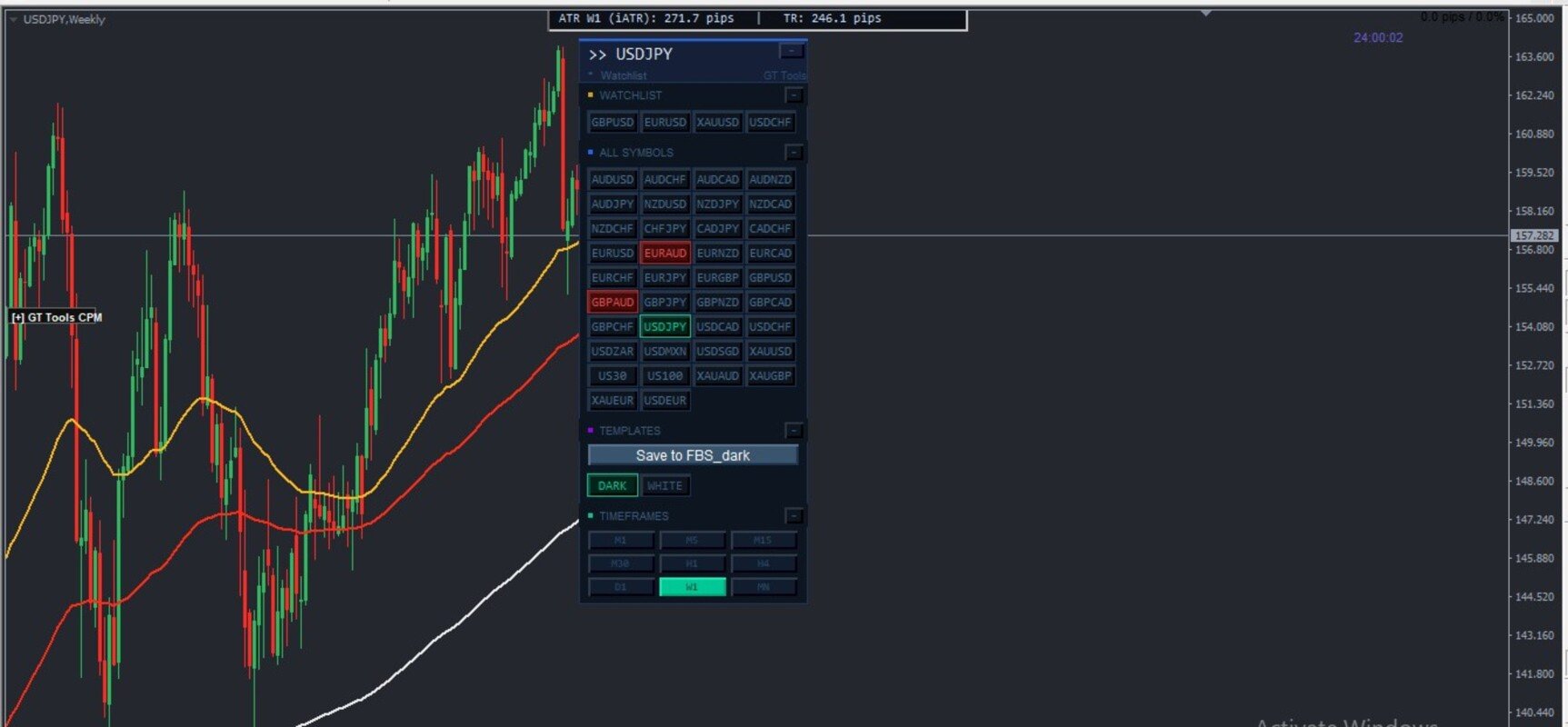
- 1. 40-Slot Strategy Template Repository Matrix
- The Problem: MT4 loses track of your active setups, and rapid template swapping natively crashes the platform.
- Our Solution: A dedicated matrix layout supporting up to 40 strategy setups. Features a built-in 1ms Asynchronous Breather Guard that isolates your chart memory layout loops during profile transitions. Swap seamlessly from lightweight naked charts to heavyweight volume footprint charts with absolute structural stability.
- 2. Dynamic Multi-Role Symbol Swapper
- Instantly change the currency pair of your chart with a single click. Features a smart, auto-detecting broker suffix engine that natively handles varying symbol formats across any broker server.
- 3. Integrated Live Account P&L Watchlist
- Track your favorite instruments via a compact, starred grid. It pulls data directly from your terminal’s account pipeline to display live order counts, net pip directions, and monetary floating P&L directly on the face of the button rows.
- 4. Dynamic Timeframe Matrix Switcher
- Skip sequentially or jump directly across all native MT4 timeframes instantly. Never open a clunky sub-menu again.
- 5. Master Workspace Sandbox Backup
- Features a one-click Direct Overwrite Save System tied to your active template. Back up your active chart objects, trendlines, and manual analysis instantly to that specific strategy's destination file without ever opening native MT4 save menus.
Premium Visual UI Features
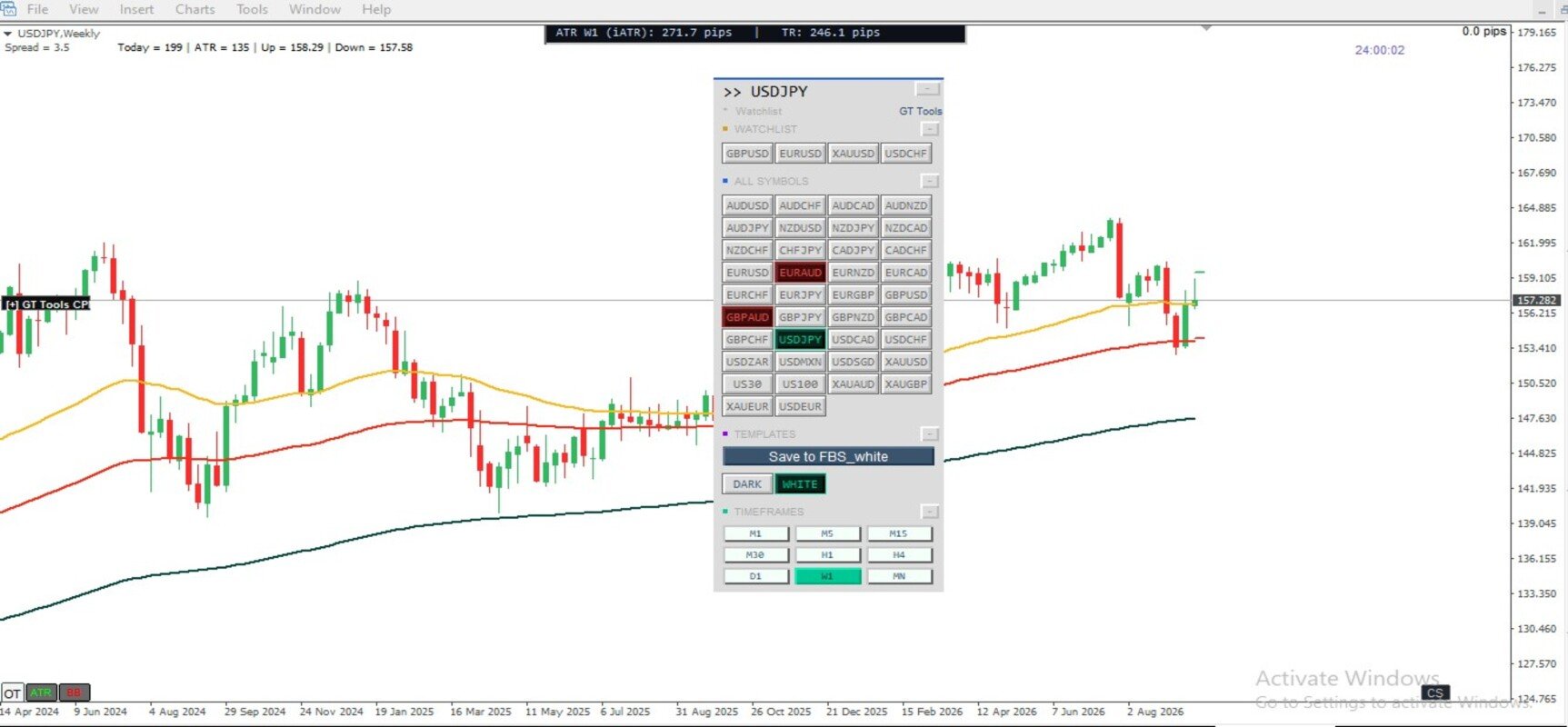
- Dual Sizing & Hybrid Placement Architecture: Choose between a floating, draggable dashboard directly on your main chart canvas or lock it cleanly into an automated indicator separate sub-window strip to completely free up real estate.
- Active Theme Aligned Highlights: Features institutional-grade bordered container row illumination. Whichever asset, timeframe, or template is active instantly lights up with your active theme color, matching the symbols layout perfectly.
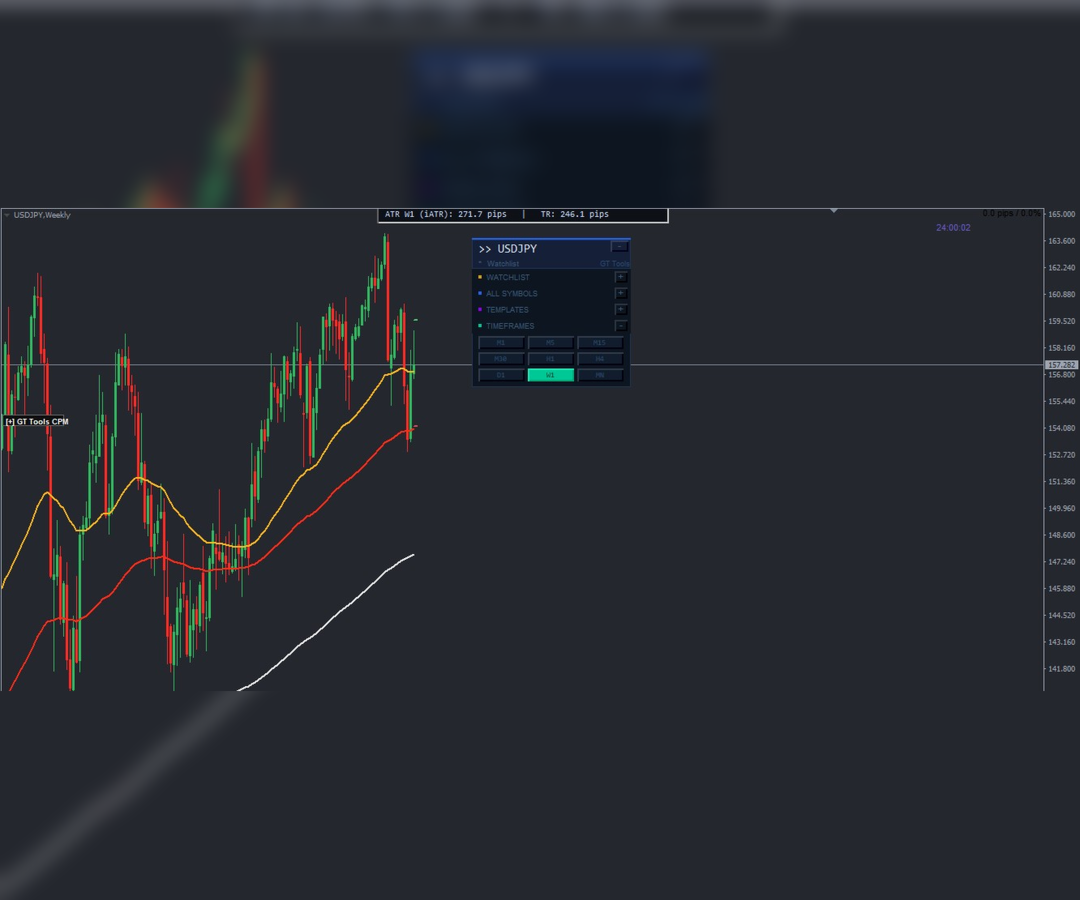
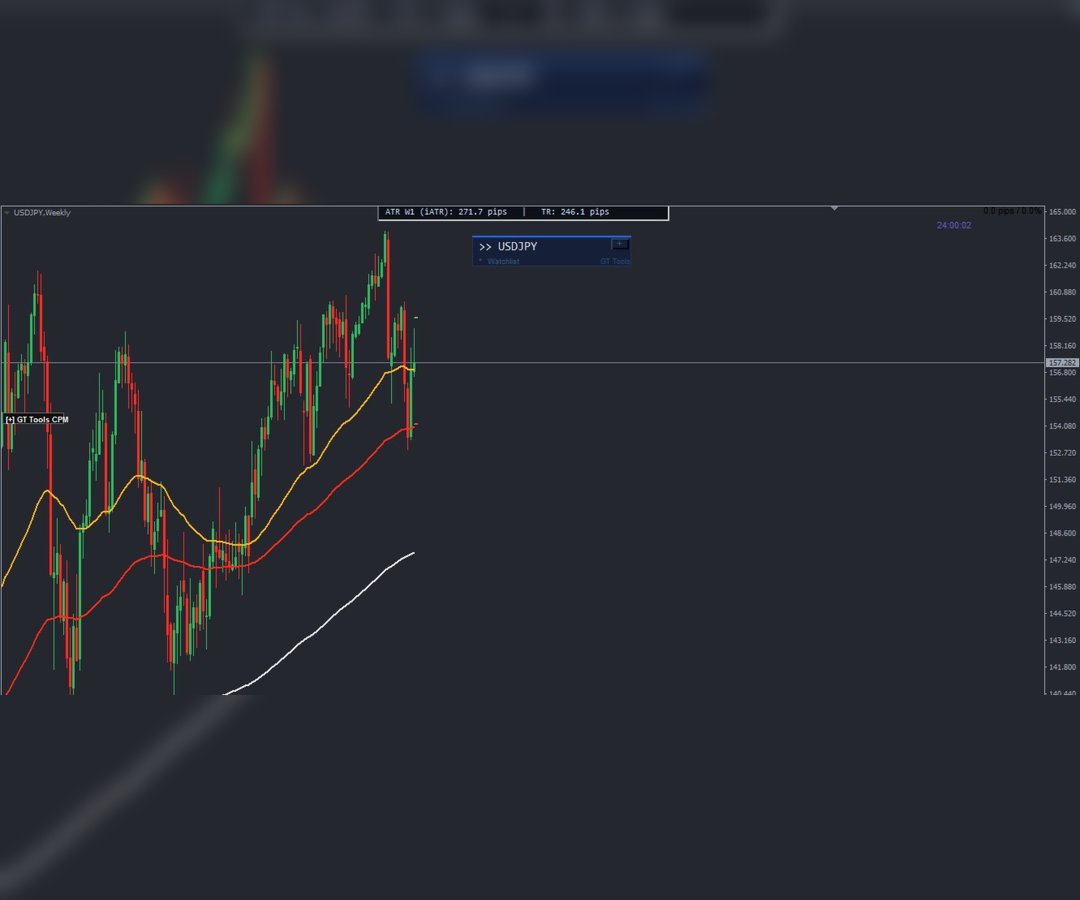
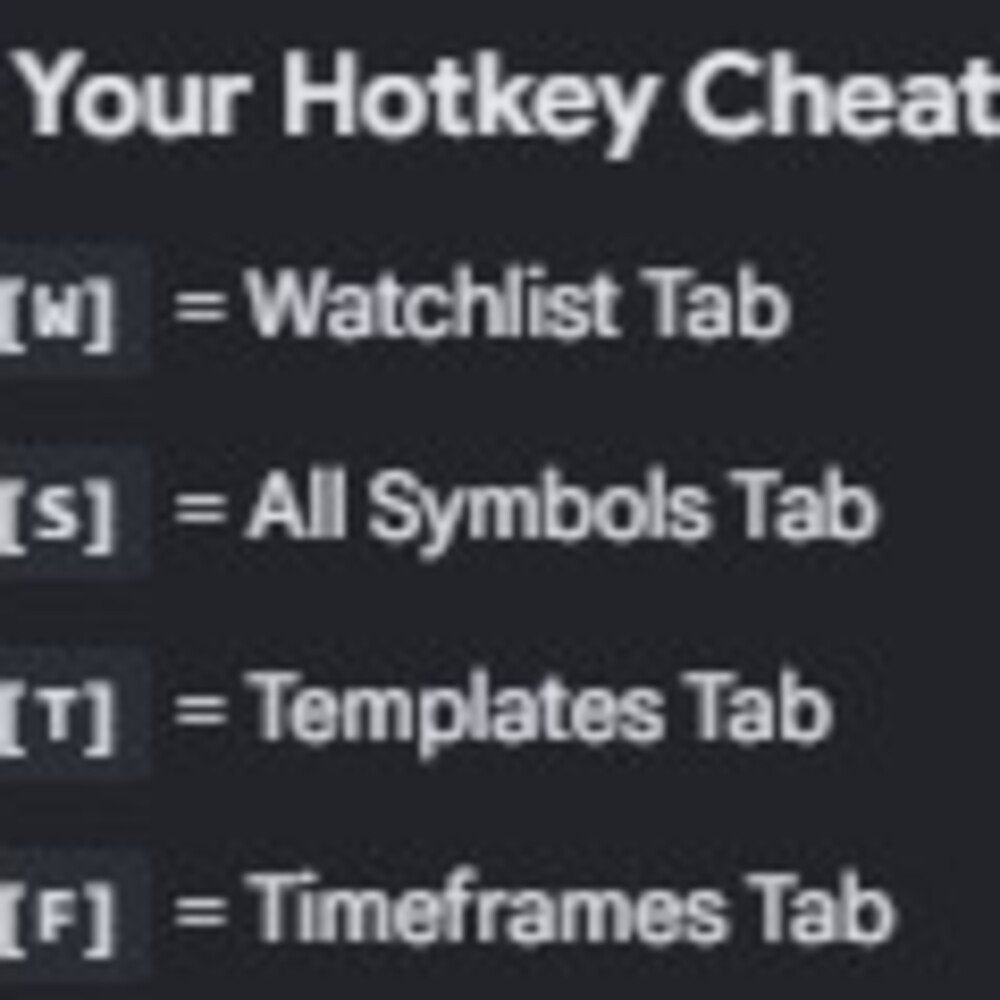
- Instant Section Toggle Hotkeys: Don't want to see a section right now? Tap [W] for Watchlist, [S] for All Symbols, [T] for Templates, or [F] for Timeframes to instantly collapse individual blocks, automatically resizing the grid control panel on the fly!
- Built-in Label Splitter: The Label Splitter allows you to give your dashboard template buttons custom names, descriptions, and emojis without breaking your computer's template files. By using a vertical bar ( | ) with no space between file names inside your settings, you create a perfect two-way division. e.g. Template File Name: My Moving averages trend finder|TREND. So what you see on template button is TREND instead of "My Moving averages trend finder.
Professional Specifications
- Zero-Lag Pre-Allocated Arrays: Standard panels resize memory containers slot-by-slot inside repeating loops, choking your CPU during heavy switches. SymbolSwitcher Pro2 queries broker symbol depth and pre-allocates memory arrays once upfront, ensuring a lightweight foundation.
- Tailored Settings Configuration: Full control over font sizes (Tahoma/Consolas), button margins, custom subfolder sorting (DefaultSubfolderPath = "2026/"), and microsecond delay timings right from your input window.
Stop wasting precious screen space and risking terminal crashes during live trading. Upgrade your charts to the ultimate automated workflow environment today! Installation guide will be sent on purchase.