Mac Trade Panel MT5
- Utilitaires
- Version: 16.98
- Activations: 5

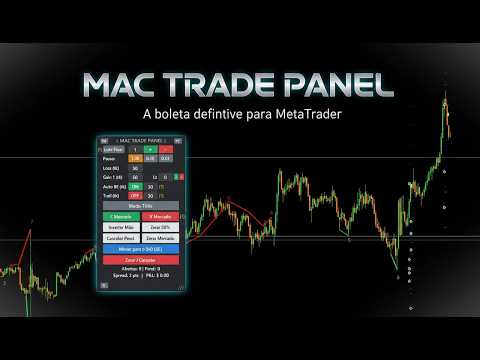
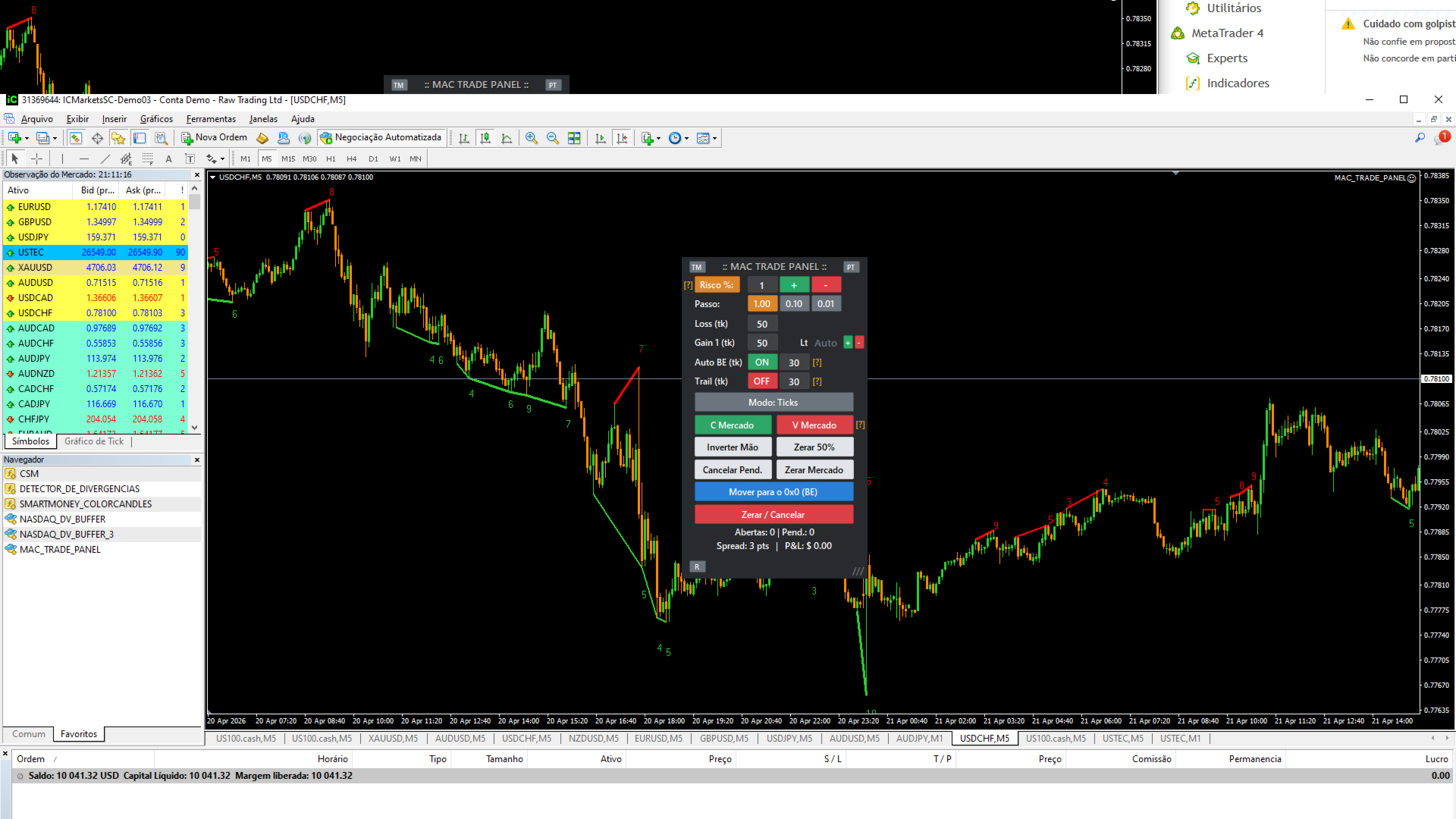
THE MAC Trade Panel It is an advanced trading utility designed for manual traders (scalpers and day traders) seeking speed, precision, and professional risk management in MetaTrader 4. Forget about time-consuming lot calculations: define your risk and let the dashboard do all the heavy lifting.
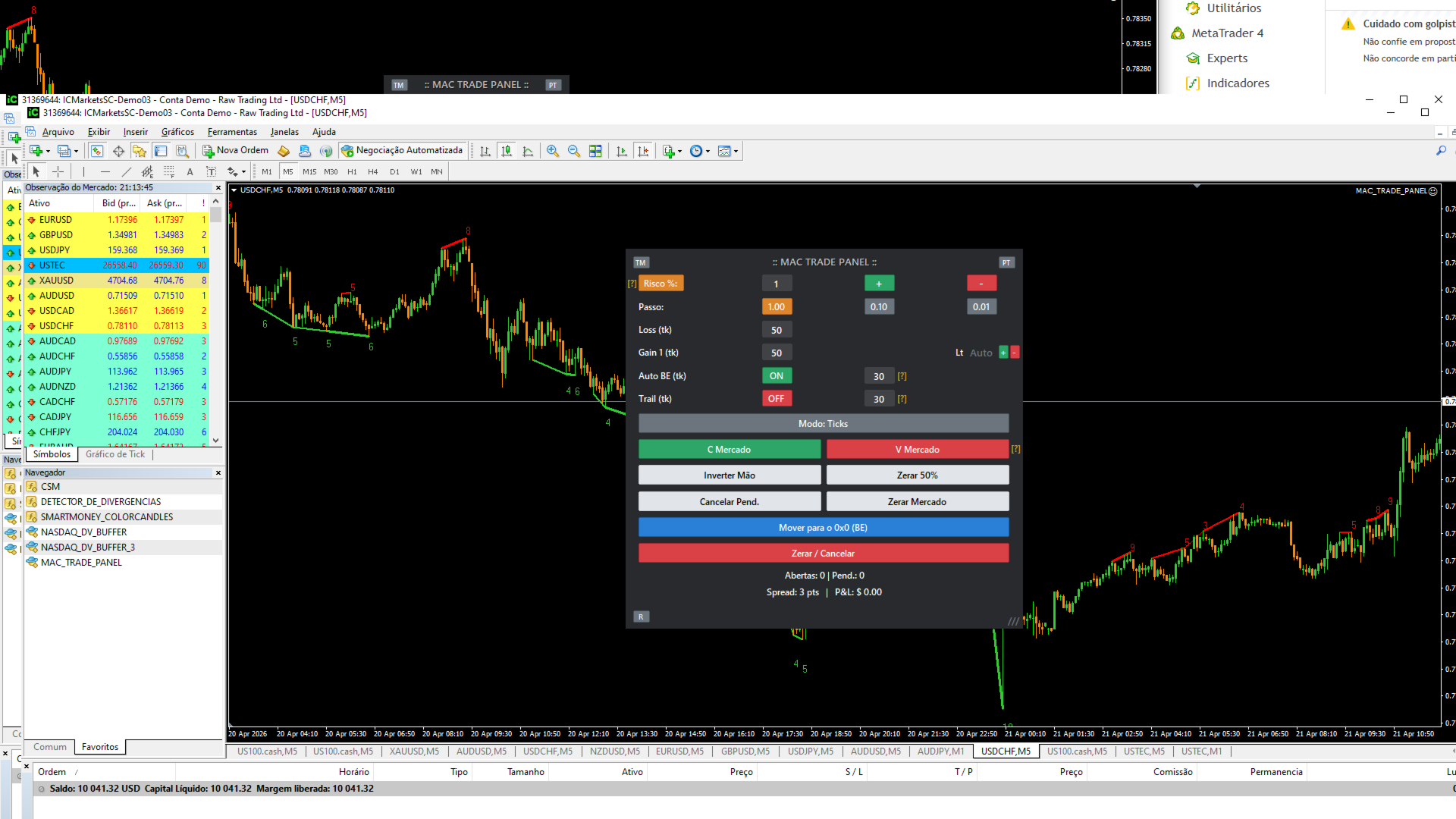
Fully interactive, resizable, and with a modern design, it allows you to trade directly from the chart with order previews, manage multiple partial exits, and automatically protect your capital.
🌟 MAIN FEATURES:
- Automated Risk Management (Risk %): One-click switching between Fixed Lot or Risk %. In Risk mode, the EA automatically calculates the exact lot size based on the distance from your Stop Loss and the percentage of your capital (e.g., risking only 1% of your account per trade).
- Multiple Take Profits (Partial Exits): Configure 1 to 5 gain levels. The panel automatically splits the lot between targets or allows you to enter specific lot sizes for each partial.
- Visual Trading on the Chart (Hotkeys): Press SHIFT + Click in the chart to place Buy or Hang orders ALT + Click For Sales. The panel displays virtual lines showing exactly where your Entry, Stop Loss, and Take Profits will be before you confirm the order.
- Financial Mode ($) vs Ticks: Prefer to think in terms of money? Switch to Financial Mode and enter your Stop, Gain, Break-Even, and Trailing Stop targets in Dollars/Reais ($) instead of points. The EA converts everything when you send the order.
- Intelligent Position Management: Protect your profits on autopilot with the following modules: Auto Break-Even (0x0) and Trailing Stop .
- Quick Action Buttons: An arsenal for managing operations in milliseconds:
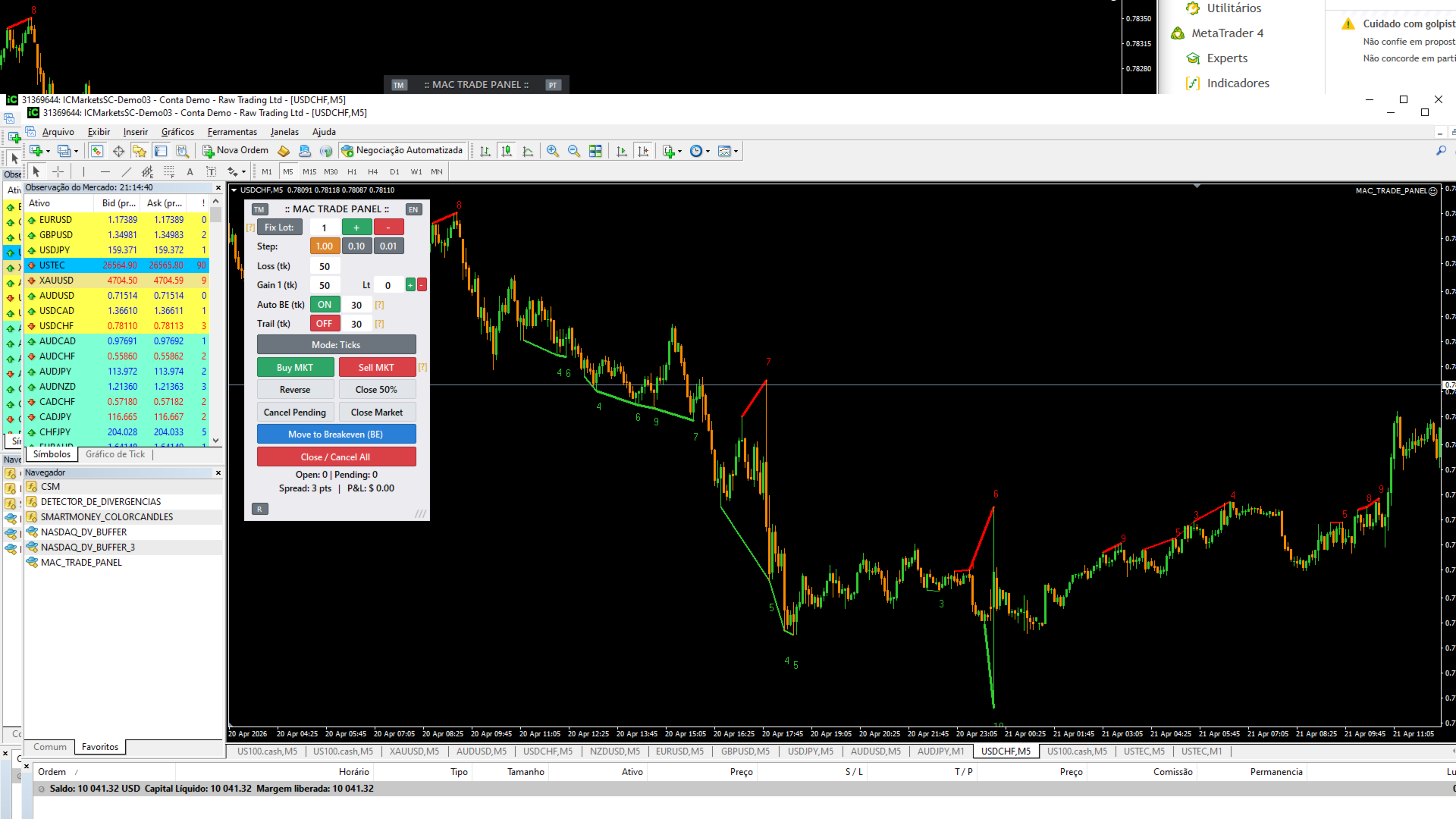
- Reverse Hand: It instantly reverses the buy position to a sell position (and vice versa).
- Reset to 50%: Close half of your position with one click.
- Move to BE: It pulls the Stop Loss of all winning orders to break even.
- Clear Market, Cancel Pending Items, and Close All.
- Customizable Interface and HUD: Drag and resize the panel as desired. Choose from 3 color themes (Dark/Light), switch between languages (PT/EN) with one click, and track the Spread and P&L (Profit/Loss) in real time directly on the order ticket.
HOW TO USE: Simply attach the utility to the chart and ensure that the "Auto Trading" button in MetaTrader is enabled. It works perfectly with Forex, Indices, Stocks, and Cryptocurrencies.