OTC Trend Radar
- 指标
-
Fouad Lahmar
 Professional trading tools developer.
Brand: OTC Trading
Specialized in advanced indicators for MT5.
For support and inquiries, please contact through MQL5 messages. - 版本: 3.0
- 激活: 5
OTC Trend Radar
Clean on-chart signals with an entry zone, stop-loss and profit targets, controlled from a compact panel.
What you get
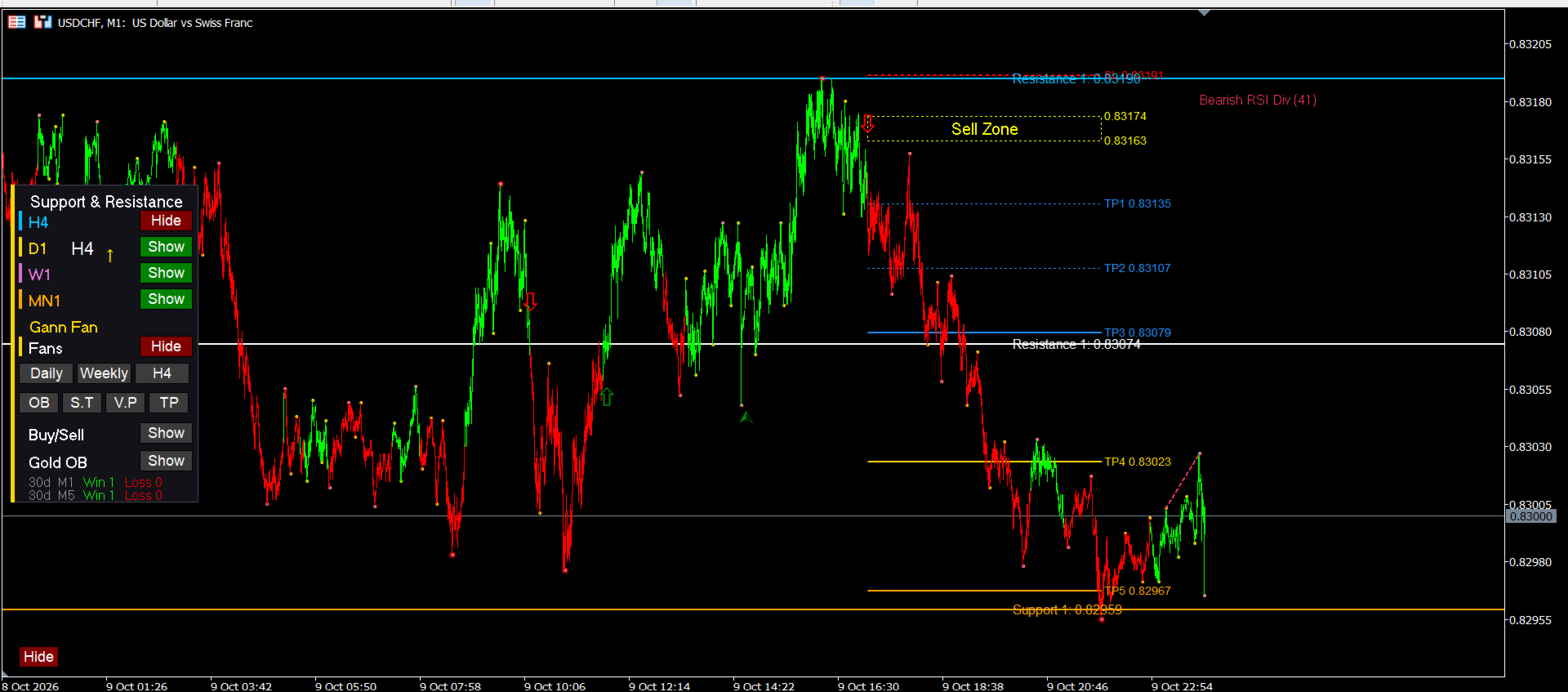
- Buy and Sell arrows on the M1 and M5 charts
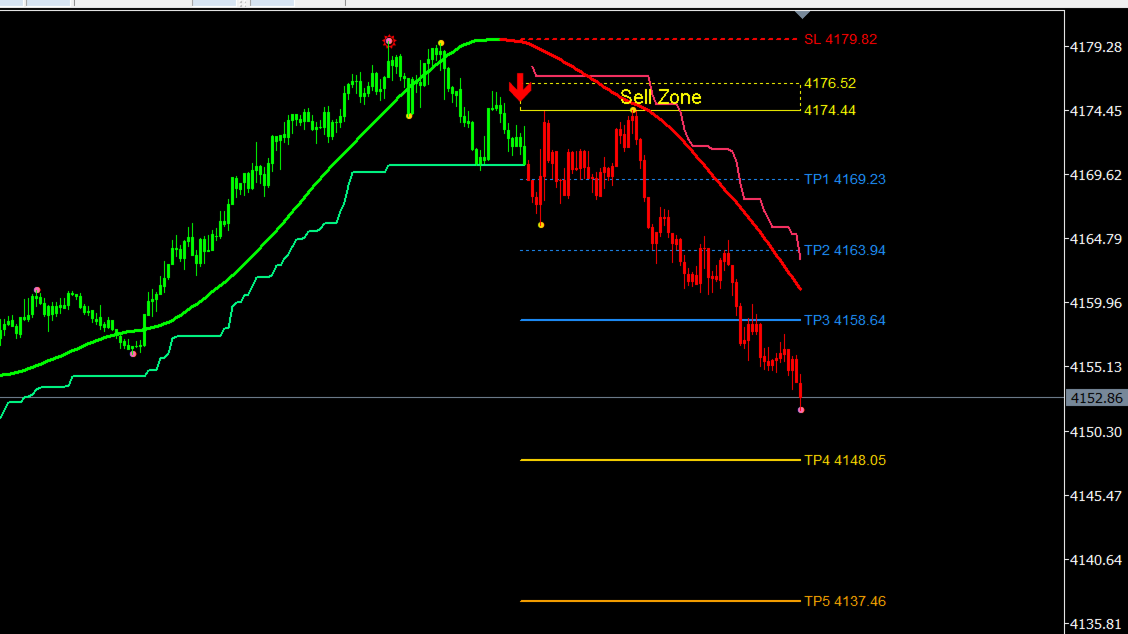
- A "Buy Zone" / "Sell Zone" box for each signal
- Automatic stop-loss and up to seven profit-target levels, each with its price; the lines follow price until the move ends
- Follow-up arrows for additional opportunities in the direction of the trade
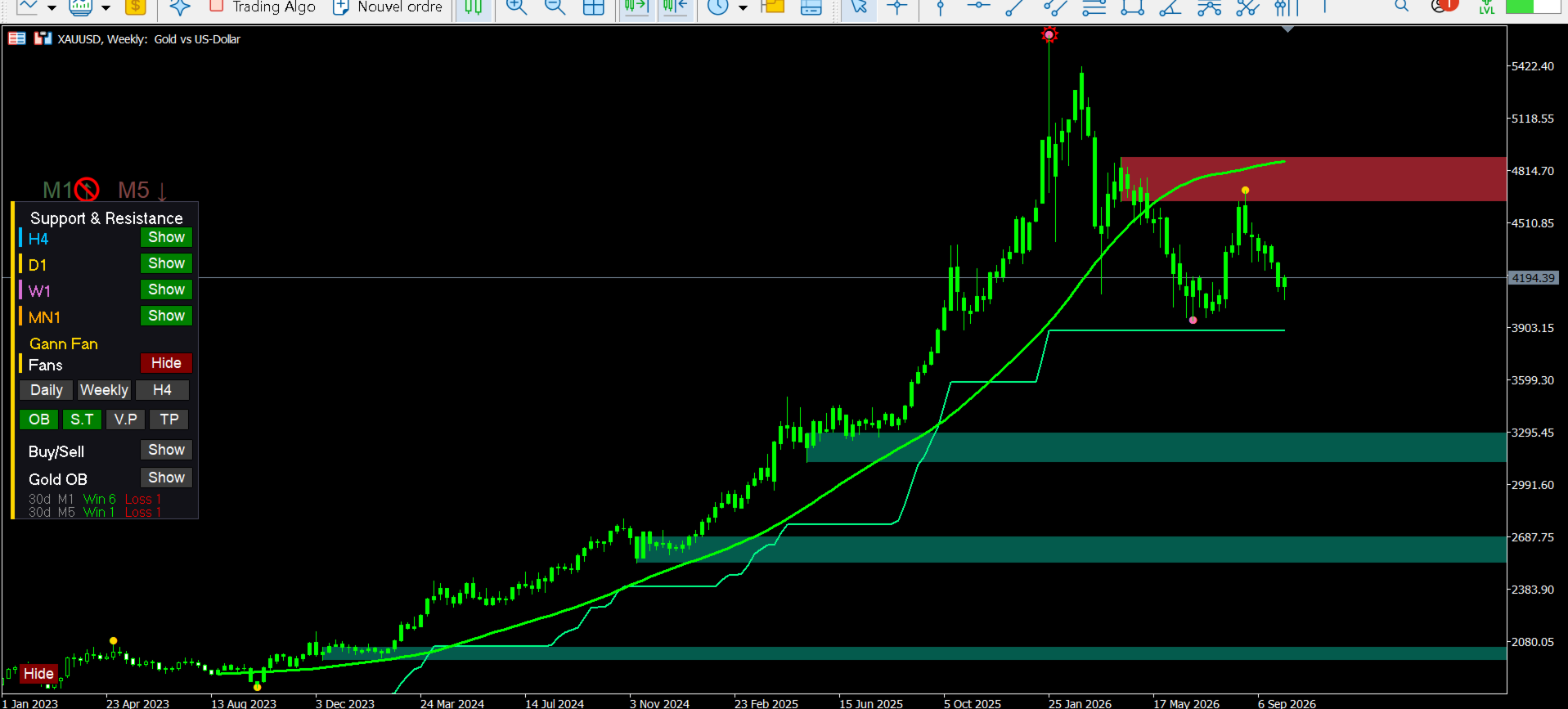
- Direction tags above the panel showing the current M1 and M5 status on any timeframe
- A panel field showing the highest related higher timeframe
- Reference levels from higher timeframes (Daily, 4H, Weekly, Monthly)
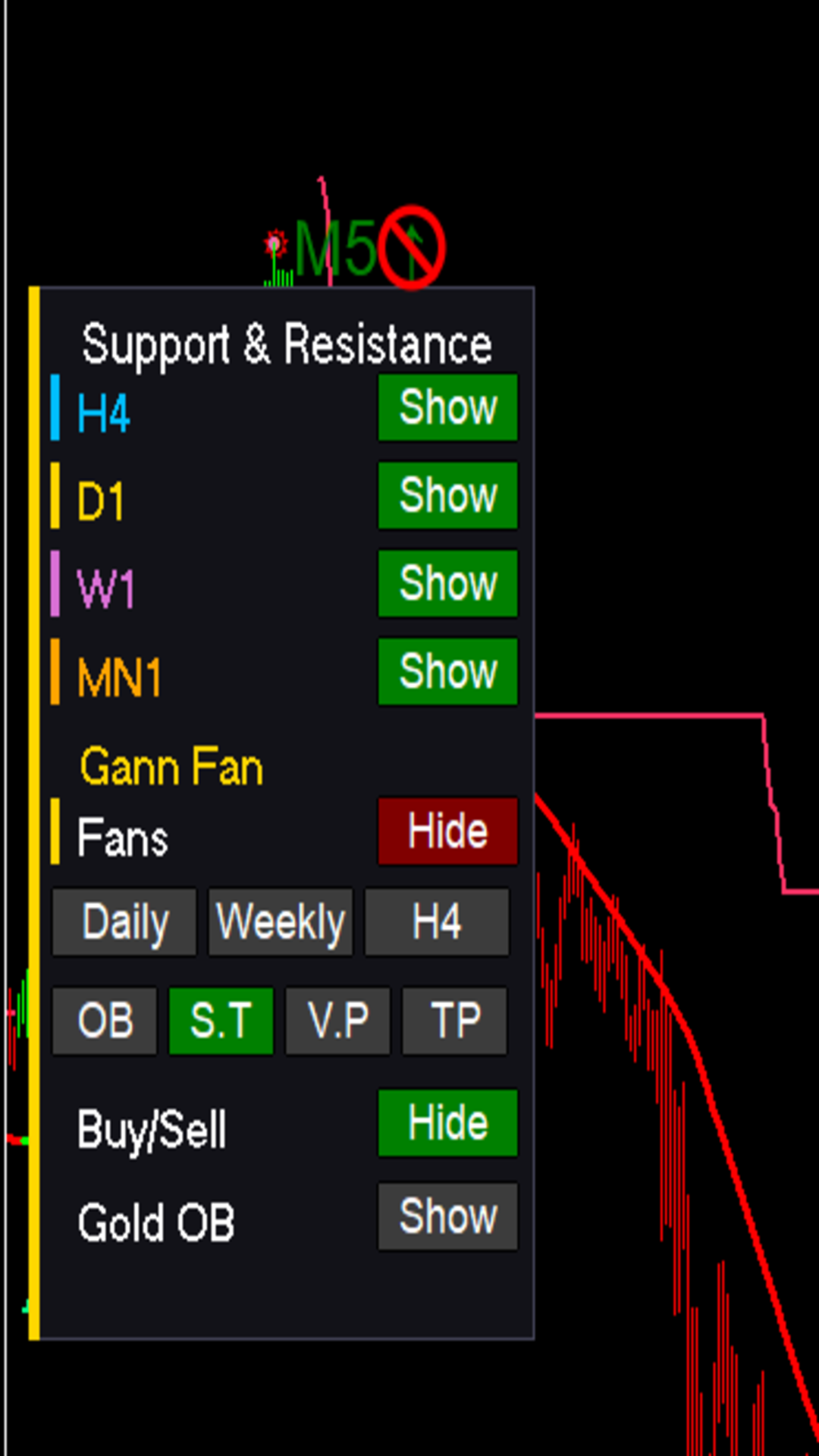
- Optional overlays you can toggle from the panel: Gann fans, Supertrend, volume profile and order blocks
- One-click Hide / Show button for the whole panel
- Sound alerts for new signals, an alert when the move ends, an early-exit warning, and optional mobile push notifications
- Light on resources, no DLLs, no external libraries
Settings
Colors and styles, alert sound and repeats, the end-of-move alert, the early-exit warning, and push notifications. Everything else is managed from the on-chart panel.
How to use
1. Attach the indicator to an M1 or M5 chart (other timeframes show the panel and reference levels only).
2. Use the panel buttons to choose which layers to display.
3. Turn on alerts in the indicator settings if you want sound or phone notifications.
Important
Trading involves risk, and past results do not guarantee future performance. This indicator is an analysis tool and not financial advice. Always test on a demo account first and apply your own risk management.