RMT Modular AutoTrader
- Uzmanlar
- Sürüm: 1.0
- Etkinleştirmeler: 10

RMT Modular AutoTrader is an Expert Advisor for MetaTrader 5 with three selectable rule-based entry engines (Donchian breakout, trend pullback, trend state) on one risk and execution layer: percent-risk or fixed-lot sizing, stop loss and take profit on every order, spread, session and news gates, daily-loss and drawdown stops, and restart recovery. No grid, no martingale.
Who it is for
Traders who want to test and run simple, transparent trend rules without writing the risk, order-handling and recovery code themselves. The entry rules are deliberately plain and their parameters are open. They are experimental configurations, not a proven edge: evaluate them yourself in the Strategy Tester and on demo before using real money.
Entry engines — one per instance, chosen with InpStrategy
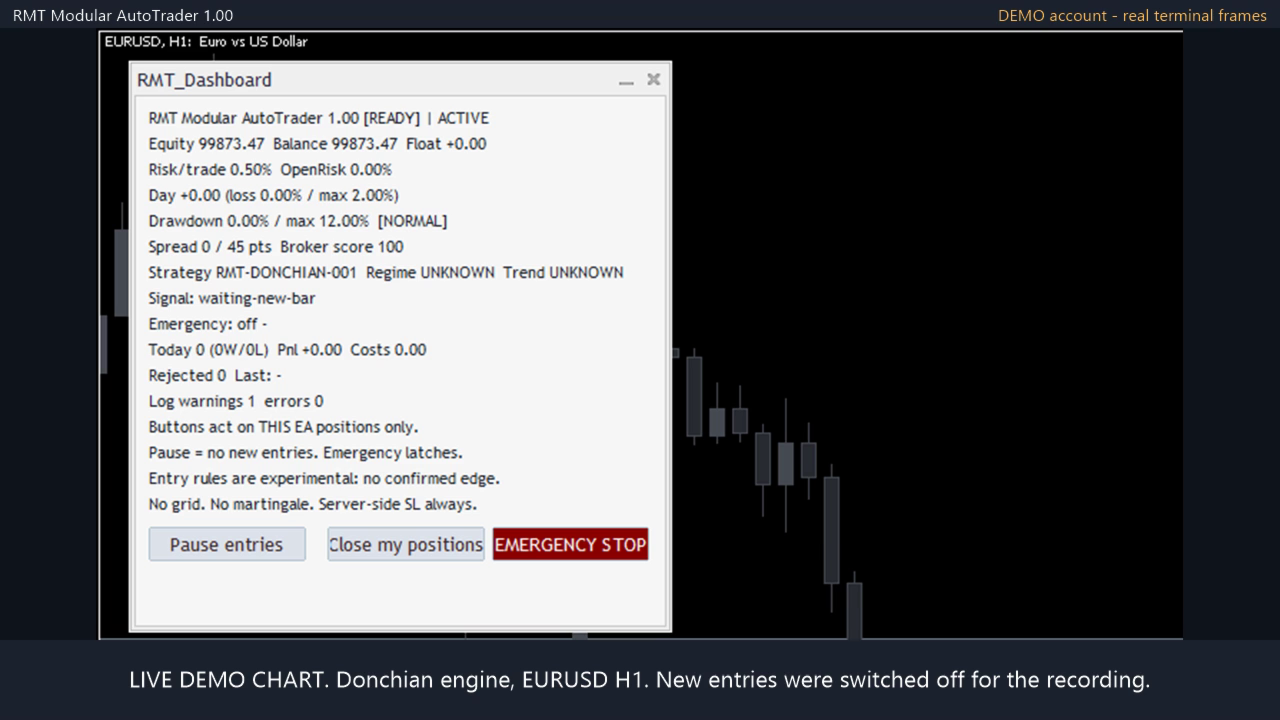
- Donchian breakout with an RSI filter.
- Trend pullback with a structure-based stop.
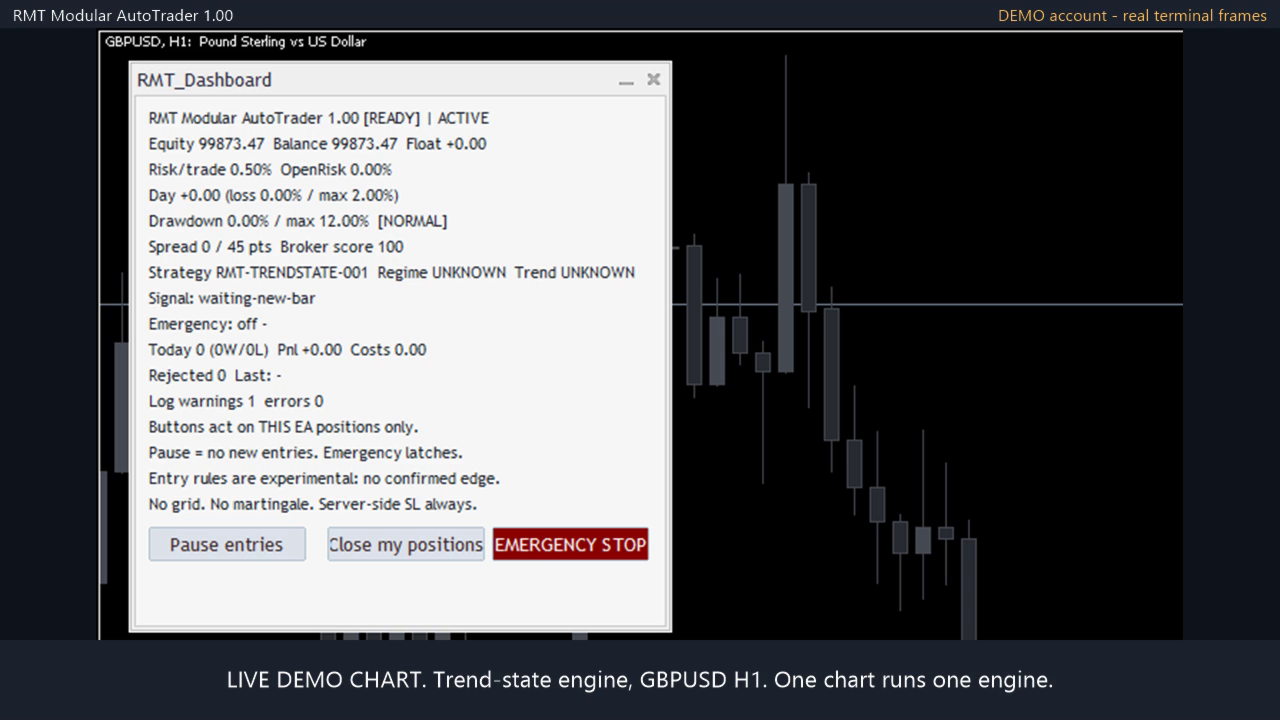
- Trend state (multi-state trend classification).
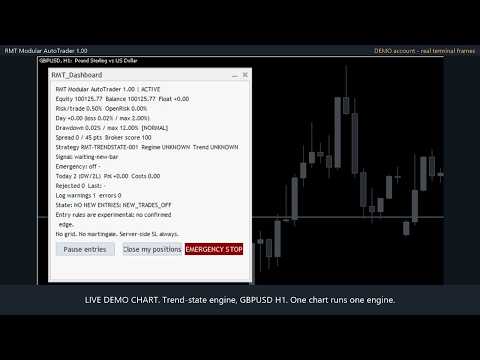
One chart runs one engine. To run two engines or two symbols, attach two instances with different magic numbers. Engine parameters are exposed as inputs; 0 keeps the built-in default.
Risk and execution layer (shared by all engines)
- Sizing: risk percent of equity per trade, or fixed lot. Volume is normalised to the broker's lot step and checked against free margin before sending.
- Every entry is sent with a stop loss and a take profit. If the broker's minimum stop distance is larger than the planned one, stops are widened, never tightened.
- Entry gates: maximum spread, trading session, rollover window, high-impact USD news window from the MetaTrader economic calendar (live charts only; the calendar is not available in the Strategy Tester).
- Account stops: maximum daily loss and maximum drawdown block new entries; optionally close the EA's own positions on a daily-loss breach.
- Exposure caps: maximum positions, maximum volume per symbol and per correlated group, maximum total open risk.
- Trade management: breakeven and ATR trailing stop, optional time stop, optional exit on opposite signal, optional close before the weekend.
- Daily cap on order sends (20 by default) so a fault cannot flood the broker.
- Works with RMT Capital Firewall: while the Firewall is latched in the same terminal the EA opens no new trades and keeps managing its open ones.
- Optional shared open-risk cap for several instances on one account (off by default).
- Three risk presets (conservative, balanced, experimental) plus manual overrides. Long-only, short-only or both.
- Restart recovery: state is saved and reconciled with the open positions when the terminal restarts.
- On-chart dashboard and a structured log of each decision and each order.
What it does not do
- No grid, no martingale, no averaging down, no lot increase after a loss.
- It trades only its own magic number. It does not manage manual positions or other EAs' positions.
- It does not promise profit or any performance level. Backtests are backtests, not live results, and results differ by broker, symbol, timeframe and settings.
Getting started
- Attach to a chart of the symbol and timeframe you want to trade and enable Algo Trading.
- Choose InpStrategy, set InpMagicBase, and choose a risk mode and preset.
- Run it in the Strategy Tester on your own broker's data, then on a demo account, before any live use.
If conditions are not met (spread too wide, session closed, not enough margin, volume below the broker minimum) the EA does not trade and logs the reason.
Leveraged trading involves risk of loss.