Fibo Confluence
- Uzmanlar
-
Iliya Nedelchev
 I am a senior software engineer specializing in MetaTrader 5 trading systems, MQL5 development, Python integrations, execution infrastructure, risk controls and trading analytics.
 - Sürüm: 2.4
- Güncellendi: 18 Eylül 2026
- Etkinleştirmeler: 5
Fibo Confluence
Fibo Confluence is an automated Fibonacci pullback Expert Advisor for MetaTrader 5 developed by Dev Art Solutions.
The Expert Advisor identifies confirmed market impulses, calculates configurable Fibonacci retracement zones and waits for price-action confirmation before opening a position. A Fibonacci level touch alone is not sufficient. Entries are filtered using trend direction, volatility, retracement depth, candlestick patterns, RSI and current spread.
Trading Approach
The Expert Advisor follows a structured process:
1. Determines the market direction using fast and slow exponential moving averages on the selected trend timeframe.
2. Searches for the most recent valid impulse using confirmed pivot high and pivot low pairs.
3. Rejects impulses that are too small relative to the Average True Range.
4. Calculates the Fibonacci retracement structure between the impulse origin and impulse end.
5. Waits for price to interact with the configured retracement zone.
6. Evaluates the enabled candlestick patterns and calculates a confluence score.
7. Applies the optional RSI, spread and rejection-close filters.
8. Calculates the stop loss, take profit and trading volume before sending an order.
Fibonacci Structure
The Fibonacci structure uses a consistent orientation for bullish and bearish market impulses:
0% represents the impulse end.
100% represents the impulse origin.
The working retracement zone can be configured through the FibZoneShallow and FibZoneDeep inputs.
PreferredFibLevel defines the main confirmation level inside the working zone. This level is used for both chart visualization and candle rejection confirmation.
The default structure includes:
38.2% shallow retracement
50.0% middle retracement
61.8% preferred retracement
78.6% deep retracement
All levels are calculated from confirmed market pivots. When the current market structure is no longer valid, outdated Fibonacci objects are removed from the chart.
Candlestick Confluence
The Expert Advisor can evaluate the following bullish and bearish price-action formations:
Pin Bar
Hammer and Shooting Star
Bullish and Bearish Engulfing
Bullish and Bearish Harami
Piercing Line and Dark Cloud Cover
Morning Star and Evening Star
Tweezer Bottom and Tweezer Top
Three White Soldiers and Three Black Crows
Each detected pattern adds a configurable weight to the total signal score. A position is opened only when the score reaches the MinimumPatternScore value and all enabled filters are satisfied.
Signal Filters
Fibo Confluence includes the following configurable filters:
Fast and slow EMA trend direction
Minimum impulse size relative to ATR
Fibonacci retracement zone
Preferred Fibonacci rejection level
RSI filter
Maximum spread filter
Minimum candlestick pattern score
Closed-candle confirmation
One trade per signal bar
Maximum number of positions per symbol
Trading direction selection
Signals are evaluated using completed candles to reduce intrabar signal changes.
Position Sizing
The Expert Advisor supports two position-sizing methods.
Risk-based sizing calculates the trading volume according to RiskPercent, account equity and the distance between the entry price and stop loss.
FixedLots can be used when a constant trading volume is preferred. When FixedLots is greater than zero, it takes priority over percentage-based sizing.
The calculated volume is normalized according to the broker's minimum volume, maximum volume and volume step.
Stop Loss and Take Profit
Every position is opened with a stop loss and take profit.
The stop loss is placed beyond the relevant swing extreme with an additional ATR-based buffer.
The take profit is calculated using the configured RewardRisk value.
All price levels are normalized according to the symbol tick size and broker trading requirements.
Position Management
The Expert Advisor provides optional break-even and ATR trailing-stop management.
BreakEvenAtR defines how far the position must move in the profitable direction before the stop loss is moved toward the entry price.
BreakEvenOffsetPoints allows the break-even stop to be placed slightly beyond the original entry.
TrailStartR defines when ATR trailing becomes active.
TrailATRMultiplier controls the distance between the current market price and the trailing stop.
Maximum Aggregate Open-Loss Protection
MaxOpenLossPercent provides an additional account-level safety mechanism.
The Expert Advisor monitors the combined floating profit and loss of every open position carrying its Magic Number. Positions are monitored across all symbols, not only the symbol of the current chart.
The loss percentage is calculated relative to the current account balance.
When the combined floating loss reaches the configured MaxOpenLossPercent value, the Expert Advisor:
Closes all positions carrying its Magic Number.
Deletes all pending orders carrying its Magic Number.
Stops its own operation after the positions and orders have been removed.
If an emergency closing request is rejected by the broker, the Expert Advisor remains active and retries on subsequent market ticks. This prevents the program from stopping while managed exposure remains open.
The protection does not close manual positions or positions opened by another Expert Advisor using a different Magic Number.
Set MaxOpenLossPercent to 0 to disable this protection.
Chart Display
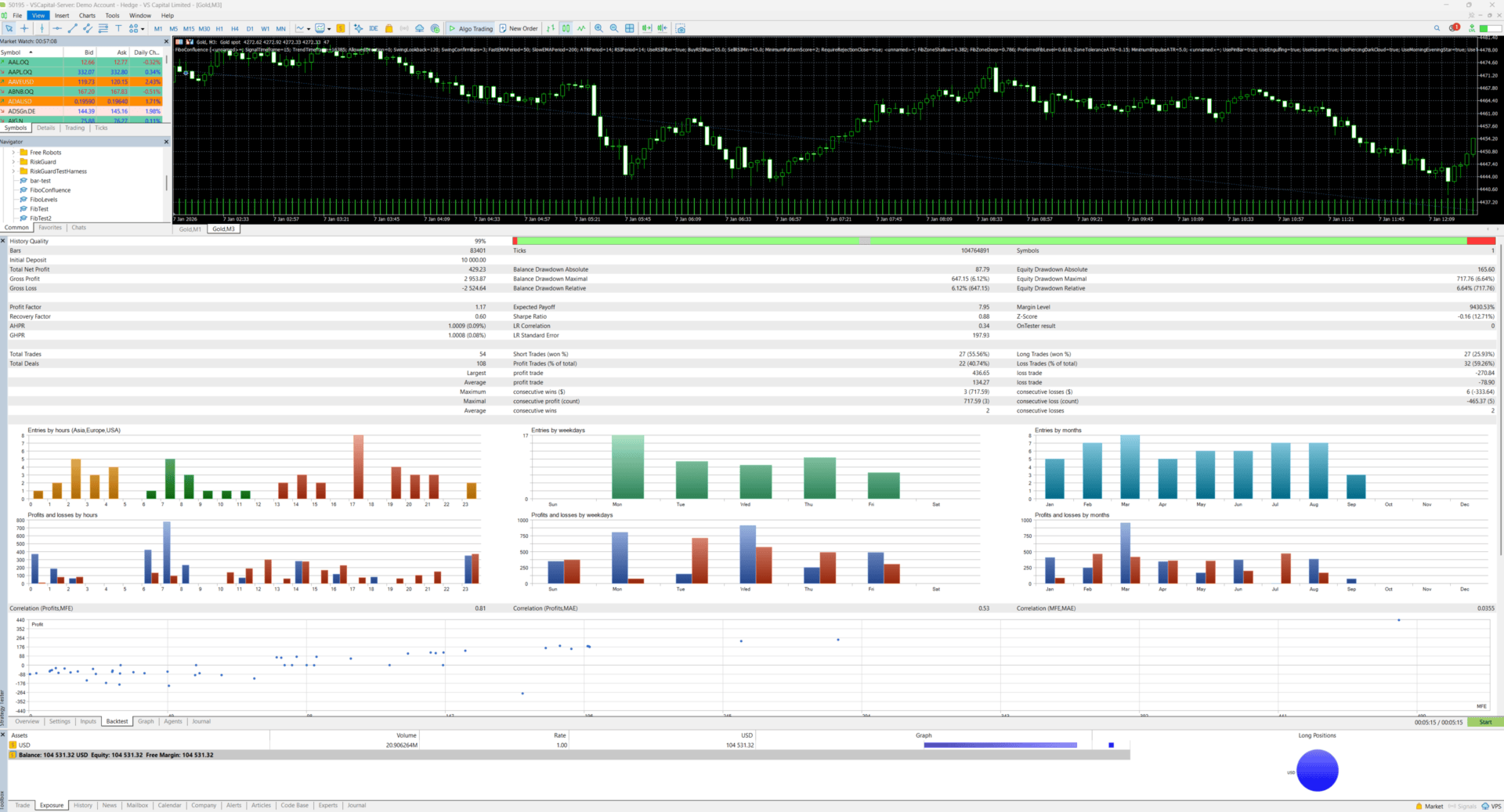
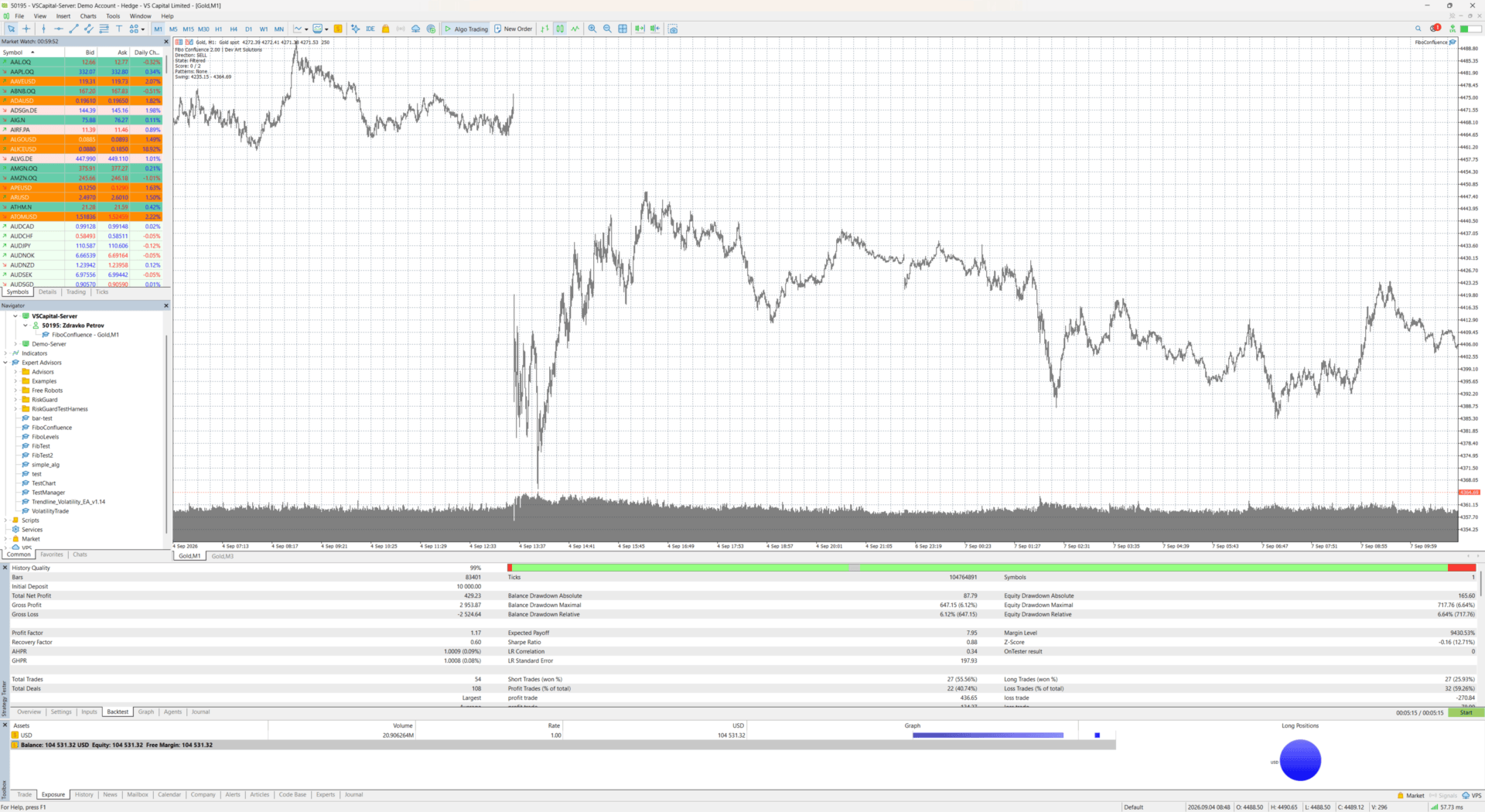
Fibo Confluence displays the active Fibonacci structure directly on the chart.
The chart includes:
Impulse origin and impulse end
Shallow retracement level
50% retracement level
Preferred retracement level
Deep retracement level
Current market direction
Signal state
Pattern score
Detected patterns
Current swing prices
Current aggregate EA open-loss percentage
Configured maximum open-loss percentage
The preferred Fibonacci level is displayed with a stronger line to make it easier to identify.
Main Input Groups
Signal
SignalTimeframe selects the timeframe used for swing detection, candlestick patterns and entries.
TrendTimeframe selects the timeframe used by the EMA trend filter.
AllowedDirection allows automatic trading in both directions or restricts operation to buy-only or sell-only signals.
SwingLookback defines the historical search range.
SwingConfirmBars controls pivot confirmation strength.
FastEMAPeriod and SlowEMAPeriod configure the trend averages.
ATRPeriod and MinimumImpulseATR control volatility-based impulse validation.
RSIPeriod, BuyRSIMax and SellRSIMin configure the optional RSI filter.
MinimumPatternScore defines the required candlestick confluence score.
Fibonacci Zone
FibZoneShallow defines the beginning of the retracement zone.
FibZoneDeep defines the end of the retracement zone.
PreferredFibLevel defines the main rejection and confirmation level.
ZoneToleranceATR adds an ATR-based tolerance around the retracement zone.
Patterns
Each supported pattern family can be enabled or disabled separately.
WickToBodyRatio controls Pin Bar wick requirements.
EqualPriceToleranceATR controls the tolerance used by Tweezer formations.
Risk and Execution
MagicNumber identifies positions and orders managed by the Expert Advisor.
RiskPercent controls equity-based position sizing.
FixedLots enables fixed-volume trading.
RewardRisk controls the take-profit distance.
StopATRBuffer adds an ATR-based distance beyond the swing stop.
MaxSpreadPoints prevents entries when the spread exceeds the configured limit.
MaxSlippagePoints defines the permitted execution deviation.
MaxPositionsPerSymbol limits simultaneous positions on the current symbol.
MaxOpenLossPercent controls the maximum combined floating loss of positions carrying the EA Magic Number.
Position Management
UseBreakEven enables break-even management.
BreakEvenAtR controls the activation threshold.
BreakEvenOffsetPoints configures the break-even offset.
UseATRTrailing enables ATR-based trailing.
TrailStartR controls when trailing begins.
TrailATRMultiplier configures the trailing distance.
Default Configuration
The default signal timeframe is M15.
The default trend timeframe is H1.
The default risk per trade is 0.50% of account equity.
The default reward-to-risk value is 2.0.
The default maximum aggregate open-loss limit is 5% of account balance.
These values are initial settings only. They are not recommendations for every symbol, broker or account.
Important Information
Fibo Confluence does not use Martingale or grid position recovery.
The Expert Advisor may remain inactive for extended periods when its trend, volatility, Fibonacci and price-action conditions are not satisfied.
Trading frequency depends on the selected symbol, timeframe, broker conditions, input configuration and current market structure.
Every symbol and configuration should be evaluated separately in the MetaTrader 5 Strategy Tester and on a demo account before live use.
Different brokers may provide different prices, spreads, commissions, swaps, stop-distance requirements and execution conditions. These differences can affect trading activity and results.
Automated trading cannot eliminate market, execution or technology risk. Historical tests and previous market behavior do not guarantee future results. The user remains responsible for selecting suitable settings, trading volume and account risk.
Version 2.02
Version 2.02 adds MaxOpenLossPercent account-level protection.
The Expert Advisor now monitors the combined floating loss of all positions carrying its Magic Number across all symbols. When the configured percentage of account balance is reached, the EA closes its managed positions, deletes its pending orders and stops.
Failed emergency closures are retried on subsequent ticks so that the EA does not stop while managed exposure remains open.
This version also includes the revised confirmed-pivot Fibonacci structure introduced in version 2.01, consistent bullish and bearish Fibonacci orientation, configurable chart levels and automatic removal of outdated Fibonacci objects.