Trade Assistant X
- Утилиты
-
Calvin Andile Mahlangu
 I build both free and paid tools for MetaTrader 4 & 5.
🔹My goal is to keep things simple, useful, and realistic.
🔹Free tools are meant to be genuinely helpful — not limited trials.
🔹Paid tools are thoroughly backtested and created with care for practical use in live conditions. - Версия: 1.7
- Обновлено: 19 октября 2026
- Активации: 10
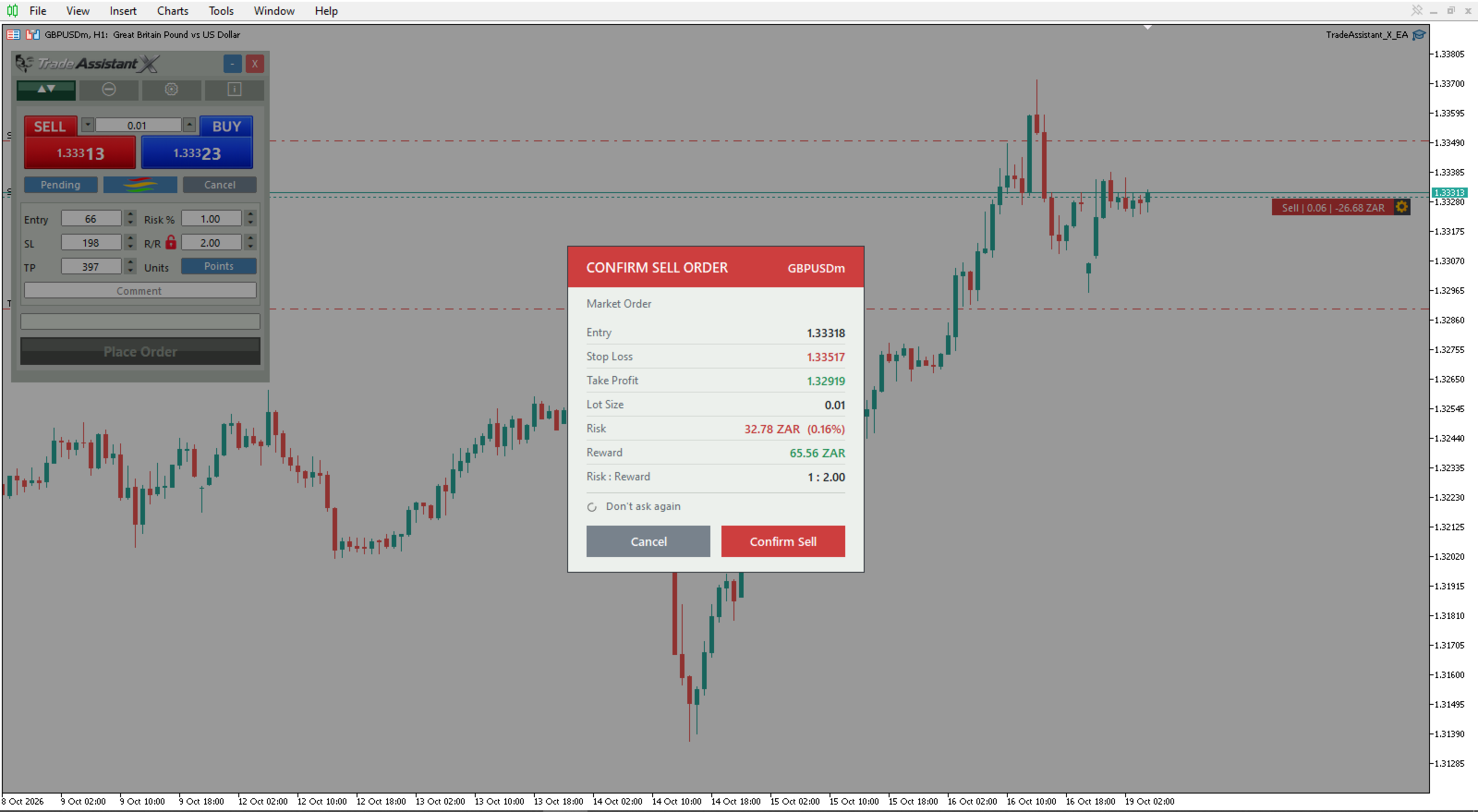
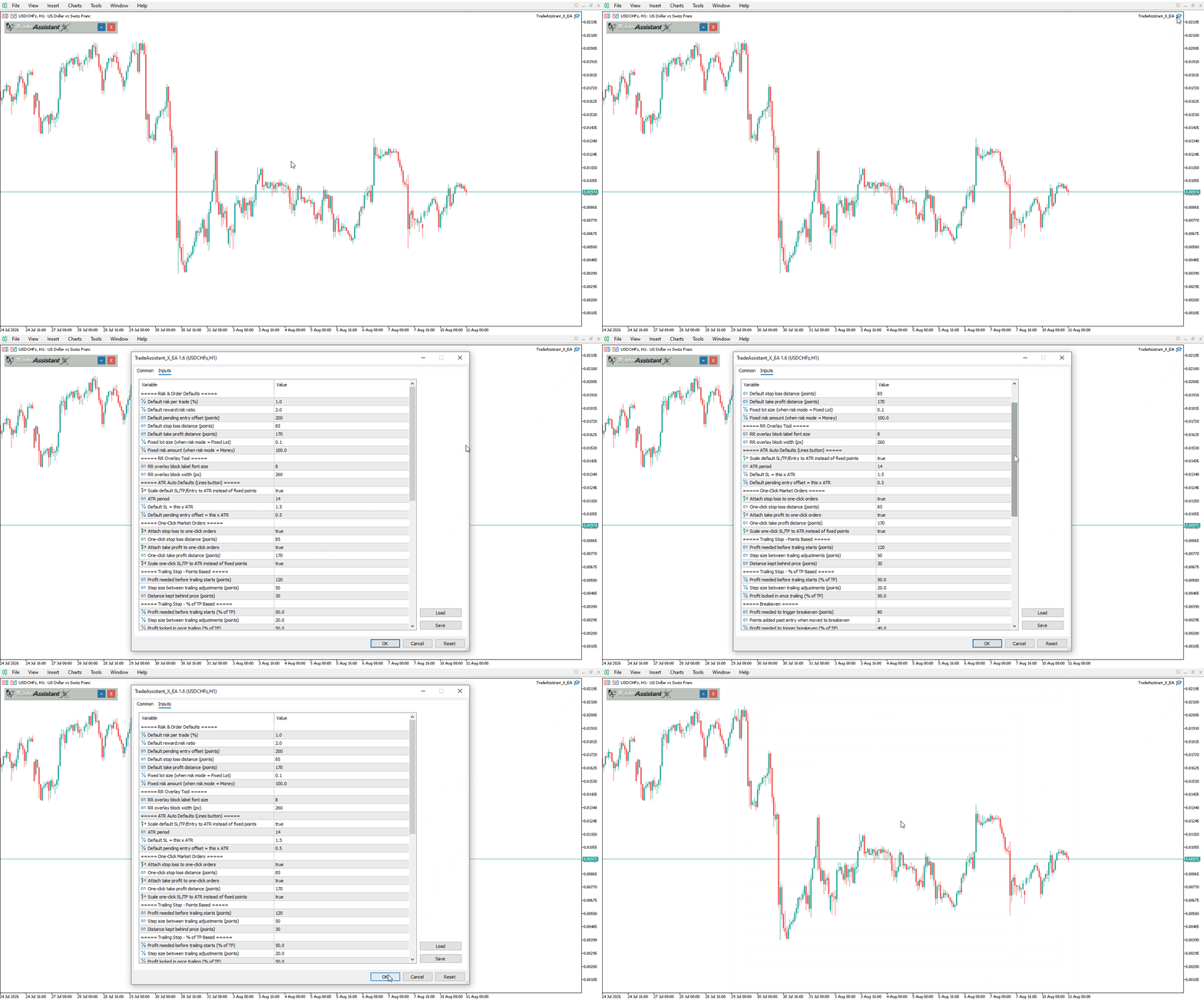
Trade Assistant X is a chart-based trade execution and management EA for MetaTrader 5. It combines one-click trading, draggable Entry/SL/TP lines, and essential trade management tools in a single control panel.
Features include automatic lot sizing, ATR-based default levels, partial closes, trailing stop, breakeven, hidden (virtual) Stop Loss and Take Profit, OCO order handling, and a kill switch for drawdown protection.
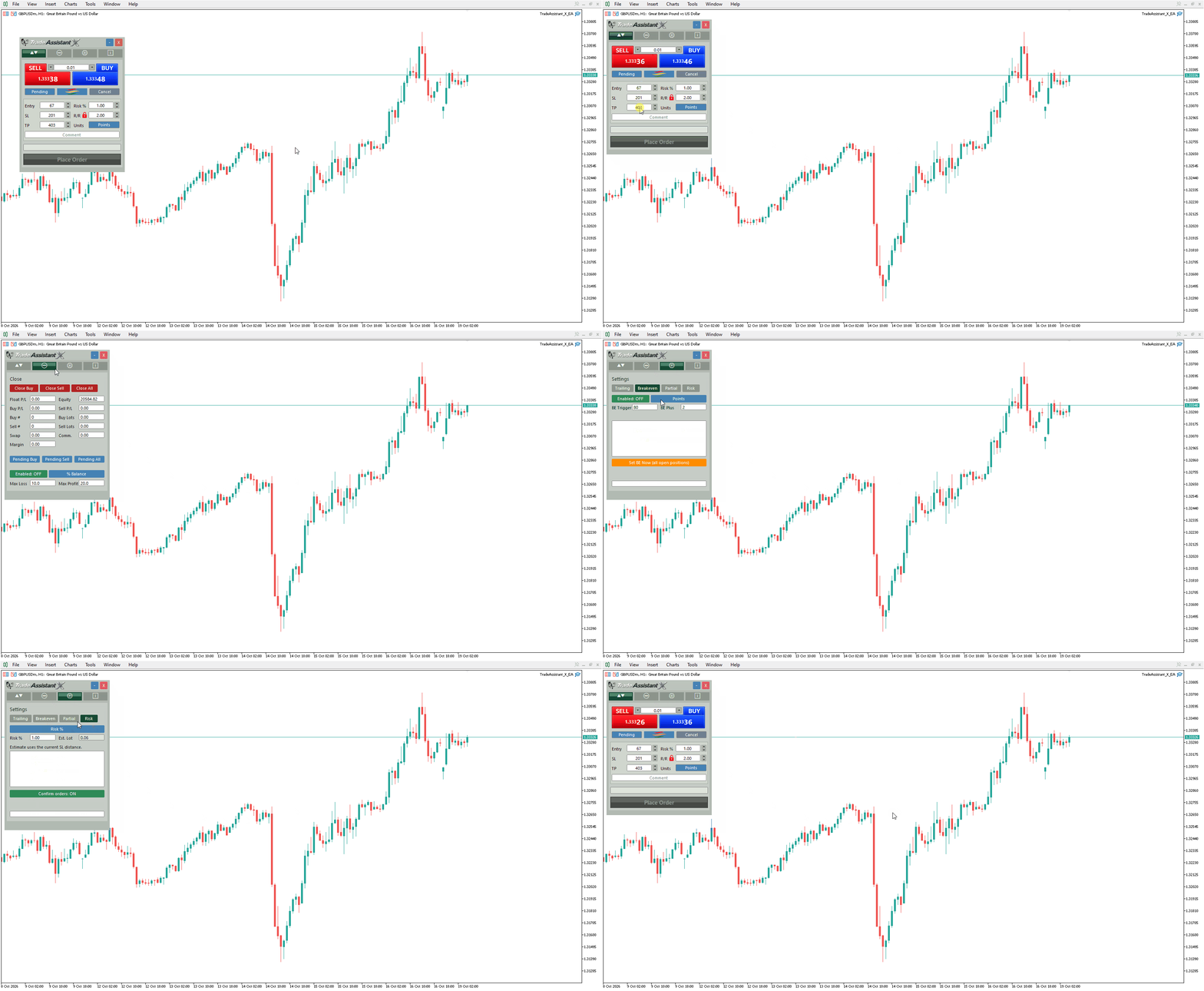
Everything is organized into a movable, minimizable panel with dedicated Trade, Close, Settings, and Info tabs, allowing you to manage trades without opening multiple windows.
Main Features
- One-click market orders (Buy/Sell) with optional attached SL/TP
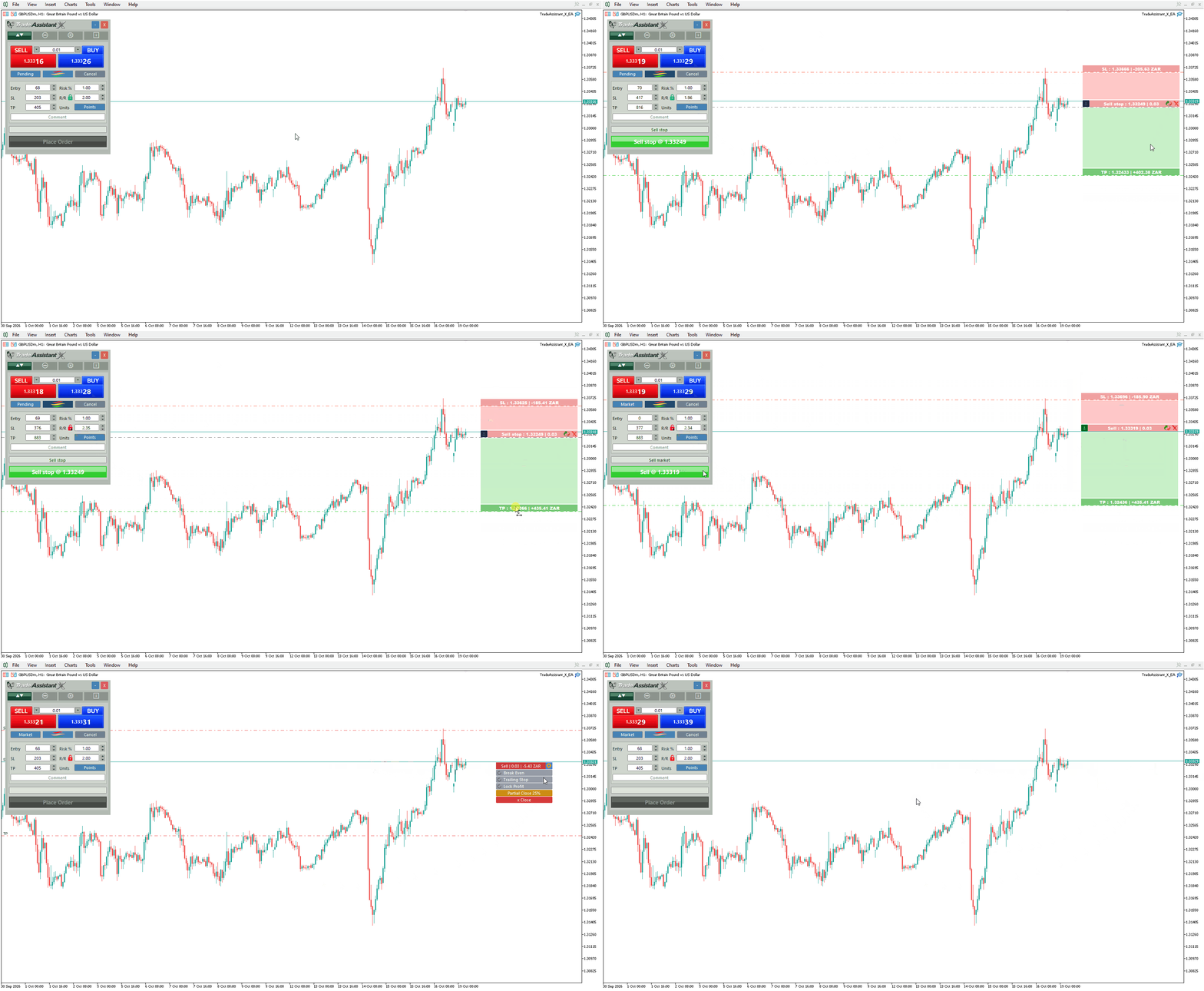
- Draggable Entry/SL/TP lines with automatic Market/Limit/Stop detection
- Automatic lot sizing by Risk %, Fixed Lot, or Fixed Money risk
- ATR-based auto-scaling of default SL, TP, and pending entry distance
- Dual trailing stop engines — points-based and % of TP-based
- Automatic breakeven, triggered by points or % of TP
- 5-level profit-side partial close system + 2 defensive SL-side levels
- Partial closes by percentage of position or fixed lot size
- Virtual (hidden) SL/TP — broker-side stops removed, EA manages exits internally
- OCO (One-Cancels-Other) handling for pending orders
- Kill switch — auto-closes all exposure on a max loss or profit threshold
- Editable trade comment field on every order
- Movable, minimizable panel with tabbed layout (Trade / Close / Settings / Info)
Fast, Flexible Order Entry
Place trades two ways:
- One-click Buy/Sell market orders from the Trade tab
- Drag the Entry, SL, and TP lines directly on the chart for visual trade setups
The EA reads the line positions and automatically determines whether the setup is a Market, Limit, or Stop order, for both LONG and SHORT.
Smart, Flexible Risk Sizing
Choose how lot size is calculated:
- Risk % of account balance against your stop distance
- Fixed lot size
- Fixed money amount at risk
Default SL, TP, and pending entry offsets can also auto-scale to current ATR instead of using fixed point values, so defaults stay sensible as volatility changes.
Automated Trade Management
Trailing Stop
Two independent trailing engines, either of which can be armed from the panel:
- Points-based: start trigger, step size, and trailing distance in points
- Percent-based: start trigger, step, and locked-in profit as a % of TP
- Manual "Start Auto Trailing" override to force trailing on regardless of the trigger
Breakeven
Move stop loss to breakeven automatically once price reaches a points target or a percentage of the TP distance, with a configurable buffer added past entry.
Partial Close System
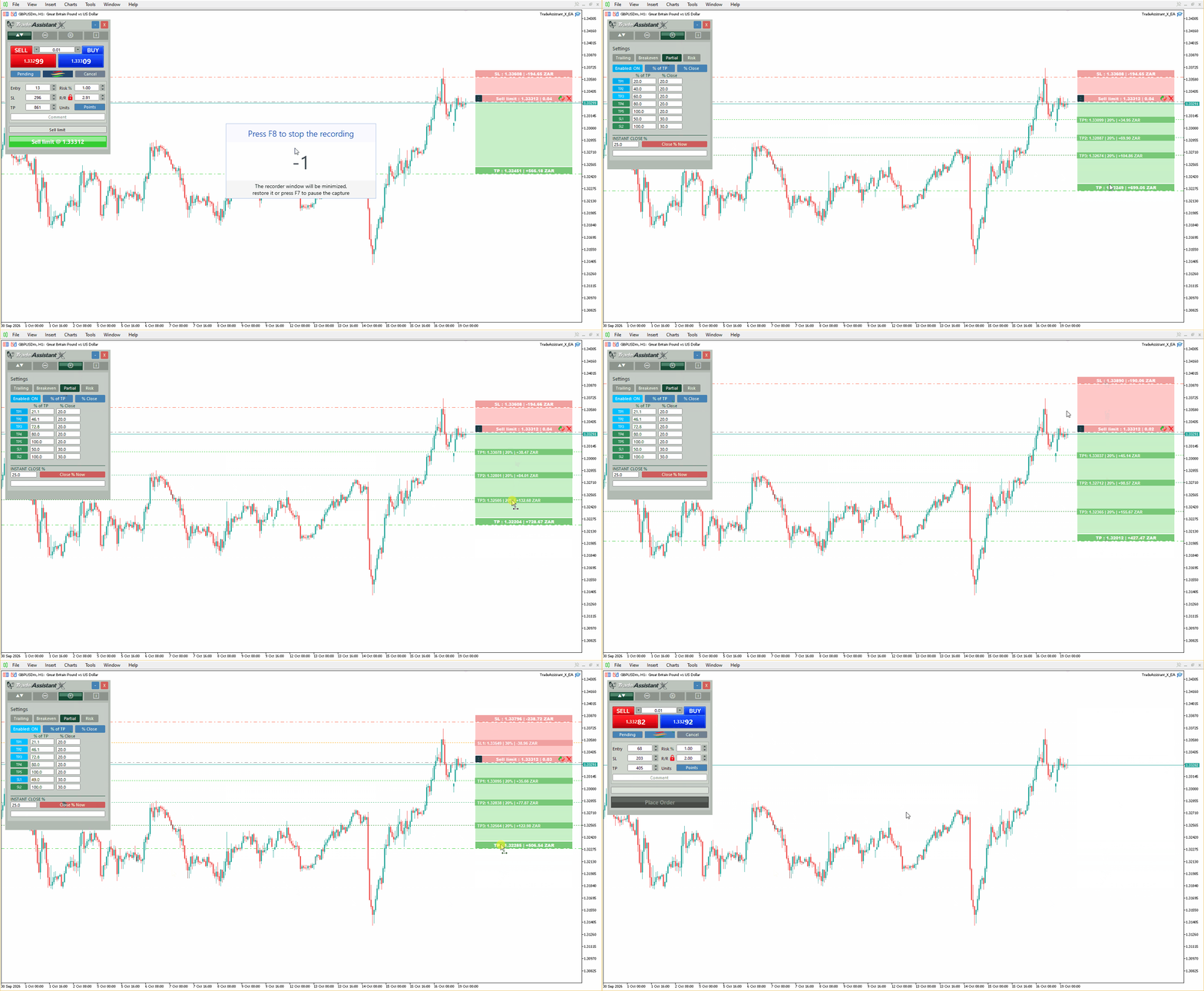
Scale out of trades automatically at up to 5 profit-side levels, plus 2 defensive stop-loss-side levels for trades that move against you first. Each level has its own distance and close amount, and close amounts can be set as a percentage of the position or a fixed lot size.
Virtual SL/TP Mode
Hide your stop loss and take profit from the broker.
When enabled:
- broker-side SL/TP is removed
- the EA monitors price internally and draws virtual SL/TP lines on the chart
- positions are closed automatically when a virtual level is reached
OCO & Kill Switch Protection
- OCO: automatically cancels remaining pending orders once a position opens on the symbol
- Kill switch: closes all exposure the moment floating P/L crosses a max loss or max profit threshold (percent of balance or a flat money amount), then latches off until re-enabled
Designed For
- Day traders
- Scalpers
- Swing traders
- Prop firm traders
- Risk-focused traders
- Traders who prefer visual, chart-based execution
Important Notes
- One EA instance per chart symbol
- Algo Trading must be enabled
- Virtual SL/TP requires MT5 to remain running
- Recommended to test on demo first