MetaCOT 2 CFTC ToolBox Demo MT4
- Bibliotecas
- Versão: 2.71
- Atualizado: 1 novembro 2025

Friends, join us!
Ask questions and connect with like-minded traders: MetaCOT Public Group
MetaCOT Information Channel: news, CFTC reports, and signals: MetaCOT Channel
Here’s to successful trading and new profitable signals for us all!
Attention! Recently, certain countries have been blocking access to the cftc.gov website. As a result, users in these countries are giving the product low ratings. MetaCOT has always adhered to the highest quality standards and is in no way associated with these blocks. Please do not give the product a low rating for this reason! If you are unable to access the cftc.gov website, please use a VPN.
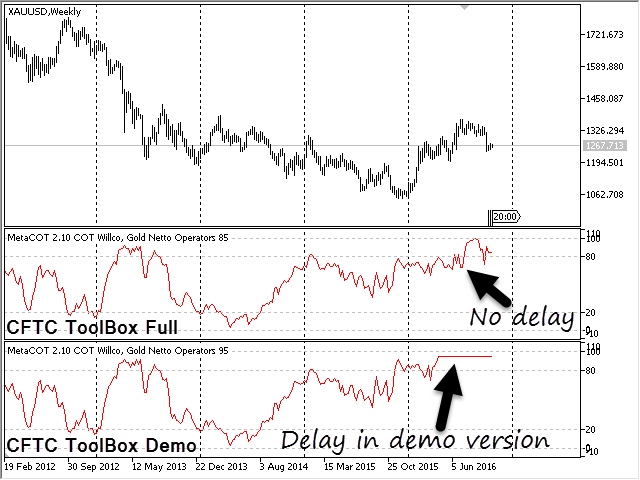
MetaCOT 2 CFTC ToolBox Demo is a special demo version of a full-featured library MetaCOT 2 CFTC ToolBox MT4. The demo version does not have any limitations, but it outputs data with a delay in contrast to the full version.
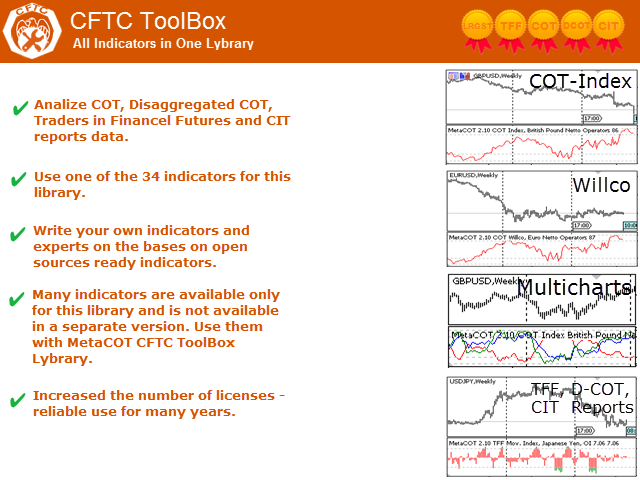
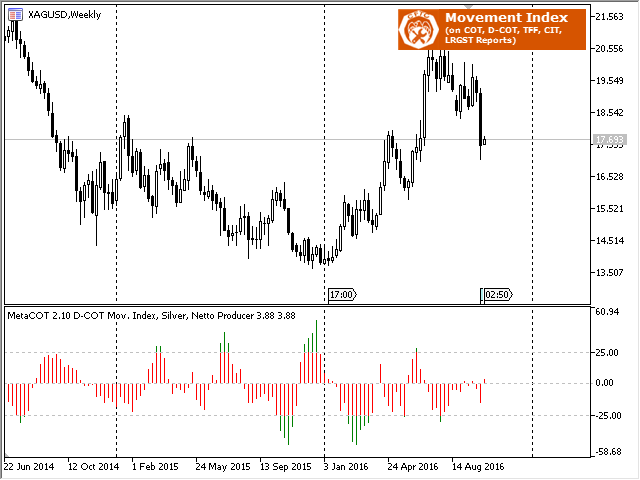
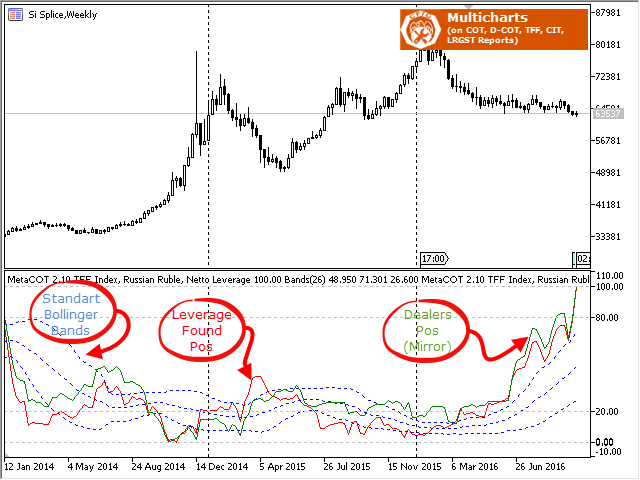
The library provides access to the CFTC reports (U.S. Commodity Futures Trading Commission) reports straight from the MetaTrader terminal. The library includes all indicators that are based on these reports. With this library you do not need to purchase each MetaCOT indicator separately. Instead, you can obtain a single set of all 34 indicators including additional indicators that are not available as separate versions. The library supports all types of reports, and provides data on major market participants.
MetaCOT 2 CFTC ToolBox:
- Provides access to all types of CFTC reports (Commitments of Traders (COT), Dissagregated COT (D-COT), Traders in Financel Futures (TFF), Commitments Index Traders (CIT));
- Allows developing custom indicators and Expert Advisors on the basis of CFTC reports;
- Allows to use MetaCOT indicators that are available as source code;
- Provides an increased number of activations, you can use these indicators for many years.
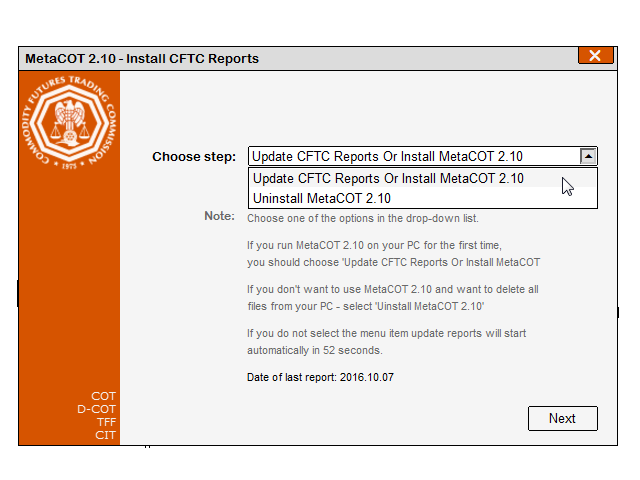
The library operation requires the CFTC reports to be downloaded and installed on your computer, which can be done with a special report installation utility MetaCOT 2 Install CFTC Reports MT4.
Attention. In order to use this library, you should download to your computer and compile MetaCOT ToolBox (Set of Indicators) MT4 from the CodeBase. The indicators page also features detailed instructions on how to install the library and indicators required for its operation.






































































Must have Tool. good stuff.