Jumping along Levels
- 지표
-
Pavel Verveyko
 Writing scripts, indicators, EAs on MQL5 and MQL4.
Fast, Reliable, And High-Quality.
For all questions, please contact personal messages. - 버전: 1.0
- 활성화: 5
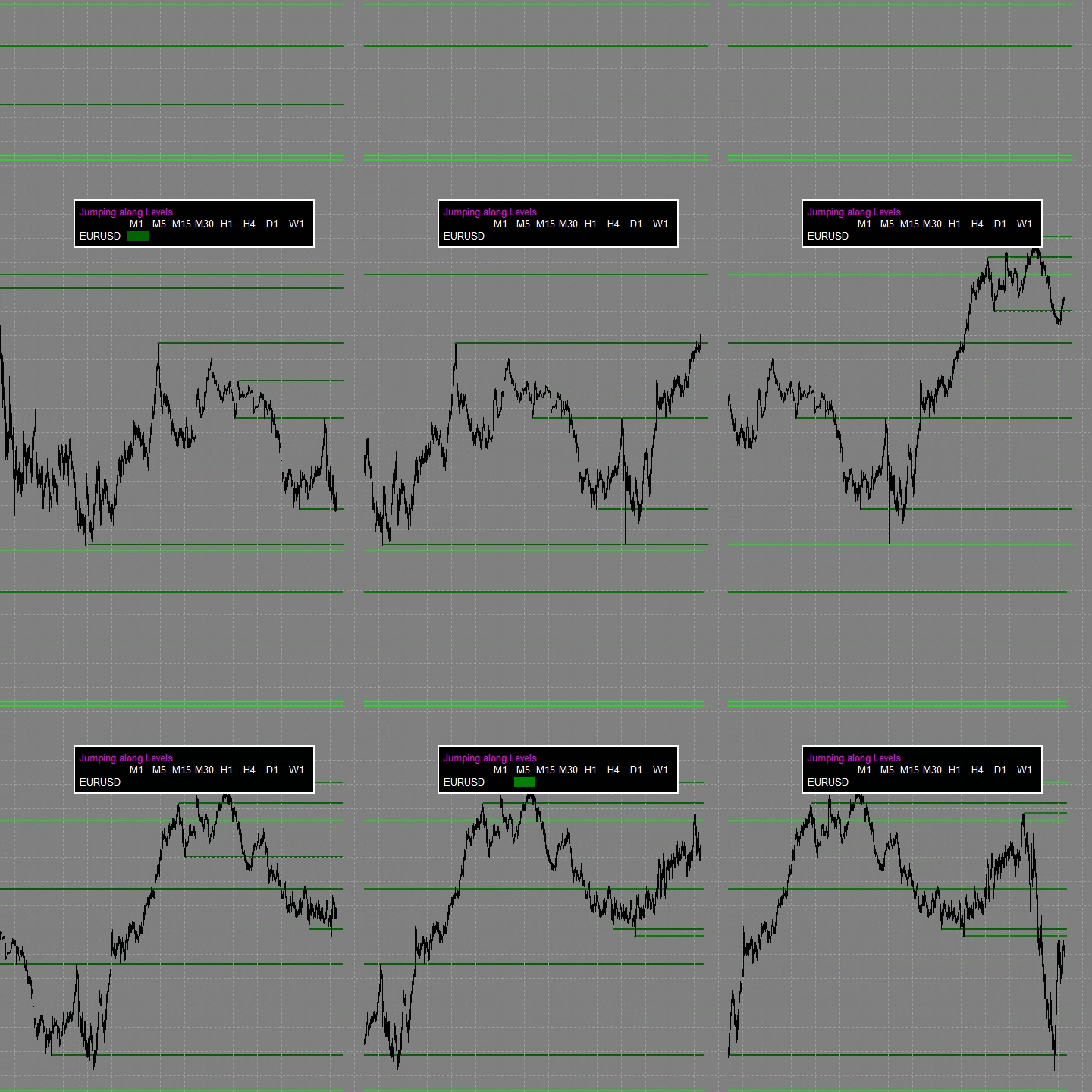
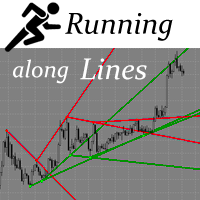
Jumping along Levels is dedicated to the most important aspect of trading: support and resistance levels.
This indicator is built using a unique technology based on proprietary development and testing algorithms.
The indicator has a built-in intelligent market situation assessment system.
It can automatically adjust to varying market volatility.
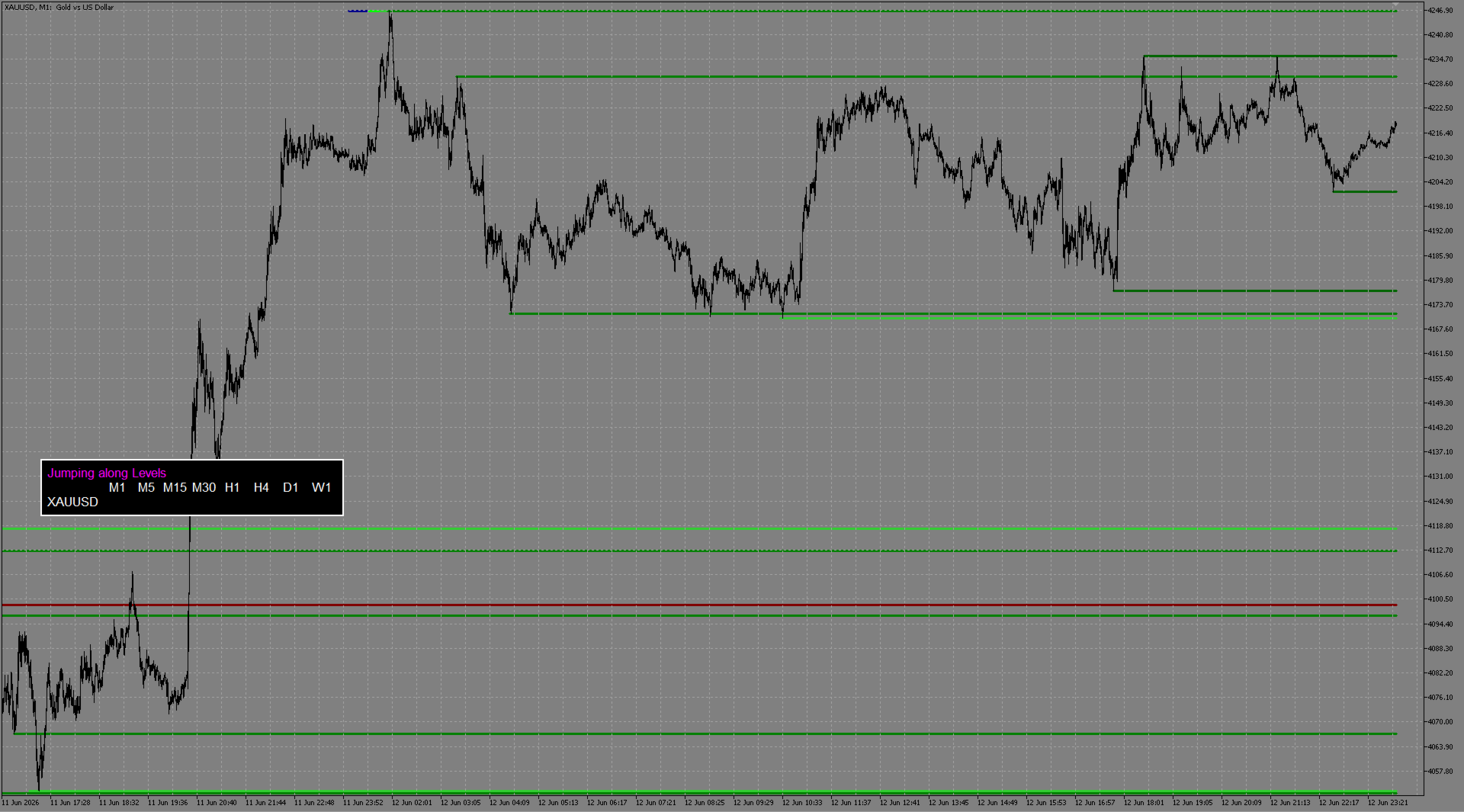
Jumping along Levels simultaneously displays levels from different time periods on the current chart.
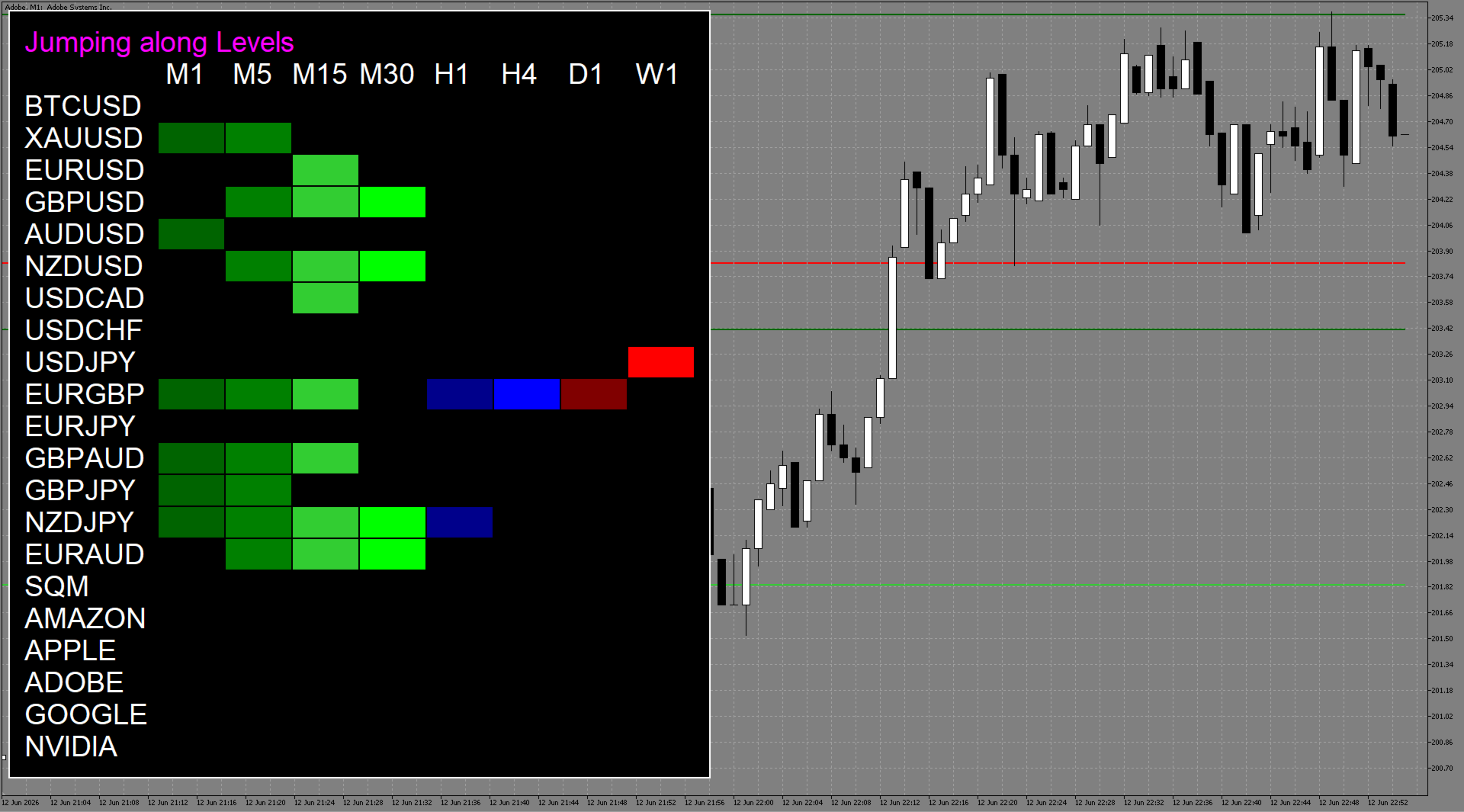
It has a graphical table for working with completely different symbols simultaneously.
It has a flexible alert system.
Main Parameters:
- Levels_Filter – The main parameter of the indicator. The higher this number, the fewer levels will be displayed on the chart. Essentially, it controls the saturation of the chart with levels. For values greater than 10, you may need to increase the History_Size parameter.
- Levels_Delete_Num_Touch – This parameter affects the deletion of levels after a price touch. The higher this number, the longer the level remains on the chart. Levels_Color_ - This group of parameters enables/disables specific time periods. It controls the color of the levels, as well as the color of the square for a specific time period in the table. If you specify the color NONE, that time period will be disabled. (If all time periods are disabled, the current time period will be displayed.)
- Levels_Hide_Lower_TimeFrames - This parameter hides the levels of lower time periods. For example, if all time periods are disabled in the Levels_Color_ settings and our current chart is H1, all minute levels will be hidden. If we switch to the M1 chart, we will see the levels of all time periods.
- Table_Tickers - You can specify the desired symbols from the market overview to be displayed in the table. It is important to separate them with commas!For example: EURUSD, GBPUSD, XAUUSD, AAPL, (If the parameter is empty, the current symbol will be displayed.)
- Table_Fontsize - the table size.
- Table_New_Chart_or_Current_Chart - Clicking a specific square in the table switches the current symbol and time period to the selected symbol and time period.
This setting allows you to choose whether a new terminal window will be opened for the new symbol/time period or whether the current one will be refreshed. - Table_Template_name_for_New_Chart - If opening a new window is selected in Table_New_Chart_or_Current_Chart, this parameter allows you to specify the template name that will be applied to the new window.
- Alert_Type - This group of parameters allows you to enable the desired alert that is triggered when a level is touched after a candle closes. Alerts work for all time periods and symbols available in the indicator table.