Edgonomy Analyzer MT4
- 유틸리티
-
Daniel Grigerek
 슬로바키아의 독립 MQL5 개발자입니다. Smart Money Concepts와 금(XAUUSD)을 중심으로 MetaTrader 5 도구를 만듭니다.
제 제품은 세 가지에 집중합니다:
- 차트에서 깔끔하고 읽기 쉬운 Order Block 및 Fair Value Gap 탐지
- 한 번의 클릭 또는 완전 자동으로 셋업을 거래할 수 있는 트레이드 패널
- 시간과 포지션 관리를 위한 차트 대시보드 및 유틸리티 - 버전: 1.62
- 업데이트됨: 25 11월 2026
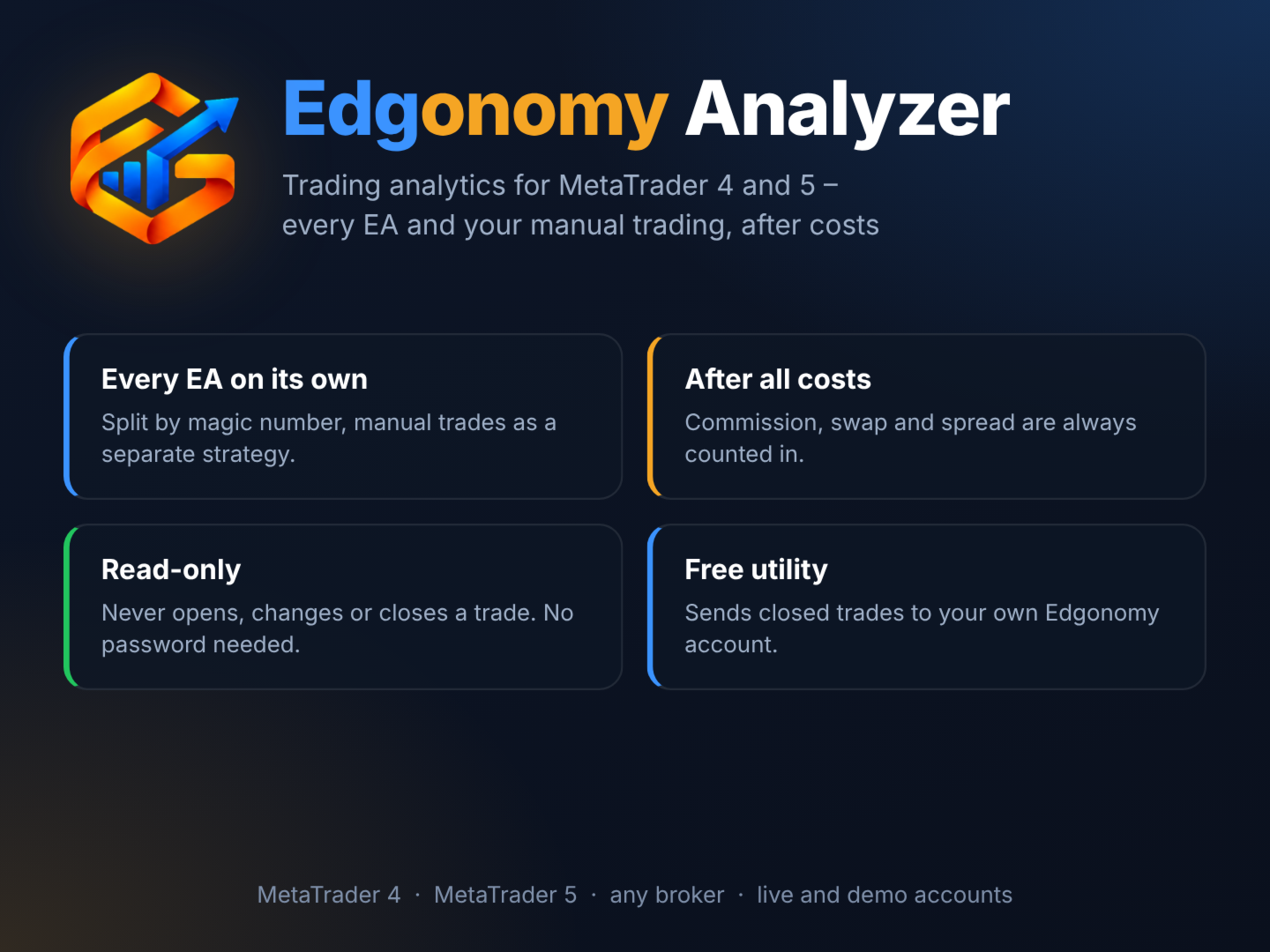
Edgonomy Analyzer connects MetaTrader to Edgonomy (edgonomy.com) – trading analytics for MetaTrader 4 and MetaTrader 5. It shows how every Expert Advisor and your manual trading really perform, always after commission, swap and spread, with a trading journal built in.
The utility is read-only. It reads the history of your closed trades and sends it to your own Edgonomy account. It never opens, modifies or closes a trade.
WHY
If several EAs run on one account, or you combine EAs with manual trading, the balance only shows the sum. The profit of one EA hides the loss of another, and costs disappear in the total. Edgonomy separates every strategy and shows the numbers behind it.
WHAT YOU SEE IN EDGONOMY
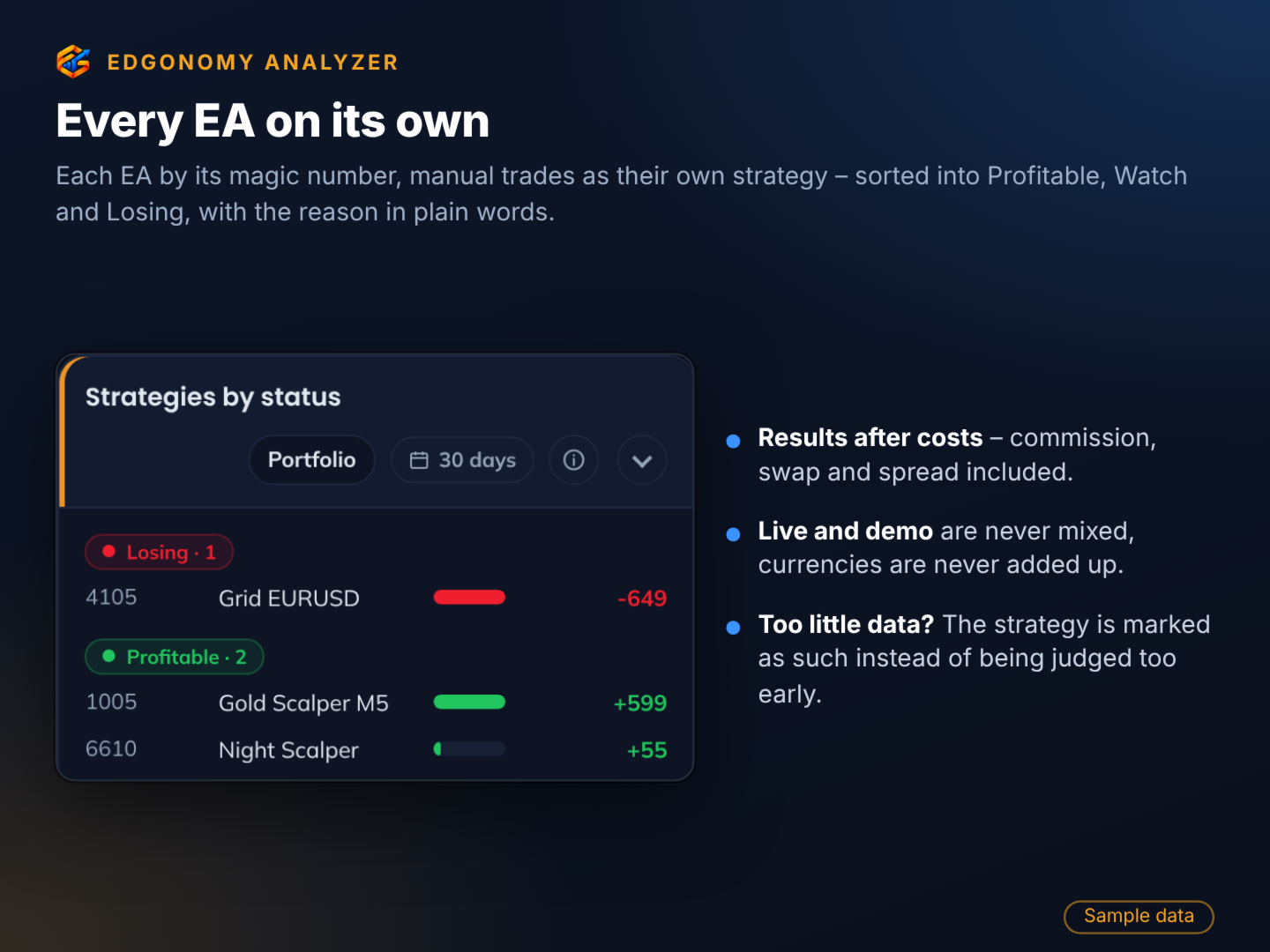
- Every EA on its own – each EA by its magic number, manual trades as a separate strategy, each with a status (Profitable / Watch / Losing) and the reason in plain words.
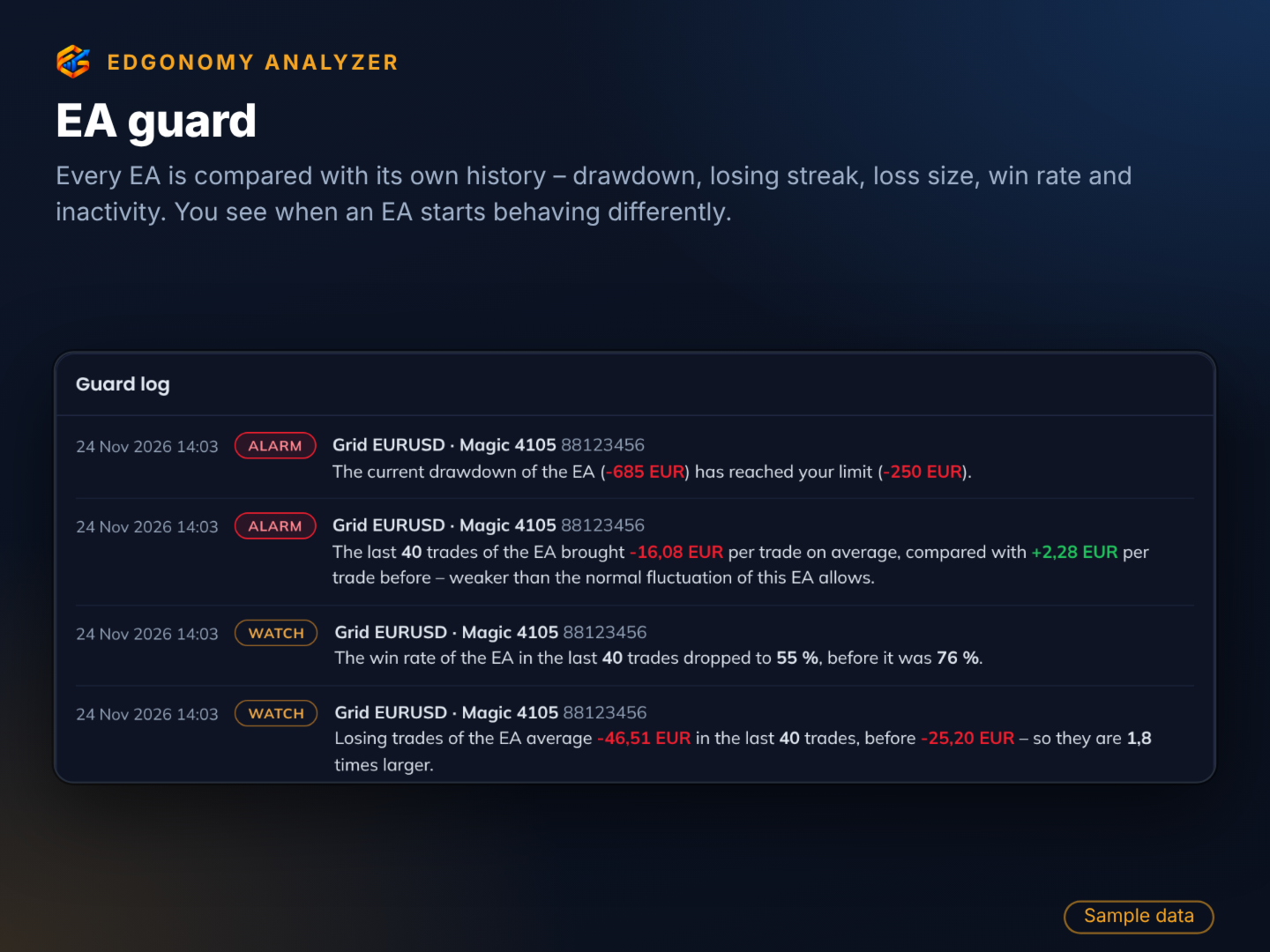
- EA guard – every EA compared with its own history: drawdown, losing streak, loss size, win rate and inactivity.
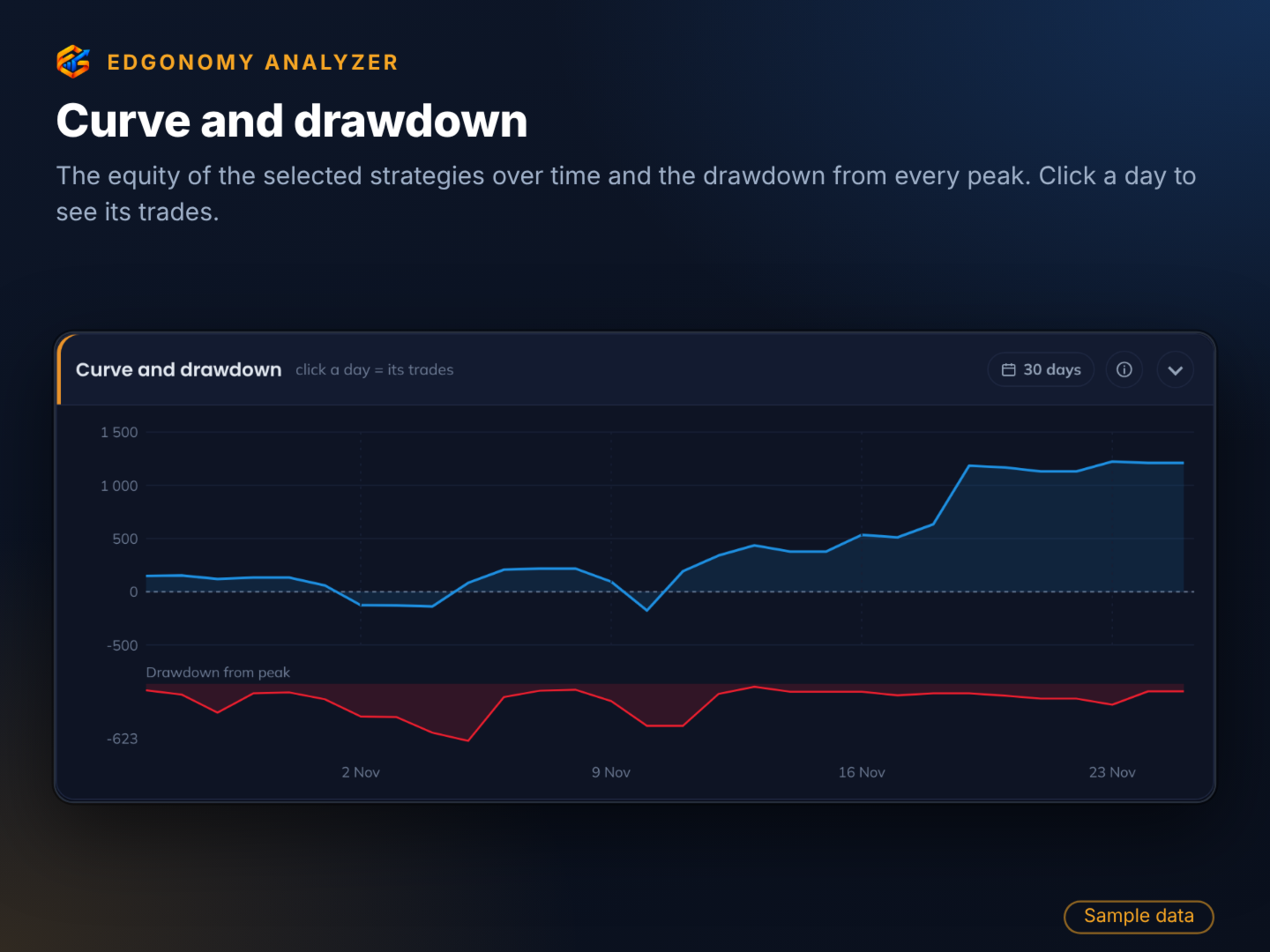
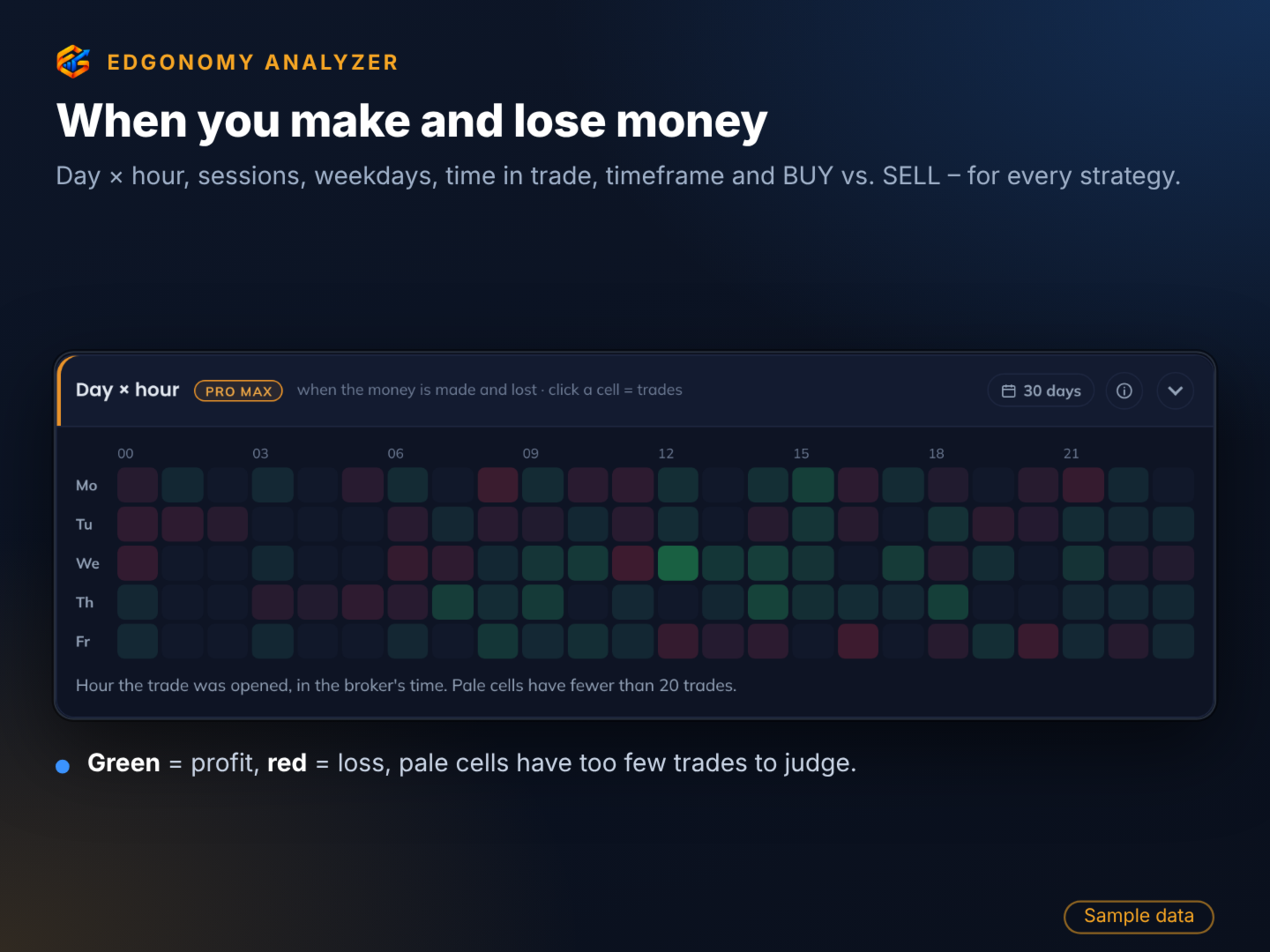
- Curve and drawdown, calendar, sessions, hours, days of the week, day × hour, symbols, BUY vs. SELL, timeframe.
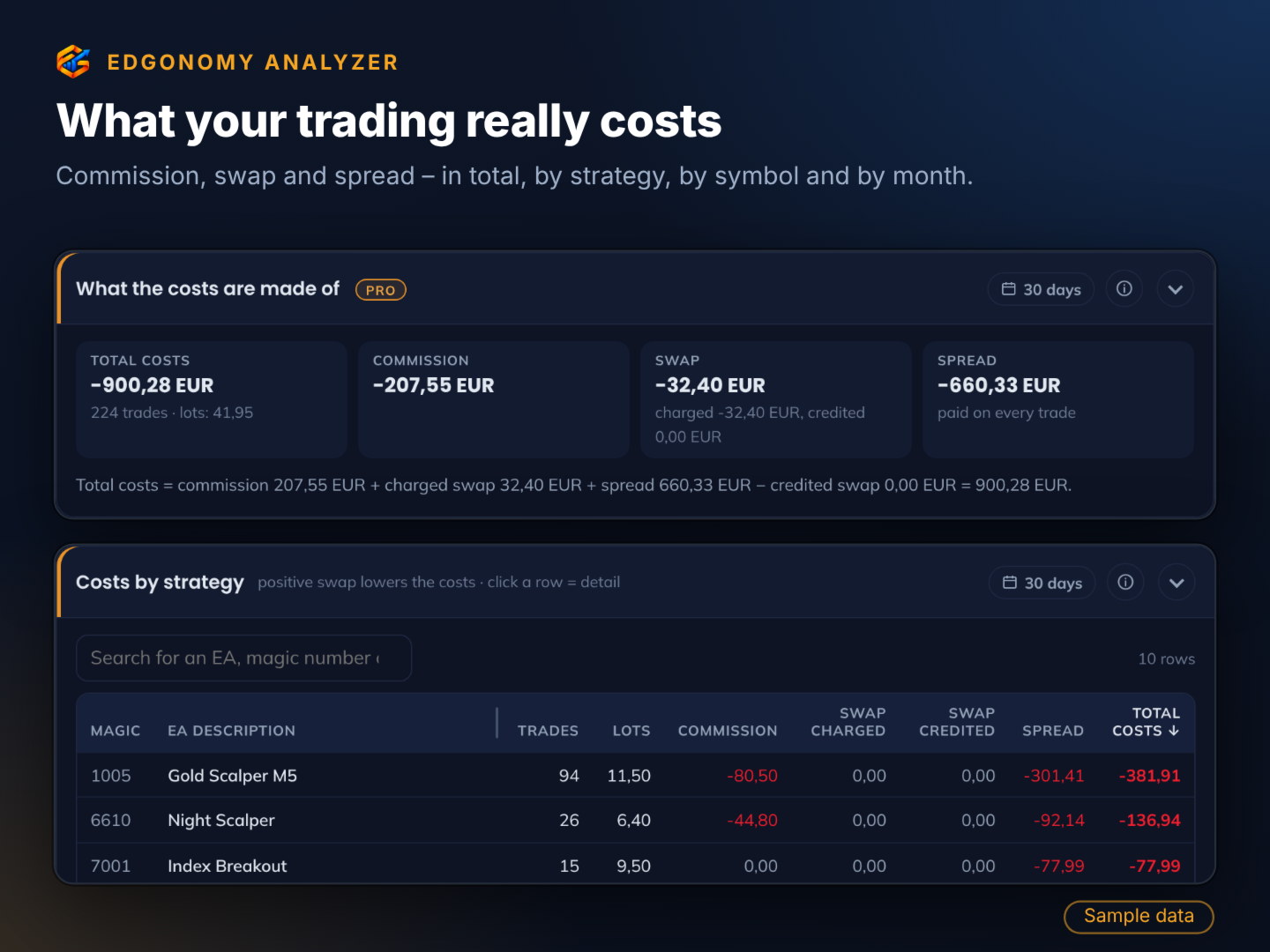
- Costs – commission, swap and spread by strategy, symbol and month.
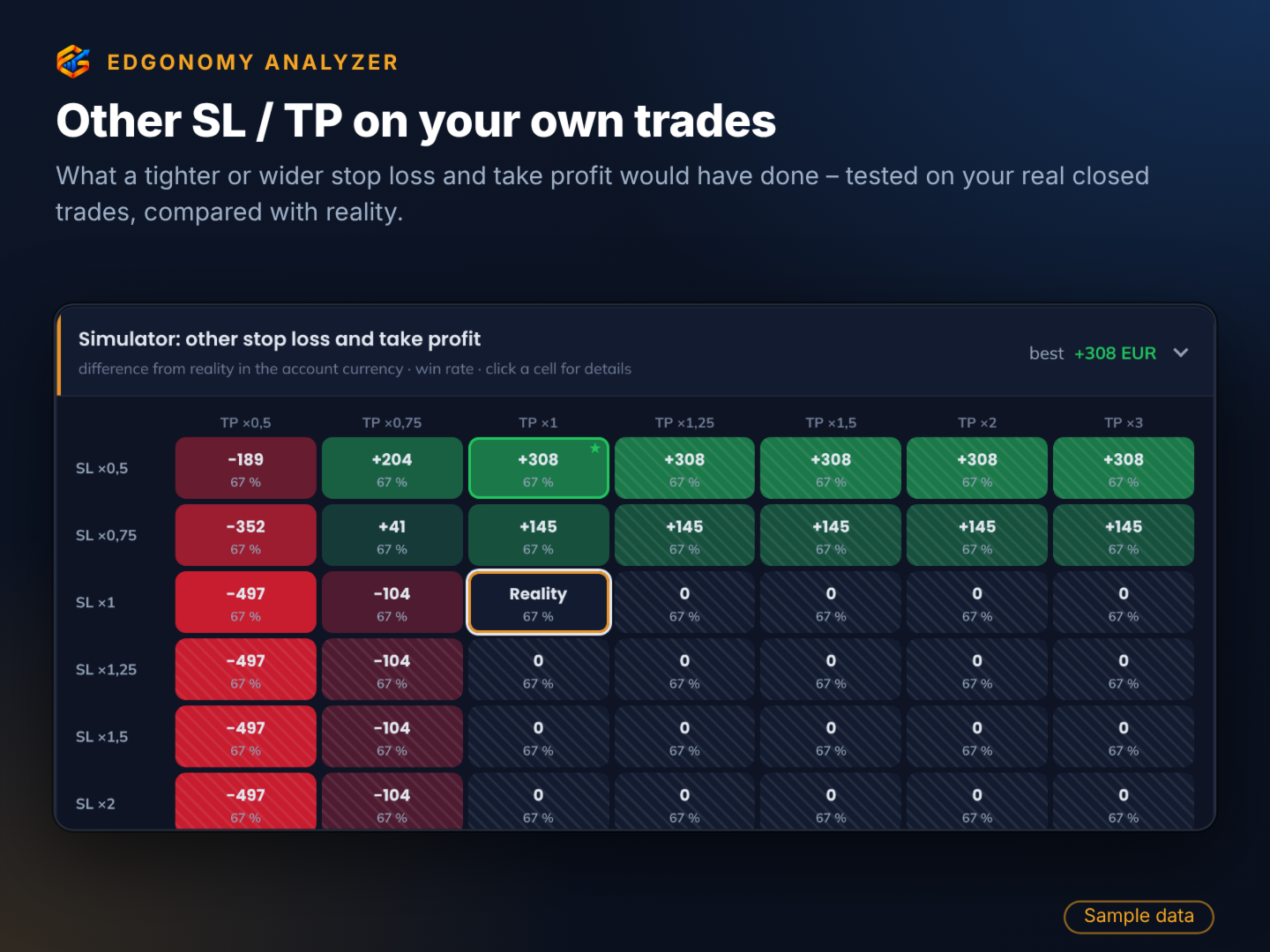
- SL / TP – how your trades end and what a different stop loss, take profit or trailing stop would have done on your own past trades.
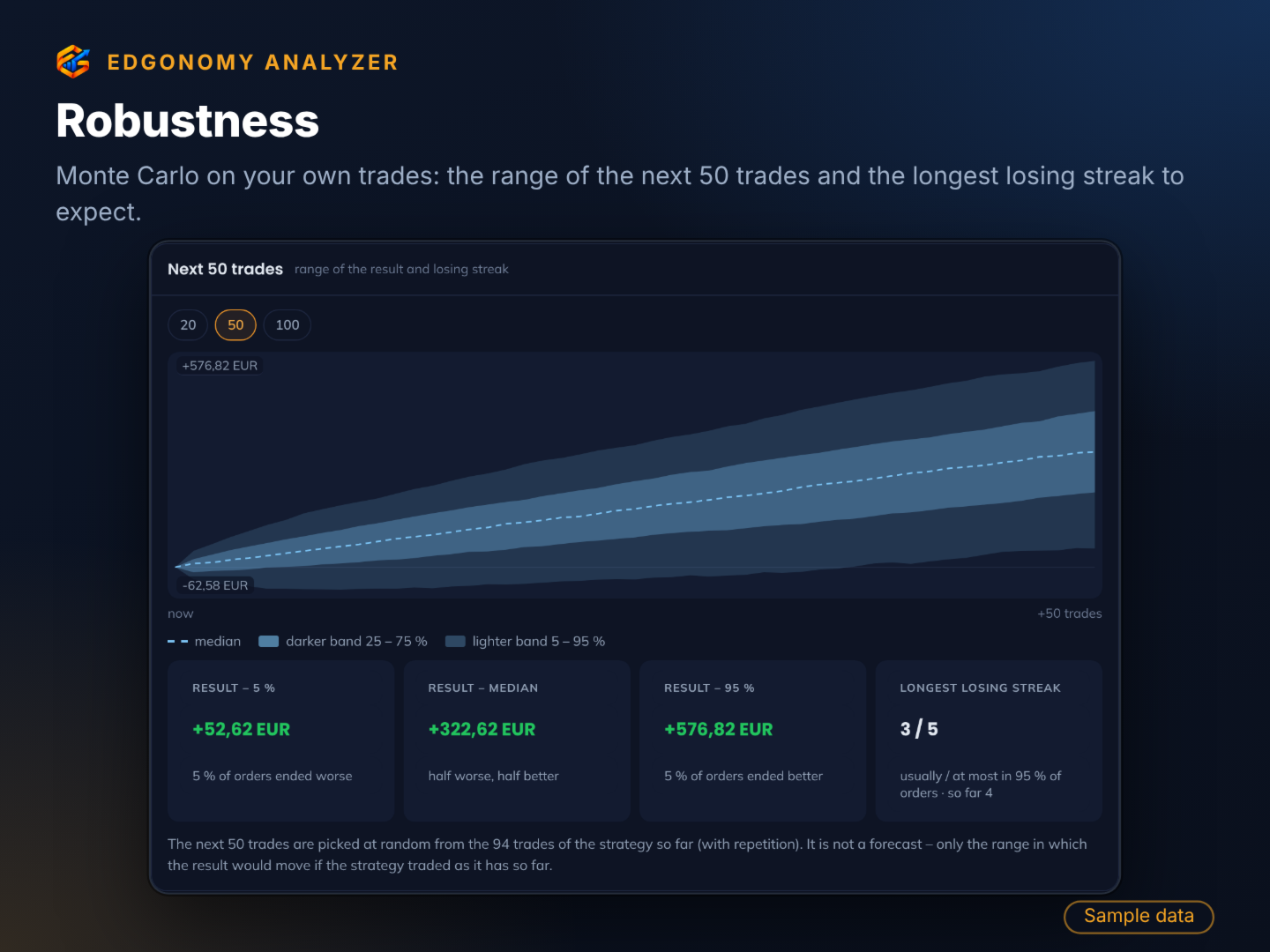
- Robustness – Monte Carlo on your own trades: the range of the next trades and the longest losing streak to expect.
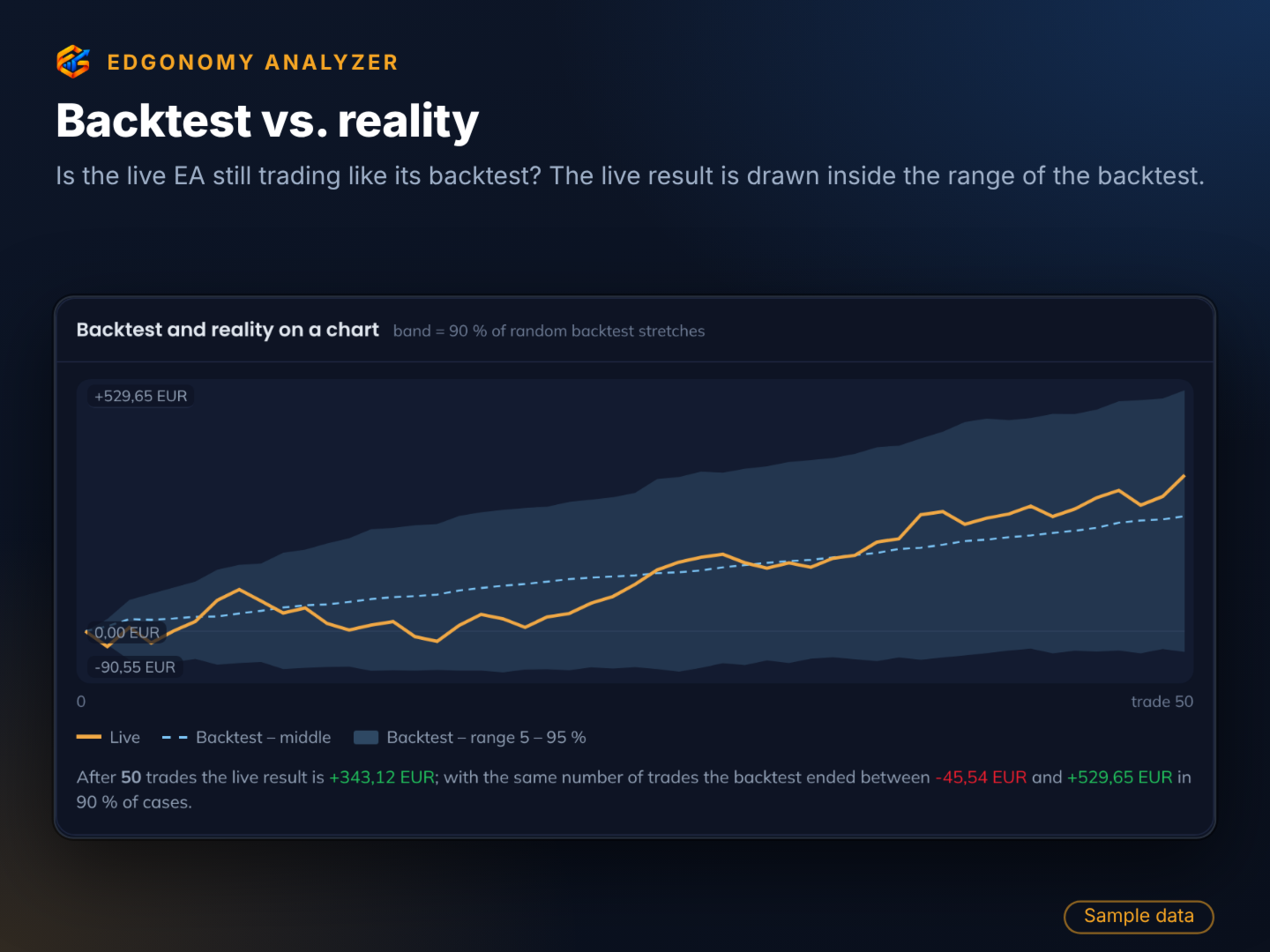
- Backtest vs. reality – is the live EA still trading like its backtest?
- Simulator, prop challenge check, the same EA on two accounts or brokers, and your own desk from any panels.
Some pages are part of the paid Pro or Pro Max plan of Edgonomy. The basic analysis works on the free plan.
HOW IT WORKS
- Attach the EA to one chart of the account. At the start it sends the history of the last 12 months (adjustable), then every newly closed trade within a few seconds.
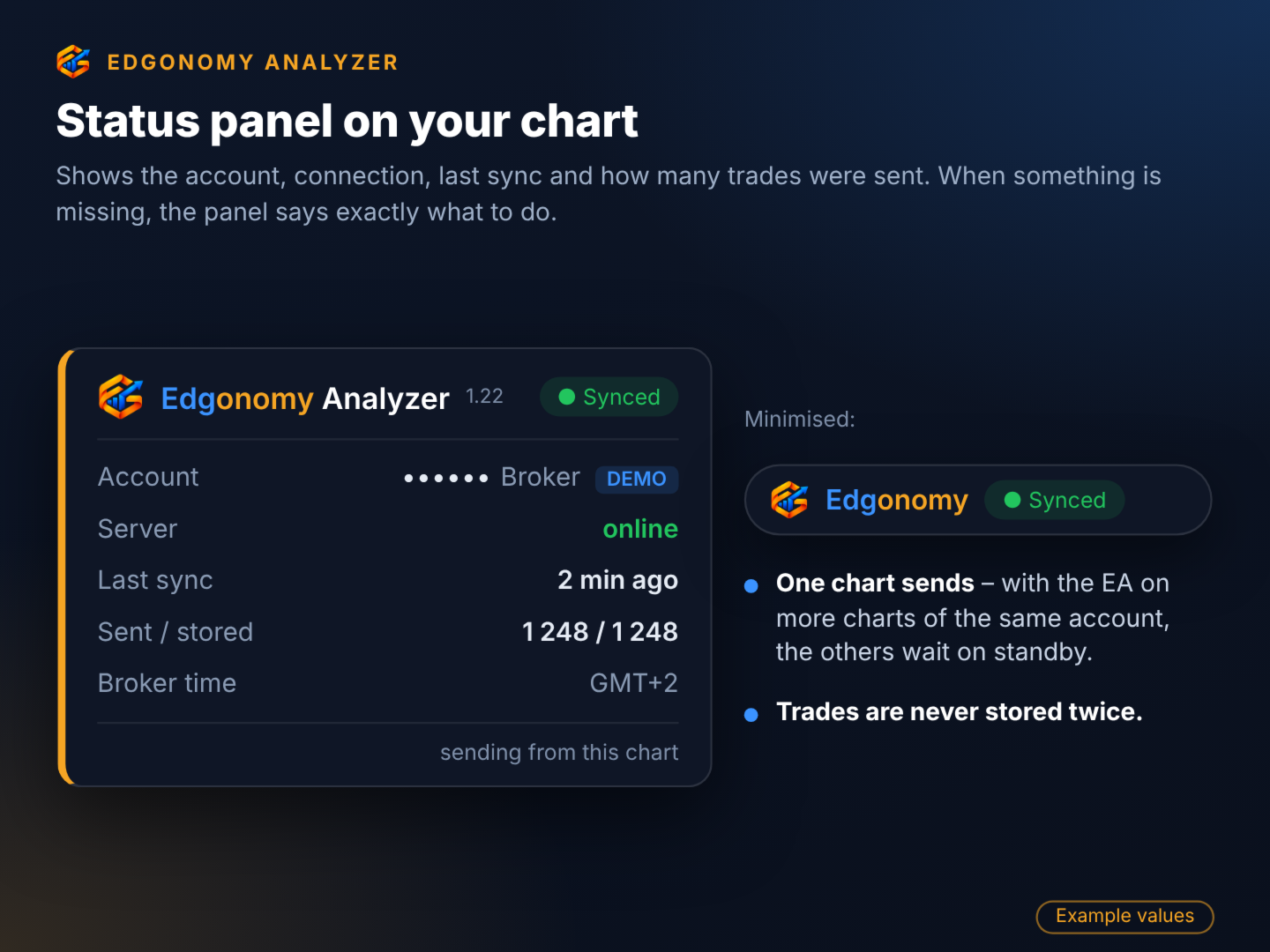
- With the EA on several charts of the same account, only one chart sends – the others wait on standby. Trades are never stored twice.
- A small panel on the chart shows the account, connection, last sync and the number of sent and stored trades. When something is missing, the panel says exactly what to do.
WHAT IS SENT
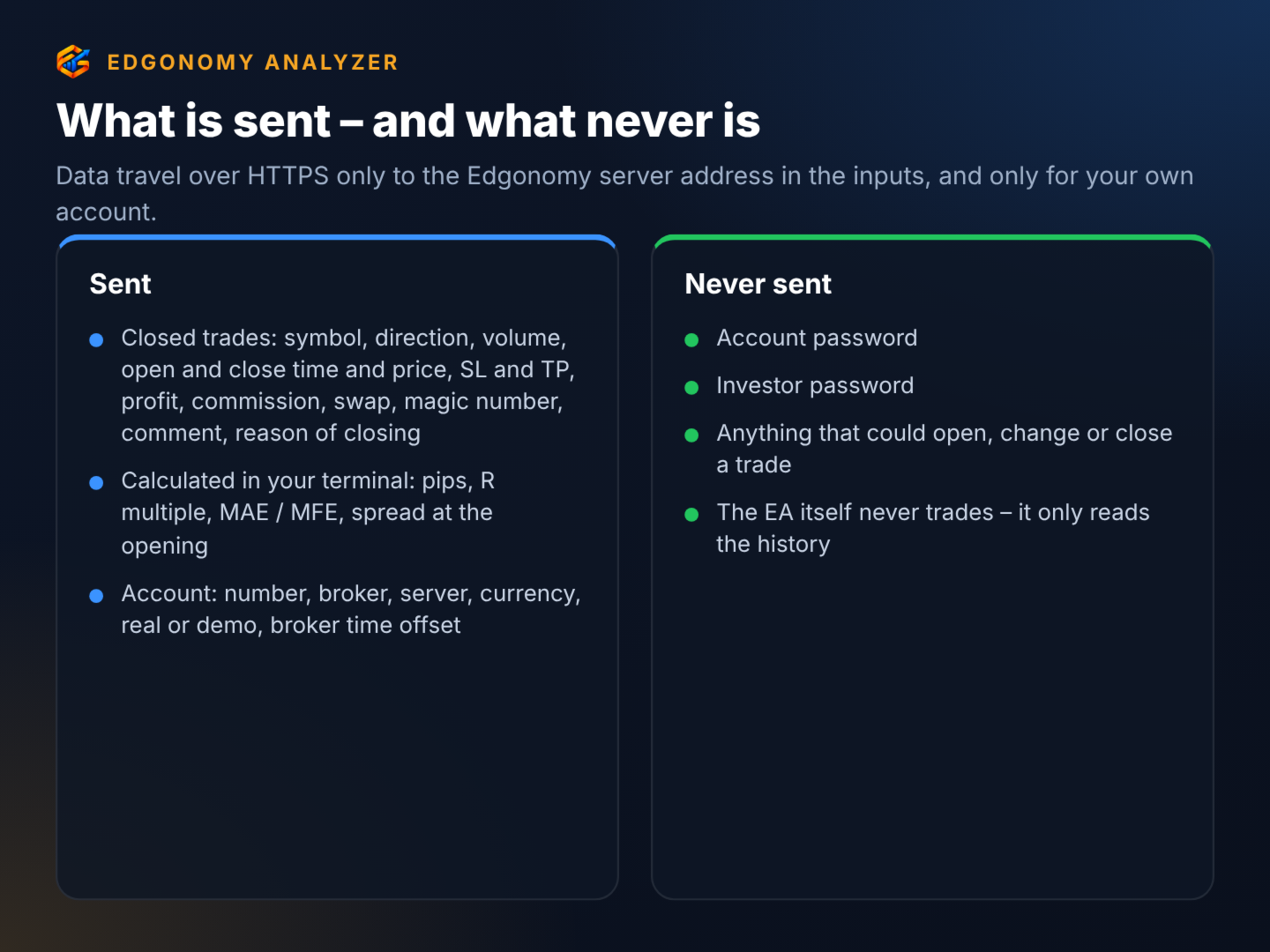
- For each closed trade: symbol, direction, volume, open and close time and price, stop loss and take profit, profit, commission, swap, magic number, comment and the reason of closing. Calculated in your terminal: pips, R multiple, MAE / MFE and the spread at the opening.
- About the account: account number, broker, server, currency, account type (real / demo) and the time offset of the broker.
- Send settings of EAs on other charts (default: true) – EdgonomyAnalyzer reads the name and input values of the EAs on your other charts and sends them to your Edgonomy account. Edgonomy then shows which settings changed and how each EA did before and after the change. Values that look like passwords, keys, tokens, licences, e-mails or logins are sent as ***. EdgonomyAnalyzer does not send its own settings. Set this input to false if you do not want EA settings to be sent.
- Never sent: the account password, the investor password or anything that could open or change a trade.
Data travel over HTTPS only to the Edgonomy server address set in the inputs.
SETUP (about 2 minutes)
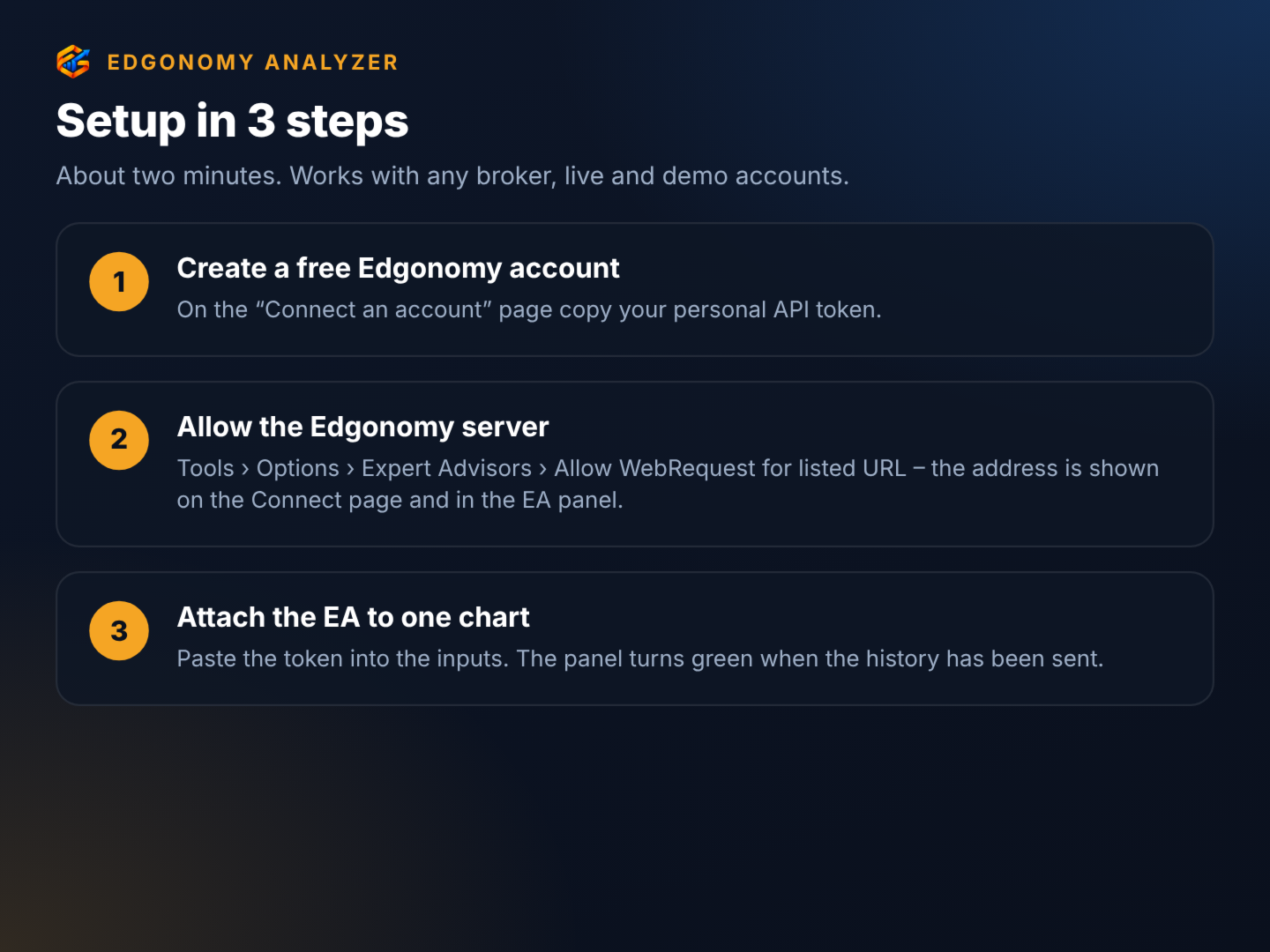
- Create a free account at edgonomy.com and copy your personal API token on the "Connect an account" page.
- In MetaTrader open Tools > Options > Expert Advisors, tick "Allow WebRequest for listed URL" and add https://edgonomy.com (the same address is shown on the "Connect an account" page and, if it is missing, in the EA panel).
- Attach Edgonomy Analyzer to any one chart and paste the token into the input "API token". The panel turns green when the history has been sent.
INPUTS
- API endpoint – address of the Edgonomy server (leave as it is).
- API token – your personal token from the "Connect an account" page.
- History to sync at start (months, 0 = all) – default 12.
- Fallback re-check interval (seconds) – default 300.
- Show on-chart status panel – default true.
- Panel font size – raise it on a HiDPI screen.
- Max deals per request (MT4: max trades per request) – default 50.
- MAE/MFE lookback (days, 0 = off) – default 180.
- Record spread only for positions opened within (seconds) – default 120.
- Send settings of EAs on other charts – default true.
- Download stats for the Edgonomy Guard indicator (Pro Max) – default true.
METATRADER 4 LIMITATIONS (COMPARED WITH METATRADER 5)
- MT4 does not record why a trade was closed, except stop loss, take profit and stop-out. A close by hand and a close by the EA look the same, so Edgonomy shows them as "other".
- The analysis of manual interventions (what would have happened without the intervention) works on MT5 only.
- Trailing stop simulations on the SL / TP page need price paths that only the MT5 version records.
- MT4 gives the program only the history loaded in the "Account History" tab. Right-click it and choose "All History".
- MT4 history keeps only the last stop loss of a trade (after trailing or break-even). EdgonomyAnalyzer records the stop loss and take profit at opening only for trades opened while it runs. Older trades have no SL, TP or R value.
- MT4 has no server time function. EdgonomyAnalyzer measures the broker time offset from live ticks and remembers it; until it has been measured once, the offset is not sent.
- MT4 terminals often keep little minute history. Where the minute candles do not cover a whole trade, MAE / MFE is not sent for it.
GOOD TO KNOW
- Works with any broker, live and demo accounts, hedging and netting (MT5).
- In the Strategy Tester the EA does nothing – it needs a live chart and your real account history.
- Edgonomy is an analysis tool. It gives no signals and no investment advice; past results do not guarantee future results.
- Questions: write in the comments of this product or send a private message.