Divergence Pro Multi Oscillator Confluence
- 지표
- 버전: 1.10
- 활성화: 5

Stop relying on a single oscillator for your reversals! Divergence Pro is a professional-grade analytical tool designed to spot high-probability market reversal points by finding confluence across 11 powerful oscillators.
Instead of getting fake signals from just one RSI or MACD, Divergence Pro scans the market and only alerts you when multiple indicators agree on a divergence at the exact same time. It filters out the noise and leaves you with only the strongest setups.
🌟 KEY FEATURES:
- The Power of 11 Indicators in 1: Evaluates MACD, MACD Histogram, RSI, Stochastic, CCI, Momentum, OBV, DiNapoli Oscillator, VW-MACD, Chaikin Money Flow (CMF), and Money Flow Index (MFI) simultaneously.
- Confluence Filter: You choose the minimum number of indicators that must agree (e.g., require at least 3 indicators to show divergence before plotting on the chart).
- Regular & Hidden Divergences: Detects both trend reversals (Regular) and trend continuations (Hidden).
- 100% Customizable: Unlike rigid indicators, you can adjust the periods (Fast, Slow, Signal, etc.) of EVERY single oscillator to match your specific trading strategy.
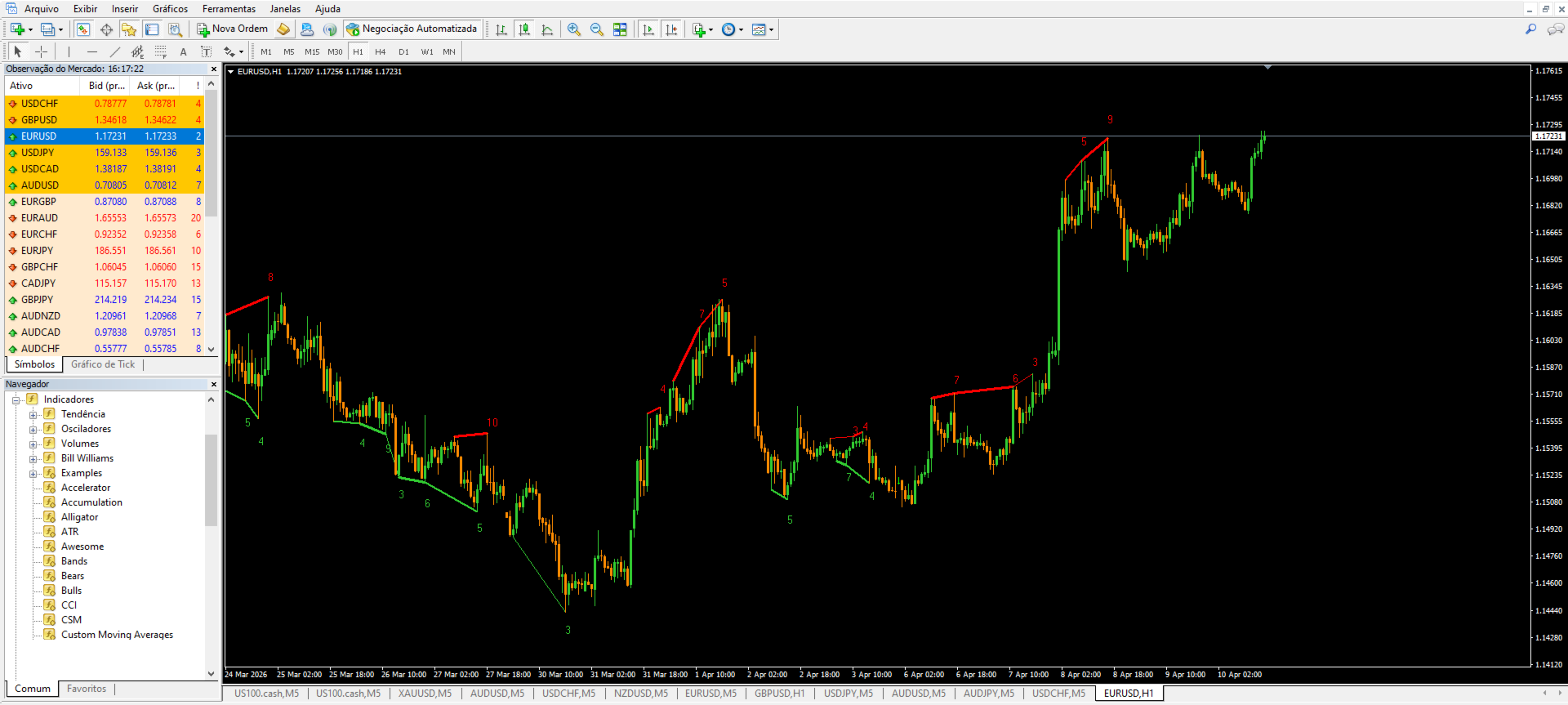
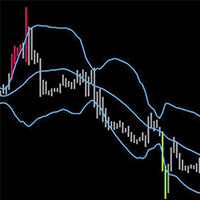
- Clean & Smart Visuals: Automatically draws clear trendlines connecting the pivots, displays the total confluence number, and optionally shows the exact names of the indicators that triggered the signal.
📈 HOW TO USE:
- Attach the indicator to your chart.
- Select your favorite oscillators from the inputs and adjust their periods.
- Set your MinDivergencias (Minimum Divergences). We recommend 3 or 4 for high accuracy.
- Buy Setup: Look for a green line at the bottom of the price connecting two pivot lows. Wait for price action confirmation (like a bullish engulfing candle) to enter long.
- Sell Setup: Look for a red line at the top connecting two pivot highs. Wait for bearish price action to enter short.
⚠️ IMPORTANT TECHNICAL NOTE: This indicator was meticulously designed for Manual Trading (Price Action & Technical Analysis). It plots precise graphical objects (trendlines, texts, and arrows) on the chart for the best visual experience. It does not output hidden data buffers for automated Expert Advisors (EAs).