Chukwuemeka Kingsley Anyanwu
  • 情報
1 年
経験
17
製品
14
デモバージョン
5
ジョブ
0
シグナル
0
購読者
Developer において
X
Hi, I'm Chukwuemeka Kingsley, an expert in crafting innovative solutions for the world of trading and software development. With years of experience as an MQL4 & MQL5 expert advisor, indicator, and utility developer, I specialize in creating powerful tools that optimize your trading strategies and enhance performance.

Beyond the trading world, I’m also a passionate software developer with expertise in Flutter, Java, and various other platforms. Whether it’s mobile apps, websites, or desktop applications, I bring your ideas to life with robust, scalable, and user-friendly solutions.

Let’s collaborate and build the next big thing together! :)
Chukwuemeka Kingsley Anyanwu
If you're tired of manually copying trade signals from Telegram into MetaTrader 5 (MT5), you're not alone. With a Telegram to MT5 Signal Copier, you can automatically execute trades from your favorite signal channels hands-free...
Chukwuemeka Kingsley Anyanwu パブリッシュされたプロダクト
レビュー: 2
59.99 USD

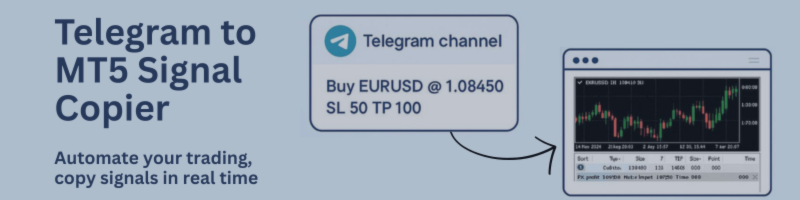
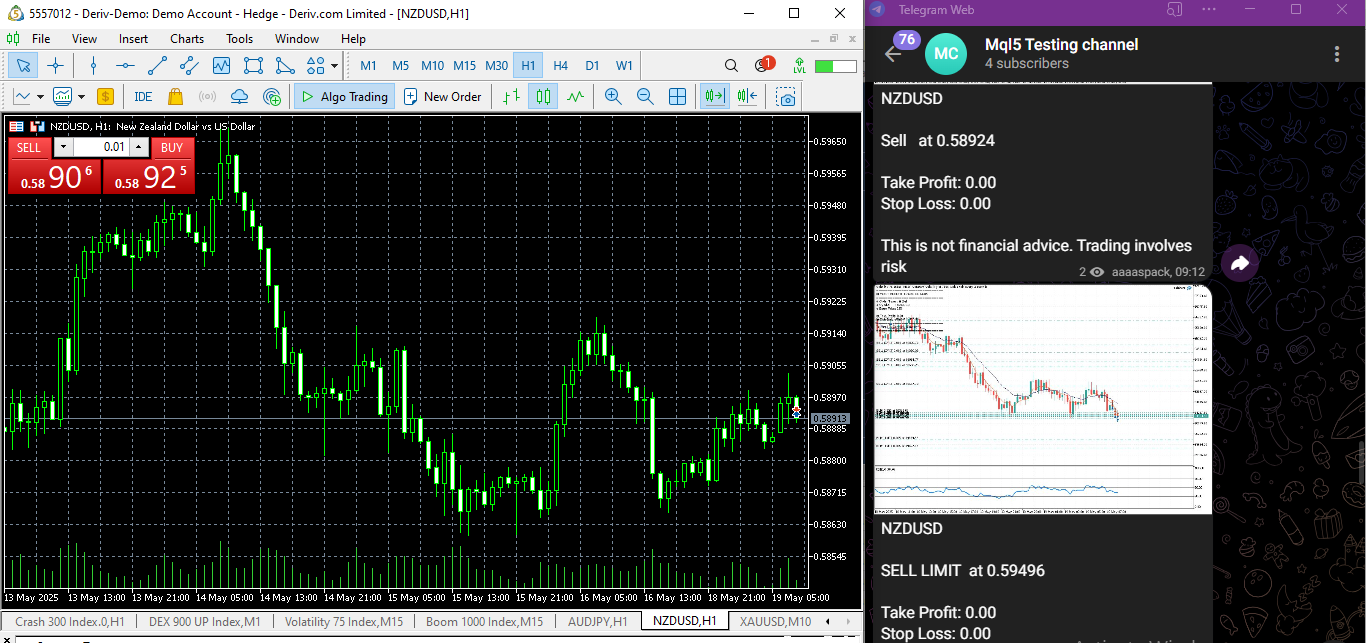
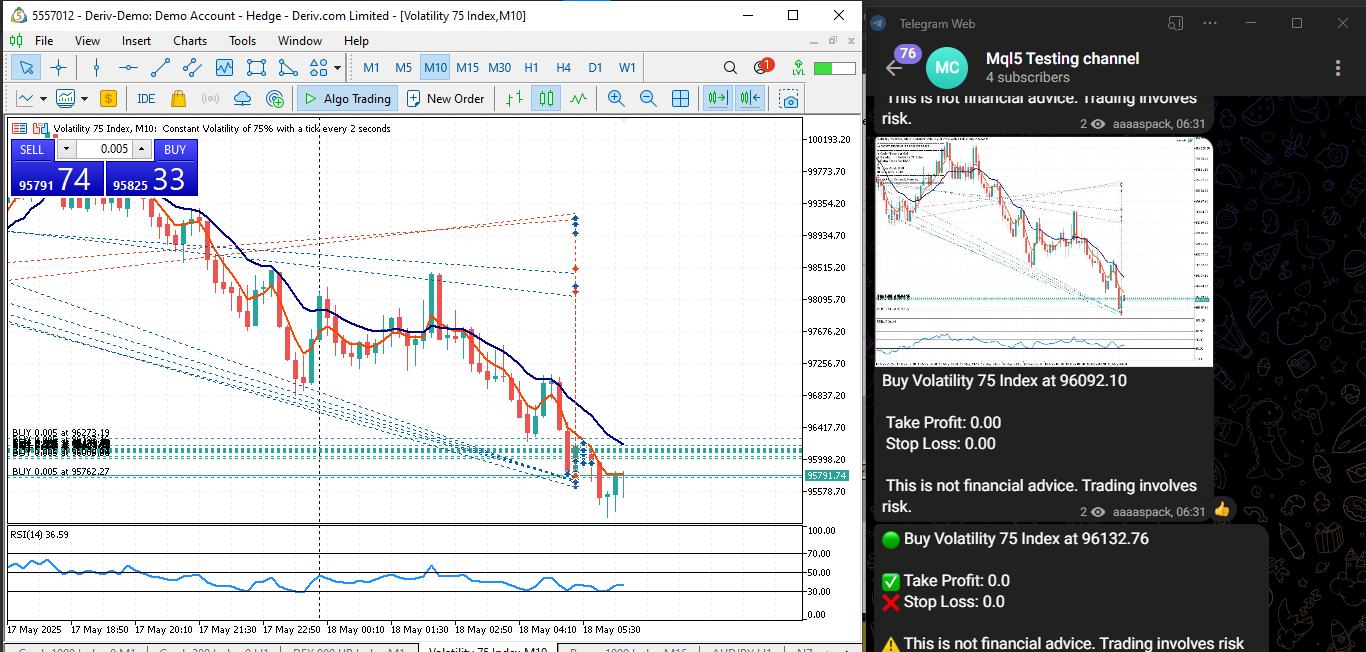
**あらゆるTelegramチャンネルからシグナルをコピーし、管理者権限なしでMT5上で即座にトレードを実行!** Telegramでトレードシグナルを受信し、それをMetaTrader 5で即座に実行できたらと思いませんか? **Telegram to MT5 Signal Copier** は、TelegramのシグナルチャンネルとMetaTrader 5を強力に連携するブリッジです。指定されたTelegramチャンネルのメッセージを監視し、トレードシグナル(銘柄、売買方向、エントリー価格、ストップロス、テイクプロフィットを含む)を自動的に抽出し、即座に実行します。 プレミアムシグナルプロバイダーをフォローしている方でも、ご自身のTelegramアラートを自動化したい方でも、このツールはトレードワークフローを効率化し、手作業を減らし、機会損失を防ぐお手伝いをします。 ⚙️ **主な機能:** ✅ Telegramチャンネルに直接接続 ✅ 主要なトレード指示(買い/売りまたは指値注文、銘柄、エントリー価格、SL、TP)を解析 ✅ MQL5からアクセス可能なシグナルを保存 ✅

Chukwuemeka Kingsley Anyanwu
仕事「Correcting an MT5 indicator that is not refreshing the information」に対する依頼者に残されたフィードバック
Chukwuemeka Kingsley Anyanwu
仕事「MT4 Trade Copier System (Master to Client EA + PHP MySQL Server)」に対する依頼者に残されたフィードバック
Chukwuemeka Kingsley Anyanwu
What's New in MT5 to Telegram Copier EA – Update

🚀 New Feature Added: Pending Orders Support

We're excited to announce that the EA now supports sending pending orders (Buy Limit, Sell Limit, Buy Stop, Sell Stop) directly to Telegram!
This means your Telegram channel/group will now receive real-time updates not only for market orders but also for all types of pending orders placed in MT5.

Key Highlights:

Instant Telegram notifications when pending orders are placed.

Includes full order details: symbol, type, price, SL/TP, and expiration (if applicable).

Streamlined integration – no extra setup needed if you're already running the EA, just enable Pending Orders in EA settings

Link: https://www.mql5.com/en/market/product/125777
Chukwuemeka Kingsley Anyanwu
:

🚨 New Release: TelebotX - MT5 to Telegram EA! 🚨

📢 Traders, meet TelebotX — the ultimate solution to automatically copy your MT5 trades to your Telegram channel! 📲

With TelebotX, you can now effortlessly copy your trades from MetaTrader 5 directly into your Telegram channel. Whether you're sharing your trades with a group or simply keeping your followers up to date, this EA does it all in real-time.

🆕 Key Features:
📸 Automatic Screenshot Sending: Capture and send chart screenshots instantly to your Telegram channel whenever a trade is opened or closed, making it easier for your followers to track your trades visually.

💬 Customizable Alerts: Add your own custom messages to the trade alerts, such as disclaimers, risk warnings, or trade details — perfect for managing your communication with followers.

🔔 Real-Time Trade Notifications: Every time a trade is copied, your followers will receive instant alerts with detailed information on entry price, take profit, stop loss, and more.

🚀 Easy Trade Copying to Telegram: TelebotX automatically copies trades from your MT5 account and posts them directly to your Telegram channel, keeping your audience informed in real time.

🔗 Get TelebotX for MT5 now: https://www.mql5.com/en/market/product/125777

Why Choose TelebotX?
Seamless Trade Sharing: Automatically copy your trades to any Telegram channel, making it simple to keep your followers in the loop without manual effort.

Instant Updates: No delays — your followers will see trade updates in real-time with all relevant details.

Effortless Setup: Easy to integrate with MT5 and Telegram, allowing you to start sharing your trades right away.

Take your trading communication to the next level with TelebotX. Keep your followers updated with all your trade activity, instantly and effortlessly.
Chukwuemeka Kingsley Anyanwu
What is a Broker and How to Create a Broker Account...
Chukwuemeka Kingsley Anyanwu
📰 Stay Informed & In Control with the News Calendar Utility Timing is critical in trading — and economic news can trigger major market moves within seconds...
Chukwuemeka Kingsley Anyanwu
Extracting Specific Data from JSON Responses in MetaTrader 5 When working with financial markets and automated trading systems, MetaTrader 5 (MT5) provides powerful tools to analyze data and perform various functions...
Chukwuemeka Kingsley Anyanwu
🚨 New Update Released: Smart Notifications Are Here!
Hey Traders!
We’ve just rolled out a major update to your favorite trading utility — and it’s designed to keep you one step ahead of the news and market volatility.

🆕 What’s New?
We’ve added powerful real-time notification features to help you stay informed, wherever you are:

✅ Phone Notifications – Get instant push alerts on your mobile
✅ MT5 Alerts – Pop-up alerts directly on your MetaTrader 5 platform
✅ Email Reminders – Receive alerts X minutes before major news events hit the market

No more missed opportunities or last-minute surprises. With this update, you’ll always be ready — whether you're on your desktop or on the go.

⚙️ How to Activate the New Features
To make sure everything works smoothly, please enable notifications in MT5:

Go to Tools > Options > Notifications – turn on push alerts

Go to Tools > Options > Email – configure your email settings

🛑 Without this setup, the new alerts won’t function properly!

This update was built with your needs in mind — especially if you trade around economic news or rely on quick reactions. More smart features are on the way, so stay tuned!

As always, thank you for being part of the community.
📈 Trade smart, stay alert!
link: https://www.mql5.com/en/market/product/138036

— The Traders HQ Team
Chukwuemeka Kingsley Anyanwu
📈 Stay Ahead of the Market with My MA Crossover Notifier If you’ve ever missed a perfect entry point because you weren’t watching the chart, you're not alone — and that’s exactly why I created this simple but powerful utility...
Chukwuemeka Kingsley Anyanwu
🚀 EA Update Alert!I just released an update to my trading EA! 🎉
✅ New customizable Buy/Sell text✅ A clean dashboard showing your latest trade directly on the chart✅ Fresh new logo for a sleek look
If you're new here — this EA helps automate your trades with smart features and a user-friendly interface. More updates on the way!
📥 DM me if you want to try it out or learn more!

Product: https://www.mql5.com/en/market/product/125777

#forex #tradingbot #expertadvisor #mql5 #mt5
Chukwuemeka Kingsley Anyanwu
Hi there, all issues regarding our local reverse copier https://www.mql5.com/en/market/product/128849 has been fixed! you can now update to the latest version. If there are any other issues, you let us know, happy trading :)
Chukwuemeka Kingsley Anyanwu パブリッシュされたプロダクト

[FEEL FREE TO DM ME IF YOU NEED SUPPORT] MANotifier.mq5 - Moving Average Crossover Notification Utility The MANotifier.mq5 is a utility designed for MetaTrader 5 that monitors the crossover of two Moving Averages (MAs) and sends notifications based on the crossing events. The utility supports various notification types, including mobile notifications , email alerts , and on-screen pop-up alerts , making it ideal for traders who want to stay informed of key market events in real-time. Key

Chukwuemeka Kingsley Anyanwu パブリッシュされたプロダクト

Feel free to contact me for any extra features or for support :) [SEE MT5 VERSION  https://www.mql5.com/en/market/product/128845 ] The Local Copier EA is an Expert Advisor (EA) designed to synchronize trading positions between a master account and a slave account, operating in either Master or Slave mode. Key Features: Master Mode : In Master mode , the EA monitors open positions and stores relevant trade details. These details include symbol, volume, stop loss, take profit, and position

Chukwuemeka Kingsley Anyanwu パブリッシュされたプロダクト

Expert Advisor that synchronizes positions between a Master and Slave account but with a twist: it reverses every trade . Master opens Buy → Slave opens Sell (same volume, SL/TP mirrored) Master opens Sell → Slave opens Buy (adjusted SL/TP) Continuous sync: positions closed on Master = closed on Slave, new positions are instantly reversed Perfect for hedging , contrary strategies , or testing directional bias across two accounts. For Support & Customization   I’m here to ensure you get

Chukwuemeka Kingsley Anyanwu パブリッシュされたプロダクト

Fe el free to contact me for any extra features :) [SEE MT4 VERSION  https://www.mql5.com/en/market/product/128848 ] The Local Copier EA is an Expert Advisor (EA) designed to synchronize trading positions between a master account and a slave account, operating in either Master or Slave mode. Key Features: Master Mode : In Master mode , the EA monitors open positions and stores relevant trade details. These details include symbol, volume, stop loss, take profit, and position type, which are