
Constructor Pro
- エキスパート
- バージョン: 1.15
- アップデート済み: 25 9月 2026

EA Constructor Pro
Build the trading robot you want
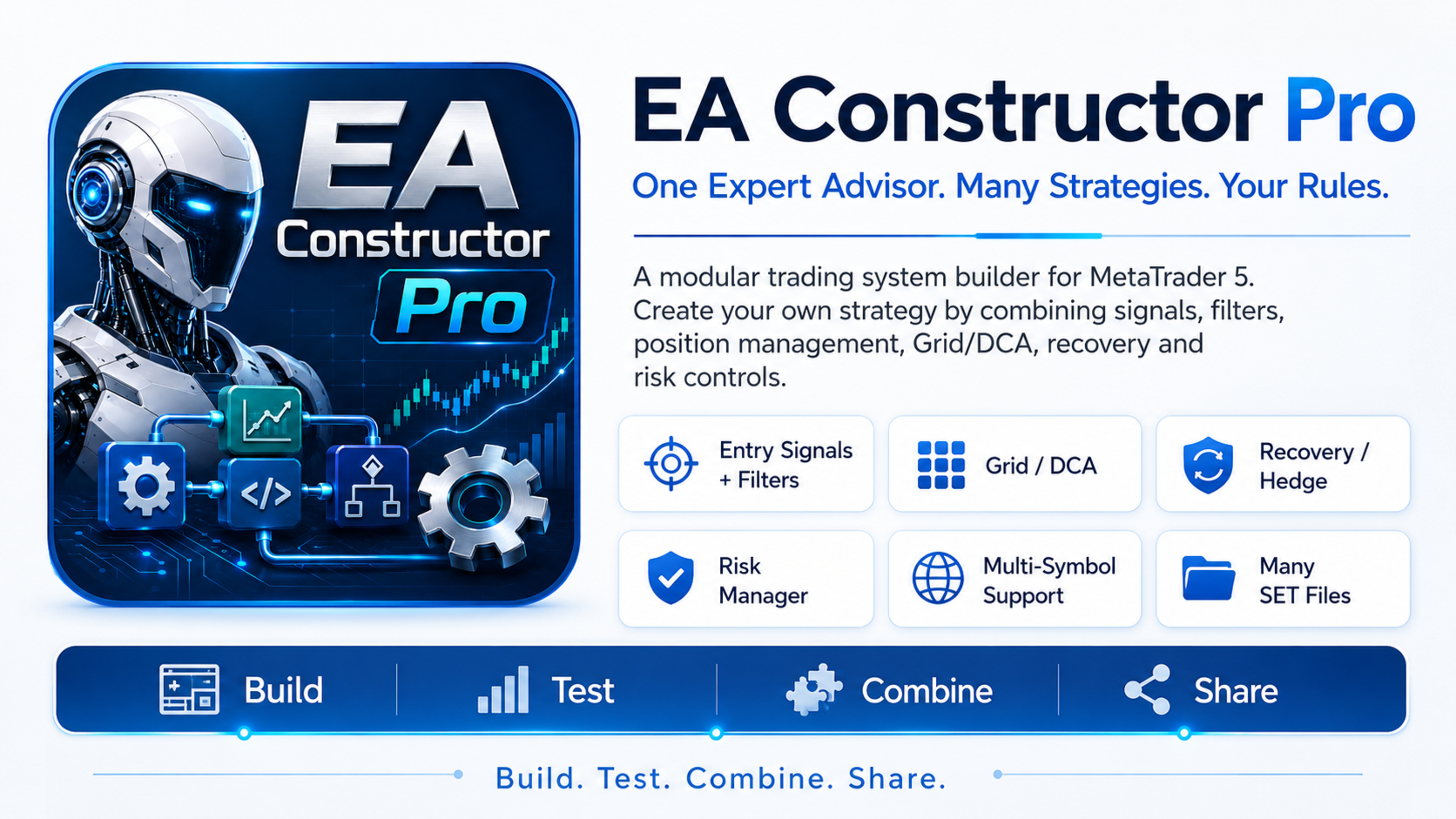
EA Constructor Pro is a free modular trading system builder for MetaTrader 5.
It is not a single Expert Advisor with one predefined strategy. You decide how your robot should enter the market, which filters it should use, how trading volume should be calculated, how positions should be managed, whether Grid or Dollar Cost Averaging is required, how the basket should be closed and which risk limits should be applied.
Change several modules or parameters and the same Expert Advisor can operate as a completely different trading system.
You can create a simple single-position robot, a trend-following strategy, a mean-reversion system, a breakout strategy, a Grid or DCA system, a multi-symbol configuration or a more advanced algorithm using Recovery, Hedge and additional exposure management.
Build the robot you want using one universal Expert Advisor.
After installing EA Constructor Pro, please contact me via MQL5 to receive the complete User Manual with detailed explanations of all settings and modules.
How Constructor works
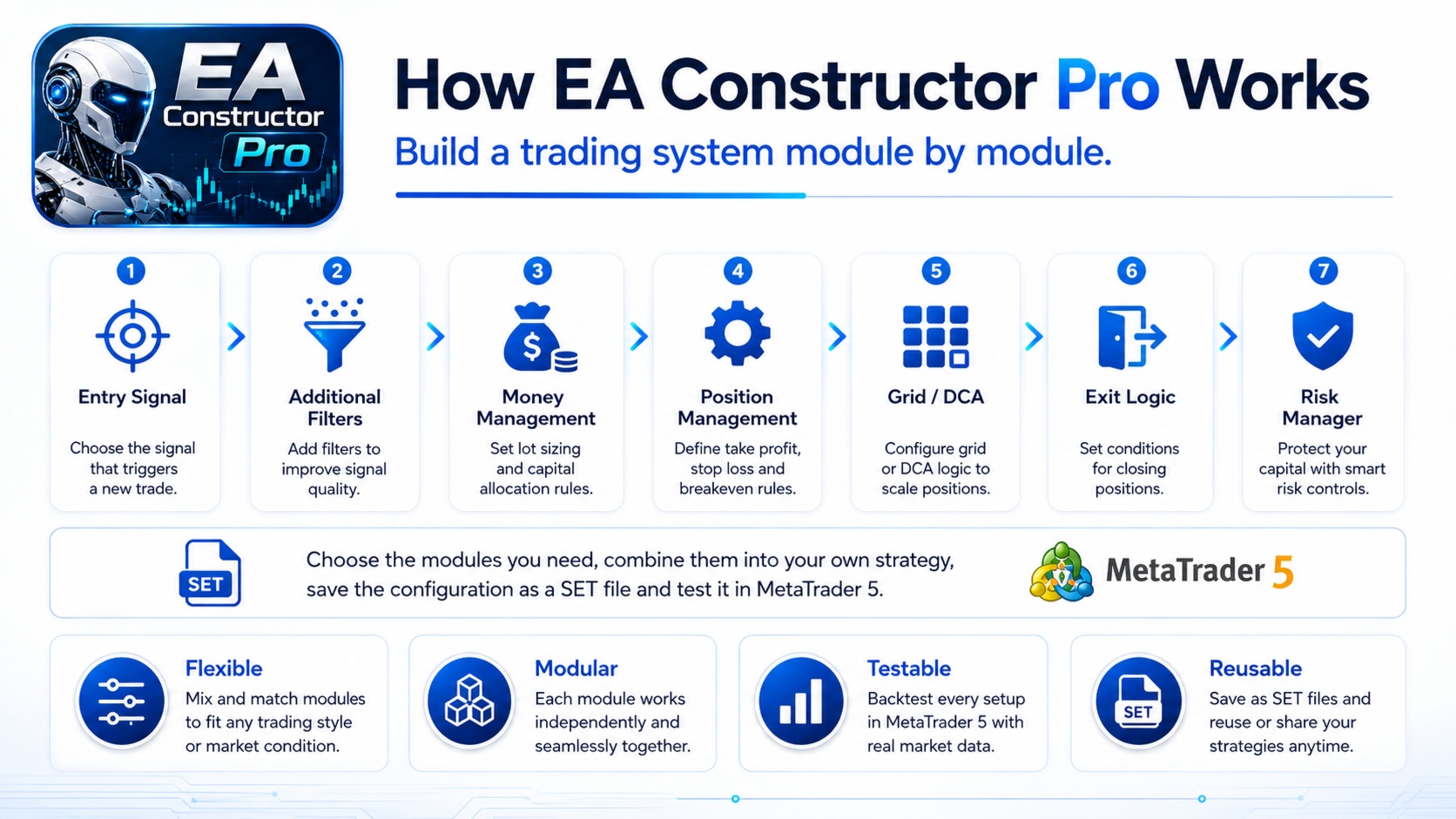
First, select the main initial entry algorithm. Additional filters can then be added, followed by Money Management and position management settings.
For a simple trading system, Grid can remain completely disabled. For a more advanced configuration, you can use Grid or DCA, configure the distance between levels, select a lot calculation method, define Basket Take Profit and activate additional position-management modules.
Available entry methods include Moving Average, Bollinger Bands, RSI, MACD, Stochastic, CCI, Momentum, ADX, Williams Percent Range, Ichimoku, Donchian Channel, Pin Bar, Engulfing, Supertrend, UT Bot and Smart Money Concepts methods. Compatible custom indicators can also be connected through iCustom.
Up to four additional filters can be applied to the main signal. Different initial entry algorithms can also be assigned separately to BUY and SELL.
Position Management, Grid and DCA
EA Constructor Pro supports several Position Management modes, including Single Position, Custom Grid, Averaging, Pyramiding, Martingale, Anti-Martingale, Recovery Only and Hybrid.
For a standalone first position, the Expert Advisor can use Take Profit, Stop Loss, Break Even, Trailing Stop, time-based exit, opposite-signal exit and trend-reversal exit.
If a trading cycle develops into a Grid, the positions can then be managed as one basket.
Users can configure Grid depth, conditions for opening additional levels, distances between those levels and the volume of new positions. Grid distance can be fixed, progressive, configured separately for individual levels, divided into depth zones or calculated using ATR.
Position volume can also be changed using different methods. Basket Take Profit can use a price target, money target, Equity target or targets based on historical Grid depth.
Additional trading modules
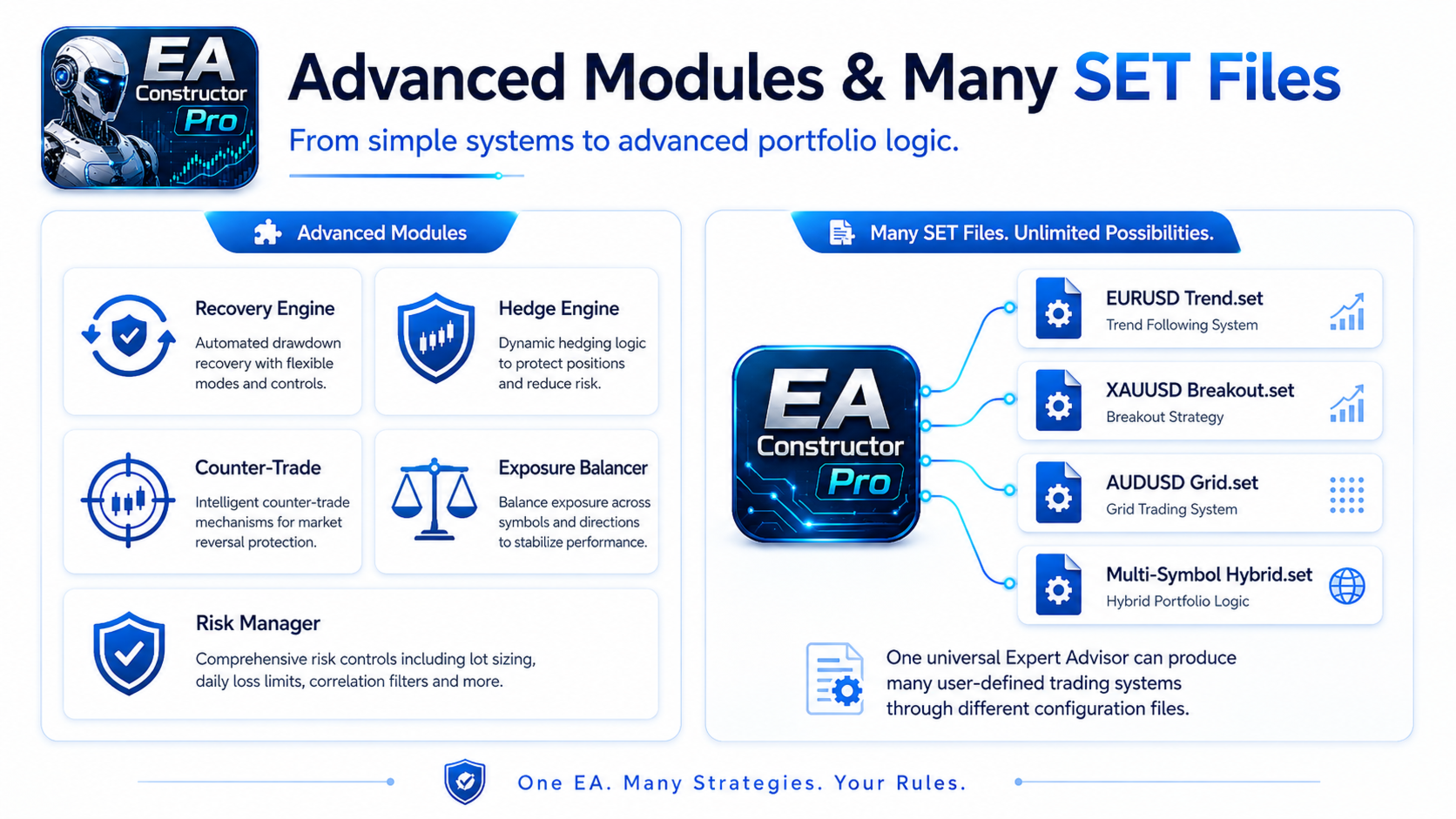
Recovery Engine can add an additional position according to selected depth, distance and signal conditions.
Hedge Engine can create opposite exposure when configured Grid depth or drawdown conditions are reached.
Counter-Trade Engine provides a separate opposite-direction trading mechanism.
Exposure Balancer monitors the difference between BUY and SELL volume and can use an additional position to reduce that imbalance.
All of these modules are optional. The user decides which functions are required for a particular strategy.
Money Management, Multi-Symbol and Risk Management
The initial position size can be calculated using Fixed Lot, Equity-based sizing, Balance-based sizing or Risk Percentage.
One instance of EA Constructor Pro can manage several selected trading symbols. Individual symbols can use separate adjustments for initial lot, Grid Step, Grid Lot and Basket Take Profit.
A separate Risk Manager monitors parameters such as floating loss, drawdown, Margin Level, trading volume, directional exposure and the number of active Grid cycles.
Daily, weekly and Equity-based controls are also available. Additional Profit and Loss Controls can operate at account, Expert Advisor, symbol and BUY or SELL direction level.
Risk Management can limit exposure according to the rules selected by the user, but it cannot eliminate trading risk.
Configuration checking
The large number of available modules creates many possible configurations. For this reason, EA Constructor Pro includes a built-in Configuration Validator.
Before trading starts, the Expert Advisor checks critical parameters and incompatible settings. If a technically invalid configuration is detected, trading is blocked and the reason is reported in the MetaTrader 5 Journal.
Grid Preflight is also available. For Grid configurations that can be calculated in advance, it can estimate the number of levels, theoretical total volume, approximate margin requirements and other parameters of the configured Grid.
Grid Preflight is intended for configuration analysis and is not a forecast of future market behavior.
One Expert Advisor, many SET files
Every trading system you create can be saved as a standard MetaTrader 5 SET file.
One SET file may contain a trend-following strategy, another may contain a breakout system and another may contain a Grid configuration. All of them use the same EA Constructor Pro.
This allows you to create a base strategy, save it, modify individual modules and compare different configurations in the MetaTrader 5 Strategy Tester.
EA Constructor Pro is also intended to develop together with its users. Suggestions for new Entry Methods, Filters, Money Management options, Grid functions, exit methods and Risk Controls are welcome.
If you create an interesting SET file, you can also share it with other users. User-created SET files should be treated as configurations for independent research and testing, not as guarantees of future trading results.
Compatibility and before real trading
Single Position configurations can operate on compatible MT5 netting accounts.
Multi-position Grid systems, simultaneous BUY and SELL cycles, Hedge, Counter-Trade and Exposure Balancer require an MT5 Hedging Account.
There is no single universal configuration suitable for every symbol, timeframe, broker and market condition.
Every new trading system should first be tested in the MetaTrader 5 Strategy Tester. Forward or demo testing is also recommended before deciding whether to use a configuration on a real trading account.
Trading results can be affected by strategy settings, symbol, timeframe, spread, commission, slippage, liquidity, broker specifications, account type, order execution and market conditions.
Historical and backtest results do not guarantee similar future results.
Build your robot. Test your ideas. Change the modules. Create your own trading systems.







































hola, se ve muy completo hay que probarlo, tenes el manual?