Flamingo Gold
- Experts
- Versione: 1.3
- Attivazioni: 11

Flamingo Gold
Flamingo Gold is an Expert Advisor for MetaTrader 5, developed for automated gold trading. It combines five independently selectable strategy modules with configurable position sizing, trade protection and an on-chart dashboard.
The EA evaluates price structures and places pending buy-stop and sell-stop orders. Each module uses its own internal evaluation schedule.
Main features
-
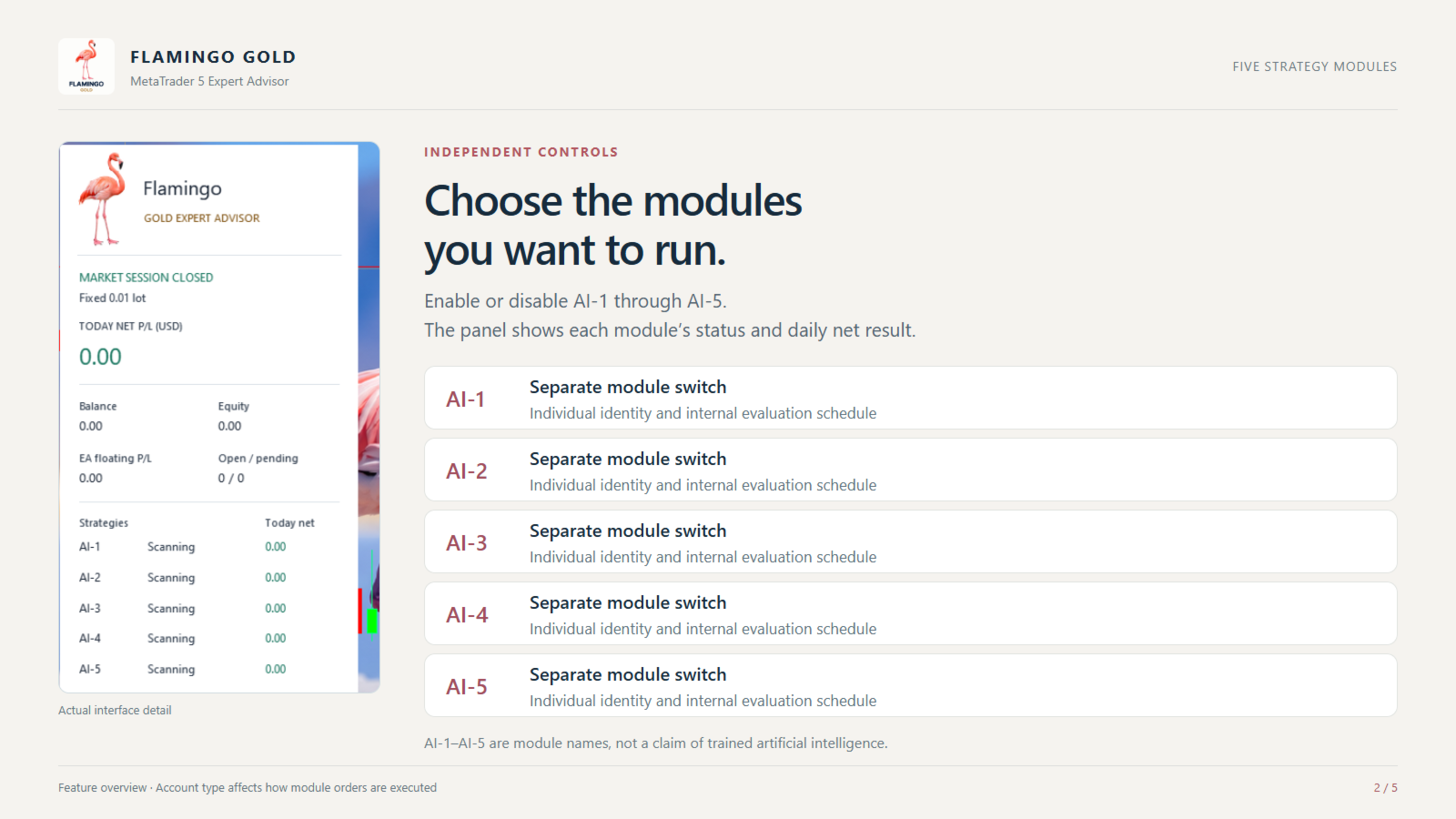
Five strategy modules, labelled AI-1 through AI-5, which can be enabled separately.
-
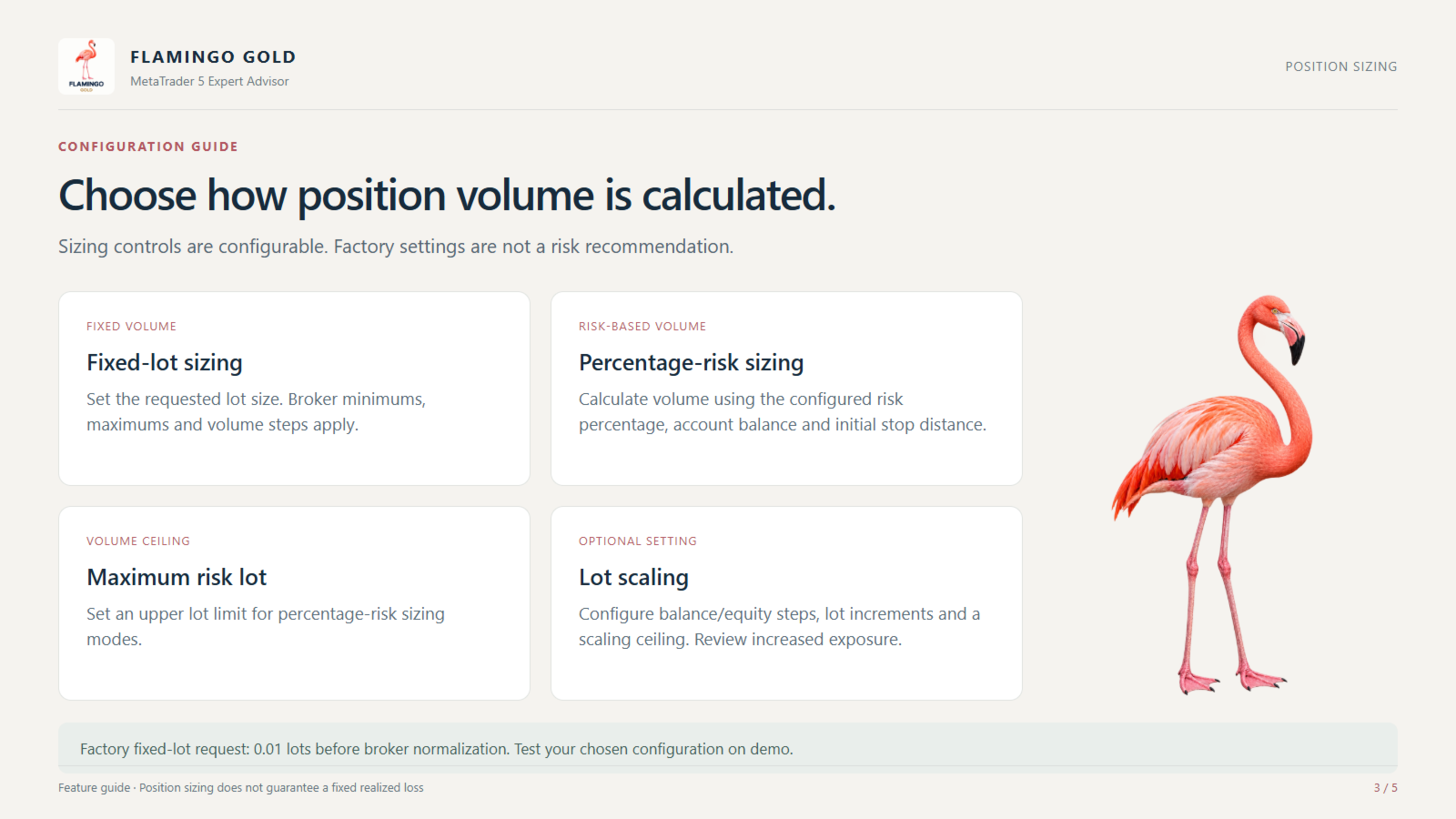
Fixed-lot or percentage-risk position sizing.
-
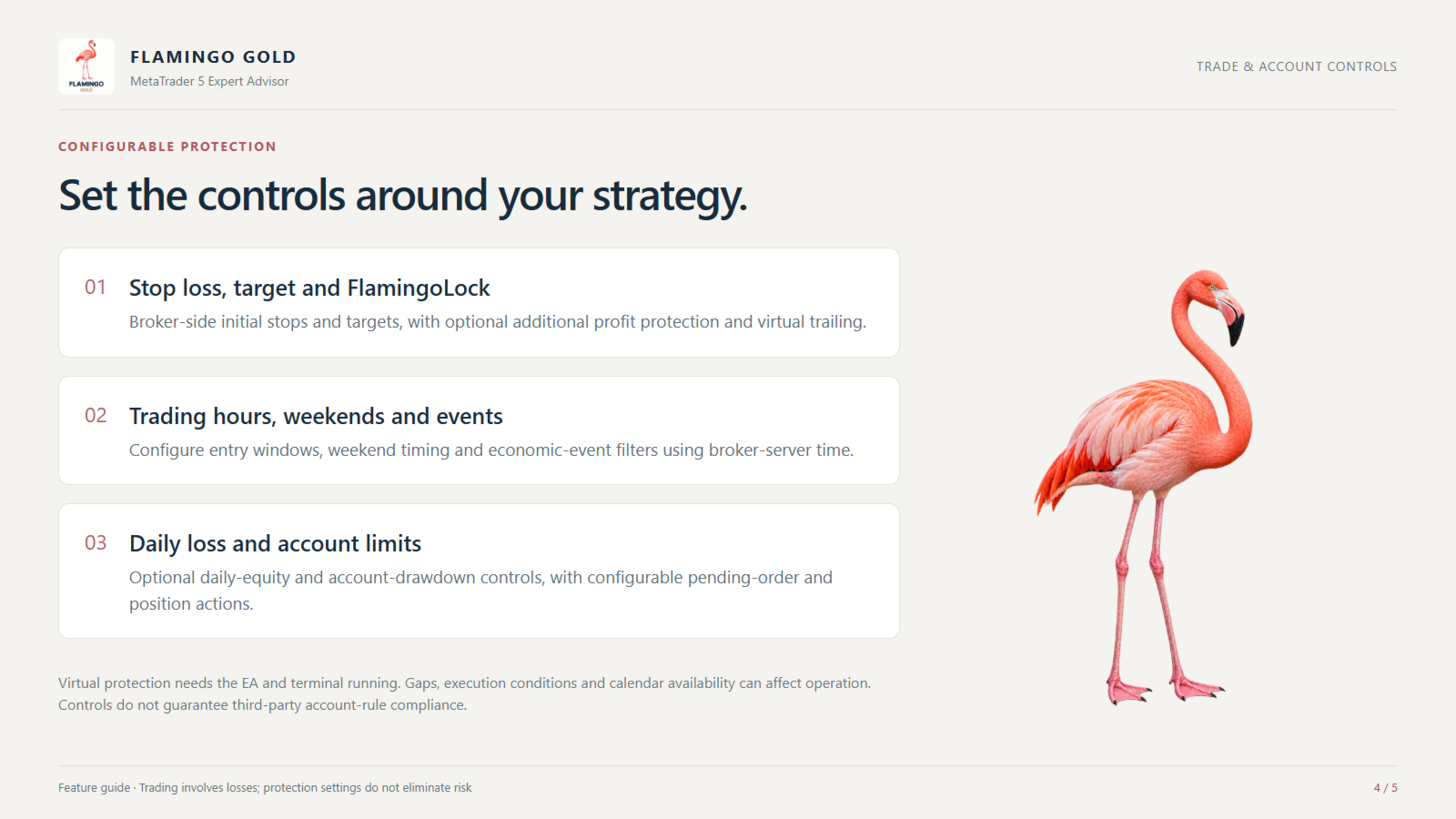
Broker-side stop loss and take profit.
-
FlamingoLock profit protection and configurable virtual trailing.
-
Optional trading hours, weekend protection and economic-event filters.
-
Daily loss and account drawdown controls.
-
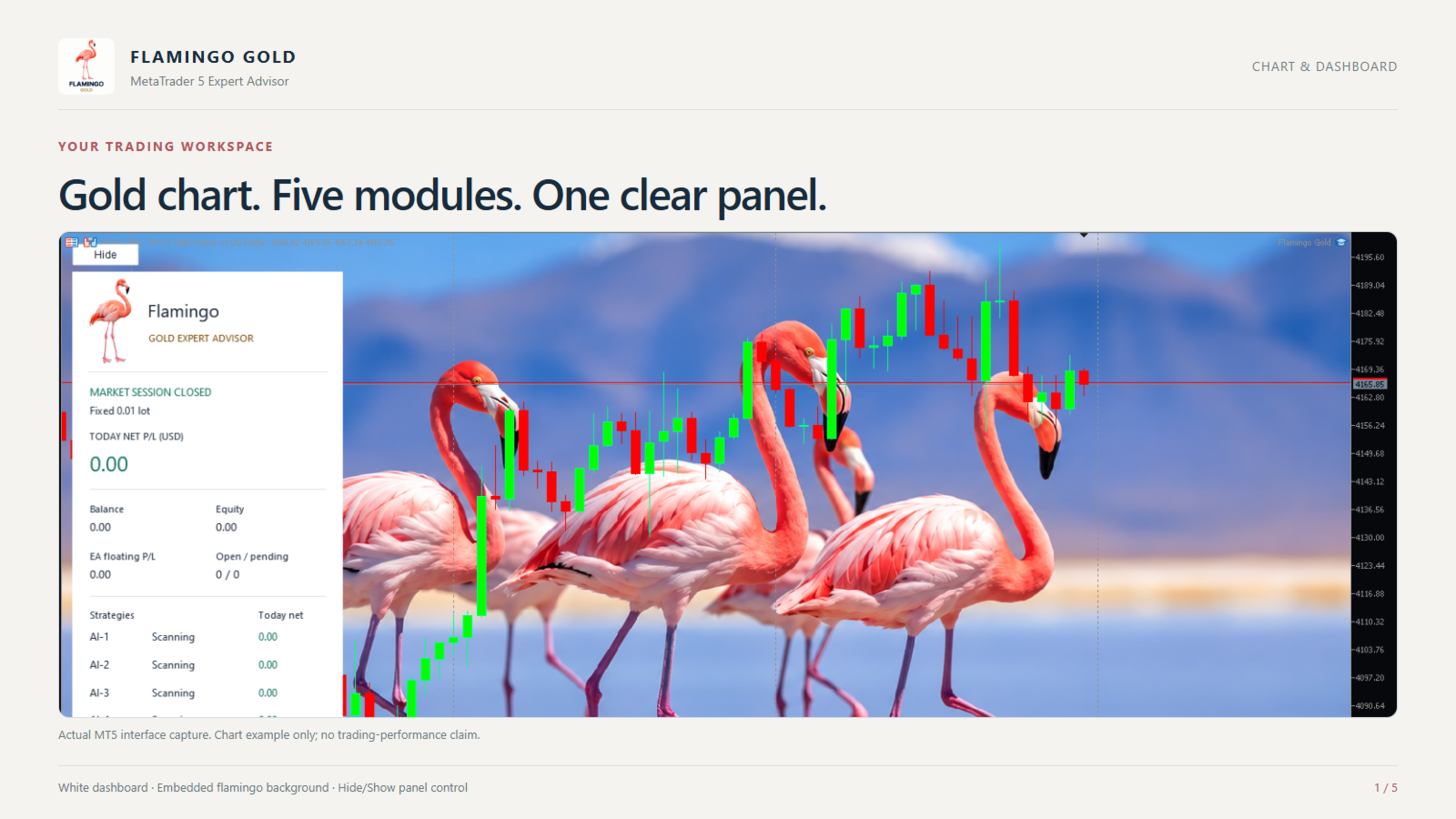
A white dashboard displaying account balance, equity, strategy status, positions, pending orders and daily net results.
-
A Hide/Show button that controls the panel without pausing trading.
Trading and account settings
Gold quoted in USD is the recommended instrument. Other instruments use symbol-based price-distance calculations and require separate testing.
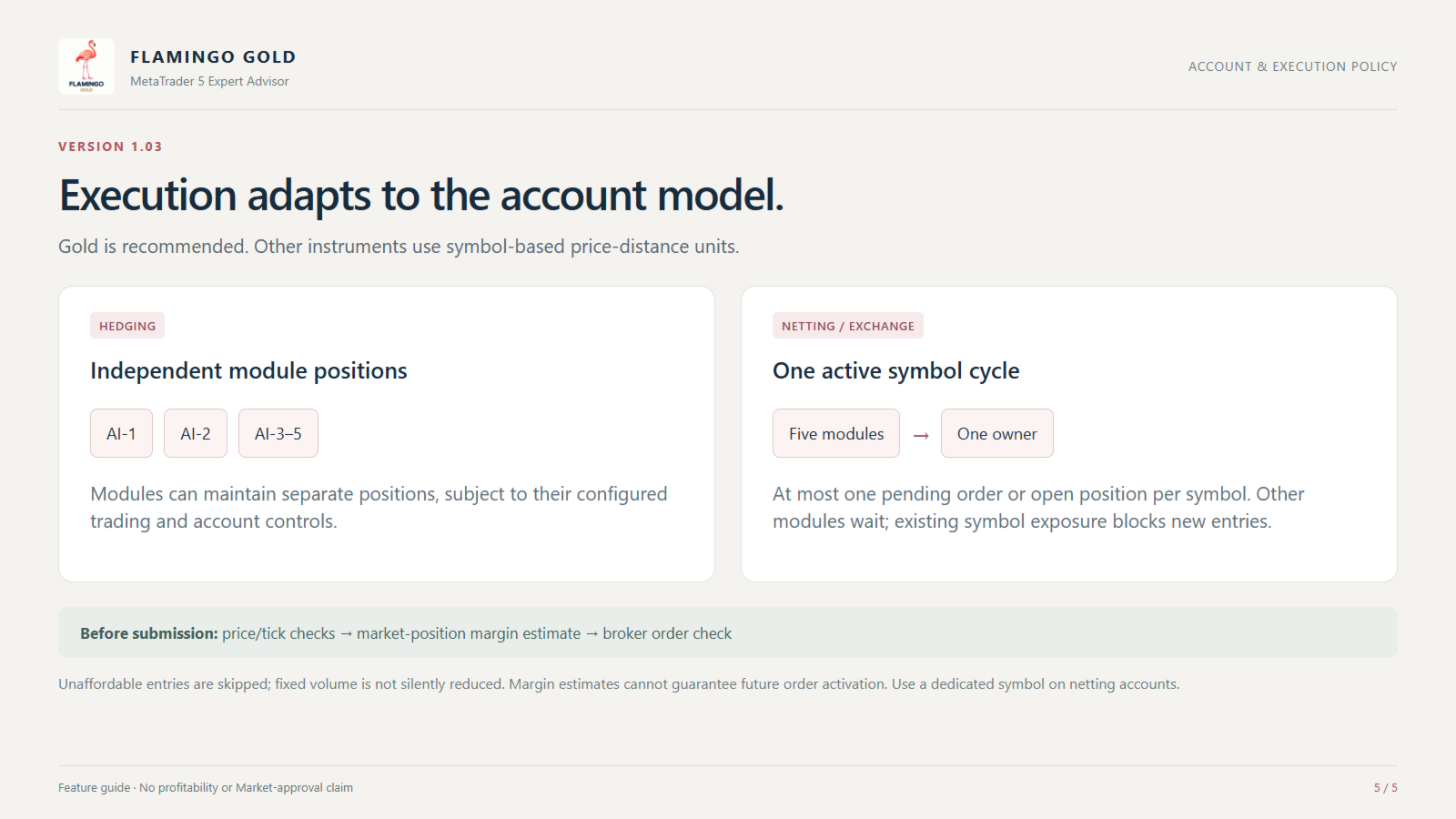
On hedging accounts, the strategy modules can maintain independent positions. On netting accounts, the EA permits one pending order or open position per symbol, allowing the modules to operate sequentially. Trading opportunities and results therefore differ between account types.
Use a dedicated symbol for this EA on netting accounts. Manual trades or another EA trading the same symbol can affect the shared net position.
The AI-1 through AI-5 names identify the strategy modules; they do not indicate a trained artificial-intelligence model.
Main input parameters
-
FlamingoTradeIdentity: identifies the EA’s orders and positions. Use distinct values for independent instances.
-
FlamingoSizing: selects fixed-lot or percentage-risk sizing.
-
FlamingoFixedLot: sets the requested volume in fixed-lot mode.
-
FlamingoCustomRiskPercent: sets the percentage used in custom risk sizing.
-
MaximumRiskLot: limits volume in percentage-risk modes.
-
AI1–AI5: enables or disables each strategy module.
-
AI2TargetPips: sets the target distance for AI-2.
-
FlamingoCoreTargetPips: sets the target distance for the other four modules.
-
FlamingoLockEnabled: enables additional profit protection.
-
FlamingoLockStartPer001: sets its activation profit per 0.01 lot.
-
FlamingoLockPercent: sets the percentage of peak profit to protect.
-
VirtualTrailingMode: selects broker-side, combined or virtual trailing behavior.
-
UseTradingHours: enables the configured entry window.
-
WeekendShieldEnabled: enables the weekend entry schedule.
-
NormalDailyLimitEnabled: enables normal-account daily loss protection.
-
PropFirmActive: enables the configured account-risk controls.
-
FlamingoShowPanel: sets the panel’s initial visibility.
-
FlamingoShowPhoto: enables the photographic chart background.
-
FlamingoUseChartStyle: applies the default chart appearance.
Target-distance units depend on the instrument. Review the settings against your broker’s symbol specifications before use.
Setup recommendations
Test the EA with your broker’s historical data and then on a demo account. Review position size, margin requirements, stop distances, event settings and broker-server time before enabling automated trading.
The factory fixed-lot setting is 0.01 lots before broker volume normalization. This is a default configuration, not a suitable risk level for every account. Orders are skipped when the margin estimate indicates insufficient funds.
Keep MetaTrader 5 connected, or use a suitable VPS, when relying on virtual protection. Economic-calendar availability and historical news-filter behavior may differ between testing and live operation.
Risk information
Trading can result in substantial losses. Stop orders, virtual protection and account-risk controls cannot guarantee execution at a requested price or prevent every loss. Account-rule settings do not guarantee compliance with any proprietary trading firm’s requirements. Past results do not guarantee future performance.
Support is available through the product’s MQL5 comments and the seller’s MQL5 messages.