Ict Assistant
- Indicatori
- Versione: 3.4
- Attivazioni: 5

⛔ NO AUTOMATIC EXECUTION – 100% MANUAL TRADING.
⛔ This indicator never opens, modifies or closes a trade. It shows you the ICT setups and calculates your risk. YOU decide and YOU place every order.
What it is
Ict Assistant draws the full ICT liquidity model directly on your chart, so you read the market the way ICT traders do: where the liquidity is, when it gets swept, and where price is likely to go next.
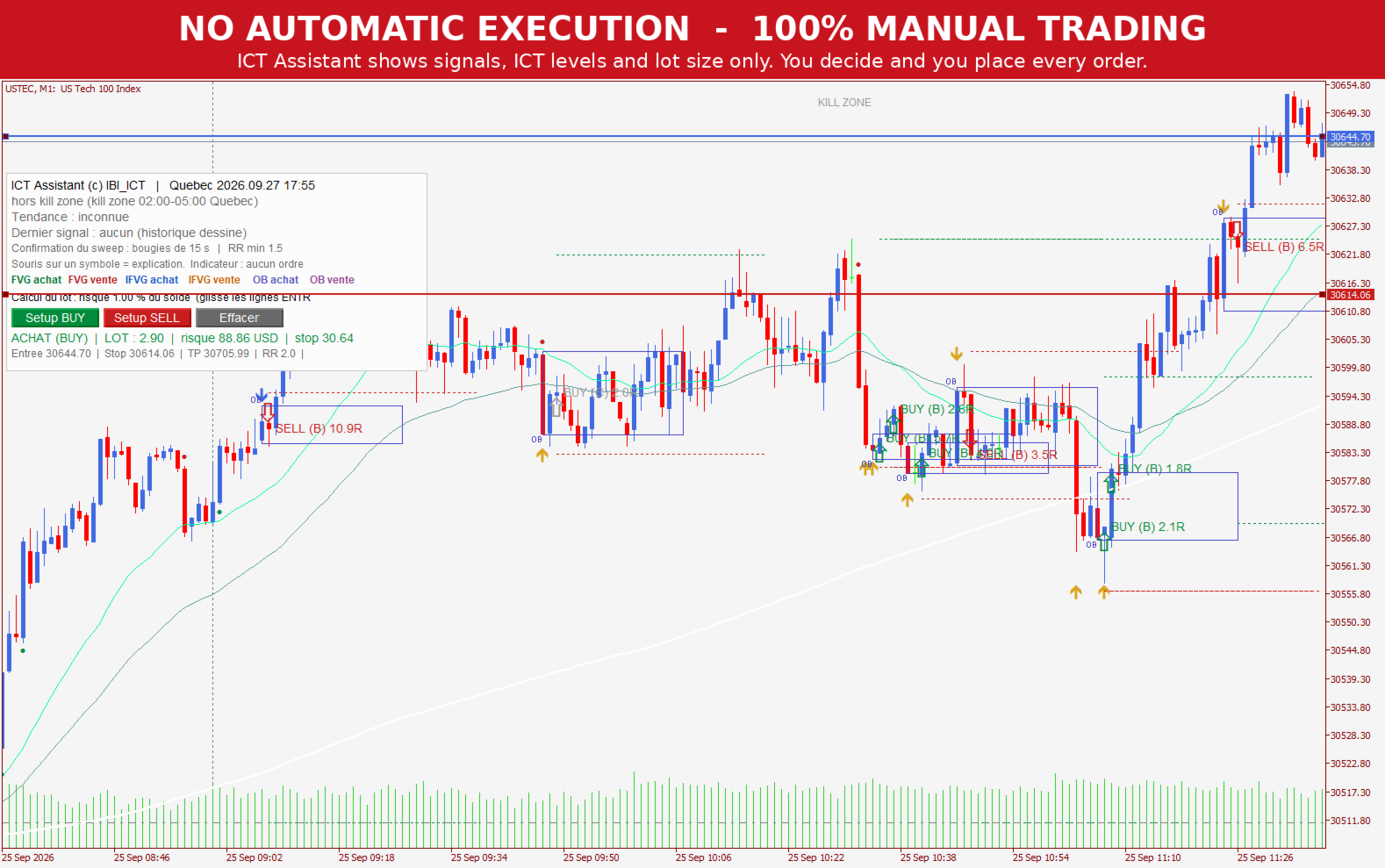
What you see on the chart
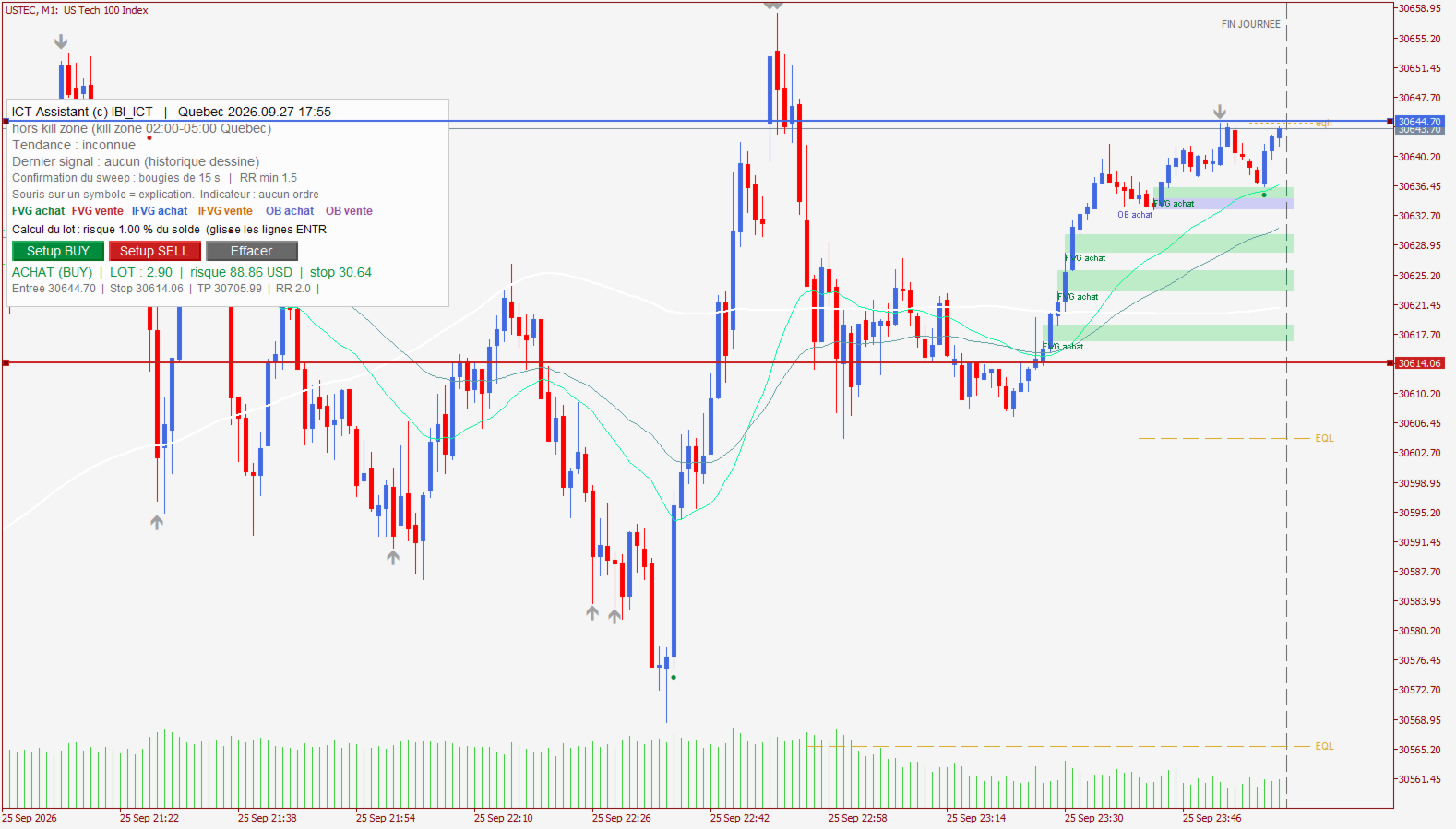
- Kill zone (02:00–05:00 New York time) with clean vertical lines, plus the start and end of the trading day
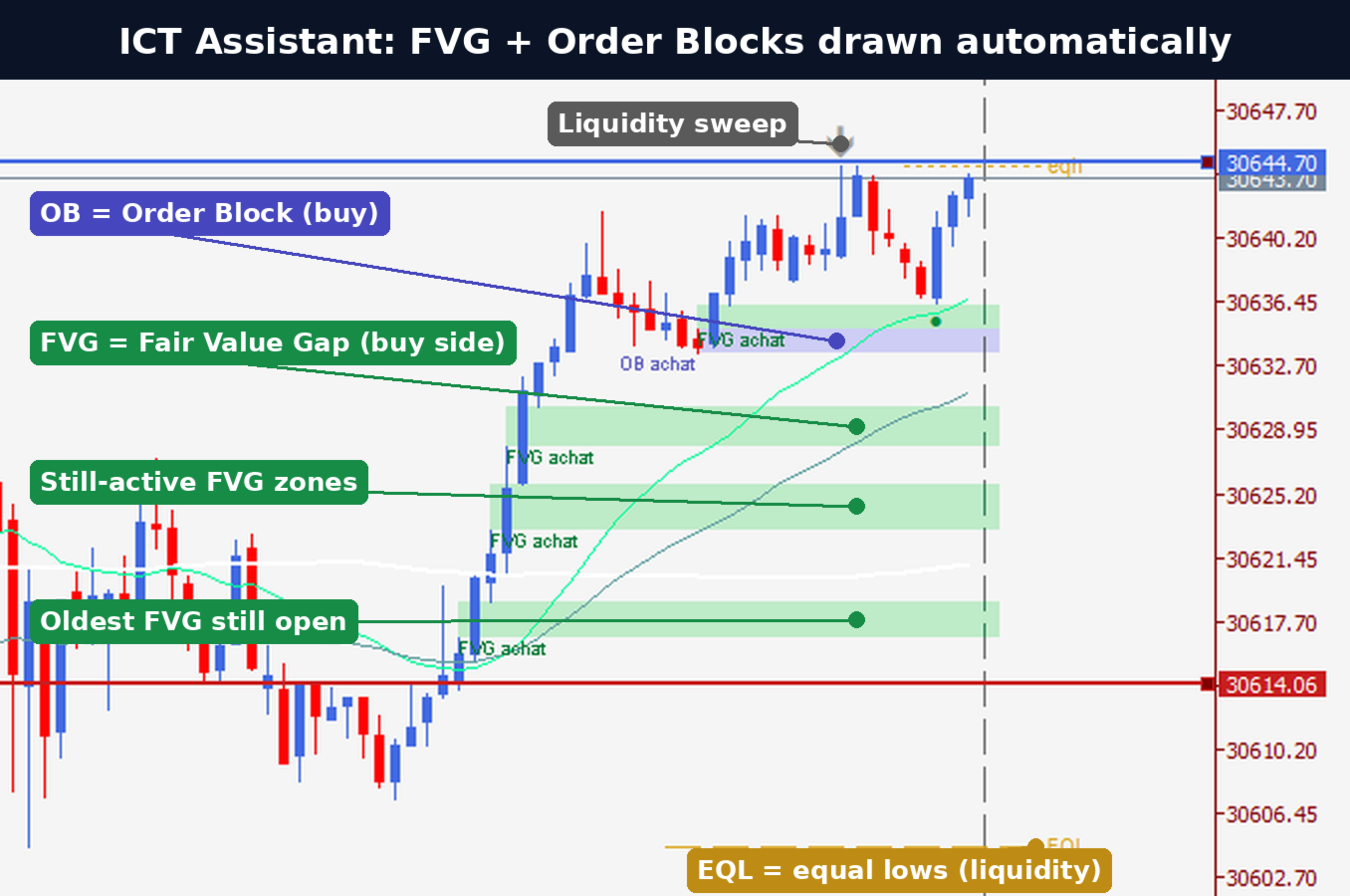
- Liquidity pools: previous week high/low, previous day high/low (PDH/PDL), Asian range high/low, equal highs/lows
- Sweeps of those levels, confirmed on 15-second candles (price takes the liquidity, then closes back inside)
- FVG and IFVG (fair value gaps and inverted FVGs) that are still active
- Order blocks (bullish / bearish) that are still valid
- Displacement candles (strong moves)
- Trend filter: H1 vs EMA 50 and price vs Midnight Open
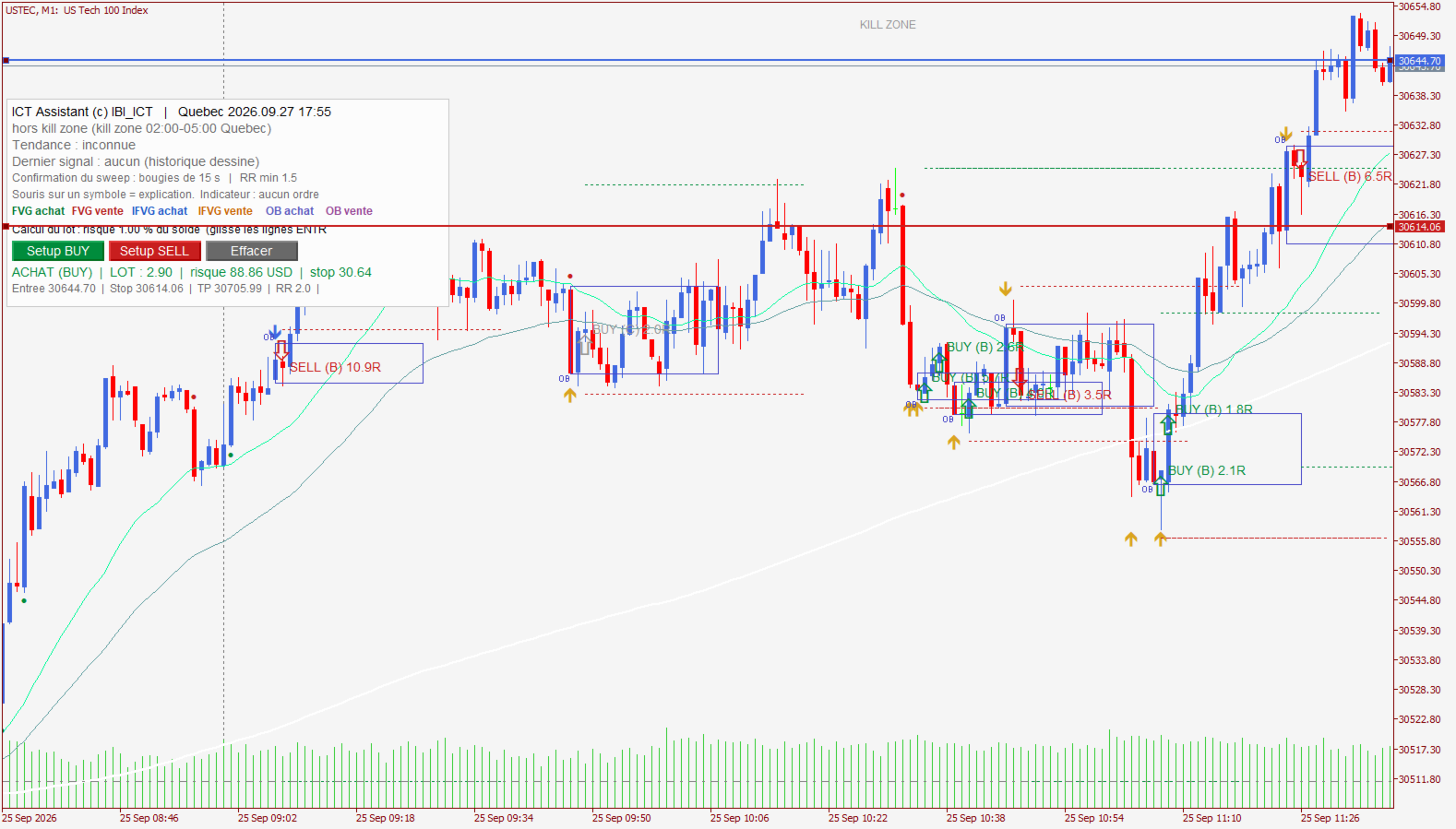
- Graded BUY / SELL setups (A = with the trend, B, C = weak) with a suggested stop behind the sweep wick and a target on the next liquidity level
- Alerts: pop-up, sound and push notification to your phone on A/B setups
Built-in risk calculator
- Click Setup BUY or Setup SELL: ENTRY, STOP and TP lines appear on the chart.
- Drag the lines where you want them.
- The panel instantly shows the lot size for your risk % (1% by default), the amount at risk in your account currency, the stop distance and the RR.
- You place the order yourself, with the normal MT5 order window.
Important
- Designed and tested for US100 / Nasdaq (USTEC, NAS100...) on the M1 chart. Other US indices (US500, US30) may work; results on forex, crypto or commodities are not guaranteed. The panel shows a warning on non-index symbols.
- All times are displayed in New York time.
- Set Server time zone in the inputs to match your broker (default: New York + 7h, used by FTMO, FundingPips, IC Markets...).
- In the Strategy Tester you see the drawings and setups only. No trades are taken, because the indicator never trades.
- This is a decision-support tool, not a guarantee of profit. Trading involves risk.
Inputs
- Server time zone / UTC offset – your broker's server time
- Pop-up, Push, Sound – alerts on A/B setups
- Risk per trade (%) – used by the lot calculator (default 1%)