Mtf Snr Levels
- Indicatori
- Versione: 1.66
- Attivazioni: 5

Multi-timeframe support & resistance — automatically filtered to what matters right now.
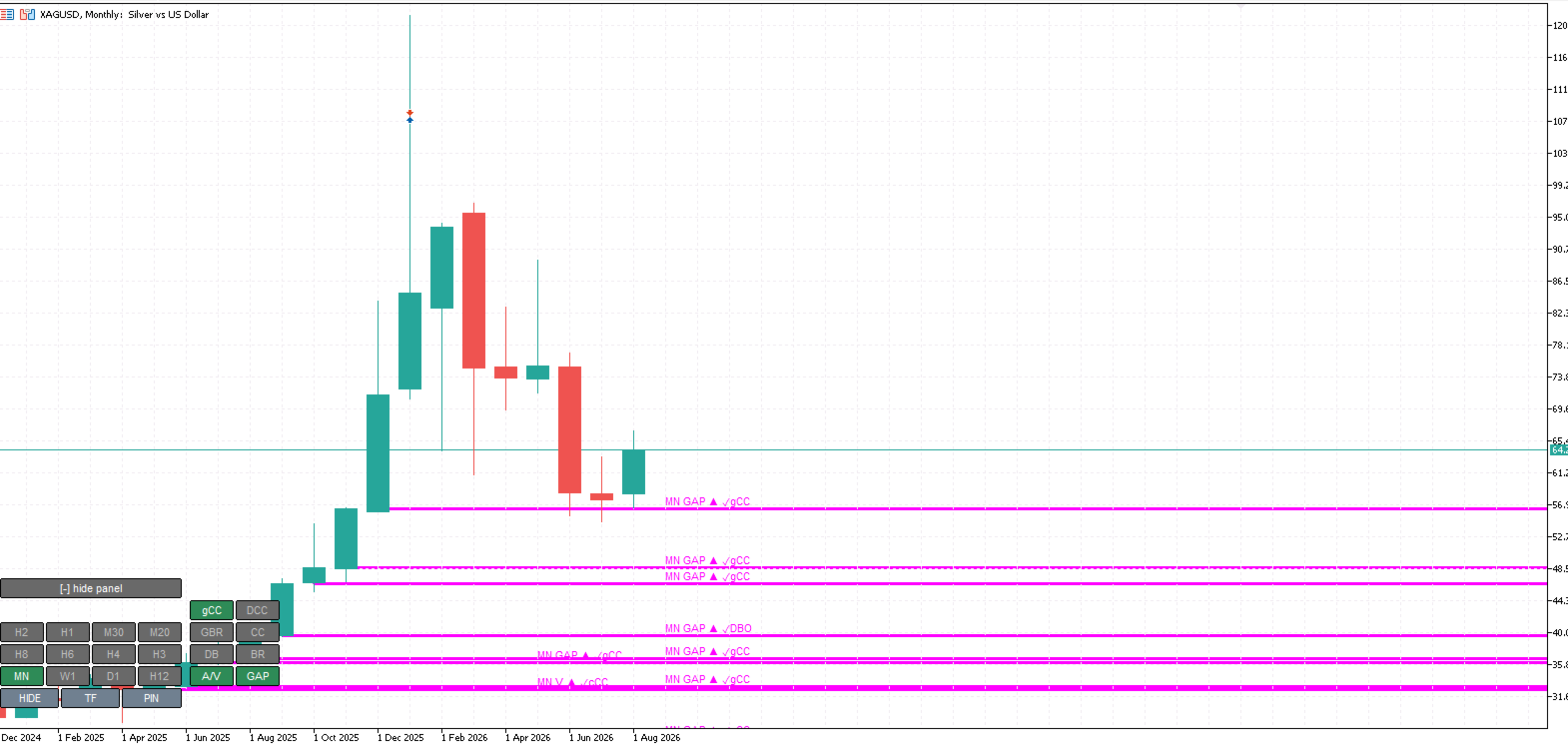
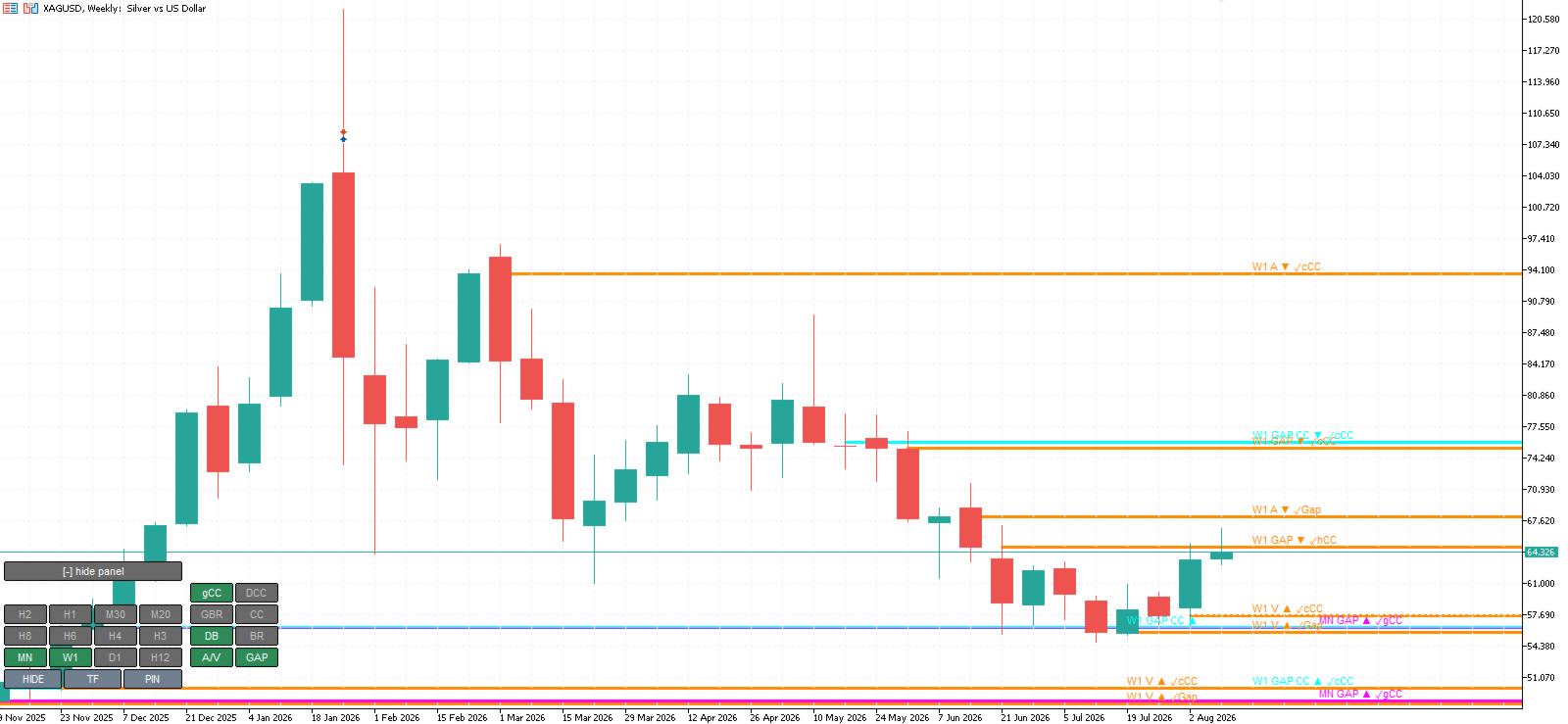
MSNR EQ Levels maps the key horizontal levels across every timeframe and keeps only the ones still in play. Outdated and broken structure is dropped for you, so your chart stays clean and focused on the price zones most likely to matter next — no manual redrawing, no clutter.
Every level is cross-checked across timeframes before it earns a place on your chart, so what you see is a curated set of zones rather than a wall of lines. The result is a fast, readable map of the levels that count, on any symbol and any timeframe.
Key features
- All timeframes on one chart — from the highest swing structure down to intraday, without switching charts.
- Automatic relevance filtering — only live, unbroken levels are shown; broken structure is removed automatically.
- Cross-timeframe confirmation — levels are validated across timeframes so your chart highlights higher-quality zones.
- Pin your priority levels — mark the levels you care about most. Pins survive timeframe changes, chart reloads and terminal restarts.
- One-time touch alerts — get a single popup or push notification the moment price returns to a pinned level. No repeat spam.
- Interactive on-chart panel — toggle timeframes and level types on and off instantly, right from the chart.
- Works on any market — metals, crypto, forex and indices all supported, with volatility-aware sizing under the hood.
- Light and responsive — built for live trading, with efficient redrawing that keeps charts smooth.
How to use
- Attach MSNR EQ Levels to any chart, on any timeframe.
- Use the on-chart panel to choose which timeframes and level types you want to see.
- Click to pin the levels that matter most to your plan, and let the indicator alert you when price comes back to them.
All settings are documented in the inputs, with sensible defaults so you can start immediately and fine-tune later. Colours, labels, the alert channel and the display panel are all fully configurable.
Notes
- This is an indicator: it displays levels, alerts and controls. It does not place trades.
- Alerts are delivered via MetaTrader popups and push notifications to the mobile app.
- Best used as a decision-support layer alongside your own strategy and risk management.