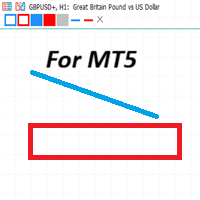
QuickDraw Panel MT5
- Indicatori
- Versione: 5.40
- Aggiornato: 3 agosto 2026
- Attivazioni: 5

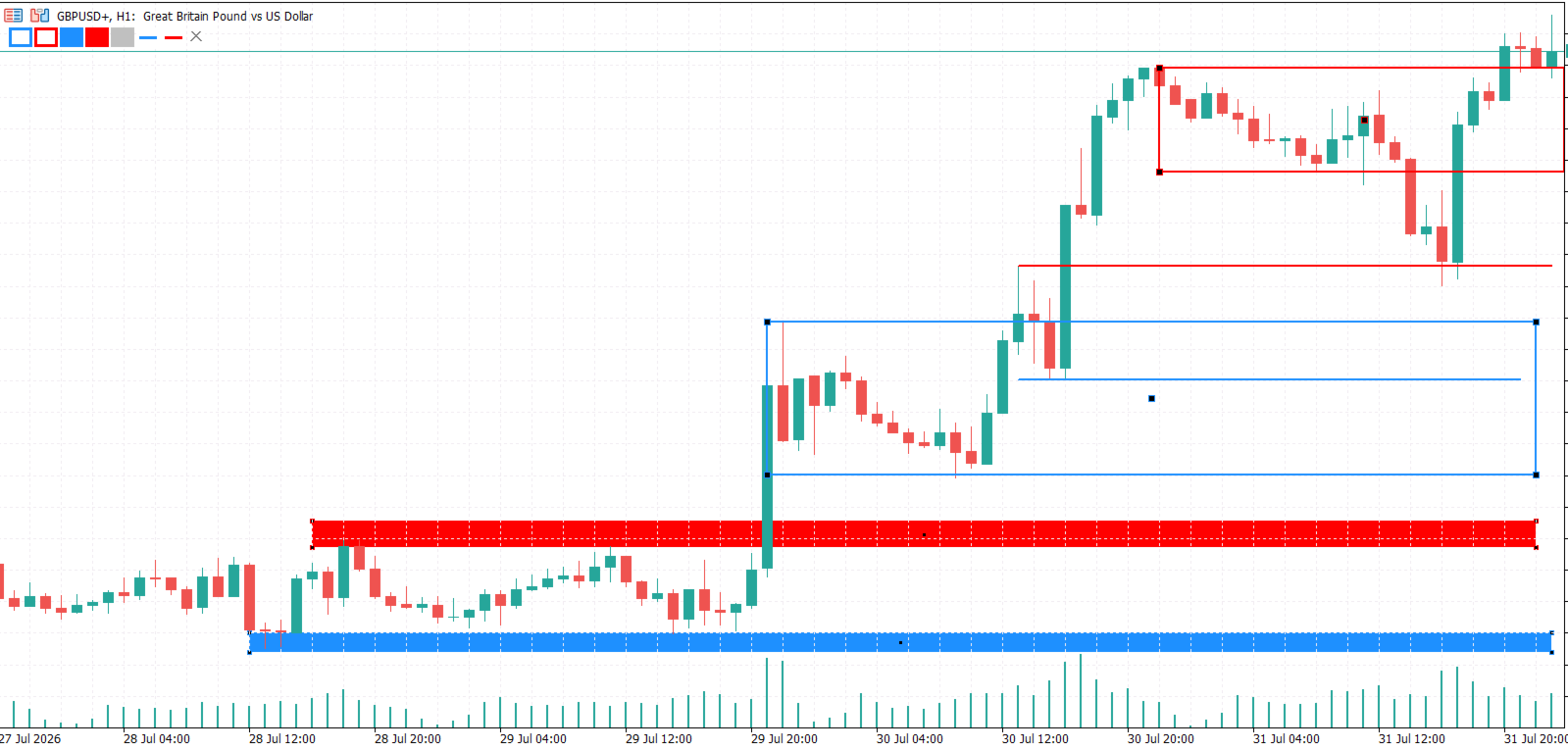
QuickDraw Panel is a lightweight, non-intrusive technical analysis tool designed for traders who value speed, efficiency, and a clean chart layout.
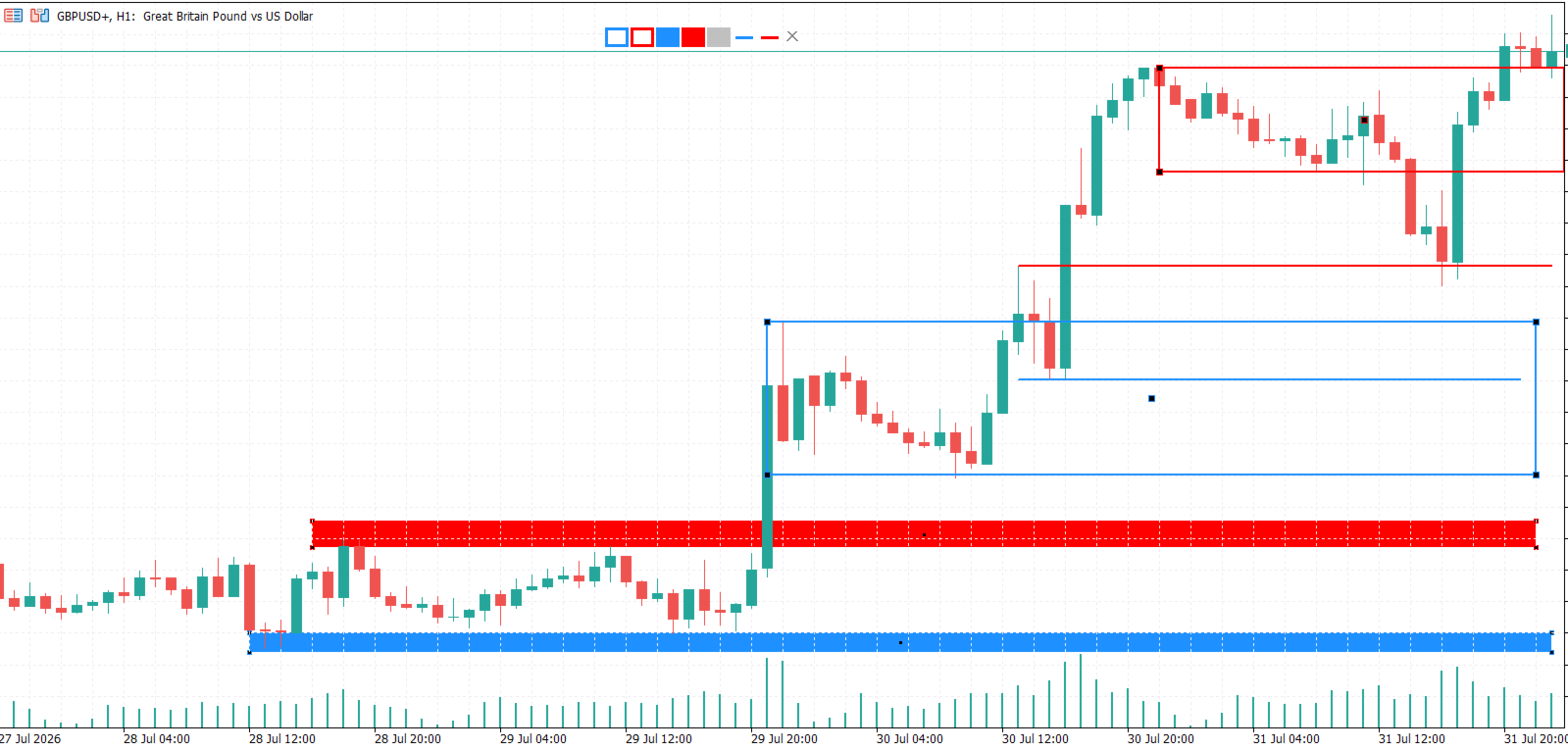
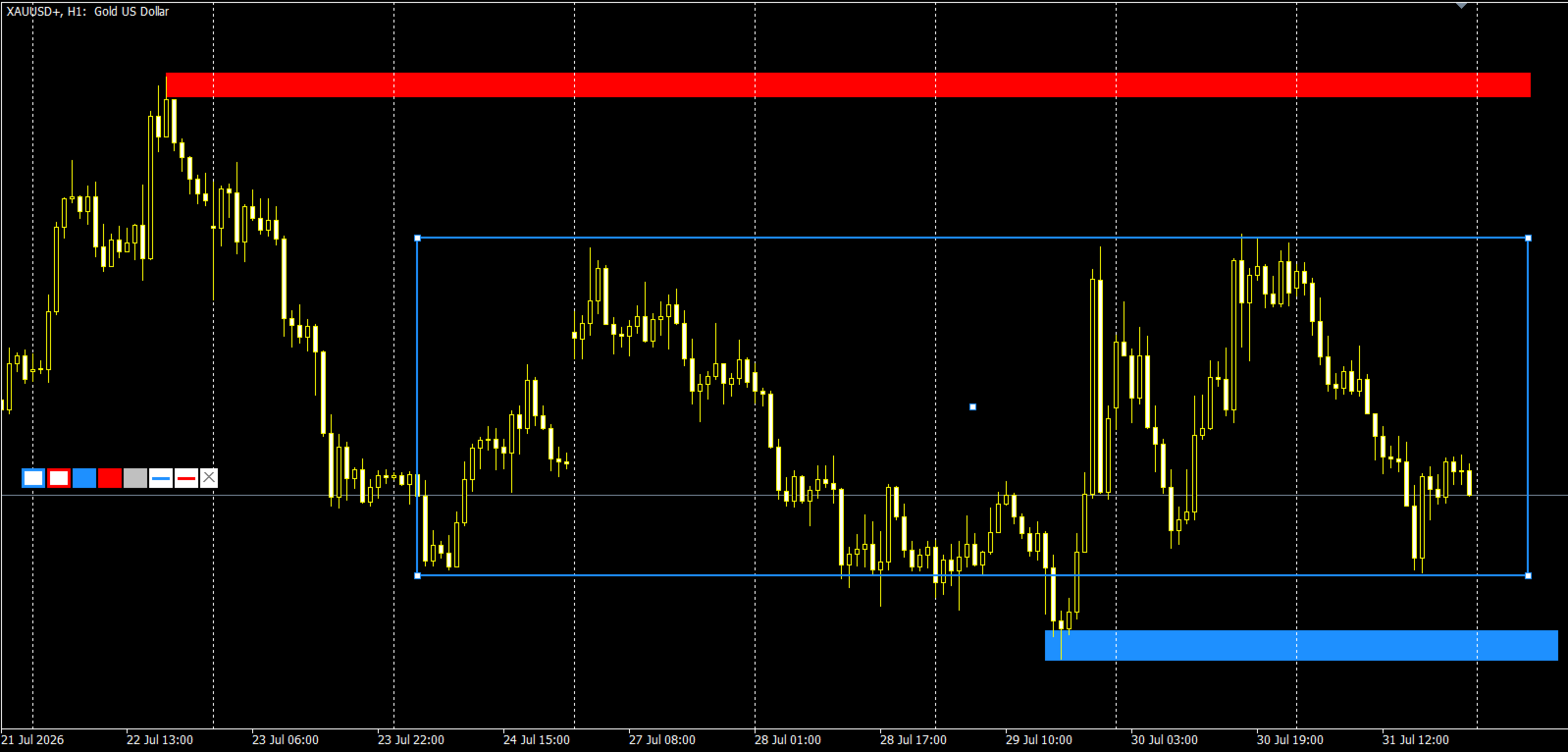
Say goodbye to bulky UI frames and heavy windows that block your price action view. QuickDraw Panel places a sleek, transparent toolbar directly on your chart, allowing you to draw key levels, zones, and trendlines in a single click or via instant hotkeys.
🌟 Key Features:
-
Ultra-Fast Drawing: Instantly place outlined rectangles, filled rectangles, and trendlines without searching through nested MetaTrader menus.
-
Hotkey Integration: Trigger tools instantly using keyboard keys 1 to 7 .
-
RMB Drag & Drop: Effortlessly reposition the panel anywhere on your chart using the Right Mouse Button.
-
Persist Across Timeframes: Your drawings remain safe and visible when switching timeframes or symbols.
-
Clean UI Design: No heavy background fills or cluttered borders — total focus on price action.
-
Fully Customizable: Customize primary colors for all 7 drawing slots through standard inputs.
-
One-Click Clear: Wipe all indicator-created drawings instantly with the [X] clear button.
⌨️ Hotkey Mapping:
-
1 – Outlined Rectangle (Color 1)
-
2 – Outlined Rectangle (Color 2)
-
3 – Filled Rectangle (Color 1)
-
4 – Filled Rectangle (Color 2)
-
5 – Filled Rectangle (Color 3)
-
6 – Trendline (Color 1)
-
7 – Trendline (Color 2)
⚙️ How to Use:
-
Click a button on the panel or press a hotkey ( 1 – 7 ).
-
Click on the chart to set the starting point.
-
Move your mouse to preview the shape in real-time and click again to set the opposite point.
-
To move the toolbar, hold down the Right Mouse Button over the panel and drag it to your desired location.