DragPan
- Utilità
- Versione: 24.0
- Attivazioni: 5

DragPan — TradingView-Style Chart Navigation
Take full control of your MetaTrader 5 chart with intuitive, mouse-driven navigation inspired by TradingView. DragPan replaces MetaTrader's default scroll-and-scale behavior with smooth, natural gestures — click and drag to pan, drag the axes to stretch, and scroll to zoom.
Key Features:
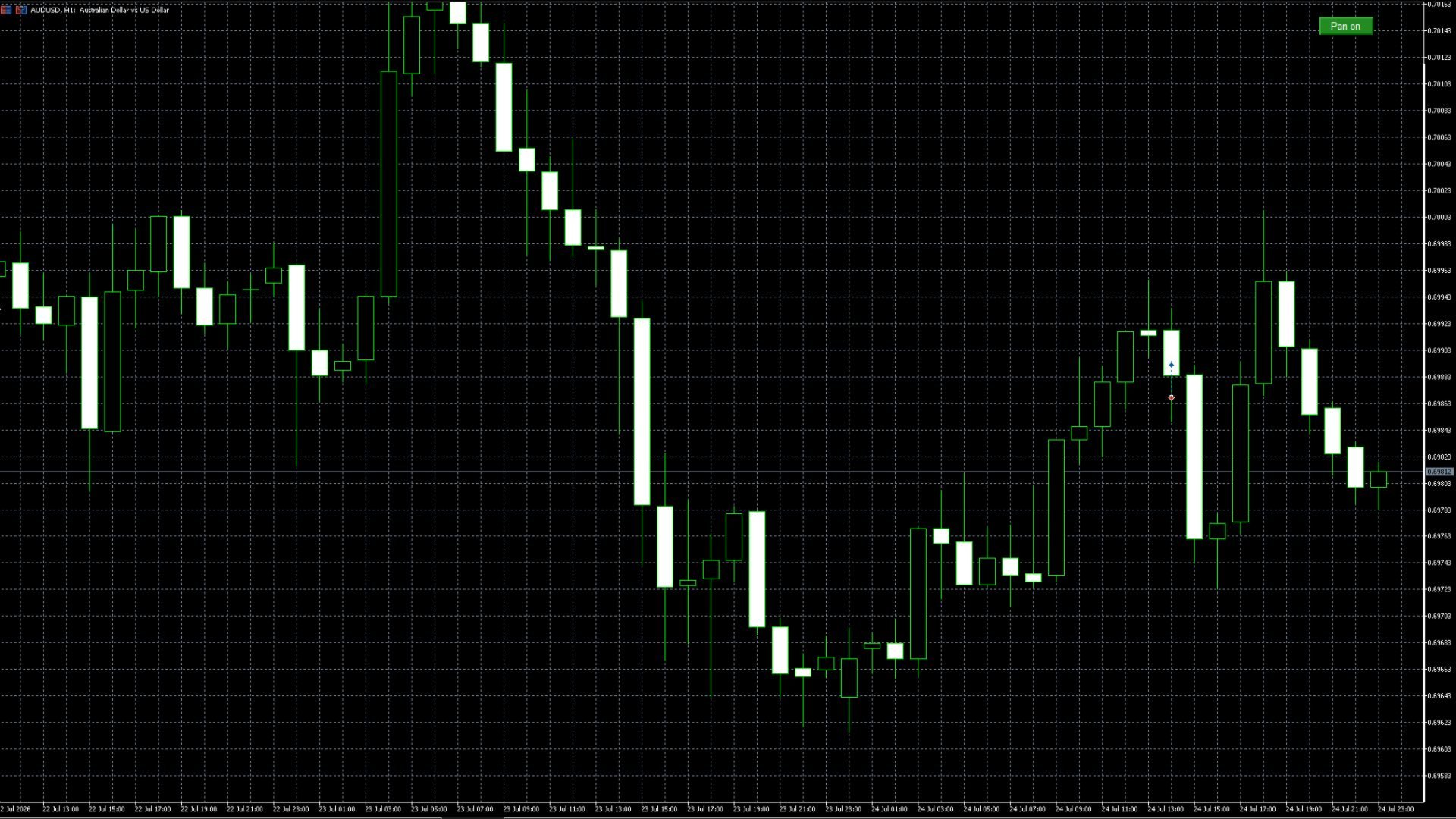
- One-Click Toggle — A clean on/off button in the top-right corner lets you switch DragPan mode on or off instantly, without disabling the indicator.
- Drag-to-Pan — Click and drag anywhere on the chart body to move both price and time simultaneously, just like panning an image.
- Axis Stretching — Drag the time axis (bottom) to compress or expand the horizontal timescale, or drag the price axis (right) to stretch the vertical scale — independently of each other.
- Mouse Wheel Zoom — Scroll to zoom in and out smoothly, centered on the current view.
- Non-Intrusive — When toggled off, your chart behaves exactly like standard MetaTrader — no interference with your normal workflow.
- Lightweight — Pure chart-navigation logic with no drawing overhead, indicator buffers, or performance impact on your terminal.
Why DragPan?
MetaTrader's native chart controls can feel rigid compared to modern charting platforms. DragPan brings the fluid, responsive feel traders expect from TradingView-style interfaces directly into MT5 — helping you navigate price history and adjust your view faster and more naturally.
Perfect for:
- Traders who frequently review historical price action
- Users who find MT5's default zoom/scroll controls clunky
- Anyone who wants a more modern, TradingView-like charting experience in MetaTrader 5
How to Use:
- Attach DragPan to any chart.
- Click the "Pan on" button (top-right) to enable — click again to disable.
- Drag the chart body to pan, drag axes to stretch, or scroll to zoom.