QCML Assistant
- Utilità
-
Maxime Turcotte-lafreniere
 I'm Maxime, founder of Quebec Market Live (QCML), a trading education and community brand based in Quebec, Canada. I trade Nasdaq (NQ/MNQ) and Gold futures, and I build trading tools and indicators designed to make chart analysis faster, cleaner, and more intuitive.
 - Versione: 2.0
- Aggiornato: 9 luglio 2026
- Attivazioni: 5
QCML Assistant MT5
Your Trading. Our Assistant. Your Edge.
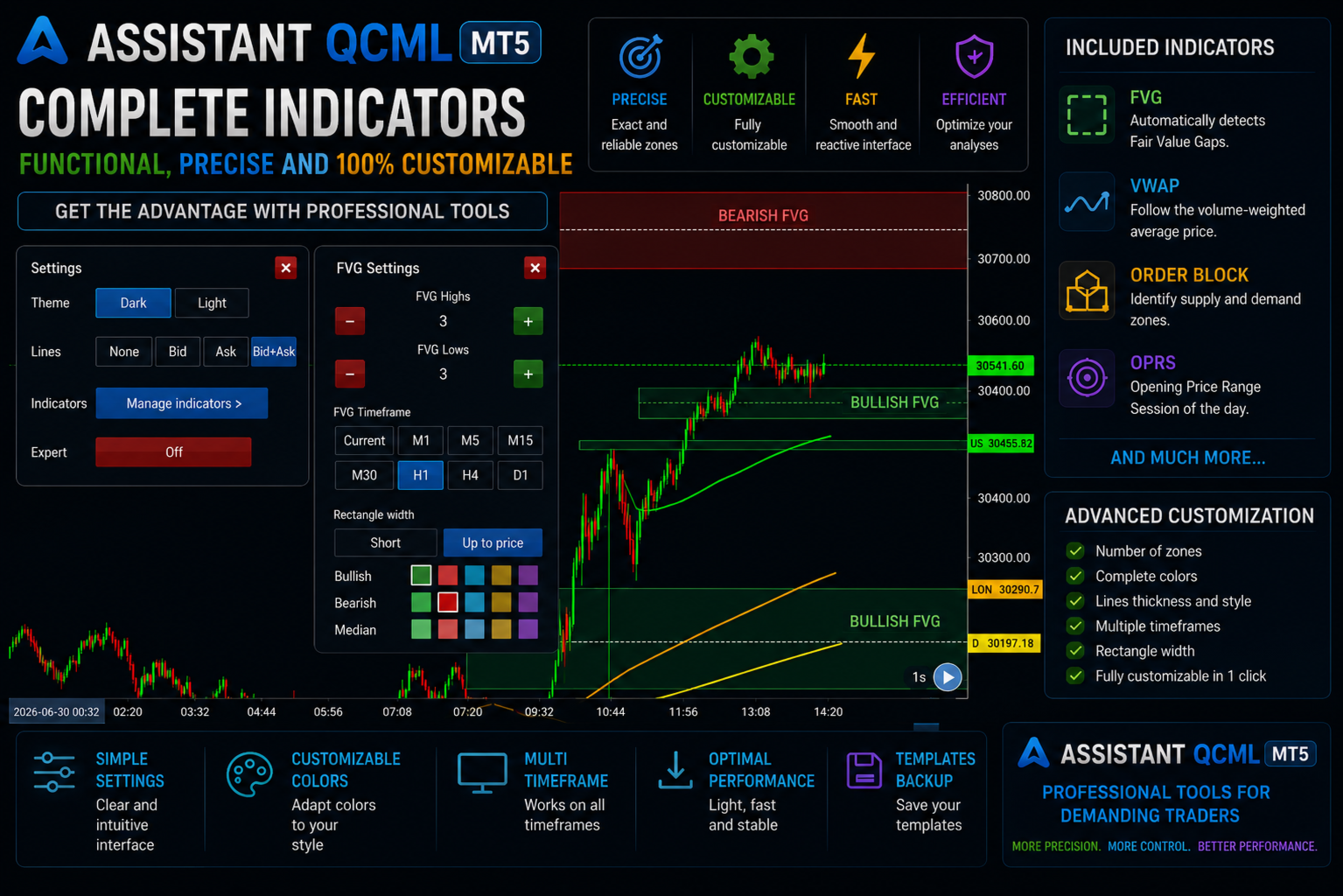
Looking for a tool that completely transforms your experience on MetaTrader 5? QCML Assistant is the all-in-one solution built by traders, for traders. Just one tool installed on your chart, and you get access to an ultra-complete, ultra-fast, and ultra-simple trading platform. No more hours wasted setting up your workspace. No more complicated trade entries. With QCML Assistant, everything becomes simple, smooth, and efficient right from the first use.
Navigate your chart freely — with no limits
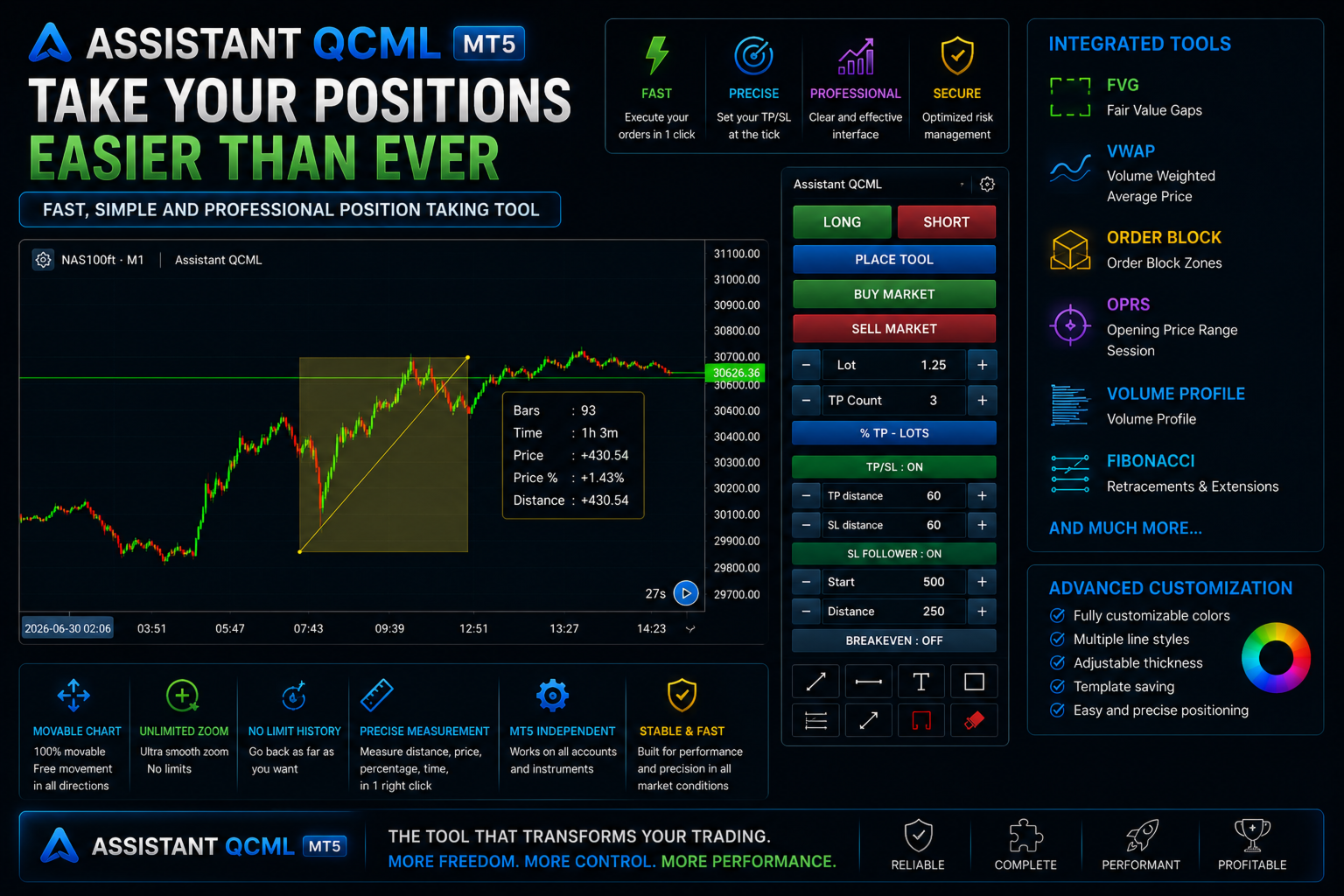
One of the biggest advantages of QCML Assistant is total freedom on your chart. Zoom as much as you want. Move freely between past and present. Explore your chart in every direction. Your analysis stays stable, precise, and perfectly positioned at every moment. The tool follows your movements smoothly and naturally, never slowing you down or disrupting your read on the market. You finally have total freedom on your chart, the way you deserve.
Simplified trade entries — trade in seconds
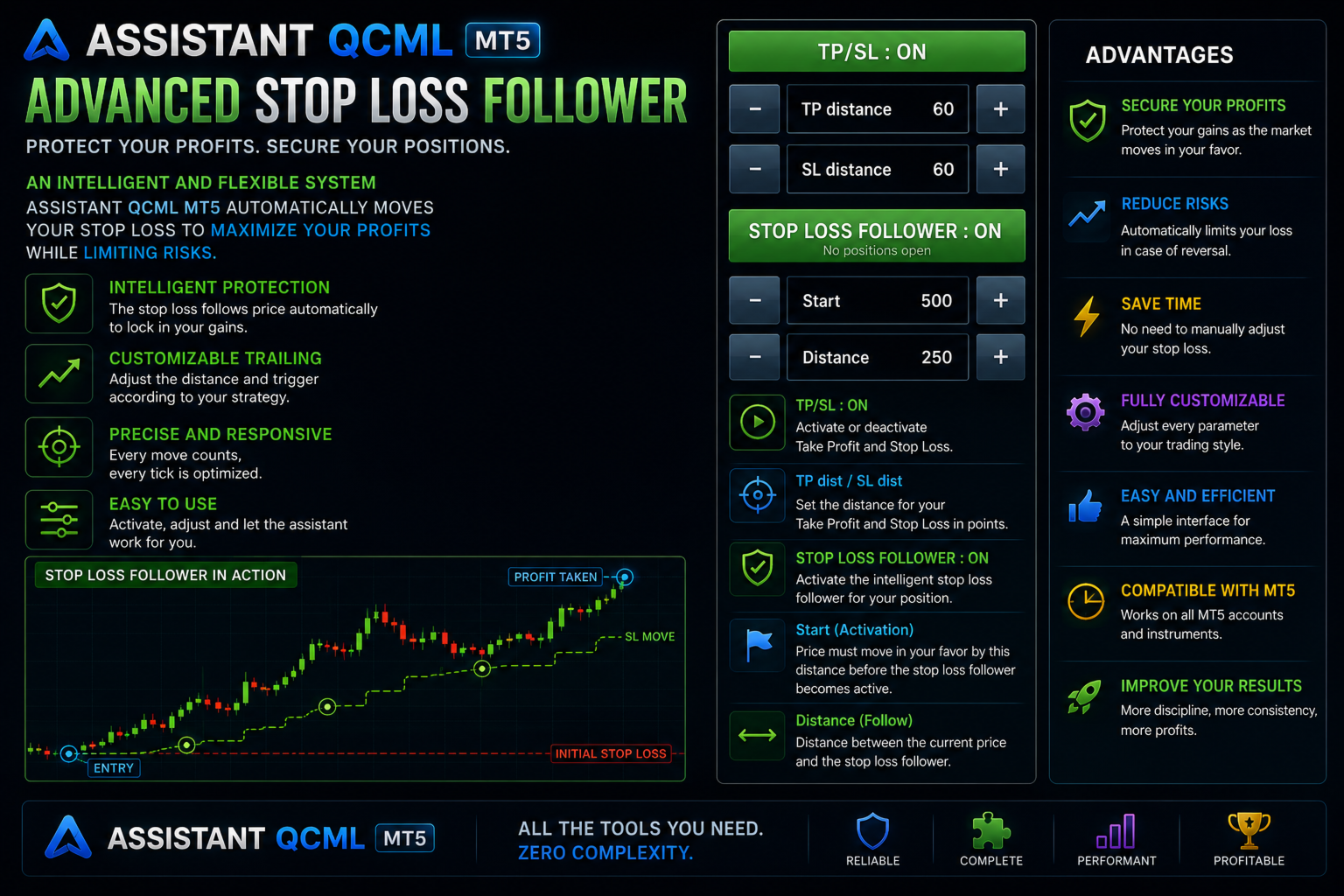
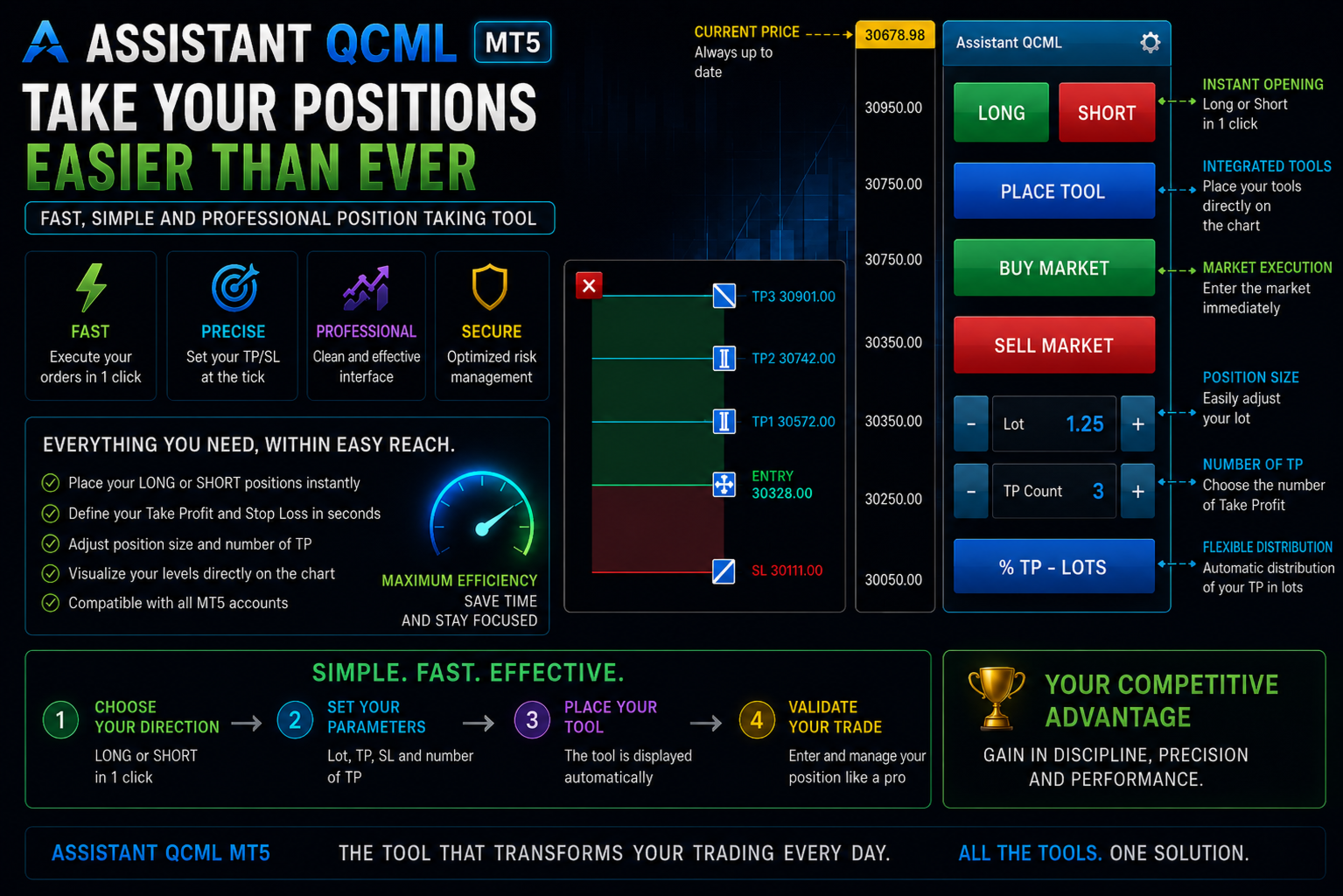
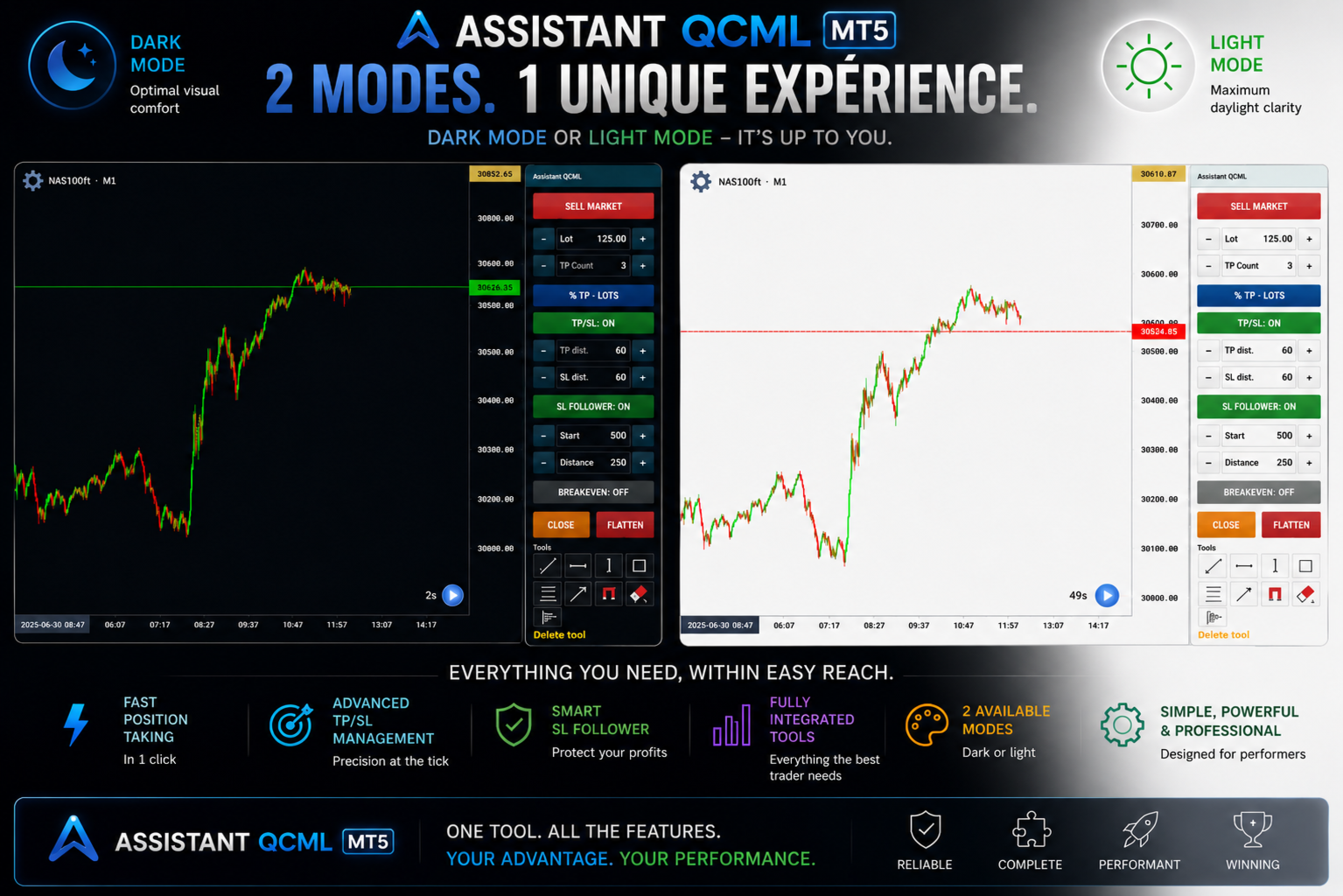
Time is money. Every second counts when an opportunity shows up. QCML Assistant includes a fast order-entry system built right into the interface. No need to open extra windows, no need to dig through complicated menus. You see your setup, you decide, you enter. It's that simple. Stop loss, take profit, position size — everything is accessible and configurable in just a few clicks, right from your chart. You stay focused on what really matters: your trading decisions.
The indicators
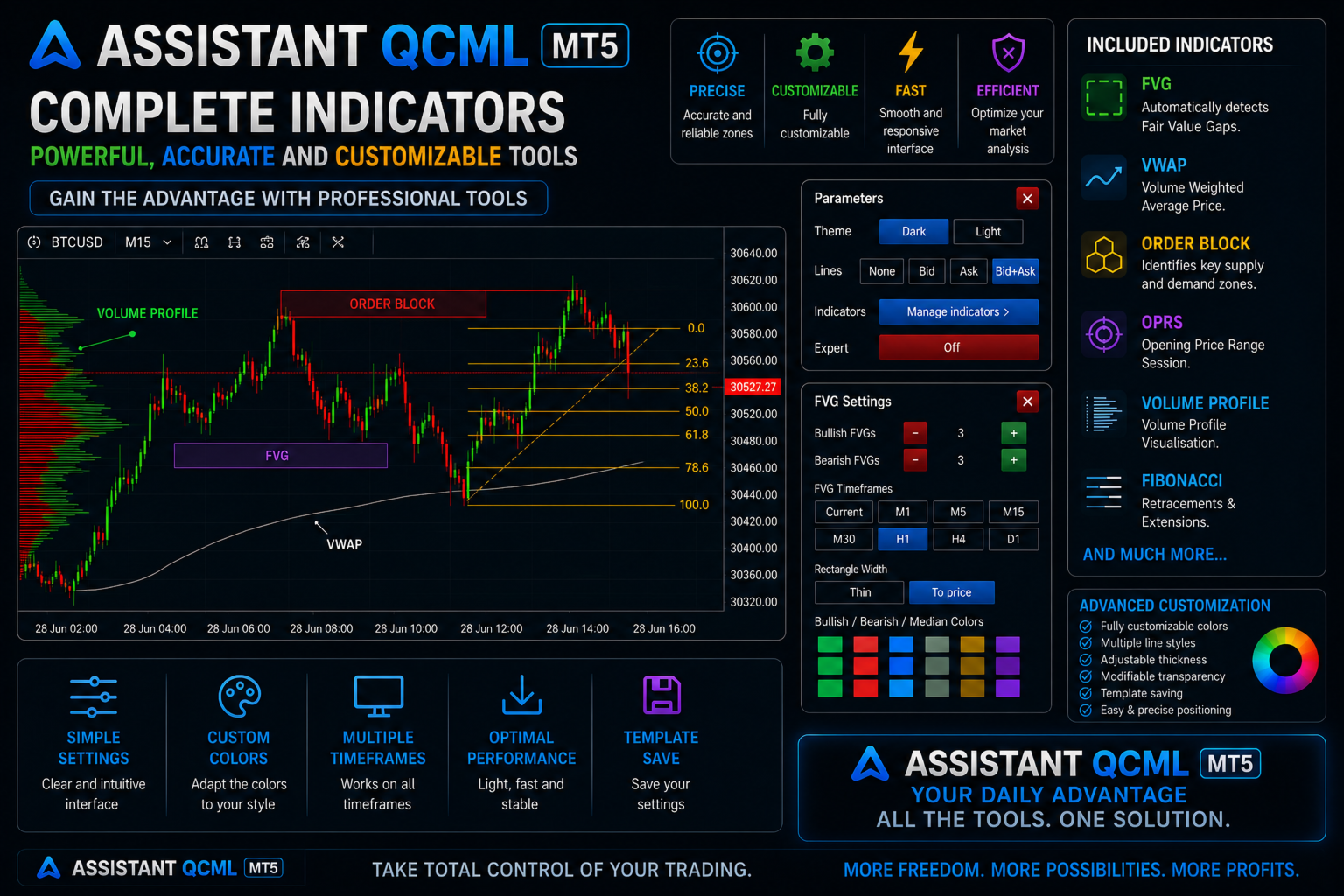
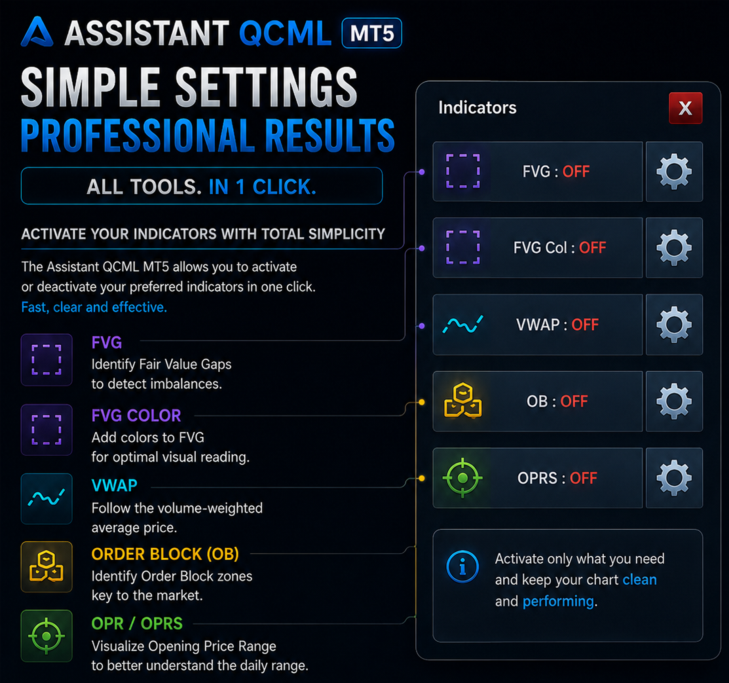
QCML Assistant brings together the essential indicators directly on your chart. Each one is configurable to your personal preferences — colors, levels, on/off — right from the settings.
Fair Value Gaps (FVG) — FVGs are detected and displayed automatically in real time, with 3-state visual logic: intact, entry touched, and mitigated. You know at a glance which zones are still active and which aren't. Colors and transparency fully customizable to your visual style.
Multi-Session VWAP — VWAP is displayed simultaneously across 5 sessions: Daily, Weekly, Monthly, US session, and London session. Each session is independent with its own color and can be turned on or off as needed. All your reference levels at a glance, with nothing to set up at every open.
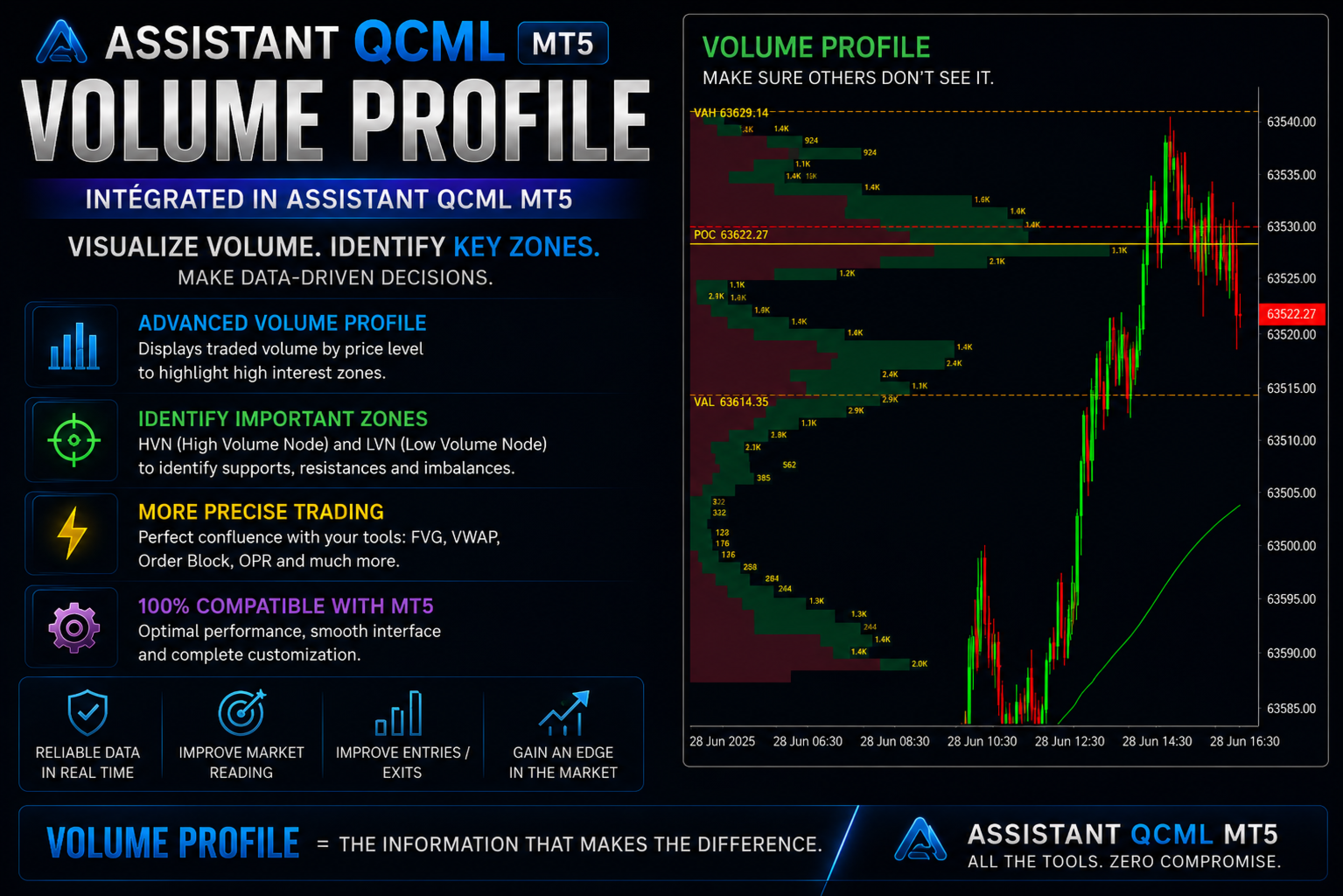
Volume Profile (FRVP) — The volume profile is fully repositionable directly on your chart. Choose the period you want to analyze, move the profile wherever you like, and instantly get a clear view of value zones and the Point of Control. Simple to use, powerful for your analysis.
OPR5 — Opening Price Range — The first 5-minute range is drawn automatically as soon as the session opens, median line included. Your visual reference is ready from the start, with no work on your end.
Fibonacci — The Fibonacci panel goes well beyond classic retracement. Set your own levels, assign each one a unique color, and edit values directly on the chart with a double-click. Everything is saved automatically and reloaded every session. Set it up once, it's there for good.
Drawing tools
QCML Assistant includes the most popular drawing tools, accessible directly from the interface.
Zones and Rectangles — Draw and manage your zones directly from the built-in interface. Color, transparency, border — fully customizable. Your zones stay perfectly positioned no matter how you navigate your chart.
Lines — Add your key levels in one click. Horizontal or diagonal, they stay stable and precise through all your navigation.
Magnet system — One of QCML Assistant's most popular features, and one that simply doesn't exist in stock MetaTrader 5. When you draw your tools — zones, rectangles, lines, Fibonacci levels — the magnet system guarantees perfect precision on every placement, with no effort on your part. A small detail that changes everything in the quality and speed of your day-to-day analysis.
Built to last — actively updated
QCML Assistant isn't a tool that was built and abandoned. It's continuously developed and improved by the QCML team, based on direct feedback from traders in the community. Every update brings real improvements based on what traders actually ask for. By buying QCML Assistant, you're investing in a tool that grows with you.
Who is QCML Assistant for?
QCML Assistant is for you if you trade NQ (Nasdaq Futures), MNQ, ES, Gold, or any other instrument available on MT5. It's perfect for traders using ICT, Smart Money, or Price Action approaches. Whether you're a beginner who wants a turnkey professional setup, or an experienced trader looking to optimize your workflow — QCML Assistant is for you.
Support and community
This tool is actively developed and maintained by the QCML (Quebec Market Live) team. You're not alone after your purchase. Join our community of over 700 active traders to access usage tutorials and live support from the QCML team.
Join the QCML Discord: https://discord.gg/wzHRzFbRKc