Visual Trade Planner
- Experts
- Versione: 1.0
- Attivazioni: 5

Visual Trade Planner
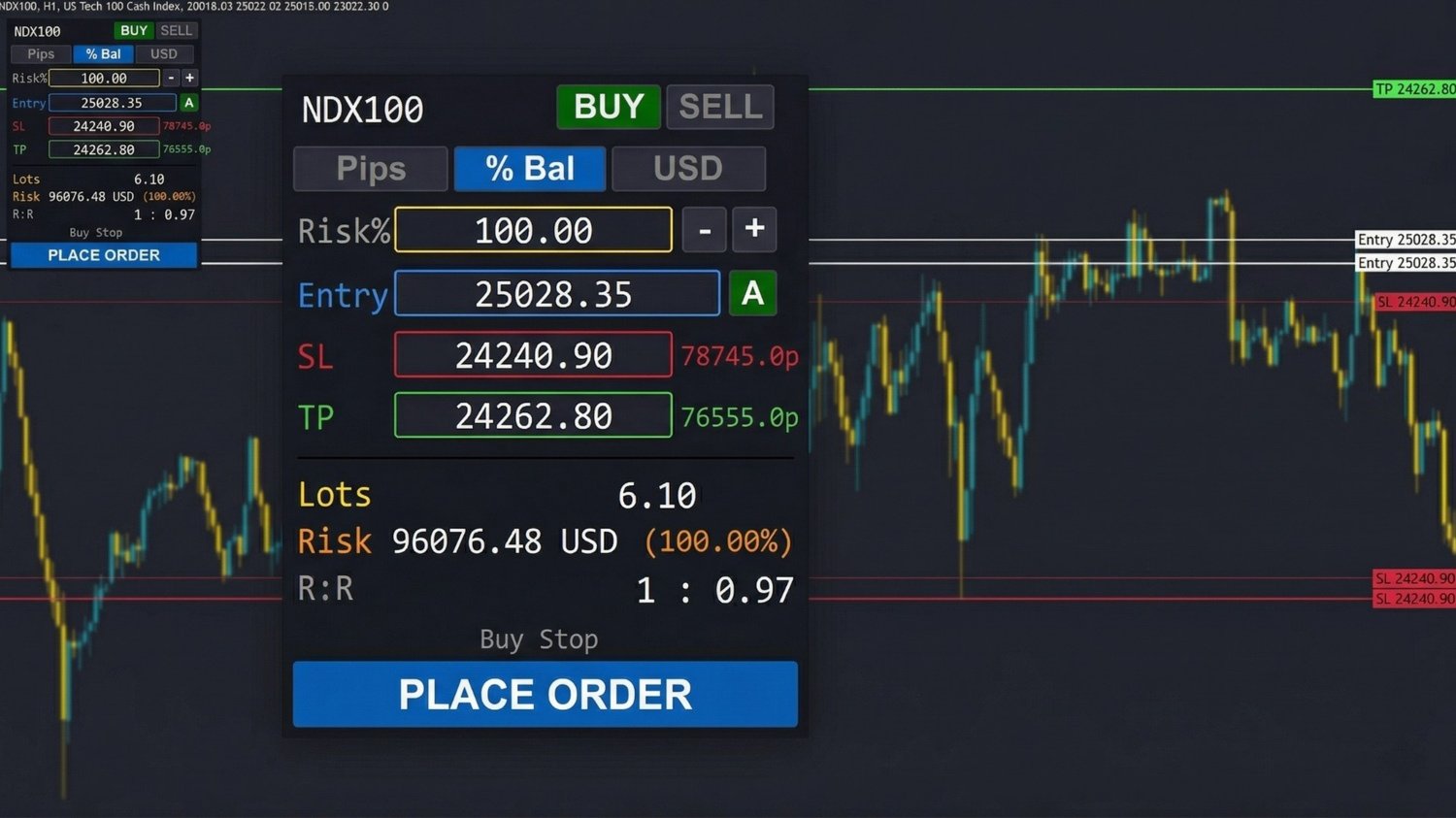
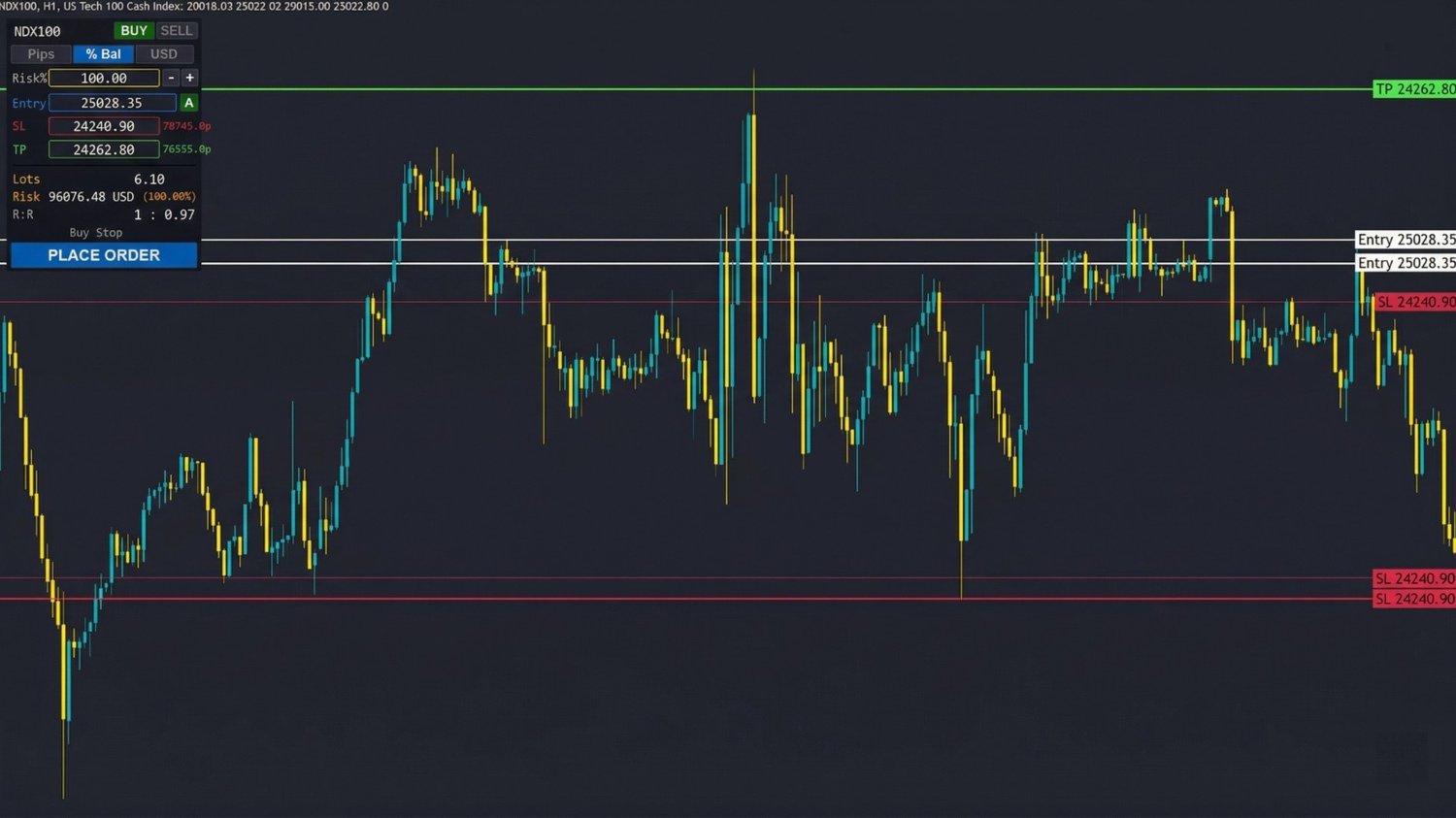
Visual Trade Planner is a high-performance trading utility for MetaTrader 5 that eliminates manual calculations and complex order windows. It brings a modern, TradingView-style interactive interface to MT5, allowing you to plan your risk visually directly on the chart.
Why use Visual Trade Planner?
In fast-moving markets, speed and precision are critical. This tool allows you to map out your trade with draggable lines and calculates your exact position size instantly based on your chosen risk parameters.
Core Features
-
Visual Order Planning: Draggable horizontal lines for Entry, Stop Loss, and Take Profit.
-
Dynamic Lot Sizing: Automatically calculates the correct lot size in real-time as you move your SL or change your risk settings.
-
Three Professional Risk Modes:
-
Percentage (%): Risk a specific % of your account balance/equity.
-
USD ($): Risk a fixed dollar amount per trade.
-
Pips: Set a specific dollar value per pip of movement.
-
-
Smart Execution: One button handles it all. The tool automatically detects if it needs to send a Market Order, Limit Order, or Stop Order based on your entry line's position.
-
Real-Time Analytics: Displays potential Profit/Loss, Risk:Reward (R:R) ratio, and the exact lot size before you commit to the trade.
Technical Specifications
-
Smart Anchoring: Toggle between Anchored (follows live Bid/Ask) or Manual (for limit/stop orders).
-
Safety First: Integrated StopLevel detection ensures your SL/TP aren't rejected by the broker for being too close to the price.
-
Directional Memory: Switching between Buy and Sell automatically flips your SL and TP levels around your Entry.
-
Clean UI: Designed with a TradingView Dark theme aesthetic that remains legible on both light and dark chart backgrounds.
-
Customizable: Set your default risk, magic number, and panel position in the inputs.
How to Use
-
Select Direction: Click BUY or SELL on the panel.
-
Set Risk: Choose your mode (%, $, or Pips) and set the value.
-
Map the Trade: Drag the Blue (Entry), Red (SL), and Green (TP) lines to your desired levels.
-
Execute: Click "PLACE ORDER".
Settings
-
Default Risk Value: Your starting risk amount.
-
Default Risk Mode: Choose between Pips, %, or USD.
-
Anchor Entry: If true, the entry line follows the current market price by default.
-
Magic Number: Unique ID for your trades.
-
X/Y Offset: Position the panel anywhere on your chart.