ImpulseTrend
- Indicatori
- Versione: 1.1
- Aggiornato: 20 aprile 2026
- Attivazioni: 10

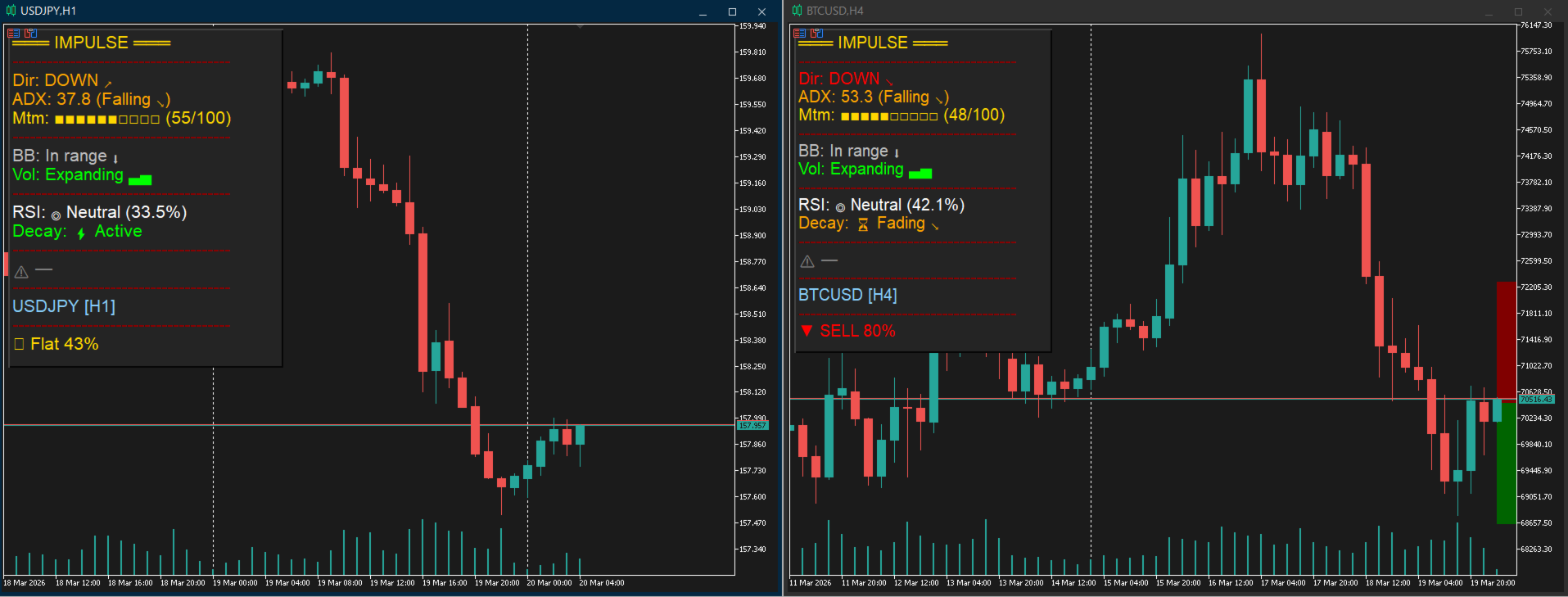
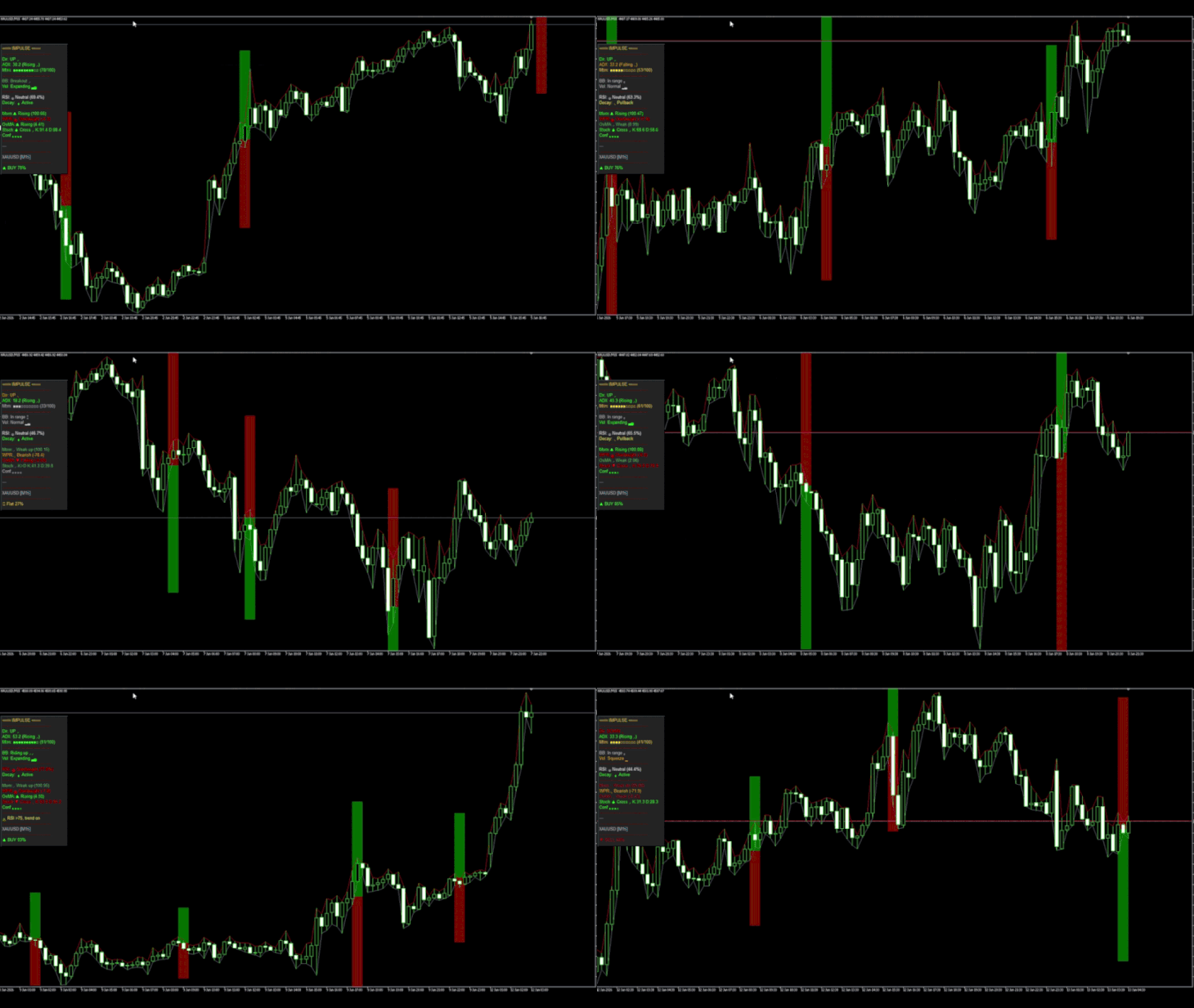
Impulse Trend is an informational indicator for analyzing market momentum for scalping. It displays visual risk and profit zones but does not execute trades automatically.
General Usage Tips: Signal Bar Type: Keep SignalBar = CLOSE . This protects you from signal repainting, as the calculation will be based on a candle that has already closed. Timeframe: The indicator performs best on H1 and H4. On lower timeframes (M5, M15), it is recommended to increase the ADX Threshold to filter out market noise. Zones: If the risk zones seem too wide, decrease the ZoneMultiplier . However, keep in mind that this increases the chance of being stopped out by "market noise."
How to Use
The Signal: ▲ BUY or ▼ SELL alert, complete with a signal strength percentage (0-100%) .
Set Your Targets: If enabled, Impulse Trend automatically plots visual Take Profit (Green) and Stop Loss (Red) zones directly on your chart the moment a signal fires .
Filter the Trade: Glance at the panel to confirm market conditions before entering. Look for strong momentum, Bollinger Band breakouts.