
LT Trade Panel Lite
- Utilitaires
-
Thiago Duarte
 Bonjour ! Je m'appelle Thiago (James en anglais) et je suis programmeur.
Je suis actif sur le marché depuis 2016 et je suis brésilien.
Je suis fondateur et administrateur de Litoral Trading — une communauté de passionnés du marché. - Version: 1.34
- Mise à jour: 3 septembre 2026
LT Trade Panel Lite - Exécution rapide et panneau d'ordres gratuit
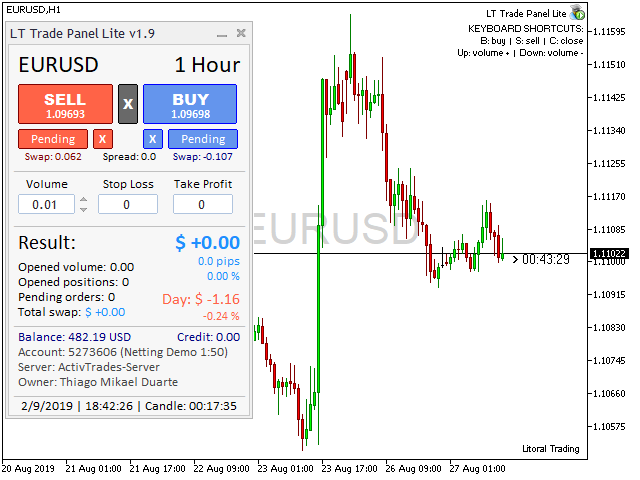
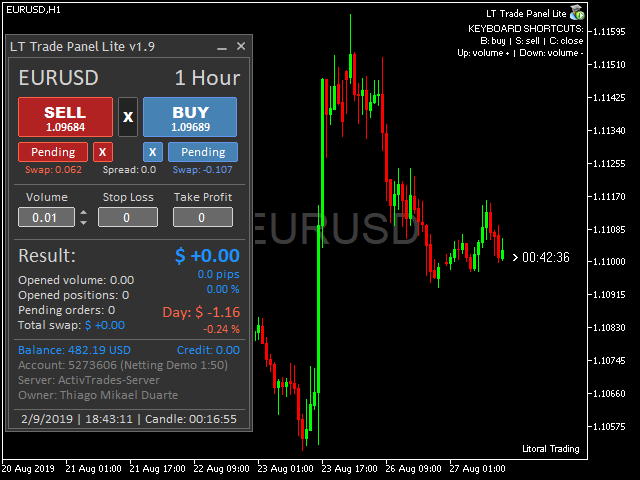
LT Trade Panel Lite est le panneau de trading le plus pratique et le plus rapide pour MetaTrader 5, conçu pour les traders qui recherchent une réactivité totale lors de l'exécution manuelle. Idéal pour le Day Trading sur indices, actions et forex.
Cette version gratuite vous offre les outils essentiels pour opérer avec une précision professionnelle, sans aucun coût.
💎 Ce que vous trouverez dans la version LITE :
-
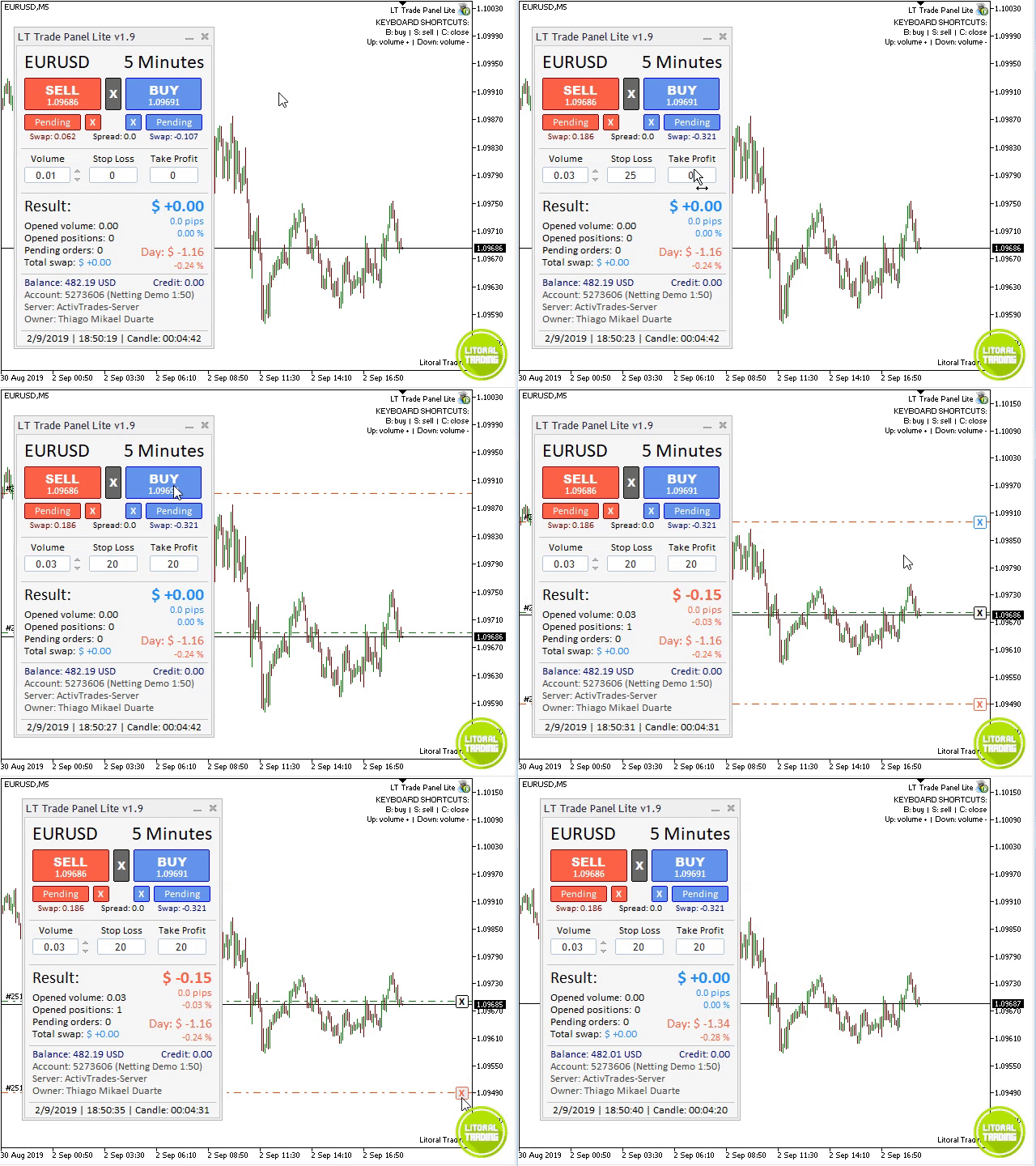
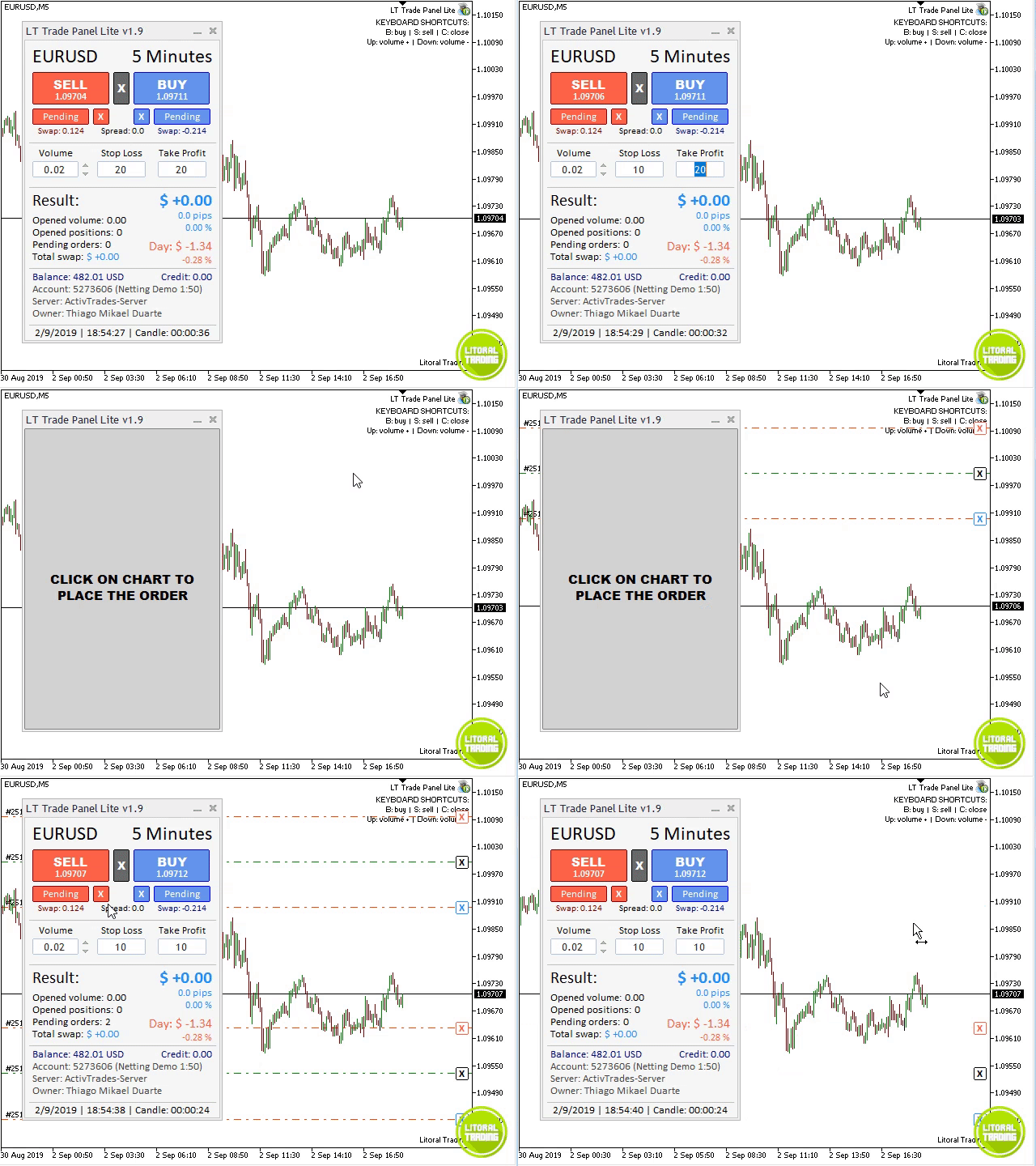
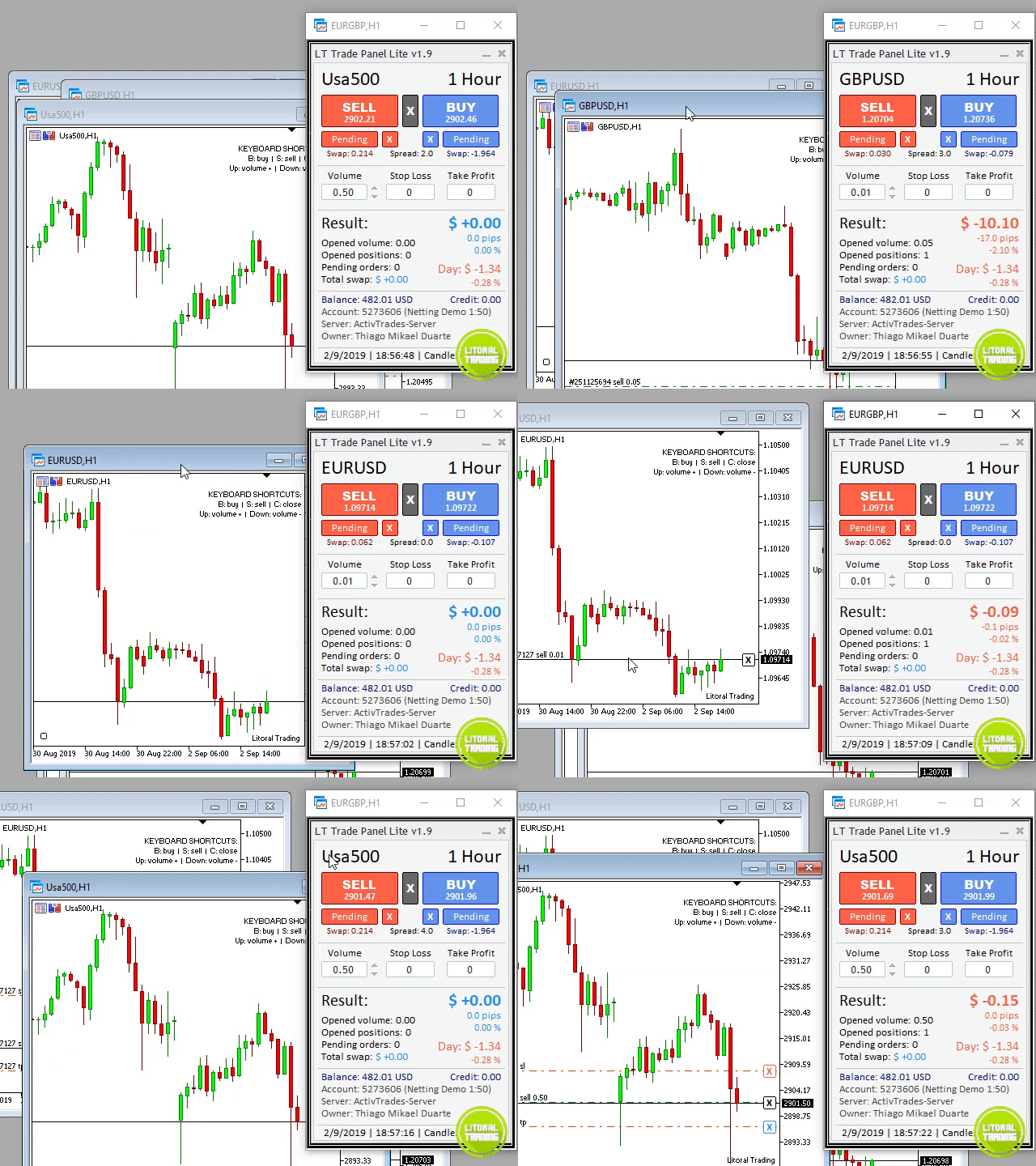
⚡ Exécution instantanée : Boutons d'Achat (Buy), Vente (Sell) et Clôture Totale (Close) en un seul clic.
-
🎹 Raccourcis clavier : Opérez comme un professionnel en utilisant les touches B (Buy), S (Sell) et C (Close).
-
🛡️ Gestion simple : Définissez un Stop Loss et un Take Profit par défaut en points pour l'ensemble de vos ordres.
-
📊 Suivi de base : Suivez vos gains du jour, le volume ouvert et le spread en temps réel directement sur le panneau.
-
🚀 Performance : Logiciel ultra-léger qui ne ralentit pas votre terminal MetaTrader 5.
🔥 Pourquoi avez-vous BESOIN de la version PRO ?
Si vous prenez le trading au sérieux ou si vous opérez sur des Prop Firms, la version PRO est l'étape supérieure. Elle automatise ce que la version LITE ne fait pas :
-
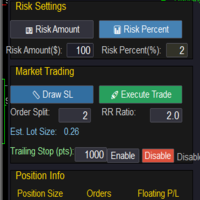
Calcul de lot automatique : Le robot calcule le lot idéal en fonction de votre risque (ex: 1% du capital), protégeant votre compte des erreurs de calcul mathématique.
-
Stop Loss Invisible (Stealth) : Protégez-vous contre la "chasse aux stops" – vos objectifs restent invisibles pour le courtier (broker).
-
Protection des profits : Breakeven et Trailing Stop automatiques pour ne jamais laisser un gain se transformer en perte.
-
Sorties partielles : Sécurisez vos profits automatiquement sur jusqu'à 3 niveaux différents.
-
Rapports de performance : Tableau de bord complet avec rapports de gains Quotidiens, Hebdomadaires et Mensuels.
👉 Découvrez la version PRO ici : https://www.mql5.com/pt/market/product/42658
⚠️ Conseil pour les traders de la B3 (Brésil) :
Si les boutons "X" pour fermer les ordres sur le graphique ne fonctionnent pas en raison de la taille du ticket de votre courtier, il vous suffit de modifier le paramètre "Ticket Digits" (Chiffres du Ticket) à 6 ou 7 dans les réglages du robot.
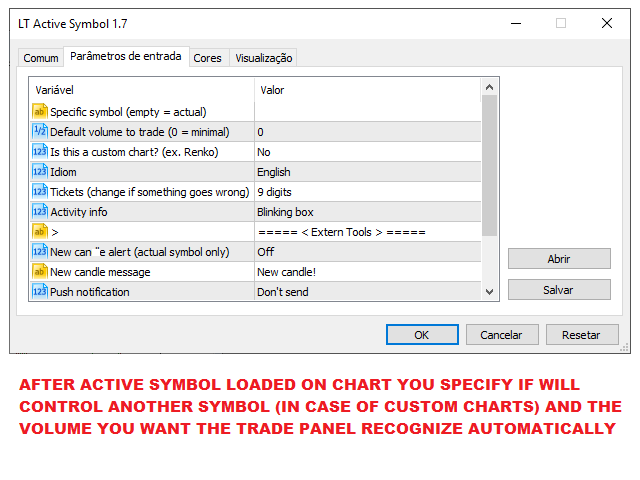
Paramètres d'entrée :
-
Magic Number : Identifiant des ordres.
-
Ticket Digits : Ajustement pour la compatibilité avec les courtiers brésiliens.
-
Language : Supporte le portugais et l'anglais.
Note : Il s'agit d'un outil d'aide à la négociation manuelle. La gestion des risques relève de la seule responsabilité de l'utilisateur.



























































Bom dia Thiago! Tudo bem? Como faço para falar com você? Os posts Sao antigos e não sei se voce ainda lê essas mensagens. :)