Mastery Panel
- Utilitaires
-
Kgosi Thamsanqa Khumalo
 🐲 MASTER OF 🐲 E U R J P Y 🐲
➡️ AVAILABLE 24/7‼️
☯️https://www.mql5.com/en/channels/tradethebestway888euryen888 - Version: 1.0
- Activations: 5
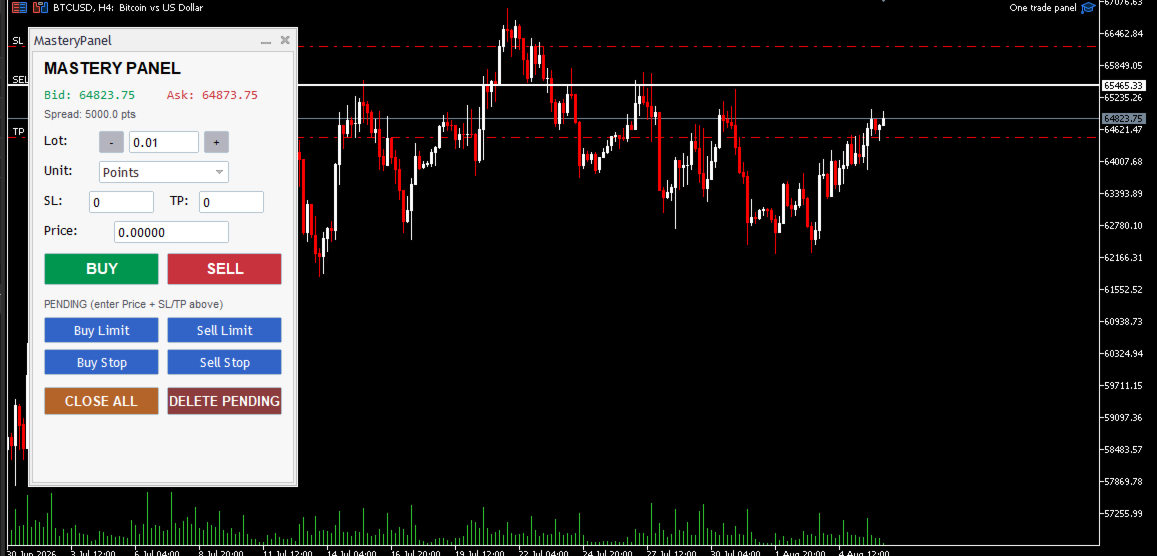
Mastery Panel is a clean, lightweight graphical trading control panel for MetaTrader 5. It is built as a self-contained Expert Advisor using the standard Controls library and provides one-click market and pending order execution together with basic position and order management.
Overview
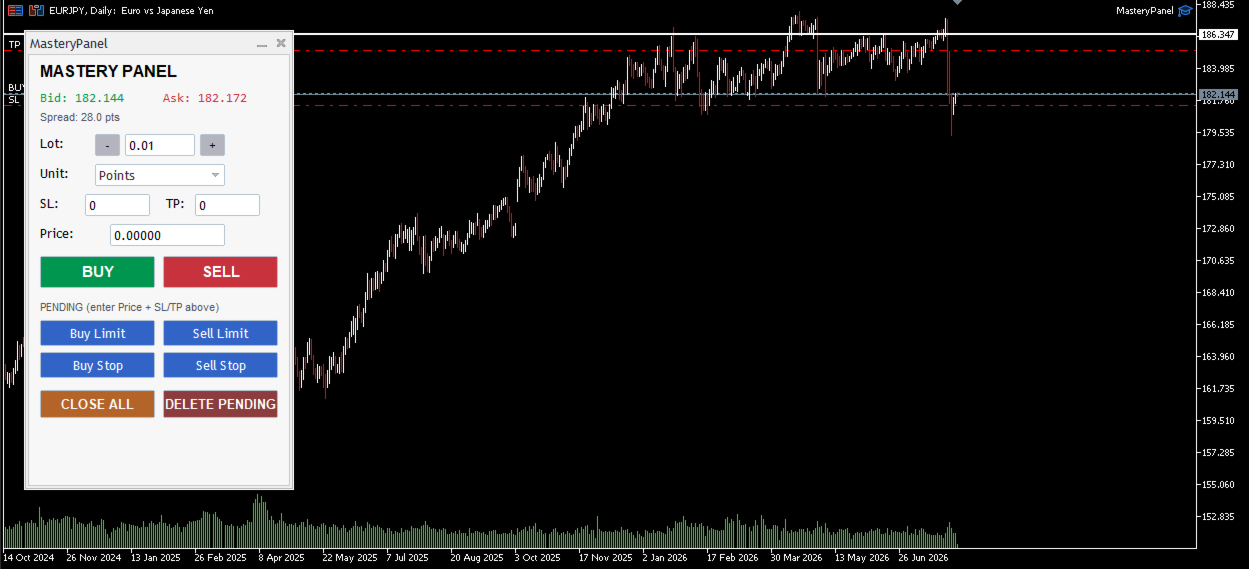
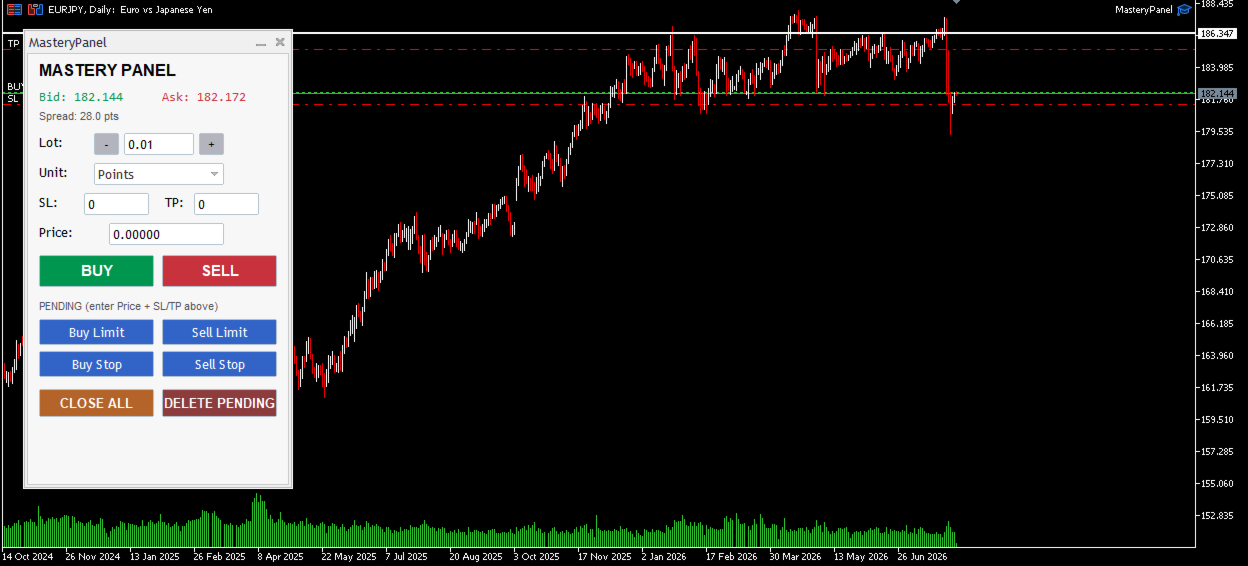
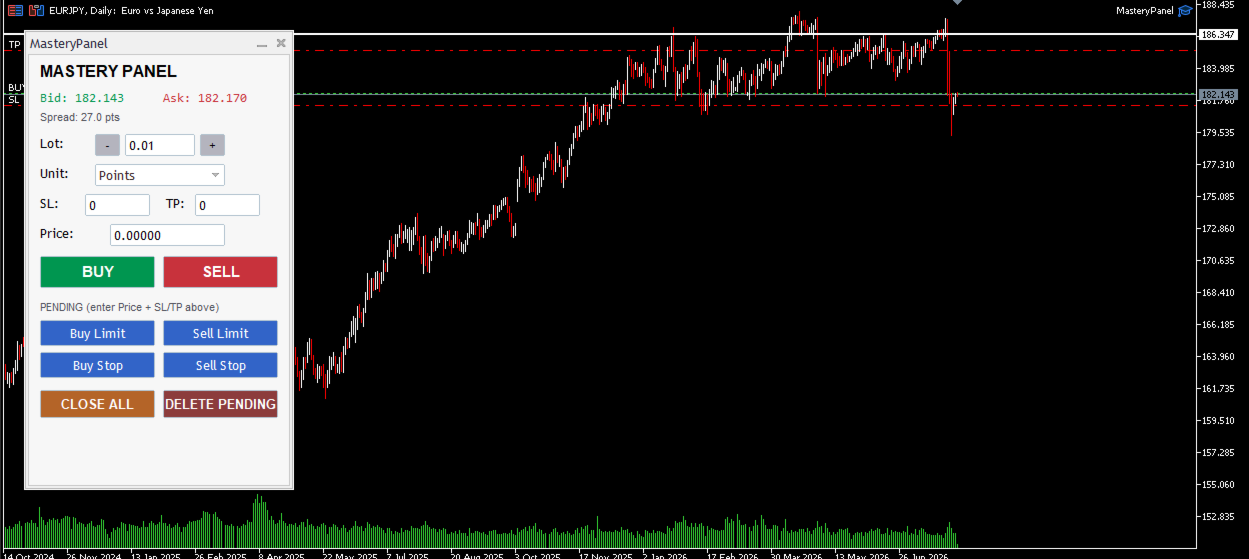
The panel appears as a compact, fixed light-themed dialog on the chart. It is designed for fast discretionary trading: you can set lot size, stop-loss and take-profit distances (in points or pips), enter a price for pending orders, and execute all common order types with a single click. All operations are filtered by a configurable magic number so the panel only manages its own trades.
Visual Layout (top to bottom)
- Title – “MASTERY PANEL”
- Live prices
- Bid price (green)
- Ask price (red)
- Spread in points
- Lot size control
- Label “Lot:”
- “–” and “+” buttons that step the volume by the symbol’s minimum volume step
- Editable lot field (default 0.01)
- Unit selector
- Combo box with two choices: Points or Pips
- This setting controls how the SL and TP distance values are interpreted
- Stop-Loss / Take-Profit fields
- SL and TP edit boxes (default 0 = disabled)
- Values are multiplied by the selected unit size and applied relative to the entry price
- Pending price field
- Single editable price used by all pending-order buttons
- Market execution buttons
- Large BUY (green) and SELL (red) buttons
- Pending order section
- Label: “PENDING (enter Price + SL/TP above)”
- Four buttons arranged in a 2×2 grid:
- Buy Limit
- Sell Limit
- Buy Stop
- Sell Stop
- Management buttons
- CLOSE ALL – closes every open position on the current symbol that carries the panel’s magic number
- DELETE PENDING – deletes every pending order (Limit/Stop/Stop-Limit) on the current symbol that carries the panel’s magic number
Input Parameters
| Parameter | Default | Description |
|---|---|---|
| InpMagic | 20250806 | Magic number used for all orders |
| InpSlippage | 30 | Maximum slippage in points |
| InpComment | MasteryPanel | Comment attached to every order |
Core Functionality
- Volume handling The lot size is automatically normalized to the symbol’s volume min/max/step rules.
- Unit calculation
- Points = 1 × SYMBOL_POINT
- Pips = 10 × SYMBOL_POINT on 3- and 5-digit symbols, otherwise 1 × SYMBOL_POINT
- Market orders (BUY / SELL) Opens a market order at the current Ask/Bid. SL and TP (if > 0) are calculated from the entry price using the selected unit.
- Pending orders Requires a valid price to be entered in the Price field. SL and TP are calculated relative to the pending price in the same way as market orders. Orders are placed as GTC (Good-Till-Cancelled).
- Close All Iterates through all open positions, selects those matching the current symbol + magic number, and closes them.
- Delete Pending Iterates through all pending orders, selects those matching the current symbol + magic number and any pending order type, and deletes them.
- Live updates Bid, Ask and Spread are refreshed on every tick.
Technical Notes
- Uses the standard CTrade class with the configured magic number, slippage and filling mode.
- All controls are created with a fixed light colour scheme that cannot be changed at runtime.
- The panel is fully event-driven via the Controls library event map.
- Compatible with any symbol that supports the usual market and pending order types.
In short, Mastery Panel is a focused, no-frills trading dashboard that puts the most frequently used order types and management functions at your fingertips while keeping the interface clean and fast.