Behavioural Replay Trade Psychology Analyzer
- Utilitaires
- Version: 1.0

BRE Behavioural Replay - Trade Psychology Analyzer
This is an analytics and awareness tool. It does not place, modify, or block trades.
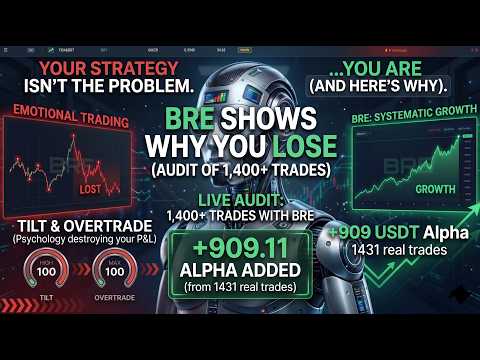
It scans your local MetaTrader 5 deal history for revenge-trading patterns (a loss followed quickly by a larger re-entry) and shows a simple on-chart summary:
- Trades scanned
- Revenge entries flagged
- Estimated cost of those patterns
Designed to run alongside your existing risk management EA. It shows you the why and the cost, complementing tools that already handle the stop.
IMPORTANT — how to get the full report
1. Click "Export Full History for Replay" on the chart panel.
2. Open the CSV from your terminal folder: MQL5\Files\BRE_History_Export_<account>.csv
3. Upload that CSV at https://bre.fin-tech.com
4. Select MT5 as the broker when importing.
The full behavioural replay (cohort breakdown, filtered equity curve, revenge/tilt cost) is generated on bre.fin-tech.com after you upload. The MT5 utility is free and stays local until you choose to upload.
How to use
1. Attach the EA to any chart (Allow Algo Trading enabled).
2. Read the on-chart summary panel.
3. Export your history CSV.
4. Upload it at https://bre.fin-tech.com (select MT5).
Features
- Local history scan only (no WebRequest, no DLL)
- On-chart summary panel
- One-click CSV export for BRE web replay
- Free utility
Tagline: See why your account bleeds — not just where the line is.