BTS TM Pro
- Experts
- Version: 3.0
- Mise à jour: 17 juin 2026
- Activations: 5

BTS Trade Manager — PRO: Input Reference
TRADE SPLIT SETTINGS
- EnableAutoSplit — Master switch. When ON, every manual entry is taken over and split into managed positions. OFF disables management.
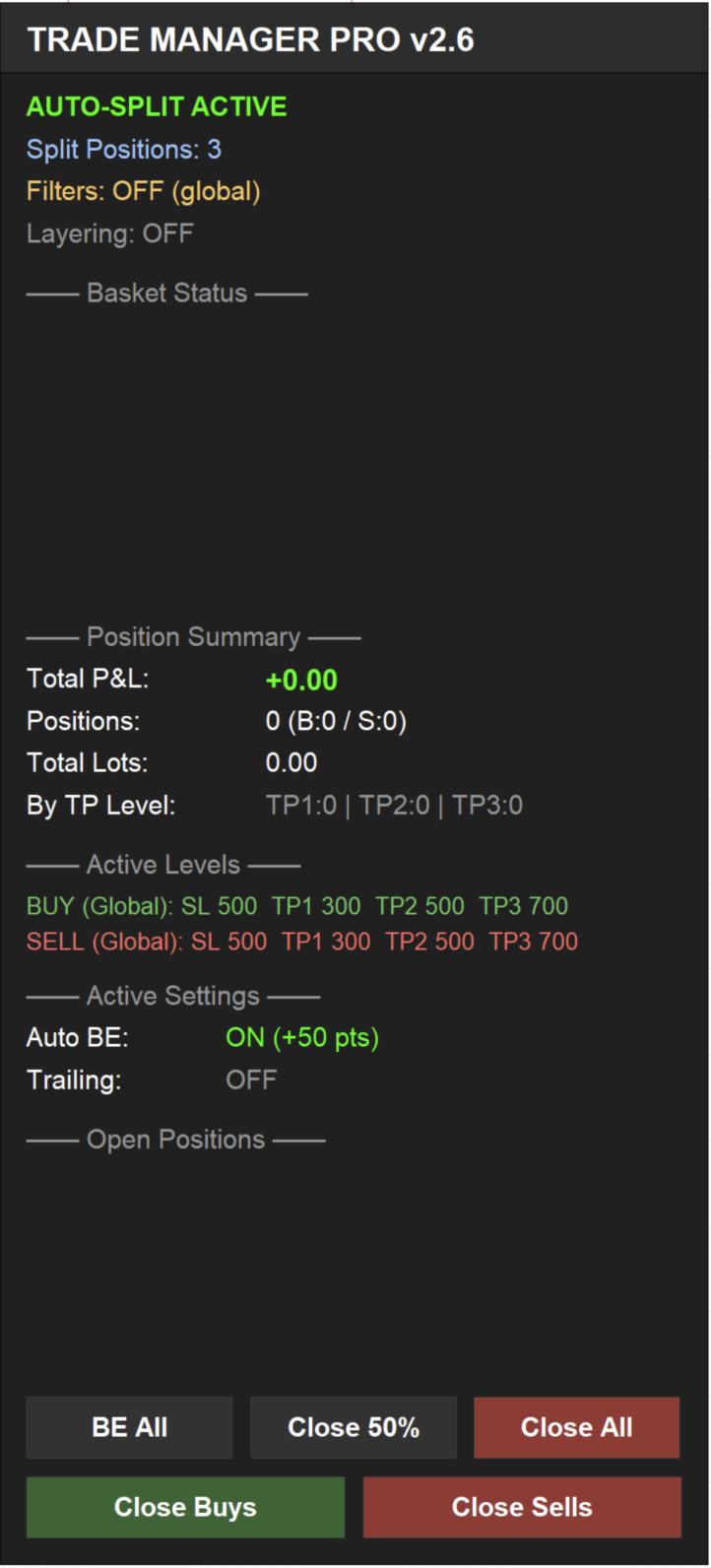
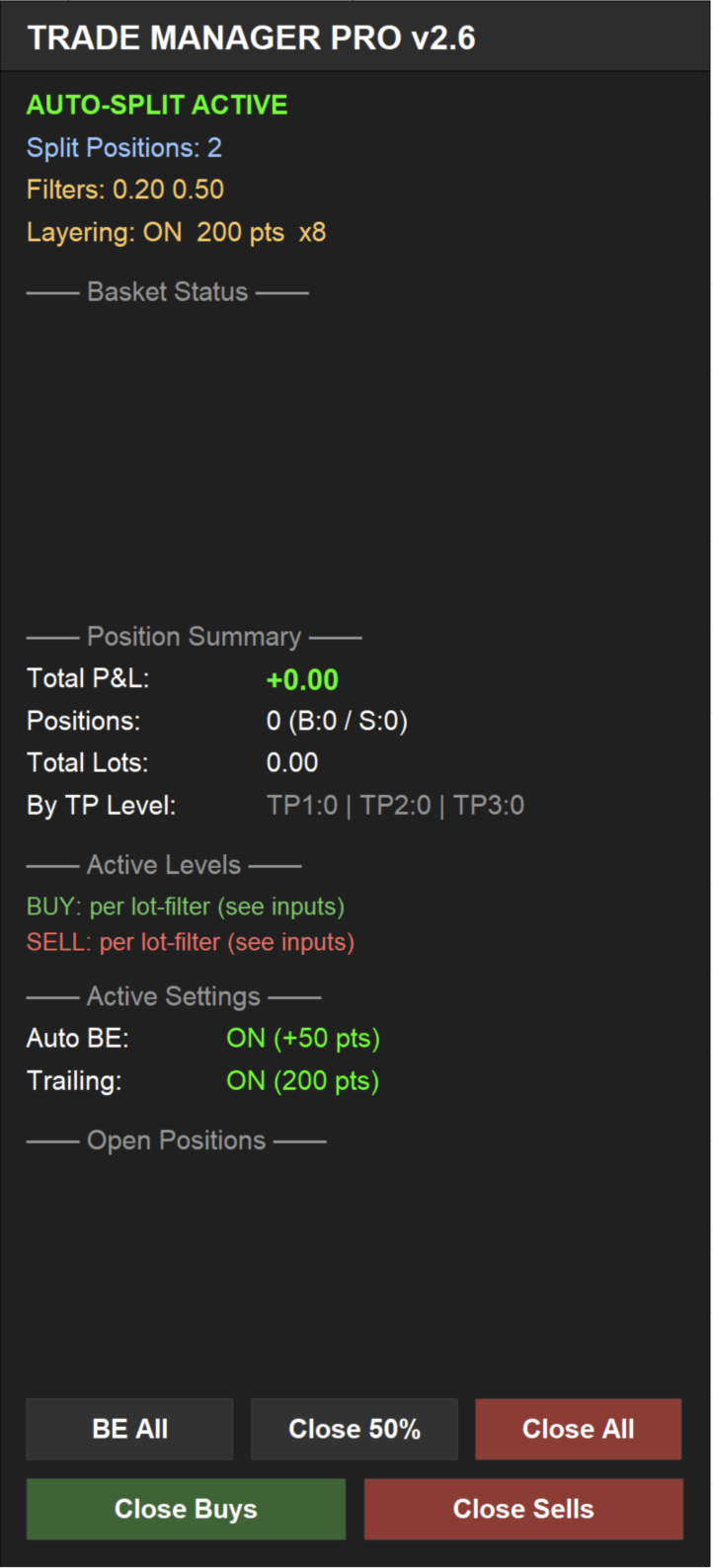
- SplitPositions — Number of positions created from one entry (1, 2 or 3), each with its own take-profit. 3 = full TP1/TP2/TP3 scale-out.
LAYERING (DCA)
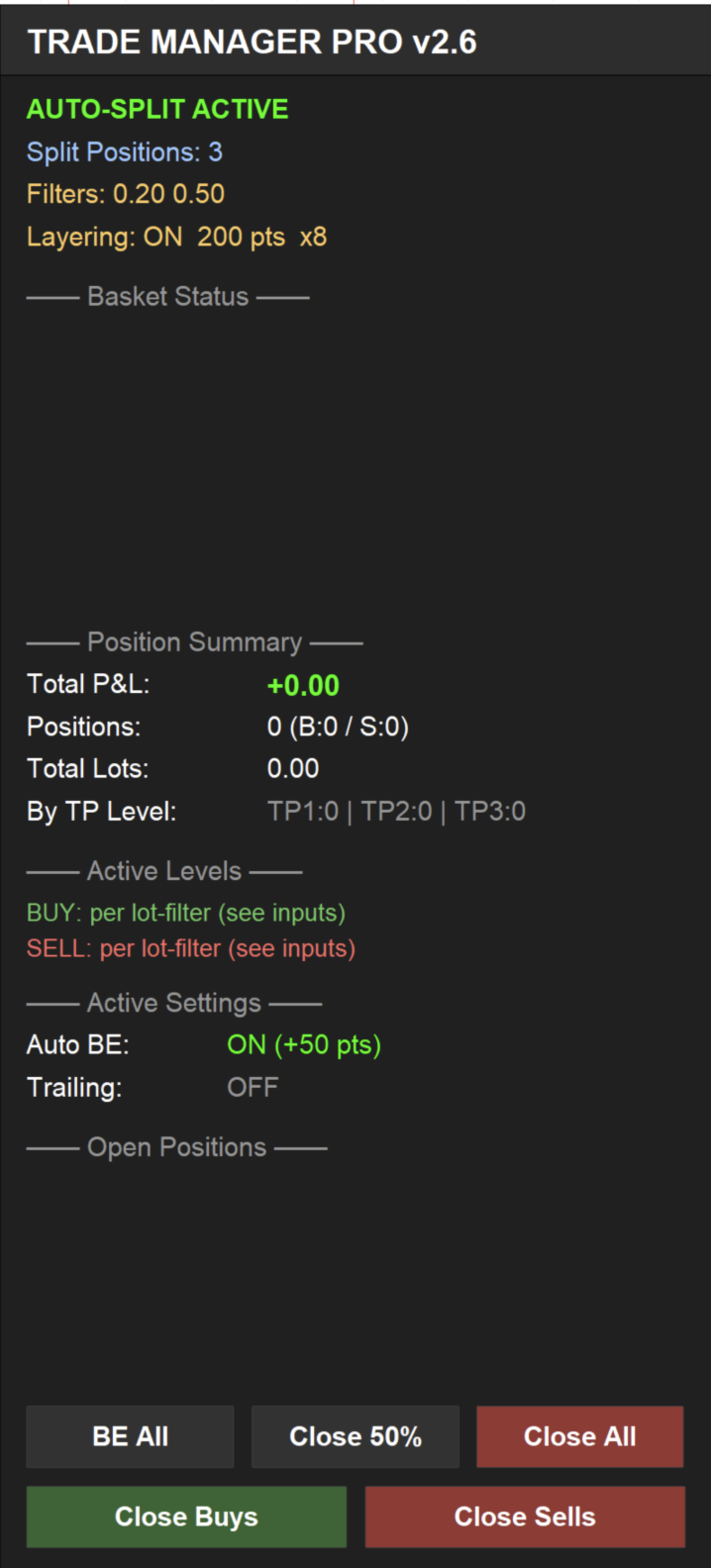
- EnableLayering — When ON, adds positions in the trade's direction as price moves against it (averaging). OFF for non-grid trading.
- LayerDistancePoints — Adverse move (in points) required before the next layer opens.
- MaxLayers — Maximum additional layers per direction, excluding the original entry. Caps exposure.
LOT FILTER 1
- Filter1_LotSize — Exact lot size that activates this filter (e.g. 0.10). Trades at this size use Filter 1's levels. 0 = disabled.
- F1_BasketProfit — Combined profit target ($). When two or more same-direction Filter 1 trades reach this total, the whole group closes at once. 0 = off.
- F1_Buy_SL — Stop loss for BUY trades, in points from entry.
- F1_Buy_TP1 — First take-profit for BUY trades, in points.
- F1_Buy_TP2 — Second take-profit for BUY trades (used when SplitPositions ≥ 2).
- F1_Buy_TP3 — Third take-profit for BUY trades (used when SplitPositions = 3).
- F1_Sell_SL — Stop loss for SELL trades, in points.
- F1_Sell_TP1 — First take-profit for SELL trades.
- F1_Sell_TP2 — Second take-profit for SELL trades.
- F1_Sell_TP3 — Third take-profit for SELL trades.
LOT FILTER 2
- Filter2_LotSize — A second lot size with its own independent level set (e.g. 0.50). 0 = disabled.
- F2_BasketProfit — Combined $ target closing all same-direction Filter 2 trades together. 0 = off.
- F2_Buy_SL / F2_Buy_TP1 / F2_Buy_TP2 / F2_Buy_TP3 — BUY stop and three take-profits for Filter 2, in points (TP2/TP3 used per SplitPositions).
- F2_Sell_SL / F2_Sell_TP1 / F2_Sell_TP2 / F2_Sell_TP3 — SELL stop and three take-profits for Filter 2, in points.
LOT FILTER 3
- Filter3_LotSize — A third lot size with its own level set (e.g. 1.00). 0 = disabled.
- F3_BasketProfit — Combined $ target for same-direction Filter 3 trades. 0 = off.
- F3_Buy_SL / F3_Buy_TP1 / F3_Buy_TP2 / F3_Buy_TP3 — BUY stop and three take-profits for Filter 3, in points.
- F3_Sell_SL / F3_Sell_TP1 / F3_Sell_TP2 / F3_Sell_TP3 — SELL stop and three take-profits for Filter 3, in points.
LOT FILTER 4
- Filter4_LotSize — A fourth lot size with its own level set. 0 = disabled.
- F4_BasketProfit — Combined $ target for same-direction Filter 4 trades. 0 = off.
- F4_Buy_SL / F4_Buy_TP1 / F4_Buy_TP2 / F4_Buy_TP3 — BUY stop and three take-profits for Filter 4, in points.
- F4_Sell_SL / F4_Sell_TP1 / F4_Sell_TP2 / F4_Sell_TP3 — SELL stop and three take-profits for Filter 4, in points.
GLOBAL BUY LEVELS (Fallback)
Used only when no lot filters are active (all Filter lot sizes = 0). If any filter is set, these are ignored.
- Buy_StopLoss_Points — Default BUY stop loss, in points from entry.
- Buy_TP1_Points — Default BUY first take-profit.
- Buy_TP2_Points — Default BUY second take-profit (SplitPositions ≥ 2).
- Buy_TP3_Points — Default BUY third take-profit (SplitPositions = 3).
GLOBAL SELL LEVELS (Fallback)
Used only when no lot filters are active.
- Sell_StopLoss_Points — Default SELL stop loss, in points.
- Sell_TP1_Points — Default SELL first take-profit.
- Sell_TP2_Points — Default SELL second take-profit.
- Sell_TP3_Points — Default SELL third take-profit.
BREAK-EVEN SETTINGS
- UseAutoBreakEven — Moves the stop to break-even automatically once a runner position is far enough in profit.
- BE_TriggerPoints — Profit (in points) required before break-even activates.
- BE_LockPoints — Points of profit locked in when the stop moves to break-even.
TRAILING STOP SETTINGS
- UseTrailingStop — Trails the stop behind price once a trade is in profit.
- TrailActivatePoints — Profit (in points) required before trailing begins.
- TrailDistancePoints — Distance the trailing stop keeps behind current price.
- TrailStepPoints — Minimum move (in points) before the trailing stop is updated, to avoid over-modifying.
FILTER SETTINGS
- ManageAllSymbols — When ON, manages matching trades across all charts/symbols, not just the chart the EA is attached to. OFF restricts management to the current symbol.
- EAMagicNumber — Identifier tagged onto positions the EA creates. Change it only if running multiple instances that must not interfere with each other.
LEADER-FOLLOWER SYNC
- EnableLeaderSync — When ON, copies the oldest open position's stop loss to all other same-direction trades, so adjusting one stop moves them together. OFF preserves each split's own levels.
- SyncTakeProfit — When ON, also syncs take-profit to the leader. This collapses TP1/TP2/TP3 onto one shared target — leave OFF to keep staggered take-profits.
PANEL SETTINGS
- PanelX — Dashboard horizontal position, in pixels from the left.
- PanelY — Dashboard vertical position, in pixels from the top.
- PanelBgColor — Dashboard background colour.
- PanelBorderColor — Dashboard border colour.
- TextColor — Default dashboard text colour.
- ProfitColor — Colour for positions and totals in profit.
- LossColor — Colour for positions and totals in loss.
- ButtonColor — Dashboard button background colour.
- PanelScaleOverride — Manual dashboard size multiplier. Leave at 0 for automatic DPI scaling; set e.g. 1.5 to force a size.