Quantum Pulse EA Pro
- Experts
-
Sayed Sabtain Azhar Naqvi
 Professional MT4/MT5 trading automation profile focused on Expert Advisors, Gold/XAUUSD tools, Forex robots, signal development, and risk-controlled trading systems.
All EAs published here are designed by Mentor: Utazima MentorCreate.
Our focus:
• Gold/XAUUSD,ALL PAIR, CRYPTO automation - Version: 6.60
- Activations: 5
Quantum Pulse EA
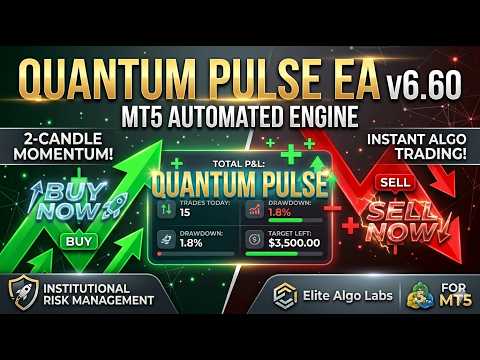
Quantum Pulse EA is a fully automated algorithmic trading system designed for the MetaTrader 5 platform. The expert advisor is engineered to capture rapid market momentum shifts using a structural two-consecutive candle breakout strategy combined with an underlying institutional volatility matrix.
Core Trading Framework
The algorithm operates on a rule-based price-action engine, analyzing structural data across multiple timeframes to minimize exposure to market noise:
-
Bullish Momentum Signals: A buy order sequence is initialized when the system identifies two consecutive bullish candlesticks on the designated signal timeframe.
-
Bearish Momentum Signals: A sell order sequence is initialized when the system identifies two consecutive bearish candlesticks on the designated signal timeframe.
-
Multi-Order Risk Distribution: To avoid concentrated single-position risk, the system utilizes a multi-order scaling framework, splitting global risk parameters across several entry positions to optimize the net average entry pricing.
-
Volumetric Volatility Matrix: Stop Loss and Take Profit levels adjust dynamically based on real-time market behavior. The system monitors the Average True Range (ATR) on a secondary higher timeframe to determine exact exit points.
Technical Infrastructure and Protections
-
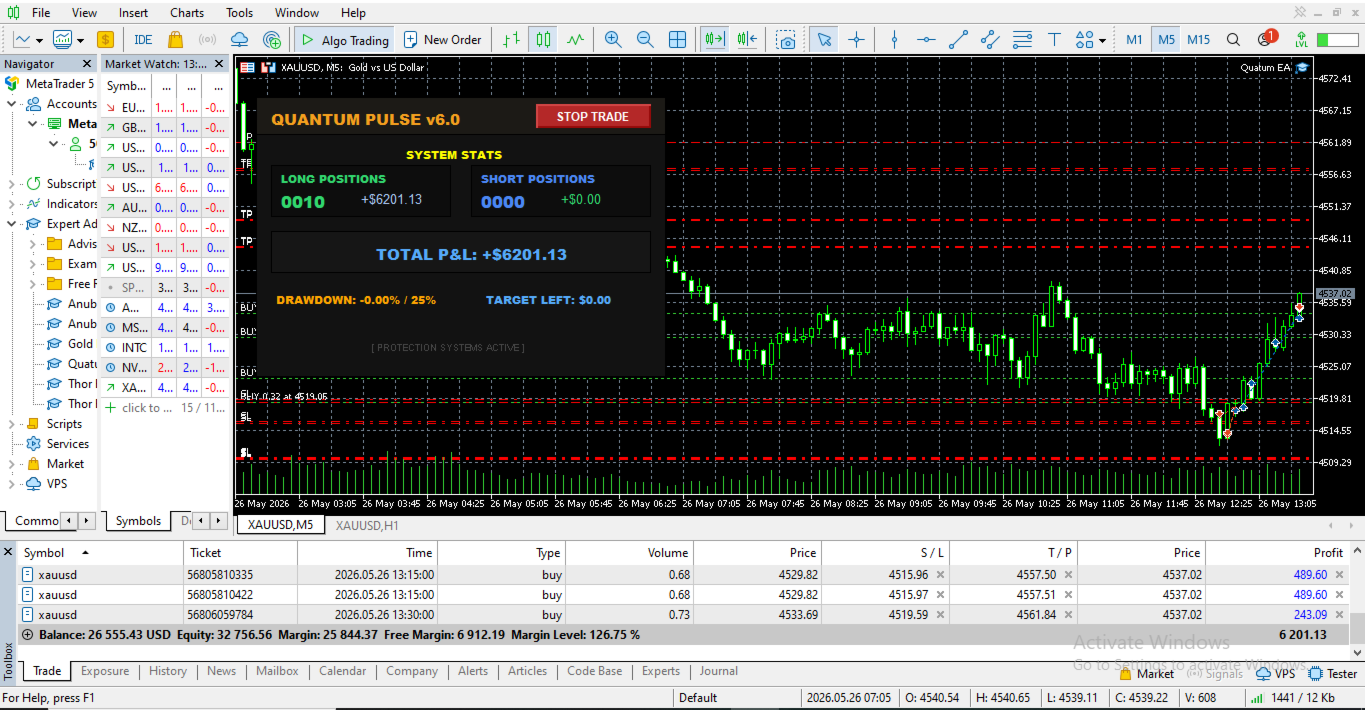
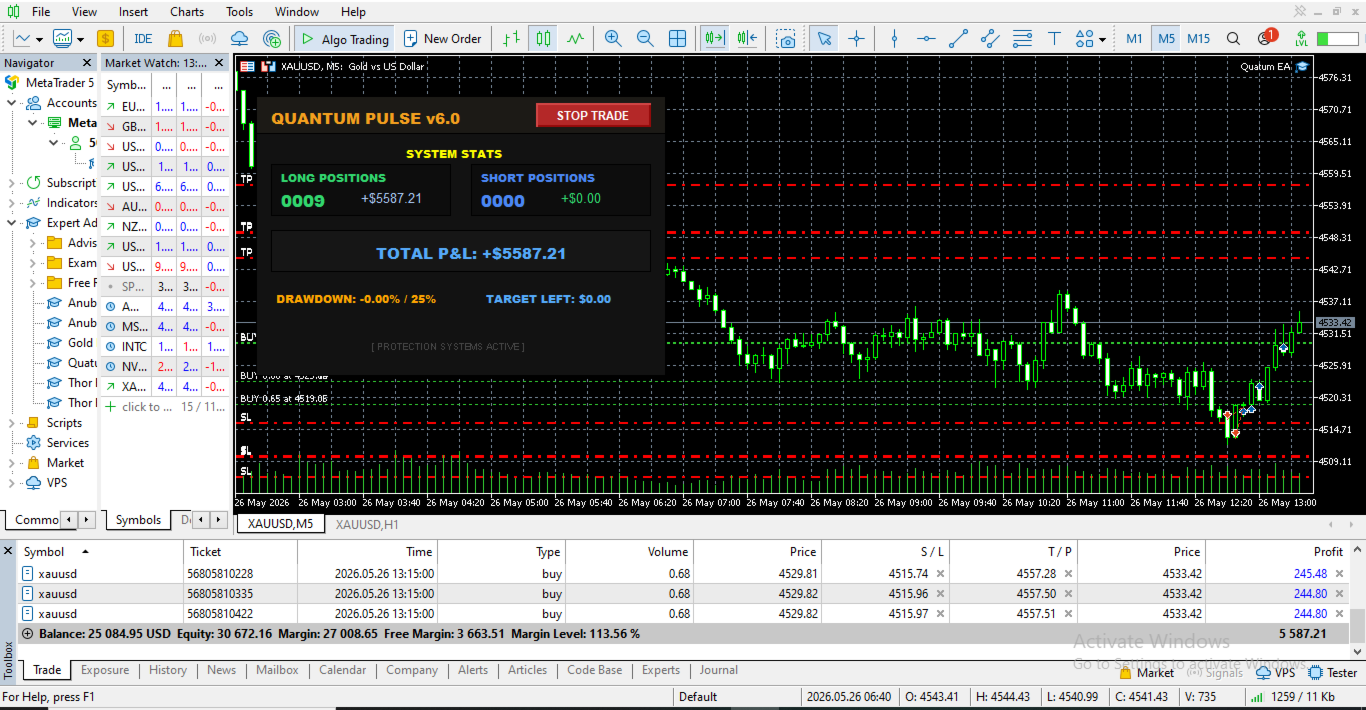
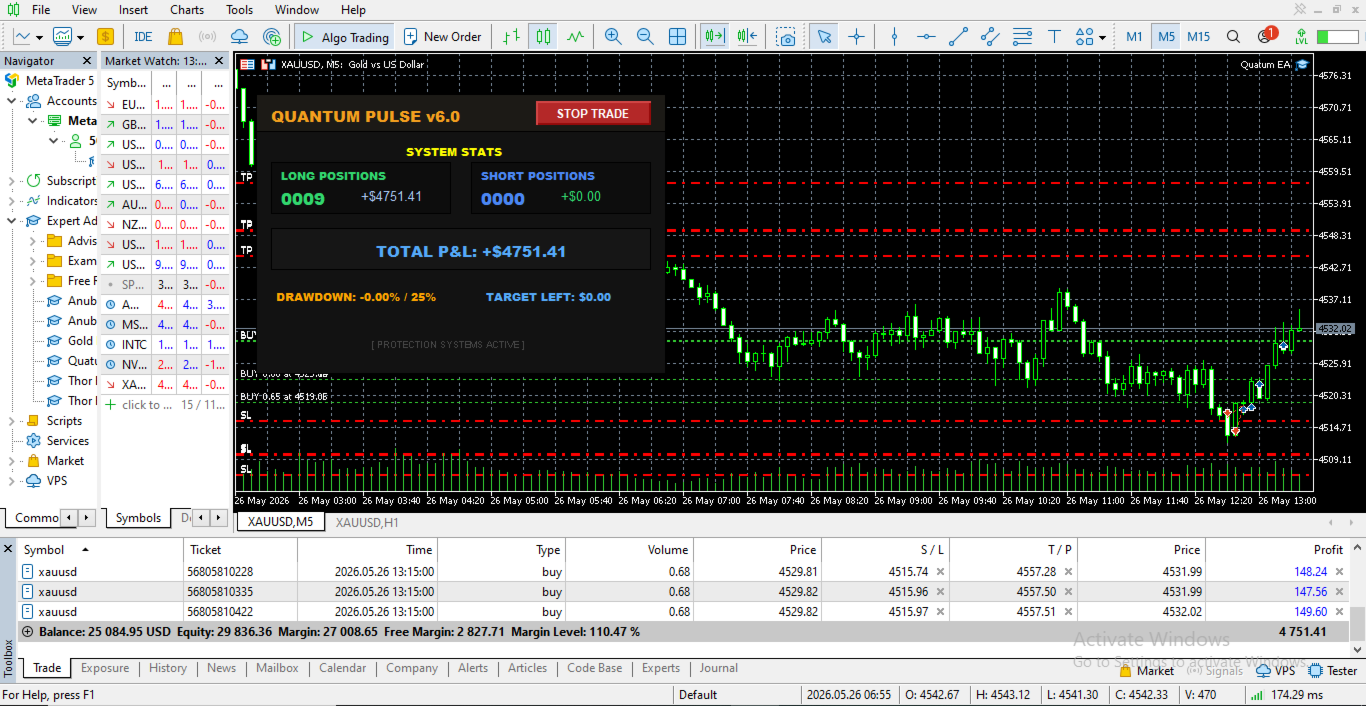
Graphical Interface Dashboard: Features a low-latency graphical user interface rendered directly on the chart screen to monitor real-time net profit/loss calculations, floating drawdown metrics, and open-position statistics. Includes an interactive button for direct operational control.
-
Dynamic Risk Management: Calculates precise order volume allocations automatically based on the user-specified risk percentage relative to current account balance or equity.
-
Partial Position Realization: Automatically secures accumulated profits by liquidating a predefined percentage of position volume once initial target thresholds are achieved.
-
Break-Even Engine: Automatically trails the master Stop Loss order to the exact position entry execution price upon hitting localized structural milestones.
-
Broker Environment Filters: Features proactive internal checks for maximum permissible execution spread, available free margin validation, and continuous tracking of server-side minimum stop level rules.
Primary Input Parameters
Timeframe Configuration
-
SignalTimeframe: Set to PERIOD_M5 by default. Defines the timeframe scanned for the consecutive two-candle entry confirmation.
-
UseTimeframe: Set to PERIOD_M15 by default. Defines the timeframe utilized by the secondary engine to parse the volatility calculations.
Volatility Settings
-
UseATRforSLTP: Set to true by default. Toggles the volatility-based adaptive stop loss and take profit mechanism.
-
ATR_Period: Set to 14 by default. Specifies the lookback bar count for the primary ATR calculations.
-
ATR_SL_Multiplier: Set to 1.5 by default. The mathematical multiplier used to determine volatility-based stop loss placement.
-
ATR_TP_Multiplier: Set to 3.0 by default. The mathematical multiplier used to determine volatility-based take profit placement.
Money Management Settings
-
RiskPercentPerTrade: Set to 1.0 by default. Establishes the total account equity or balance percentage exposed per signal sequence.
-
RiskSplitAcrossEntries: Set to true by default. Dictates whether the total calculated risk percentage is divided among multiple entry scaling legs.
-
EntriesPerSignal: Set to 3 by default. Configures the maximum number of scaled orders deployed for an execution signal.
Operational Protection and Execution Filters
-
PartialCloseEnabled: Set to true by default. Toggles the automated partial profit realization and break-even logic.
-
UseTrailingStop: Set to true by default. Toggles the underlying trailing stop engine based on real-time price points.
-
MaxSpreadPoints: Set to 20 by default. Restricts new position openings if the current live broker spread exceeds this localized point threshold.
-
UseTradingHours: Set to true by default. Restricts trade initialization sequences to designated execution windows.
Operational Setup and Recommendations
-
Execution Environment: Fully optimized for MetaTrader 5 terminals. True ECN or Raw Spread account types with tight commission spreads are recommended.
-
Asset Compatibility: Engineered for major currency pairs, precious metals (including XAUUSD), and prominent equity indices.
-
History Synchronization: The chart should be loaded on the M5 timeframe, ensuring the terminal history contains sufficient M15 data for continuous background ATR processing.
-
Hosting Requirements: To ensure uninterrupted operation of the partial close and trailing stop background loops, deployment on a stable, low-latency Virtual Private Server (VPS) is strongly recommended.
Technical Product Support
For asset configuration profiles, setup documentation, or installation support, please communicate directly with the author utilizing the MQL5 community private messaging system or the product's official comment tab. Support is provided exclusively through verified MQL5 community channels.