Sajiro Yoshizaki
Sajiro Yoshizaki
4.5 (17)
  • Information
4 years
experience
27
products
4
demo versions
0
jobs
0
signals
0
subscribers
Director at RootCouseMarketing
X
The best way to Master Trading with PracticeSimulator - the ultimate tool for mastering trading strategies! Whether you're a beginner or an experienced trader, this tool helps you practice, learn, and refine your skills in a completely risk-free environment.

Why Choose PracticeSimulator?

- No Risk, Unlimited Practice: Hone your trading skills without risking real money.
- Powerful Simulation Anytime: Test strategies under realistic market conditions, even on weekends.
- Beginner-Friendly & Skill-Enhancing: Simple for beginners, effective for refining advanced strategies.

Available Now on MQL5 Market
https://www.mql5.com/en/market/product/196800

Stay Connected!
Send me a Friend Request—I approve all! On MQL5, it works like following, so feel free to connect and stay updated.
Sajiro Yoshizaki
Product Page MT4 : https://www.mql5.com/en/market/product/116884 MT5 : coming soon "Asset Accelerator" can be used more effectively by using it together with "PL Graph Visualizer", which displays profit and loss graphs...
Sajiro Yoshizaki Published product

PL Graph Visualizer is a utility that displays real-time graphs of your account's profit and loss. The graph can be viewed separately by currency pair or by magic number, allowing you to see the changes in profit and loss of each position at a glance. This tool can be used in conjunction with the integrated close tool, which can be found here, to further enhance its functionality. https://www.mql5.com/en/market/product/116884 The real-time graphs show not only the total profit and loss of the

Sajiro Yoshizaki Published product

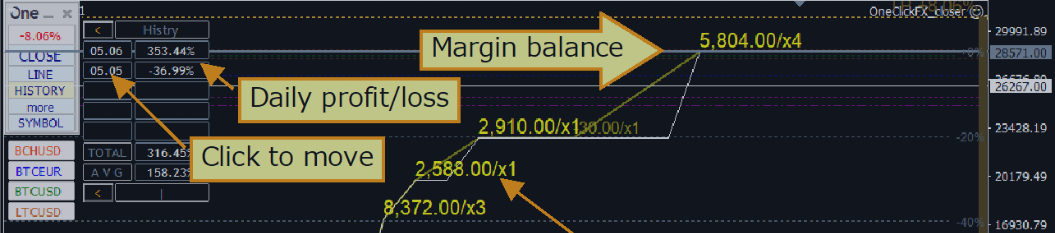
This tool does not work with the Strategy Tester. Test version: https://www.mql5.com/en/blogs/post/753244 This tool allows you to visualize account performance by showing key metrics based on your account balance. You can select the lines, drag and drop them to instantly see key metrics at different price points. If you ever want to return to the original position after moving the lines, simply double-click, and they will snap back to their original parameters. This tool can notify you when the

Sajiro Yoshizaki
2024年4月29日,美元兑日元34年来首次触及160日元。 大约两个半小时后,价格出现大幅波动,可能是由于货币干预。 在我们创建的视频中,我们使用 PracticeSimulator 重新创建当天的图表走势。这是基于美元/日元 1 分钟图表...
Sajiro Yoshizaki
On April 29, 2024, the US dollar reached 160yen for the first time in 34 years. Approximately two and a half hours later, a significant price movement occurred, which is believed to have been due to currency intervention...
Sajiro Yoshizaki
Added topic Extending Tooltip Visibility Time in MT4: Is It Possible?
The tooltips created with OBJPROP_TOOLTIP in MQL4 disappear after 20 seconds. I'm wondering if there is a method, through MQL4 programming , MT4 settings, editing specific configuration files, registry tweaks or even using the Windows API, to extend
Sajiro Yoshizaki
Added topic Minimize prev_calculated zero resets in MQL4
I've noticed that prev_calculated often resets to zero, resulting in unnecessary recalculations of the entire dataset. I'm looking for a way to minimize the frequency of these resets. Could this issue be related to the ' Max bars in chart' settings
Sajiro Yoshizaki
Product info: The "Binary Lab Simulator" is a dedicated tool for practicing and verifying binary options strategies. It can be run 24 hours a day, 7 days a week, 365 days a year, even on weekends when the market is closed and outside of trading hours...
Sajiro Yoshizaki Published product

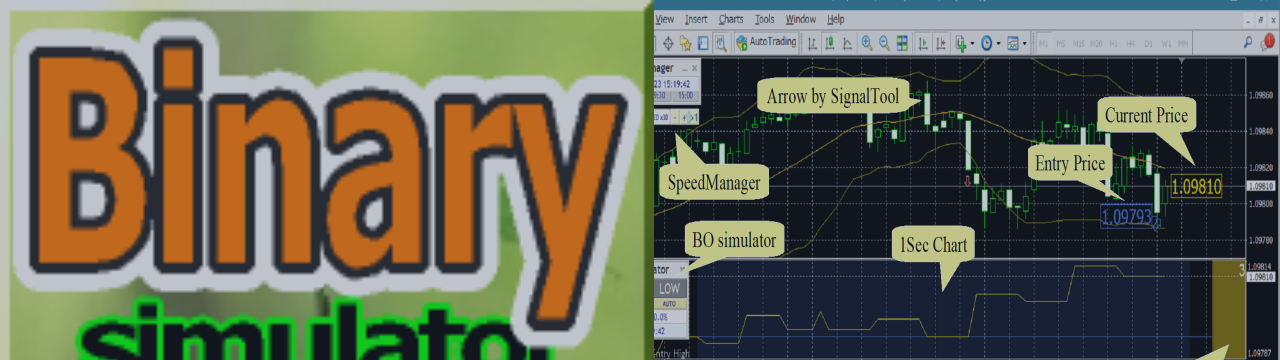
The "Binary Lab Simulator" is a tool designed for practicing and verifying trading strategies. This tool operates 24/7, including weekends and non-trading hours, and supports various expiration periods such as 30 seconds, 1 minute, and 3 minutes, creating an environment similar to real trading. It is compatible with external tools for analyzing entry results. Multiple templates can be saved easily, allowing for seamless testing from the online environment to the simulator. "Binary Lab Simulator"

Sajiro Yoshizaki Published product

This is a playback speed management tool that enables efficient testing and analysis in the Strategy Tester. It enhances the usability of the Strategy Tester and can be used as a means to streamline the development and evaluation of trading strategies. Features of the tool: Playback speed control: Users can freely change the playback speed in the Strategy Tester, allowing them to fast forward, speed up and pause at any point. One bar, one tick forward: The 'Next Bar' button allows users to

Sajiro Yoshizaki Published product

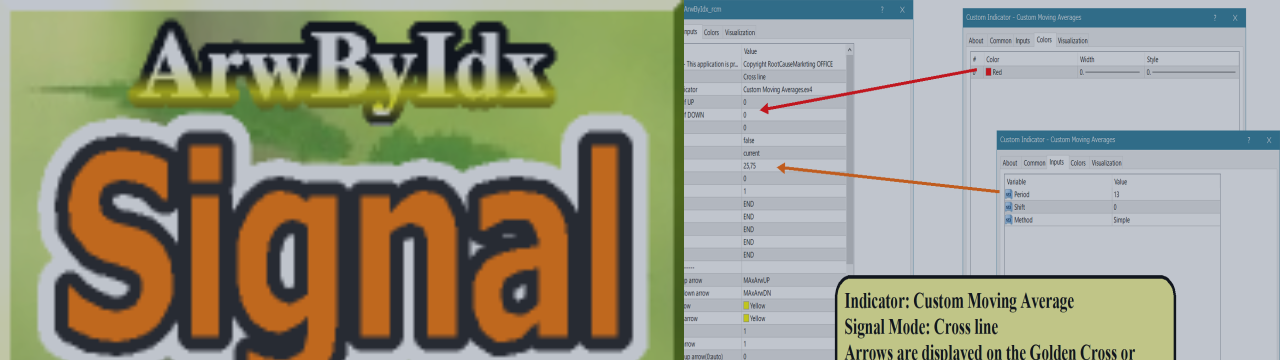
This product receives information from indicators/signal tools and displays arrows or notifications when specific conditions are met. For example, arrows and notifications are shown when MA25 and MA50 cross, when SAR reverses, when MACD changes its plus/minus, or when the closing price crosses the Bollinger Bands. Please refer to the sample settings image for specific configurations. For detailed manuals and configuration files: https://www.mql5.com/en/blogs/post/755082 A free version is also

Sajiro Yoshizaki

How to use ArwByIdx

27 November 2023, 19:08
Product info: This product receives information from indicators/SignalTools and displays arrows and notifications when specific conditions are met...
Sajiro Yoshizaki Published product

This product receives information from indicators/signal tools and displays arrows or notifications when specific conditions are met. For example, arrows and notifications are shown when MA25 and MA50 cross, when SAR reverses, when MACD changes its plus/minus, or when the closing price crosses the Bollinger Bands. Please refer to the sample settings image for specific configurations. For detailed manuals and configuration files: https://www.mql5.com/en/blogs/post/755082 A free version is also

Sajiro Yoshizaki
Published code Sample program for async/sync all close.
This is a simple program to compare asynchronous and synchronous all close. It is a sample program, so feel free to modify it for your own testing purposes, such as adding conditions.
Sajiro Yoshizaki
Added topic What is the fastest way to close all positions?
MT5's 'Bulk Operations => Close All Positions' is much quicker compared to closing positions individually using a 'PositionsTotal()' loop. Is there another way to close all positions as fast as possible? Regards
Sajiro Yoshizaki
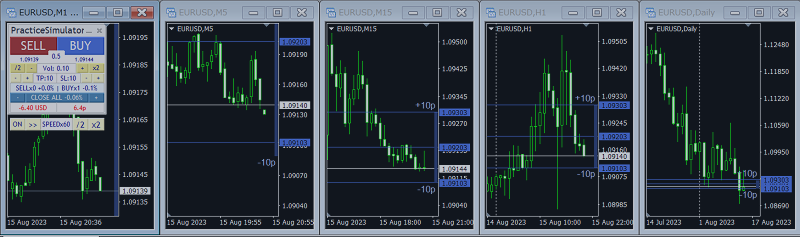
"Practice Simulator Sync" is an add-on that synchronizes with "Practice Simulator" to display chart time and position information. It works not only for the same currency pair but also synchronizes across different timeframes and currency pairs...