IMD Triangles
- Indicators
- Version: 1.15
- Activations: 5

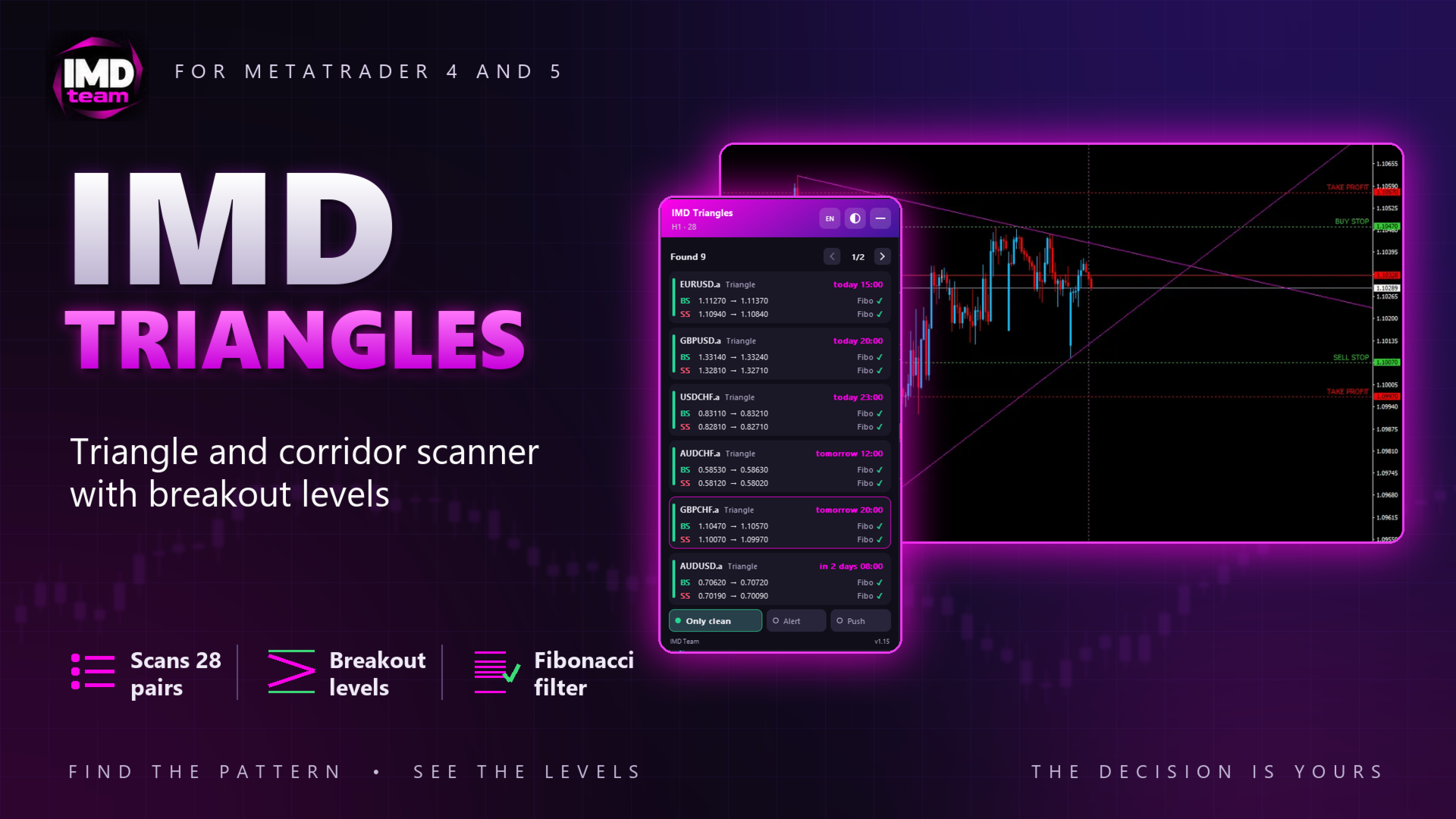
IMD Triangles — scanner of triangles and corridors on trend lines
Chat for discussing the robots in the team: join
IMD Triangles is an indicator that scans a list of symbols for triangles and flat corridors built on trend lines and calculates Buy Stop and Sell Stop levels for the breakout.
The indicator does not open trades and does not make trading decisions. It shows the pattern and the levels, and the trader decides whether to place orders.
How patterns are found
The upper line is drawn through candle highs, the lower line through candle lows. A touch counts only when the candles after it do not cross the line, and the last closed candles (3 by default) are not used as touches. Because of this, a pattern does not redraw with every new candle.
A triangle is shown when:
• the first base of the pattern is high enough;
• both lines were touched recently;
• the lines meet within the set number of trading days: today, tomorrow or the day after by default.
A corridor is shown only when both lines are almost horizontal and parallel. A sloped corridor has no point where the lines meet, so it is not used.
Entry levels
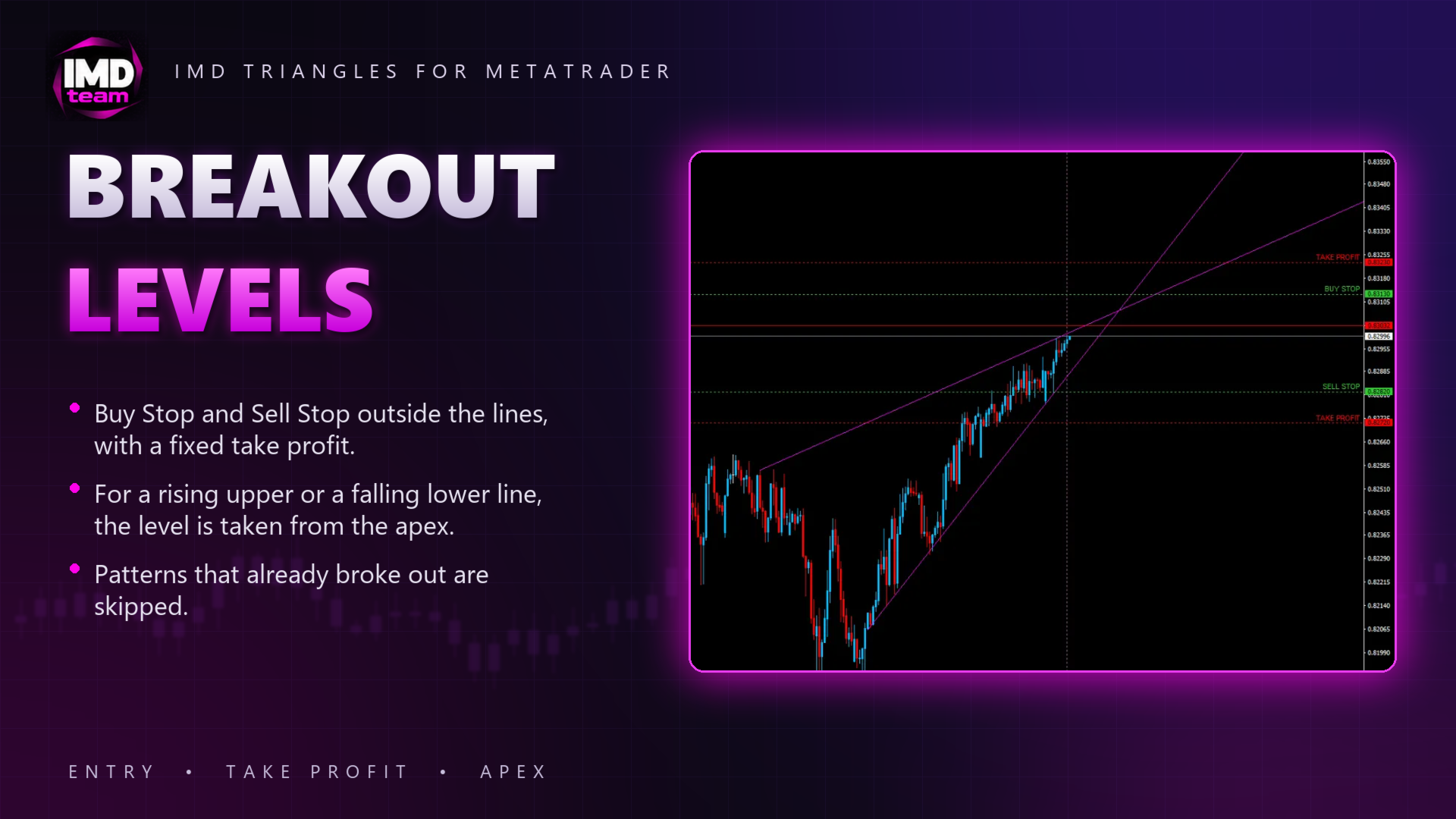
Buy Stop and Sell Stop are placed at a set distance outside the lines (50 points by default) on the last closed candle, rounded to a set step, with a fixed take profit.
If the upper line rises, it stays inside the triangle up to the apex, so the Buy Stop level is taken from the apex, the point where the lines meet. For a falling lower line the Sell Stop level is taken from the apex in the same way.
A pattern is skipped when the two entries are too close to each other, or when the price has already reached an entry level on recent candles or on the current one: such an order would be late.
Fibonacci filter
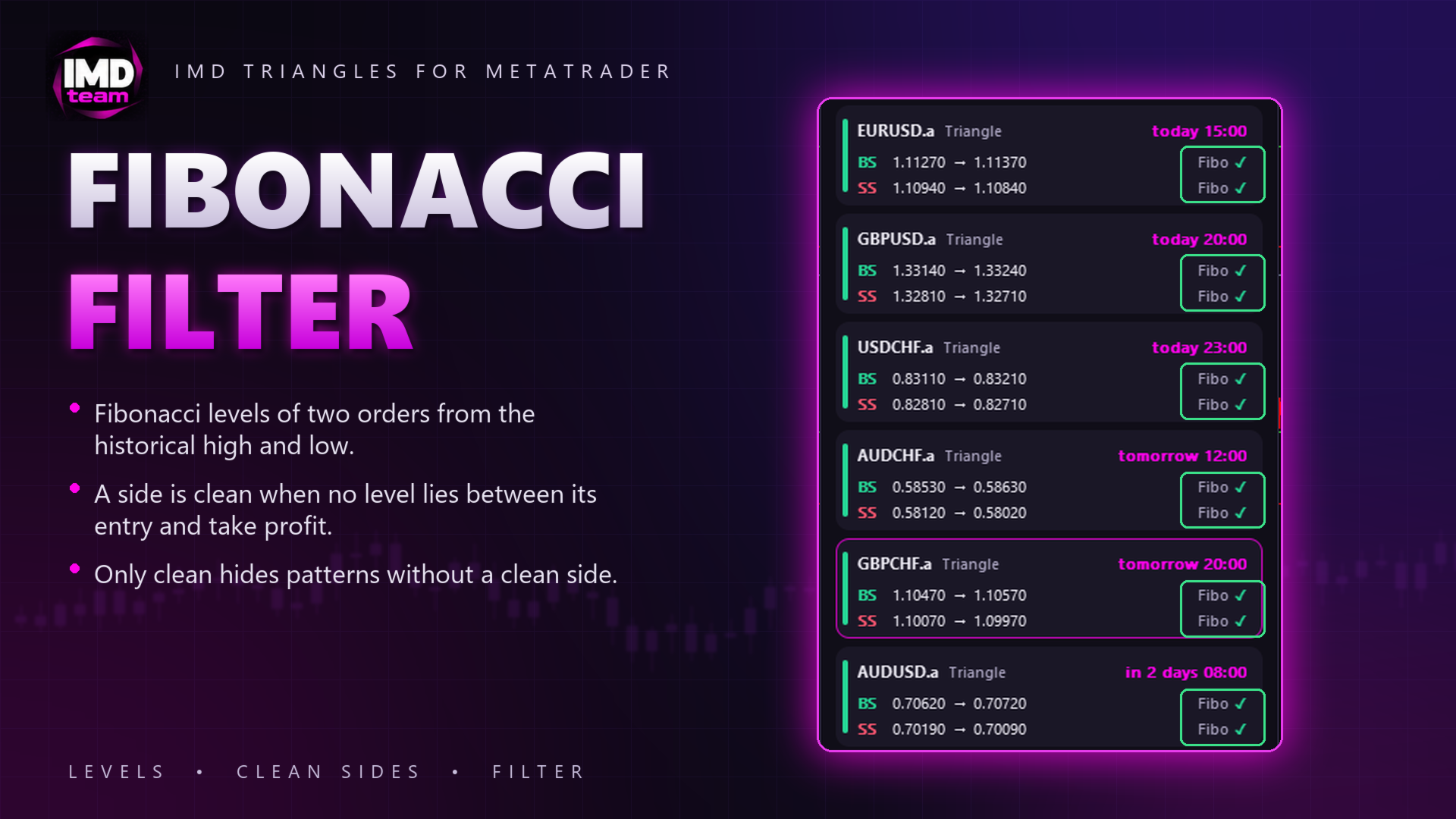
Fibonacci levels of two orders are built from the historical high and low of the symbol. A side is marked as clean when no level lies between its entry and its take profit. The Only clean switch hides patterns that have no clean side.
Panel
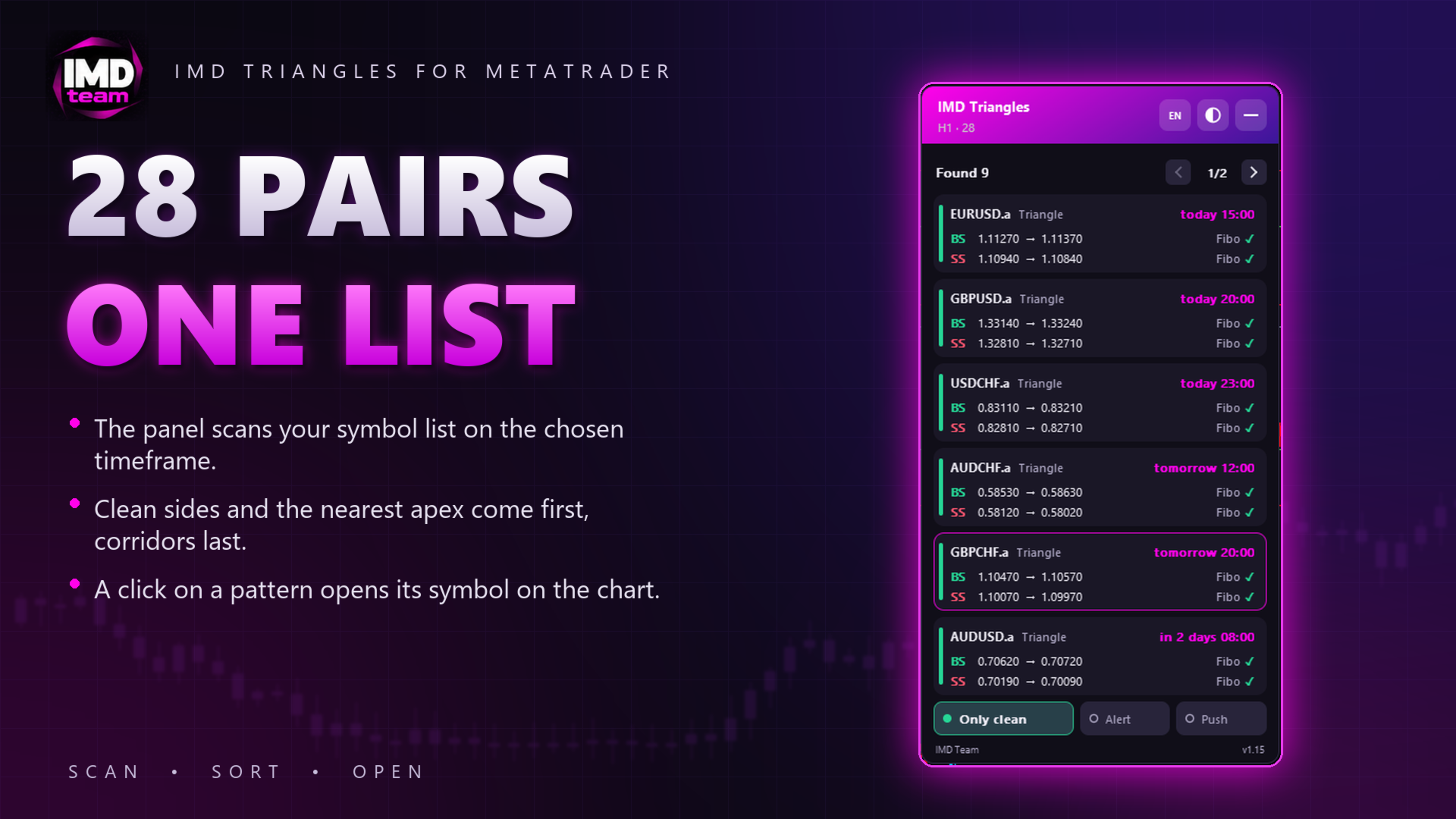
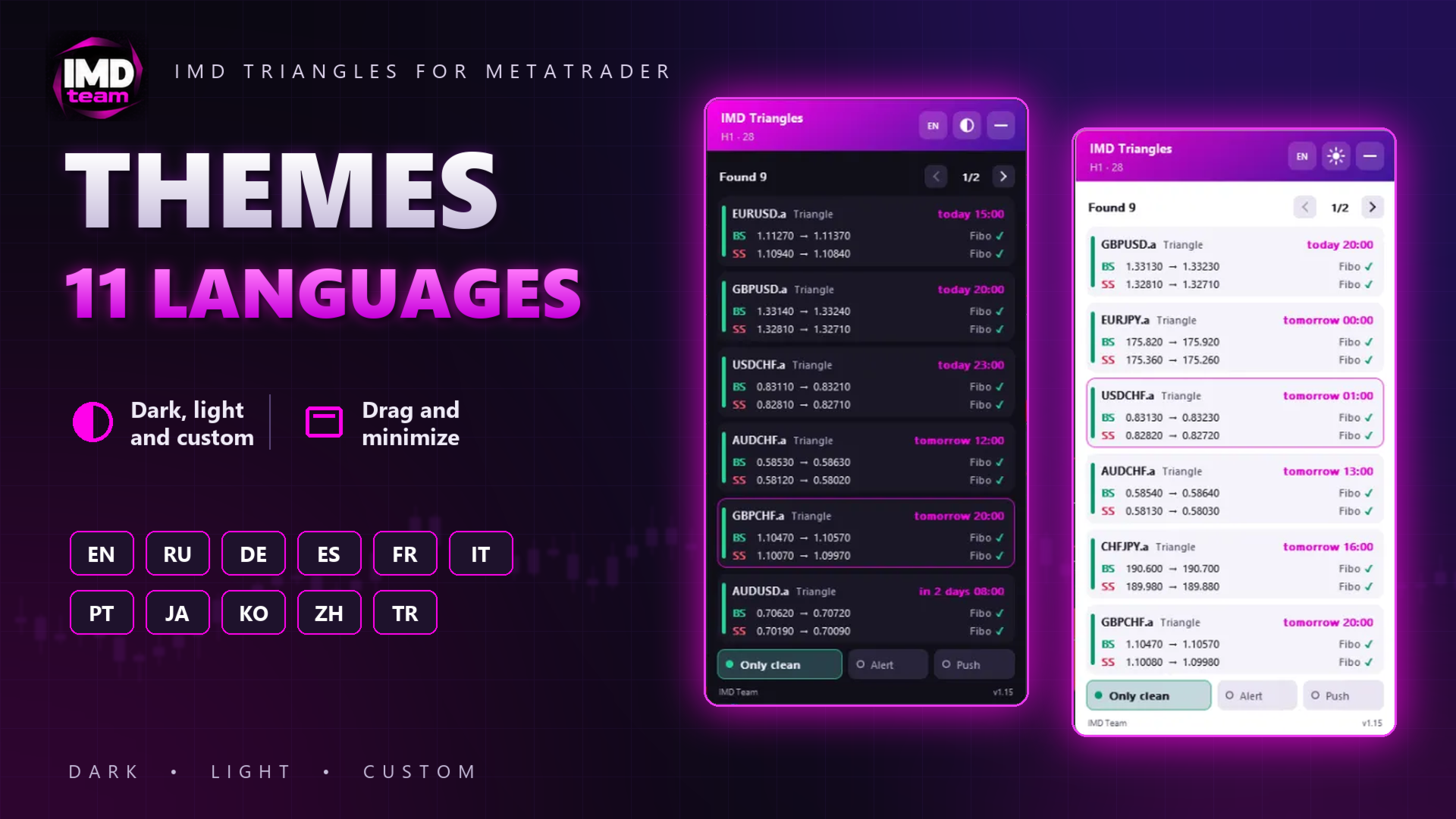
• List of patterns page by page: symbol, pattern type, apex time, Buy Stop and Sell Stop with take profit, and a Fibonacci mark for each side. Patterns with clean sides and a closer apex come first, corridors last.
• A click on a pattern opens its symbol on the chart, where the lines and levels are drawn.
• Switches on the panel: Only clean, Alert, Push.
• Dark, light and custom themes, 11 interface languages, drag and minimize.
Notifications
Alert and push notification when a new pattern appears. Push notifications are off by default.
Inputs
• Scanner: symbol list (broker prefixes and suffixes are found automatically), timeframe, scan window, history test time.
• Lines: touch tolerance, minimum candles between touches, age of the last touch, number of last candles excluded from touches, minimum first base, apex limit in days, corridor settings.
• Orders: entry offset, take profit, minimum distance between entries, rounding step, skipping patterns whose entry was already reached.
• Fibonacci filter: start date and levels.
• Chart and panel: colors, line width, notifications, language, theme, position, scale, patterns per page.
Notes
Distances are set in points of 5-digit quotes (3-digit for JPY pairs); 4- and 2-digit quotes are converted automatically.
On the first run the indicator downloads the history of every symbol in the list, so the first scan may take a few seconds. Monthly history for the Fibonacci filter can take several minutes; until it loads, the panel shows "…" instead of the Fibonacci mark.
In the Strategy Tester the indicator scans only the tested symbol.
History test: set a past server time in the inputs, and the indicator analyzes the market as of that moment and prints the list of patterns to the Experts journal.
Trading involves risk. Patterns found on history do not guarantee future results.
For any questions, please contact the author via private messages on MQL5.com.