Experts: e_Breakeven_v4
Im new on platform and I had just downloaded your code for auto breakeven but its not working , probably i dont know how to do this works properly and your post does not explain how to install it. Can you please give direction on how can I do to work properly? Thx
Hi,
Im new on platform and I had just downloaded your code for auto breakeven but its not working , probably i dont know how to do this works properly and your post does not explain how to install it. Can you please give direction on how can I do to work properly? Thx
Read the description:
It has only three parameters
- Trailing Stop (in pips) -trailing stop;
- Trailing Step (in pips) - trailing step, which is also the level, to which Stop Loss is moved to breakeven;
- magic number - unique identifier for the EA.
pay special attention to the "magic number" parameter.
Read the description:
It has only three parameters
- Trailing Stop (in pips) - trailing stop;
- Trailing Step (in pips) - trailing step, which is also the level at which the Stop Loss is moved to breakeven;
- magic number - unique identifier for the EA.
pay special attention to the "magic number" parameter.
1 This is not a SCRIPT! This is an Expertise!
2. If after starting the consultant is removed from the table - ALWAYS check the "Experts" tab of the terminal.
Could you send me a step-by-step on how to get it to run properly?
I did it this way:
1- Download from the forum
2- Extracting the Zip file
3- Running the extracted file (2 clicks)
4- On the platform, I dragged (left panel) and dropped on the graph (right)
5- I opened the setup by clicking 2x in the top right corner, above the autobreakeven.
6- I ticked "allow automatic trading" and "allow modification of signal settings".
7- In input parameters, it's set to default, but I've already changed it and haven't had any success.
8- On the platform, "automated trading" is ticked.
My question is this: Did I do something wrong?
***
7- In input parameters, it's default, but I've already changed it and haven't succeeded.
***
What exactly did you change? Which parameters have you changed? Does the advisor generally remain on the chart or is the advisor unloaded from the chart with an error?
Hello,
thank you for the script. When compiling it and refreshing it to add it to a chart it doesnt bring up a stopöoss with an entry. What might be the reason please?
Thank you!
Tony
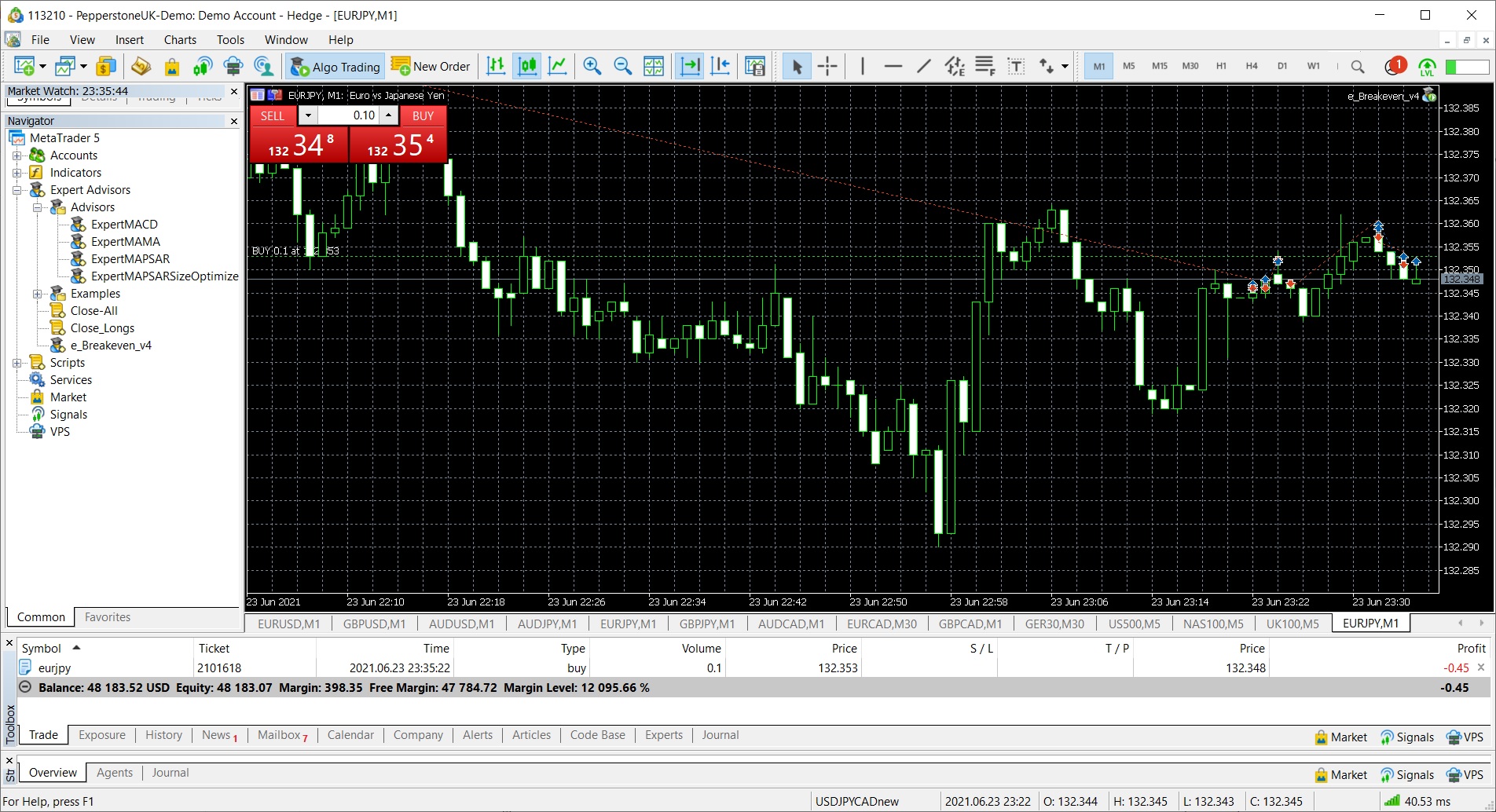
Hello,
thank you for the script. When compiling it and refreshing it to add it to a chart it doesnt bring up a stopöoss with an entry. What might be the reason please?
Thank you!
Tony
1. This is not a 'script' - this is an 'advisor'.
2. This Expert Advisor does not work with pending orders.

- Free trading apps
- Over 8,000 signals for copying
- Economic news for exploring financial markets
You agree to website policy and terms of use
e_Breakeven_v4:
An assistant Expert Advisor. It moves positions to a breakeven and then enables trailing.
Author: Vladimir Karputov