 MetaTrader 5
 Experts
 Indicators
 Scripts
 Libraries
 Storage
Join our fan page
- Views:
- 1529
- Rating:
- Published:
- Updated:
-
 You are missing trading opportunities:
- Free trading apps
- Over 8,000 signals for copying
- Economic news for exploring financial markets
Registration Log inYou agree to website policy and terms of use
If you do not have an account, please register -
 Need a robot or indicator based on this code? Order it on Freelance
Go to Freelance
Need a robot or indicator based on this code? Order it on Freelance
Go to Freelance
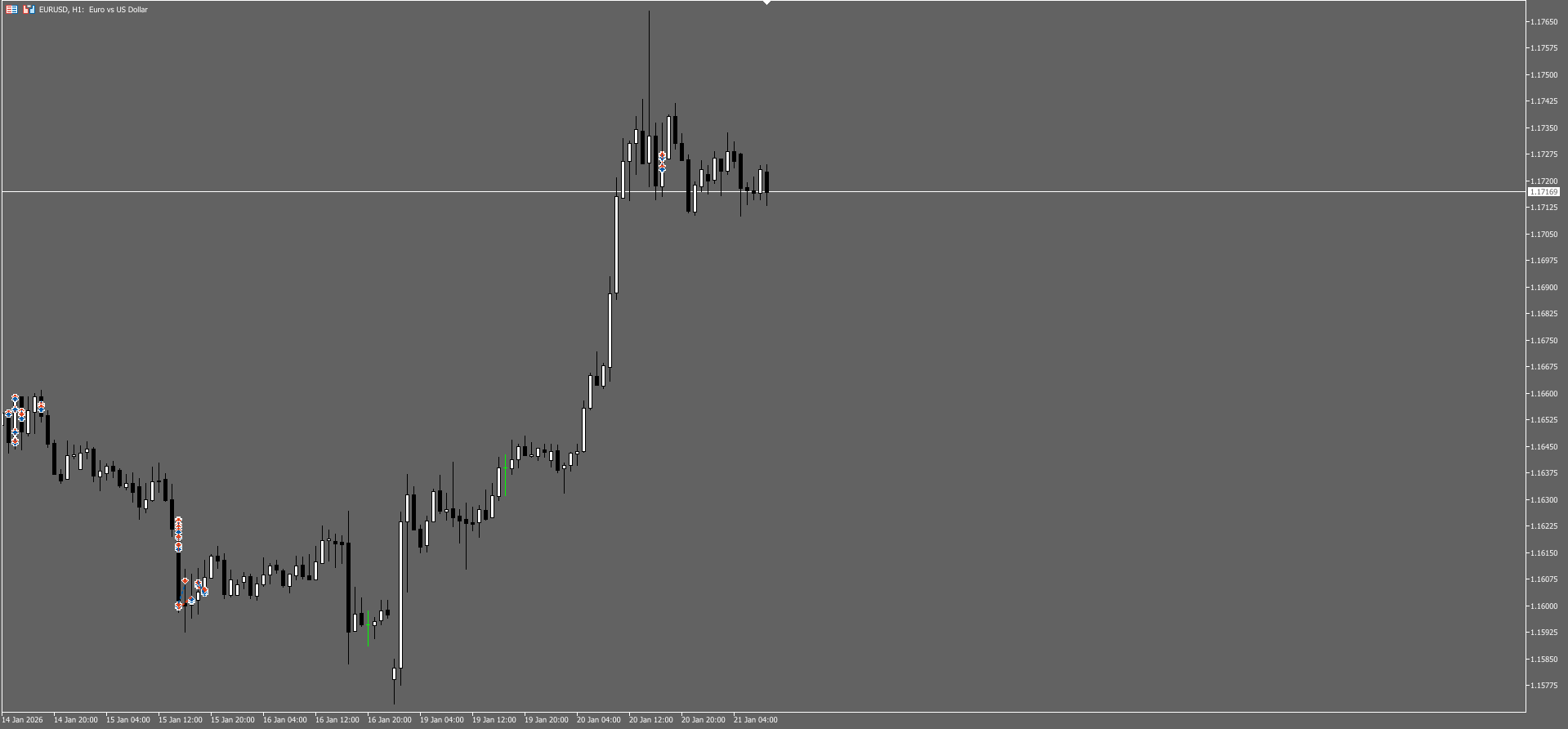
Modify_Orders.mqh is intended for managing positions and orders in MetaTrader 5
Purpose
Modify_Orders.mqh provides two powerful functions for managing open positions and pending orders in Expert Advisors and indicators on the MetaTrader 5 platform. It is designed to automate routine operations for modifying Stop Loss, Take Profit levels and order prices.
Main features:
-
Modification of Stop Loss and Take Profit for open positions
-
Modification of pending orderprices
-
Flexible filtering by position types, profitability and symbols
-
Support for different modes ofvalue calculation (in pips or absolute prices).
Structure
Modify_Position() function
Designed to modify Stop Loss and Take Profit levels of open positions.
void Modify_Position(
   string tp_and_sl,      // "SL" or "TP" - what we change.
   string price_and_value, // "Value" or "Price" - type of value
   string type_position,   // Filter by position type
   double price_tp_and_sl, // Value to set
   string symb,           // Trading instrument symbol
   long   magicNumber     // Magic Number Expert.
);
Parameters of position filtering:
| Parameter type_position | Description |
|---|---|
| "All" | All positions |
| "All Profit" | Only profitable positions |
| "All Loss" | Only losing positions |
| "Buy" | Buy positions only |
| "Buy Profit" | Only profitable Buy positions |
| "Buy Loss | Only losing Buy positions |
| "Sell" | Sell positions only |
| "Sell Profit" | Only profitable Sell positions |
| "Sell Loss" | Only losing Sell positions |
Examples of use:
// Set SL to 1000 points for all positions
Modify_Position("SL", "Value", "All", 1000, _Symbol, 0);

// Set TP to 1.2345 for profitable Buy positions
Modify_Position("TP", "Price", "Buy Profit", 1.2345, _Symbol, 12345);

// Set SL to 500 points for unprofitable Sell positions
Modify_Position("SL", "Value", "Sell Loss", 500, "EURUSD", 98765);
Modify_Order() function
Designed to modify pending orders (Stop and Limit orders).
void Modify_Order(
   string tp_sl_price,     // "Price", "SL" or "TP".
   string type_order,      // Order type for filtering
   double price_tp_sl_price, // A New Meaning.
   string symb,            // Trading instrument symbol
   long   magicNumber      // Magic Number Expert.
);
Supported order types:
-
"Buy Stop" - pending Buy Stop order
-
" Buy Limit" - pending Buy Limit order.
-
"Sell Stop" - pending Sell Stop order.
-
"Sell Limit" - pending Sell Limit order.
Examples of use:
// Change the price of Buy Stop order
Modify_Order("Price", "Buy Stop", 1.2345, _Symbol, 0);

// Set Stop Loss for Sell Limit order
Modify_Order("SL", "Sell Limit", 1.2350, "GBPUSD", 12345);

// Change Take Profit for Buy Limit order
Modify_Order("TP", "Buy Limit", 1.2300, "EURUSD", 98765);
Working principle
Modify_Position algorithm:
-
Searching all open positions in reverse order
-
Filtering of positions by symbol and Magic Number
-
Checking additional conditions ( position type, profitability)
-
Calculation of new SL/TP values:
-
For "Value" mode : Price ± (Value × Point)
-
For "Price" mode : direct value assignment
-
-
Sending the modification command via OrderSend()
Modify_Order algorithm:
-
Enumerates all pending orders
-
Filtering by symbol, Magic Number and order type
-
Modification of the specified parameter ( price, SL or TP)
-
Saving unchanged parameters
-
Sending modification command
Implementation features
Safety and reliability:
-
Double check of order types - by string parameter and real type from the system
-
Complex filtering - ensures that only target positions/orders are affected
-
Preservation of unchanged parameters - when SL is changed, TP is preserved and vice versa
Mathematical calculations:
ForBuy positions:
-
Stop Loss: Current Price - (Value × Point)
-
Take Profit: Current price + (Value × Point)
ForSell positions:
-
Stop Loss: Current Price + (Value × Point)
-
Take Profit: Current Price - (Value × Point)
Recommendations for use
For trading experts:
#include <Modify_Order.mqh>

// In OnTick() function or by condition:
if(Условие_для_трейлинга)
{
    // Pull SL to the price when moving in the desired direction
    Modify_Position("SL", "Value", "All Profit", 500, _Symbol, ExpertMagic);
}
For manual scripts:
// Script for quick SL on all positions
void OnStart()
{
    Modify_Position("SL", "Value", "All", 1000, _Symbol, 0);
}
Optimal parameters:
-
Timeframe: any (functions are independent of timeframe)
-
Instruments: any currency pairs, metals, indices
-
Magic Number: it is recommended to use unique values for each Expert Advisor.
Library advantages
-
Versatility - works with any trading instruments
-
Flexibility - 18 different modes of position filtering
-
Ease of use - intuitive interface
-
Reliability - comprehensive checks before modification
-
Efficiency - minimal expenditure of computing resources
Translated from Russian by MetaQuotes Ltd.
Original code: https://www.mql5.com/ru/code/68540
 nProfit and Loss Positions
Profit/loss calculator of positions (open orders)
 WPR Monitoring MTF Trend
monitoring varous trends of timeframes in one timeframes
Spread Monitor and Filter
This library provides real-time spread monitoring and statistical diagnostics for MetaTrader 5 symbols. It tracks spread evolution using a lightweight circular buffer and computes running metrics such as average, minimum, maximum, and standard deviation. The library classifies current spread conditions into informational states (low, normal, high, extreme) and offers helper methods to query spread behavior and stability. Optional notifications can be enabled to signal unfavorable market conditions. The library is purely analytical: it does not place trades, manage orders, or modify account state, and is intended to be used as a supporting tool inside Expert Advisors or indicators.
Session Time Filter Library
Filter trades by trading sessions (London, NY, Tokyo, Sydney)